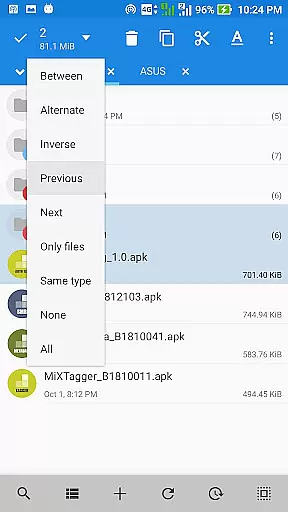
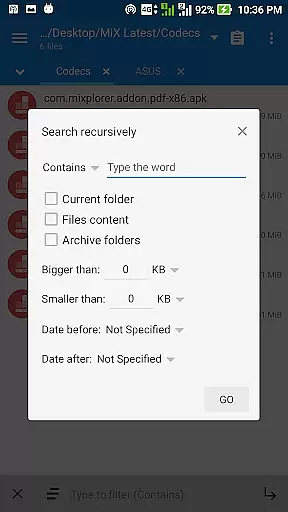
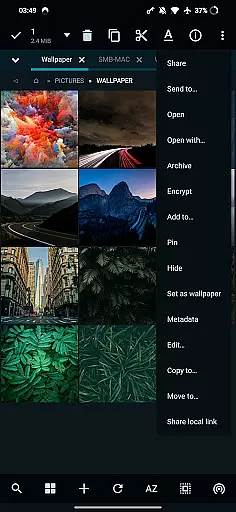
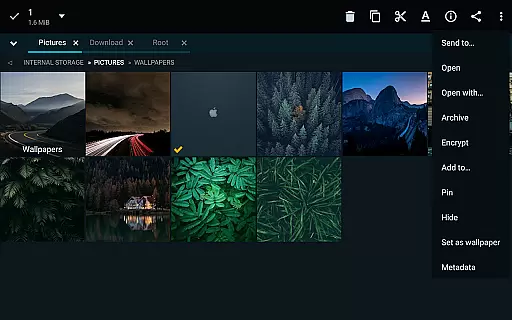
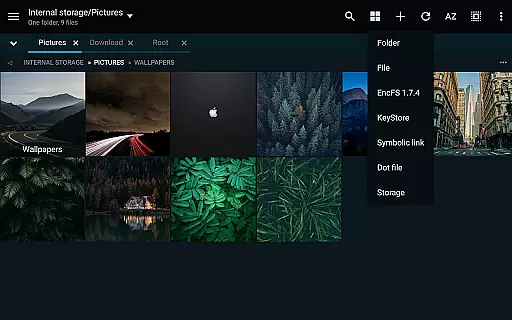
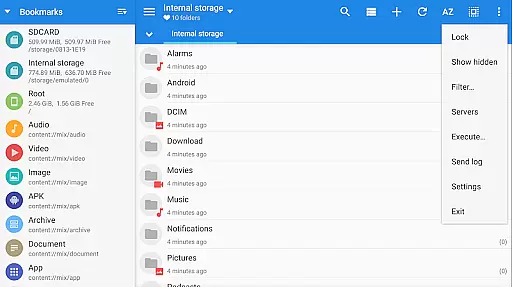
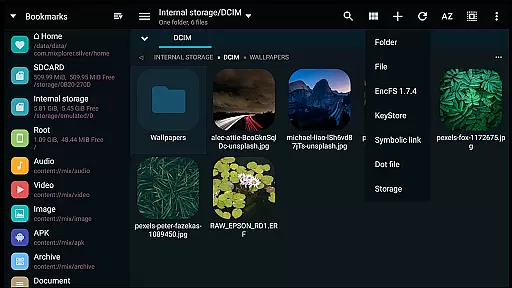
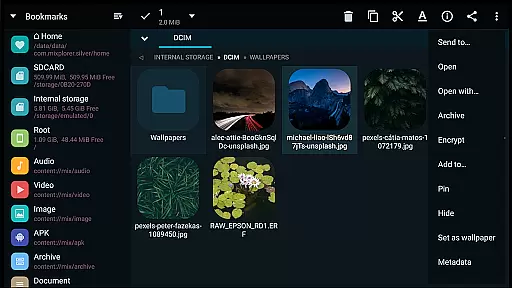
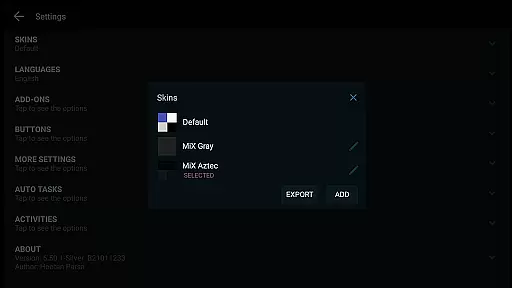
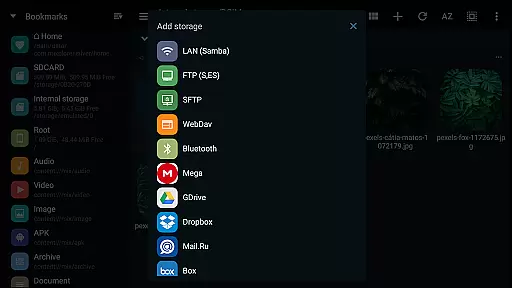
MiXplorer Silver is a comprehensive file management solution that combines the robust MiXplorer file manager with powerful add-ons like Archiver, Image viewer, Tagger, and PDF reader. Designed for productivity enthusiasts, this paid app offers an all-in-one platform to efficiently manage files, archives, and multimedia content across various storage systems.
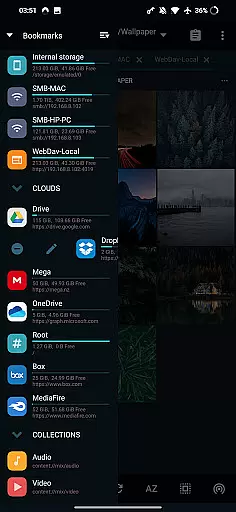
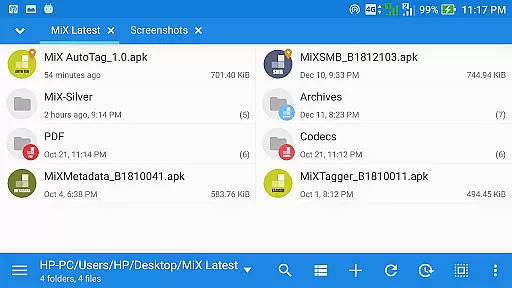
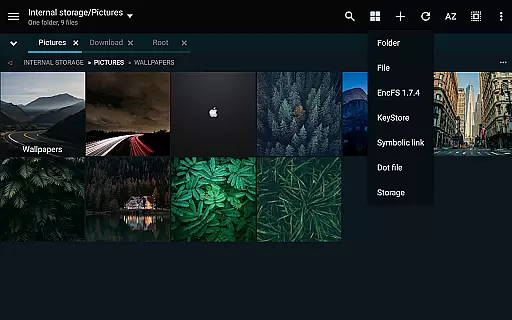
The app stands out with its themable interface, allowing users to customize colors and layout options according to their preferences. Its feature set includes unlimited tabbed browsing, dual-panel view in landscape mode, and drag-and-drop functionality between panels. Whether you're organizing local files or managing cloud storage accounts, MiXplorer Silver provides seamless access to multiple cloud services including Google Drive, Dropbox, and OneDrive.
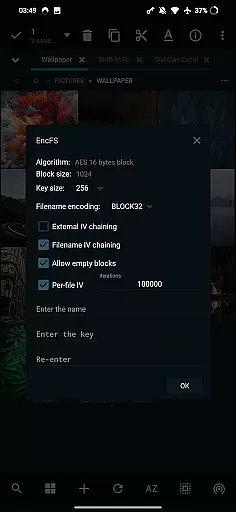
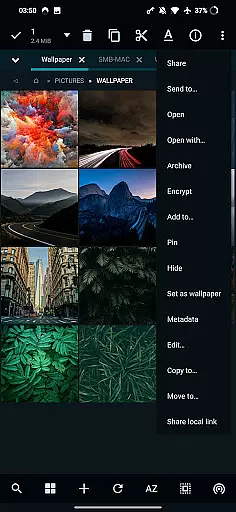
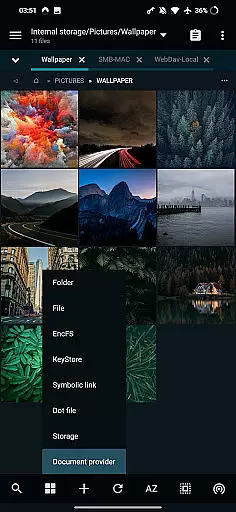
With advanced capabilities such as root access support, EncFS volume handling, and file encryption using Aescrypt format, this application caters to both casual users and power users who require sophisticated file management tools. The inclusion of media players, text editors, and various file viewers makes it an indispensable tool for anyone seeking an efficient way to handle their digital assets.
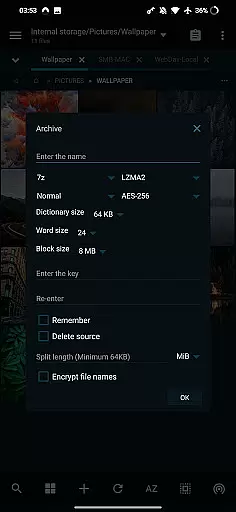
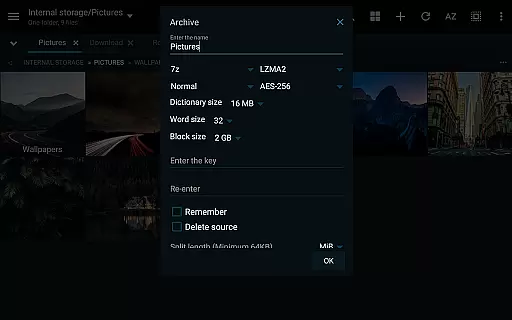
MiXplorer Silver distinguishes itself through an impressive array of features designed to enhance productivity. The application supports over 20 archive formats for packing and unpacking, including 7z, Zip, TAR, and many others. Its ability to modify zip files and handle encrypted archives makes it an invaluable tool for managing compressed files.
The app's cloud integration capabilities are exceptional, providing unified access to numerous cloud storage providers such as Mega.nz, Dropbox, and Google Drive. The built-in servers (FTP, HTTP, WebDav) and clients (SAMBA, SFTP) enable seamless network file management. Additionally, the inclusion of EPub, MobiPacket, and PDF readers extends its functionality beyond basic file management.
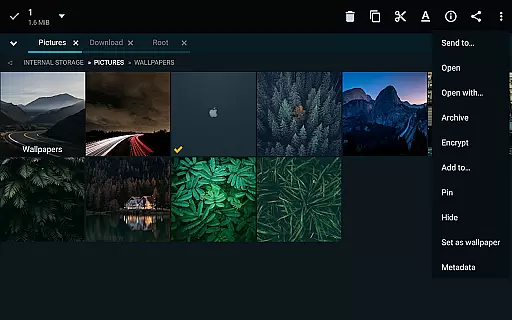
Advanced users will appreciate features like root access support, APK signing with multiple schemes, and EncFS volume handling. The application also includes specialized viewers for images (supporting GIF, SVG, RAW), fonts, and HTML files. With its customizable interface, multitasking capabilities, and extensive file format support, MiXplorer Silver delivers a complete file management solution that adapts to various user needs.
In the realm of file management, MiXplorer Silver excels with its Core Task Management capabilities. This feature allows users to create and manage multiple tasks simultaneously, such as copying, moving, and other file operations, without any hassle.
The app's multitasking engine is designed for efficiency and ease of use, ensuring that each operation runs smoothly in the background while you continue to work on other tasks. This means no more waiting for one task to complete before starting another, significantly boosting productivity.
Users benefit from an intuitive interface that provides clear feedback on task progress and completion. With real-time updates and notifications, you're always informed about the status of your file operations, making it easier than ever to manage large volumes of data efficiently.
MiXplorer Silver offers robust Cross-Device Synchronization, allowing seamless integration across various platforms and devices. Whether you're working on a smartphone, tablet, or computer, this app ensures that all your files are synchronized reliably and securely.
This synchronization feature supports a wide range of cloud storage services including Google Drive, Dropbox, and OneDrive, among others. By integrating these services into one cohesive platform, MiXplorer Silver simplifies the process of accessing and managing your files from anywhere in the world.
Moreover, the app employs advanced encryption protocols to safeguard your data during transfer, providing peace of mind when sharing sensitive information between devices. This level of security and reliability makes MiXplorer Silver an indispensable tool for anyone looking to streamline their digital workflow.
Highly customizable interface
Extensive cloud integration
Advanced archive handling
Powerful root access tools
Versatile file viewers
Paid application only
Steeper learning curve
Resource-intensive
Limited free support
Complex setup required

Client for Nextcloud Deck
 4.60
4.60
Experience real multitasking on your Android!
4.00
Professional calendar app for Google Calendar, MS Outlook & Exchange
4.20
CalenGoo is a very flexible and feature-rich calendar app
4.40
App lock - lock apps with fingerprint, password, pin or pattern, protect privacy
4.70
Font maker keyboard with your own handwriting
4.10
Enjoy classic gameplay with customizable features and retro-style graphics.
4.30
All document reader, all in one file viewer read PDF, DOCX, XLS, PPT, TXT files.
4.60
QuickEdit is a fast, stable and full featured text and code editor.
4.20
Great calculator for Android named one of USA TODAY's "25 Essential Apps".
4.90
Protect and view your important info on your phone and tablet with eWallet®
4.80
Understand anything with a personalized AI research assistant
4.80
The Pro Version of Android's tiniest Notepad app. Just 0.3MB but feature-packed!
4.60
When you Focus, so will your Bean in this cozy focus timer
4.30
Easily read and manage all your PDF files
4.10
Take control of your clipboard with Clipper!
3.90
Simple and reliable communication between inmates, friends and family
3.20
Easiest event planning, volunteer signups & parent teacher conference scheduling
2.20
A comprehensive suite of tools designed specifically for Lactation Consultants
4.5


User Reviews