
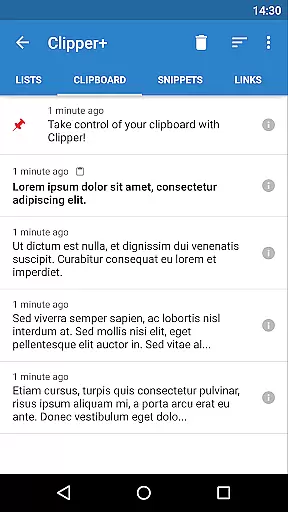
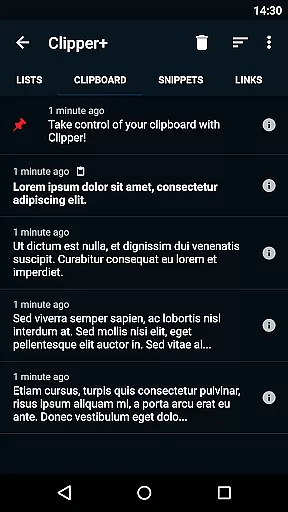
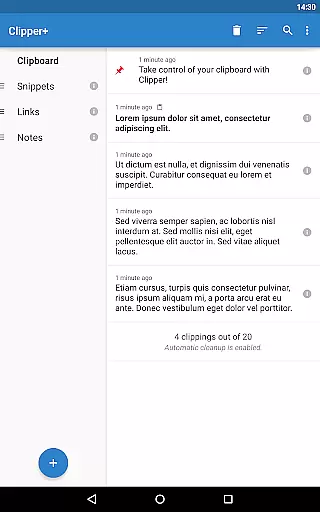
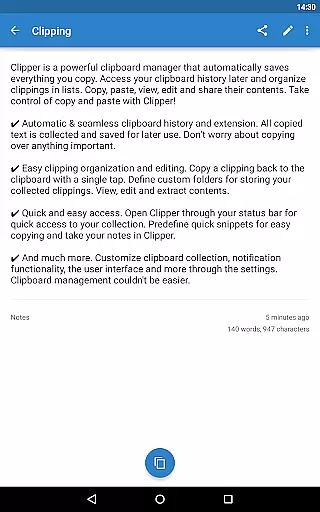
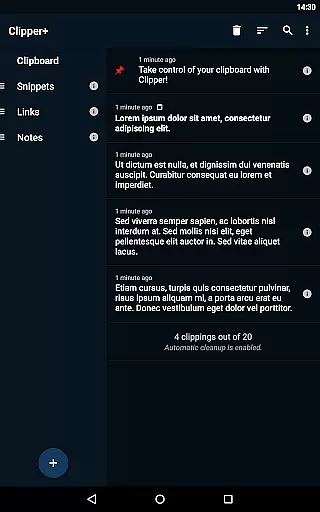
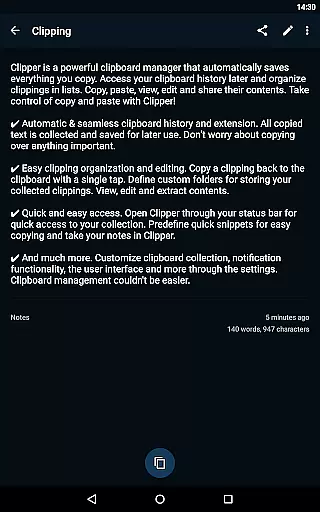
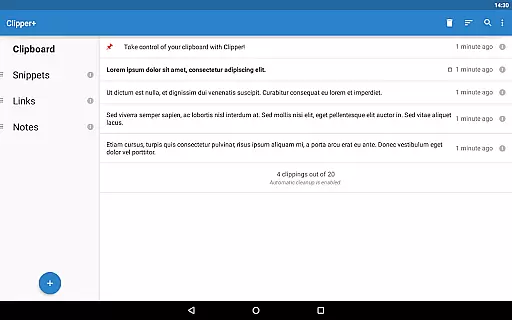
Clipper+: Clipboard Manager is a robust productivity tool designed to enhance your device's clipboard functionality. This app automatically saves everything you copy, allowing you to access, organize, and manage your collected clippings with ease. Whether it's text snippets, URLs, or other content, Clipper+ ensures that nothing gets lost.
The app offers unlimited storage for your clippings, dynamic placeholders for dates and times, and powerful search capabilities. You can organize clippings into custom folders, edit their contents, and even create quick-access snippets for frequently used text. With seamless integration into your device’s status bar, Clipper+ provides quick access to your clipboard history whenever you need it.
Use Clipper+ to streamline workflows, save time on repetitive tasks, and take control of your copy-paste operations. It's an essential tool for anyone looking to boost their productivity by managing clipboard content more effectively.
Clipper+ stands out with its comprehensive feature set tailored for power users. One of its key features is the automatic clipboard history, which captures every piece of text you copy without any manual intervention. This eliminates the risk of losing important information due to overwriting.
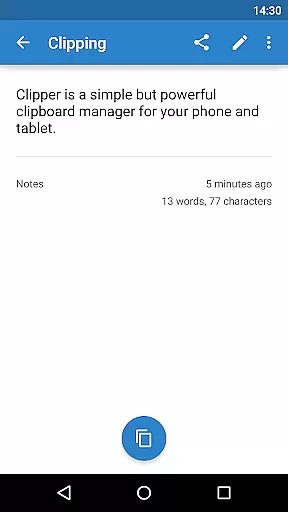
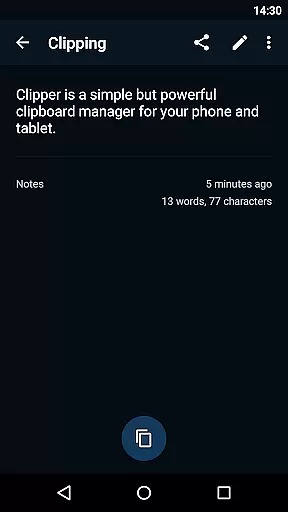
In addition to saving clippings, the app allows you to organize them into custom folders and lists. You can edit, extract, and share the contents of each clipping directly from the app. The dynamic values feature lets you insert current dates and times into your snippets, making it ideal for templates and recurring tasks.
Other notable features include advanced search functionality, customizable collection settings, and ad-free usage. Clipper+ also supports importing and exporting backups to internal storage or SD cards, ensuring your data is always safe. These features collectively make Clipper+ a versatile clipboard manager that caters to both casual users and professionals seeking efficiency.
Clipper+: Clipboard Manager excels in core task management by offering users an efficient way to handle their clipboard history. The app automatically saves everything you copy, allowing for seamless access to your collected clippings at any time. This functionality is crucial for individuals who work with multiple pieces of information throughout the day.
The application goes beyond simple storage by providing dynamic organization features. Users can sort their clippings into custom folders and lists, making it easy to retrieve specific content when needed. With options to copy, paste, view, edit, and share clipping contents, Clipper+ transforms the basic act of copying and pasting into a more powerful productivity tool.
For those dealing with repetitive text, Clipper+ allows storing predefined snippets that can be copied at will. This feature not only saves time but also reduces errors associated with manual data entry. By streamlining these processes, Clipper+ ensures that users can focus on their primary tasks without being interrupted by routine clipboard operations.
In today's interconnected world, cross-device synchronization is vital for maintaining workflow continuity. Clipper+: Clipboard Manager addresses this need by ensuring reliable synchronization across different devices. While the app itself installs separately from its free version, it provides a seamless migration process for user data, preserving clipboard history during upgrades.
The reliability of Clipper+ extends to its backup functionality, which utilizes device storage or SD cards for importing and exporting data. This means users can safeguard their clipboard contents against loss and easily transfer them between devices. Such features are indispensable for professionals relying on consistent access to their information regardless of the device they're using.
Moreover, Clipper+ supports various permissions that enhance its synchronization capabilities. These include accessing photos, media, and files which facilitate comprehensive backup solutions. By prioritizing synchronization reliability, Clipper+ empowers users to maintain productivity without worrying about data consistency across their digital ecosystem.
Unlimited clippings
Dynamic placeholders
Powerful search
Custom organization
No ads
Paid version
Separate install
Manual migration
Advanced options
Storage required

When you Focus, so will your Bean in this cozy focus timer
 4.30
4.30
Experience real multitasking on your Android!
4.00
Mega cloud explorer plugin for Solid Explorer
3.80
All in one sketching tool. Technical and General drawing. Online Maps support.
3.70
⏰ Finally a timer app which can run multiple timers simultaneously on your watch
3.90
Pwnagotchi companion app
4.20
Multilingual translator for text, voice, and image translation!
4.90
A simple Whisper AI keyboard for reliable speech transcription and rewording
4.60
Secure your apps with lock screens, use custom themes and different features.
4.40
Great calculator for Android named one of USA TODAY's "25 Essential Apps".
4.90
Mind Map and brainstorm, note taking and idea collection
4.80
Use powerful, industry-leading AI tools to generate visual charts from any data
4.80
A beautiful digital clock with autostart and many other functions
4.70
Absolutely the best CNC machinist speed and feed calculator around. fswizard.com
4.60
App Lock with fingerprint, password: Lock apps & hide photos with lock screens
4.60
Secure, open-source, SPICE and SSH Remote Desktop for QEMU KVM virtual machines
4.00
Easiest event planning, volunteer signups & parent teacher conference scheduling
2.20
The upgraded version of Name Wheel with AI and the power to add your own wheels.
4.5
IP Camera Viewer - Android TV : RTSP Surveillance camera viewer for Android TV
4.2


User Reviews