
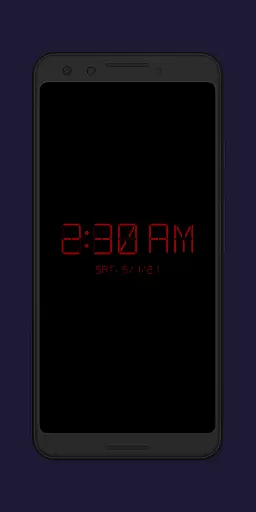
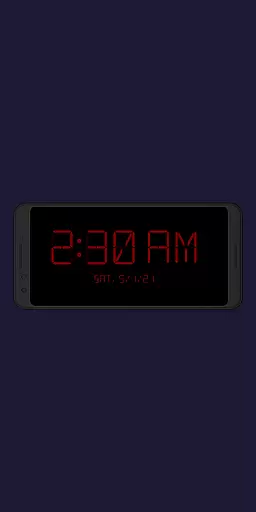
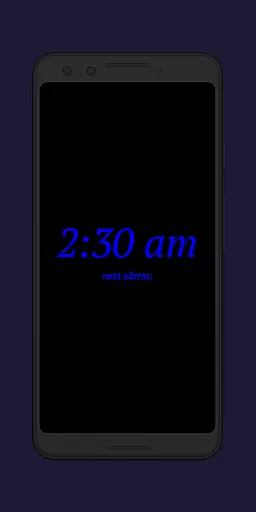
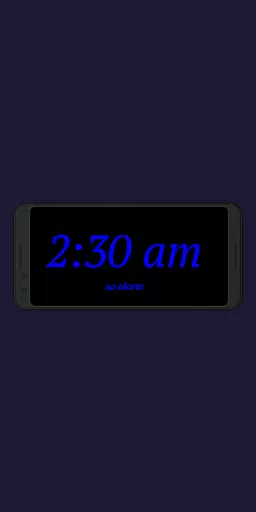
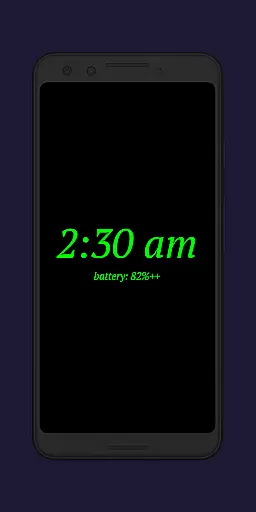
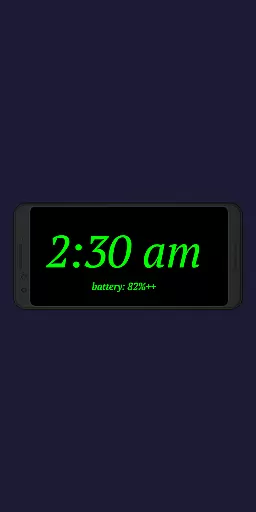
Night Clock + is a versatile digital clock app designed to serve as both a bedside night clock and a daylight mode display. This supporter version offers all features without limitations, making it ideal for users who want a reliable and feature-rich clock on their unused devices.
The app provides essential functionalities like automatic night clock activation, customizable display settings, and integrated flashlight access. These features ensure optimal usability during nighttime while offering aesthetic value during the day. With its comprehensive customization options, Night Clock + delivers both practicality and visual appeal.
Whether you need a clear night display or a stylish daytime clock, this app caters to various user needs by combining functionality with convenience. Its ability to transform old devices into useful timekeeping tools adds significant value for users seeking utility from their idle gadgets.
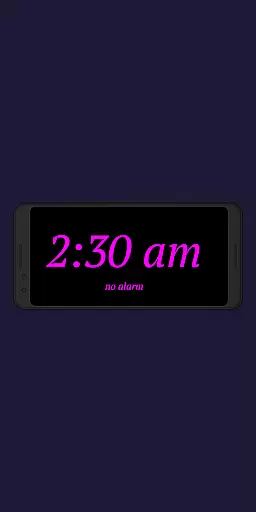
Night Clock + stands out with its extensive customization capabilities. Users can choose from four different font types and adjust font colors freely, allowing personalized aesthetics tailored to individual preferences. The app also enables brightness level adjustments and customizable display sizes for clock elements, ensuring optimal visibility in any lighting condition.
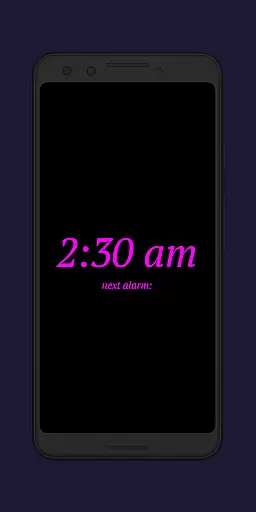
A key highlight is the automatic night clock activation feature, which can be triggered either by connecting a power cord or at a preset time. Additionally, the daylight mode supports automatic brightness adjustments, providing an adaptive display that suits different times of the day. The inclusion of advanced features like showing the next alarm time set in Android and tracking total night clock display time enhances its productivity value.
Other notable features include an integrated screensaver functionality where the clock moves slowly across the screen and direct flashlight access from the night clock interface. These thoughtful additions make Night Clock + not just a timekeeping tool but a comprehensive utility app that addresses various user needs effectively.
In the realm of productivity, core task management is pivotal for organizing and prioritizing tasks efficiently. Night Clock + integrates essential task management features that cater to both simplicity and functionality.
This app allows users to view the next alarm time set in the Android system directly on the night clock screen, ensuring they are always aware of their upcoming commitments. This seamless integration helps in planning and managing daily schedules without switching between apps.
Additionally, the automatic night clock start feature can be limited to a certain timeframe, offering users the ability to customize when they receive reminders or focus on specific tasks. This ensures minimal distractions during off-hours while maintaining productivity during active hours.
The integrated screensaver functionality also moves the clock slowly across the screen, providing a visually dynamic element that keeps the user engaged with their schedule in a subtle manner. These features collectively enhance the user's ability to manage tasks effectively.
Cross-device synchronization reliability is crucial for ensuring that all your devices reflect the same data and settings, thus maintaining consistency and reliability across different platforms. Night Clock + offers several features that support this important aspect of productivity.
With its automatic night clock start feature, whenever a power cord is connected to the device, the app synchronizes settings across devices if configured to do so. This means you can rely on consistent behavior whether at home or away, ensuring your nighttime routine remains uninterrupted.
The app also provides adjustable brightness levels and display sizes for the clock elements, which can be synchronized across multiple devices. This guarantees a uniform experience regardless of where you access the app, enhancing usability and convenience.
Furthermore, the daylight mode uses automatic brightness adjustments for part of the day and fixed values for the rest, ensuring optimal visibility and comfort. By supporting these cross-device functionalities, Night Clock + delivers a reliable and cohesive user experience.
User-friendly interface
Highly customizable
Automatic night mode
Integrated flashlight
Daylight mode support
Paid version only
Requires permissions
Limited free options
No advanced alarms
Battery consumption

Secure, fast, open-source, VNC and SSH Remote Desktop for Windows, Linux and Mac
 4.70
4.70
The long-awaited modern gallery app for your Nextcloud server
4.70
Take control of your clipboard with Clipper!
3.90
Experience real multitasking on your Android!
4.00
Total remote control for your Android device, PC and cloud services (IFTTT)!
4.20
Device's storage information in a simple and clear graphical form (infographics)
4.10
CalenGoo is a very flexible and feature-rich calendar app
4.40
PDF scanner & converter for files, photos, lottery, QR codes. One swipe away!
4.50
Okta MFA
4.70
Great calculator for Android named one of USA TODAY's "25 Essential Apps".
4.90
Scientific calculator for Android - looks and operates like the real thing!
4.90
All document reader, all in one file viewer read PDF, DOCX, XLS, PPT, TXT files.
4.60
A lightweight JSON & XML files creator, editor and viewer (Premium Version)
4.40
A Pixel Art watchface inspired by other iconic 90s designs for Wear OS devices!
4.40
When you Focus, so will your Bean in this cozy focus timer
4.30 4.20
4.20
Professional calendar app for Google Calendar, MS Outlook & Exchange
4.20
* block pre-roll ads, pop-up and forced redirect ads * Samsung certification app
4.00
A simple, portable logger for POTA, SOTA, Field Day, and more
4.1


User Reviews