
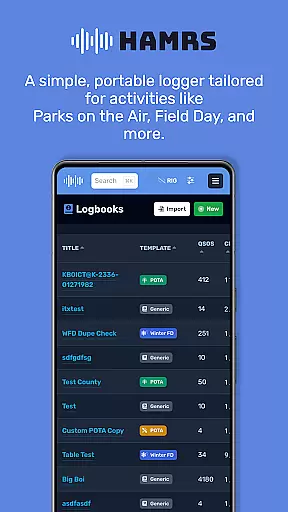
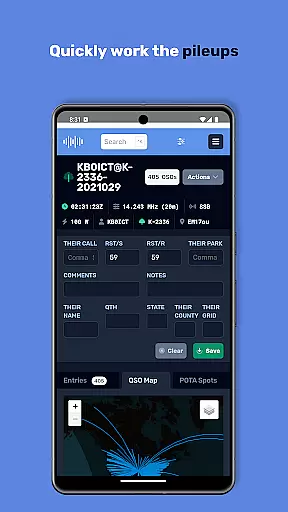
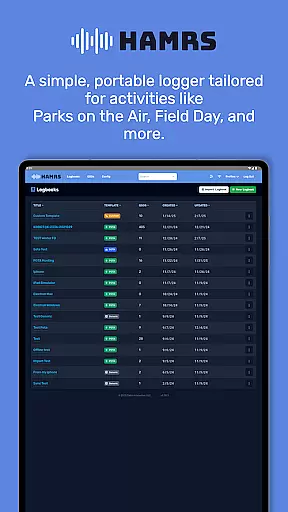
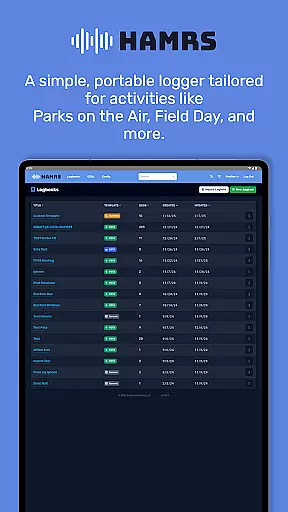
HAMRS Pro is a specialized productivity app designed for amateur radio enthusiasts. This application has been completely redeveloped to offer a streamlined logging experience, particularly suited for portable operations such as Parks on the Air and Field Day events.
The app allows users to swiftly navigate through fields during contact logging, view operator QTH information when connected to the internet, and effortlessly export ADI files. Additionally, HAMRS Pro supports direct uploads to QRZ, enhancing the efficiency of managing amateur radio activities.
Whether you're participating in outdoor radio events or managing regular contacts, HAMRS Pro provides an intuitive interface that simplifies the logging process while ensuring all necessary data is accurately recorded and easily accessible.
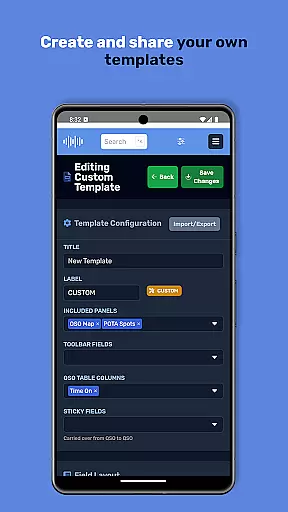
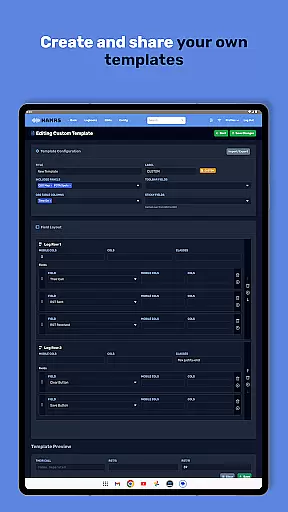
One of the standout features of HAMRS Pro is its optimized user interface tailored specifically for amateur radio logging. The app includes pre-designed templates for various portable activities, allowing users to quickly adapt to different operational scenarios without hassle.
With an active internet connection, operators can retrieve QTH details seamlessly, enriching their logs with valuable location data. Furthermore, the ability to export ADI files directly from the app ensures compatibility with other logging software, facilitating easy data management and sharing.
HAMRS Pro also integrates with QRZ, enabling users to upload their logs directly from the app. This feature not only saves time but also enhances the accuracy of log submissions by eliminating manual entry errors, making it an indispensable tool for serious amateur radio operators.
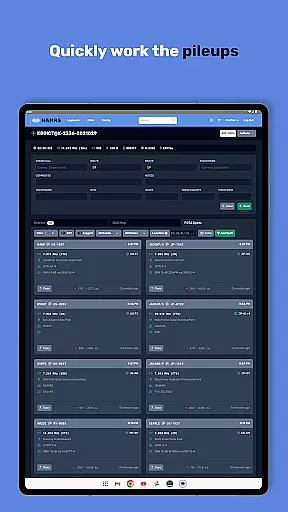
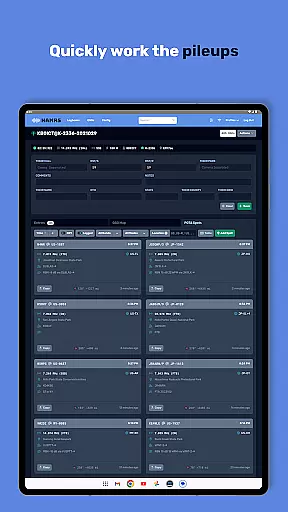
Efficient task management is essential for amateur radio enthusiasts who need to log their activities seamlessly. HAMRS Pro offers a streamlined interface that allows users to quickly tab through fields while making contacts, ensuring no detail is missed during operations.
The app has been re-designed from the ground up to cater specifically to portable activities such as Parks on the Air and Field Day. With pre-built templates tailored for these scenarios, users can manage their tasks with precision and ease, focusing more on their radio activities than on the logging process.
Additionally, HAMRS Pro provides real-time QTH information when connected to the internet, enhancing the accuracy of each log entry. This feature ensures that operators have access to up-to-date location data, which is crucial for effective communication and coordination.
For those managing multiple devices, reliable cross-device synchronization is vital. HAMRS Pro excels in this area by offering seamless ADI file export capabilities, allowing users to transfer their logs effortlessly between different platforms.
The app also supports direct uploads to QRZ, a popular online platform for amateur radio operators. This integration simplifies the process of updating and sharing logs, ensuring that all devices reflect the most current information without manual intervention.
Whether you're operating from a field station or your home setup, HAMRS Pro ensures that your data remains consistent across devices. This reliability empowers users to focus on their passion for amateur radio without worrying about data discrepancies or loss.
User-friendly interface
Efficient contact logging
Direct QRZ uploads
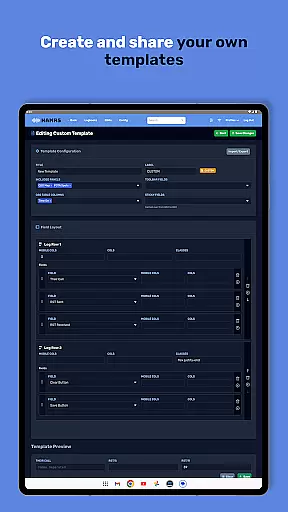
Customizable templates
Seamless QTH info access
Limited to amateur radio
Internet required for QTH
Premium version costly
No cloud sync option
Occasional bugs reported

Client for Nextcloud Deck
 4.60
4.60
Experience real multitasking on your Android!
4.00
Native client for Forgejo and Gitea
5.00
Ads Free App! Editor, Hide File, Copy, Move, Delete and Rename.. all facility av
1.70
The upgraded version of Name Wheel with AI and the power to add your own wheels.
4.4
Customizable calendar widget for seamless event sync, planning & scheduling.
4.00
PDF scanner & converter for files, photos, lottery, QR codes. One swipe away!
4.50
Share files & memories safely. Keep your photos and videos secure.
4.40
AI Chatbot and AI writing assistant powered by ChatGPT.
4.60
QuickBooks Workforce lets teams view pay info and track time in one place.
4.70
App lock - lock apps with fingerprint, password, pin or pattern, protect privacy
4.70
A beautiful digital clock with autostart and many other functions
4.70
Translate text/voice/photos in 150+ languages. Offline & fast translator app.
4.50
A Pixel Art watchface inspired by other iconic 90s designs for Wear OS devices!
4.40
A customizable calendar for your Wear OS watch
4.20
Create and edit presentations with Google Slides, part of Google Workspace.
4.00
Remotely view listen control and record cameras.
3.70
ID.me Authenticator is a simple and free Two Factor Authentication solution
3.50
Create study competitions, track your hours, and stay consistent with friends
4.4


User Reviews