
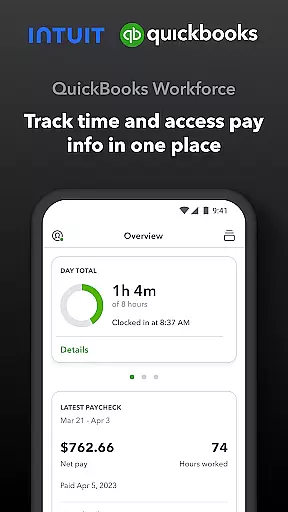
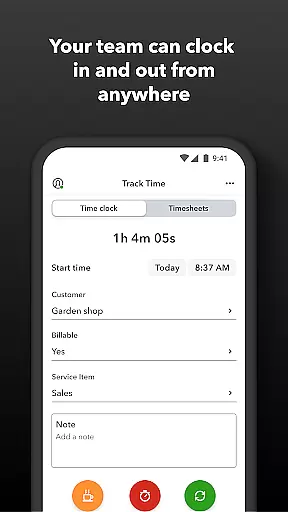
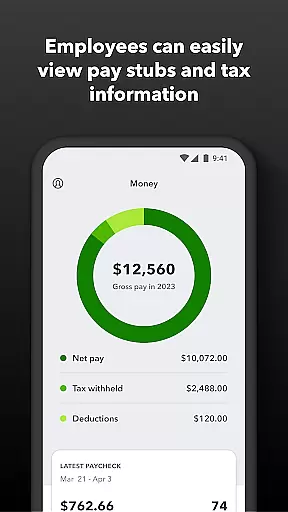
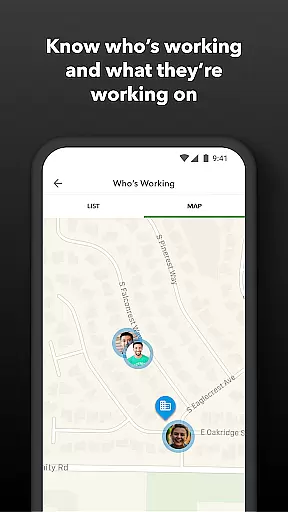
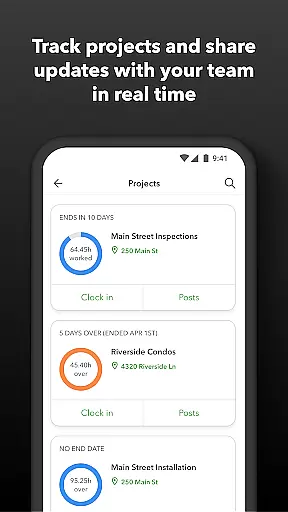
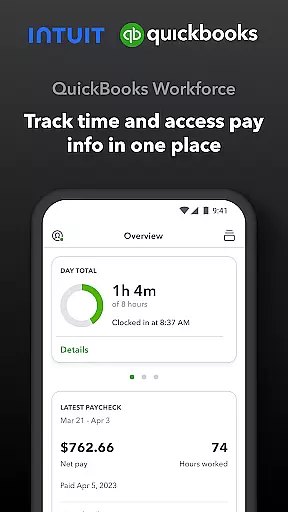
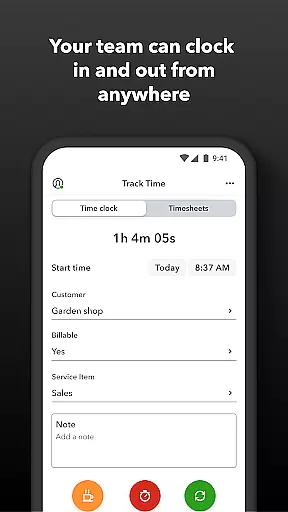
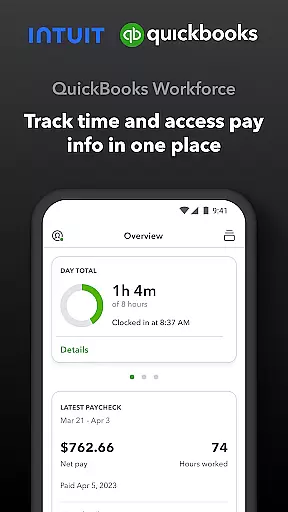
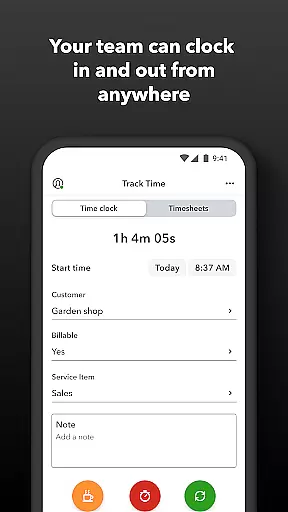
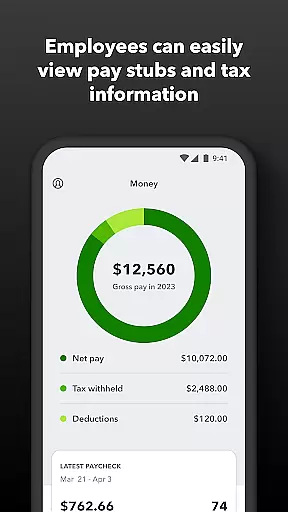
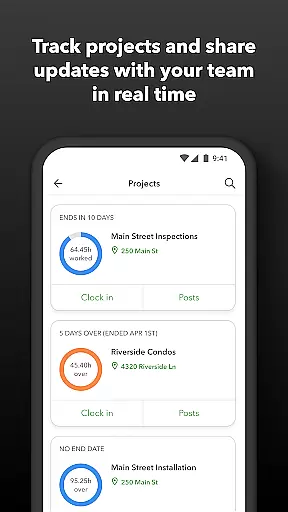
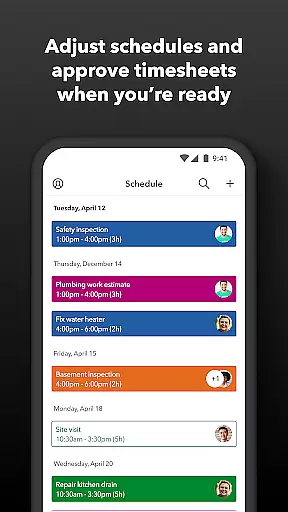
QuickBooks Workforce is a productivity app designed to streamline payroll and time tracking for businesses using QuickBooks Payroll and QuickBooks Time. The app allows employees to access pay information and track their working hours conveniently from their mobile devices. With features like GPS-based time tracking, offline clocking, and real-time reporting, it ensures accurate timekeeping while reducing manual data entry.
The app also offers advanced functionalities for employers and admins, including timesheet approvals, scheduling, geofencing, and detailed productivity reports. These features help businesses save on payroll costs, improve team management, and integrate seamlessly with QuickBooks Online and Desktop platforms. Whether you're an employee checking your pay stub or an admin overseeing team productivity, QuickBooks Workforce provides tools that enhance efficiency and accuracy in workforce management.
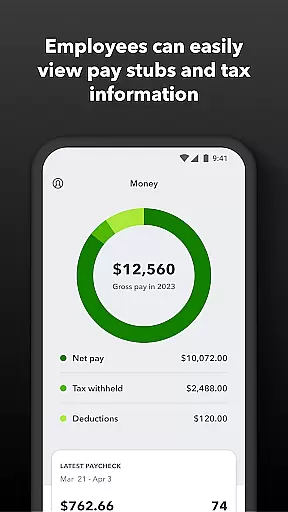
QuickBooks Workforce stands out with its robust feature set tailored for both employees and administrators. For employees, the app provides easy access to pay stubs, W-2s, and other payroll documents anytime, anywhere. It supports offline functionality, enabling users to clock in and out even without Wi-Fi or cellular service. Additionally, employees can submit requests for paid time off, edit timesheets, and switch between jobs effortlessly.
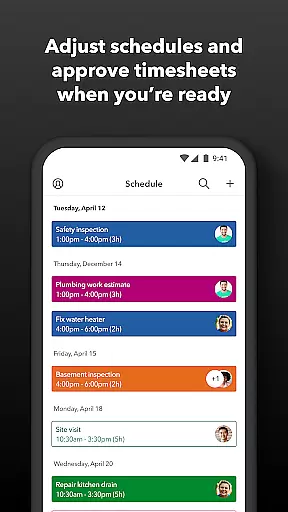
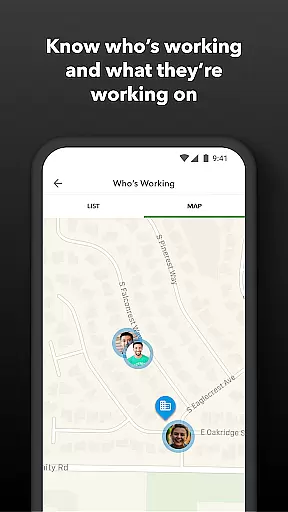
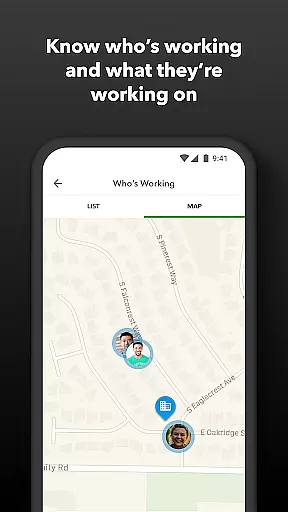
For employers and admins, the app offers powerful management tools such as real-time GPS tracking, schedule creation, and automated alerts for missed clock-ins or potential overtime. Admins can approve or modify timesheets, oversee team productivity, and generate detailed reports in multiple formats (PDF, CSV, etc.). The app's seamless integration with QuickBooks Online, Desktop versions, and third-party software ensures smooth data flow across systems. Its open API further enhances customization options, making it a versatile solution for modern workforce management.
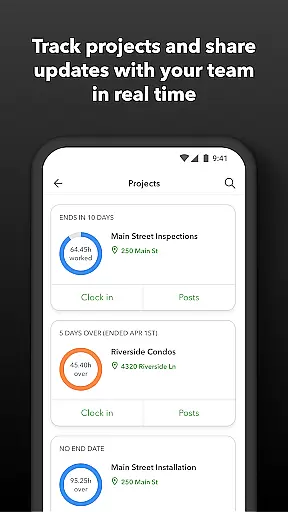
Task management is a cornerstone of productivity applications, and QuickBooks Workforce excels in this area by offering comprehensive tools for both employees and employers. The app allows team members to clock in and out, edit timesheets, and manage job schedules seamlessly. These features ensure that time tracking is accurate and efficient, eliminating the need for manual entry and reducing errors.
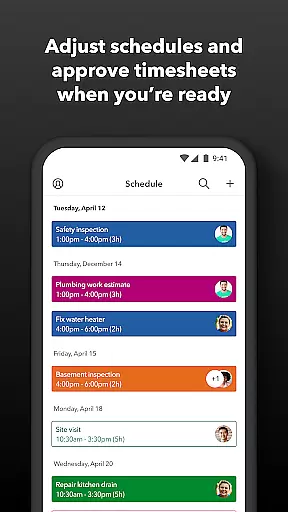
For employers and administrators, QuickBooks Workforce provides advanced capabilities such as approving, editing, or deleting timesheets, scheduling by job or shift, and creating or modifying schedules. This functionality supports better oversight and control over workforce management, allowing businesses to maintain optimal productivity levels. Additionally, real-time alerts for unscheduled clock-ins or potential overtime help in proactive management.
The app also offers GPS location-based time tracking and geofencing, available in the Elite version, which enhances accuracy and compliance. Employers can see who is working and where, ensuring transparency and accountability across the team. With these robust task management features, QuickBooks Workforce empowers businesses to streamline operations, reduce costs, and improve overall efficiency.
Cross-device synchronization is vital for ensuring that all team members have access to the most up-to-date information regardless of the device they use. QuickBooks Workforce guarantees reliable synchronization across multiple platforms, enabling teams to view pay info, track time, and manage schedules from anywhere, at any time. This ensures that everyone is on the same page, enhancing collaboration and communication within the team.
The app's seamless integration with QuickBooks Online and QuickBooks Desktop Payroll, along with other payroll, accounting, and invoicing software, further strengthens its synchronization capabilities. Data flows smoothly between systems, eliminating the risk of discrepancies and ensuring that all records are consistent and accurate. This level of integration not only saves time but also reduces the likelihood of errors associated with manual data entry.
Moreover, QuickBooks Workforce supports real-time reporting in various formats, including PDF, CSV, online, and HTML. This feature allows businesses to generate and share reports instantly, facilitating informed decision-making. By providing reliable cross-device synchronization, QuickBooks Workforce ensures that teams can operate efficiently and effectively, regardless of their location or the devices they use.
User-friendly interface
Offline functionality
Real-time reporting
Seamless QuickBooks integration
Advanced admin controls
Premium features require subscription
Limited free version
Geofencing only in Elite plan
Occasional sync issues
Steep learning curve for new users

Auto-shutoff Alarm with Sunrise, Sunset & Fixed Options.
 3.50
3.50
Protect and view your important info on your phone and tablet with eWallet®
4.80
Pwnagotchi companion app
4.20
All in One PDF Reader: Manage, Read and Edit your Documents
4.20
Font maker keyboard with your own handwriting
4.10
The AI assistant that thinks with you - write, code, and solve complex tasks
4.60
All document reader, all in one file viewer read PDF, DOCX, XLS, PPT, TXT files.
4.60
* block pre-roll ads, pop-up and forced redirect ads * Samsung certification app
4.00
Share files & memories safely. Keep your photos and videos secure.
4.40
Native client for Forgejo and Gitea
5.00
Android Wallet Password Manager
4.80
Mind Map and brainstorm, note taking and idea collection
4.80
Calendar 2023 widget for Android. Appointment scheduler, planner, and reminder
4.60
A lightweight JSON & XML files creator, editor and viewer (Premium Version)
4.40
Access, manage and transfer files on Android, PC, Mac, NAS and cloud storages.
4.30
ID.me Authenticator is a simple and free Two Factor Authentication solution
3.50
Simple and reliable communication between inmates, friends and family
3.20
IP Camera Viewer - Android TV : RTSP Surveillance camera viewer for Android TV
4.0
A comprehensive suite of tools designed specifically for Lactation Consultants
4.0


User Reviews