
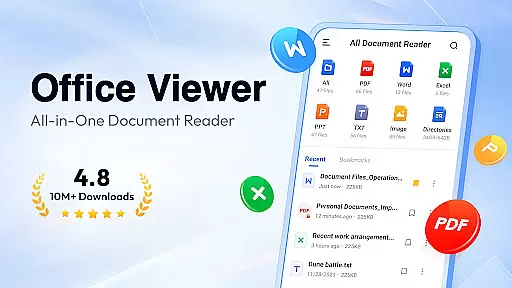
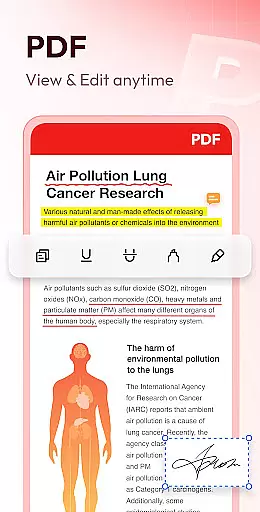
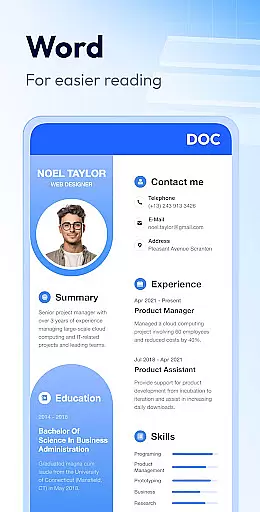
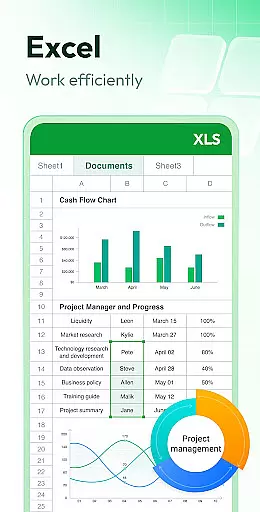
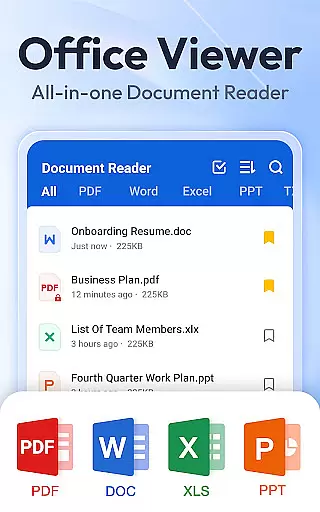
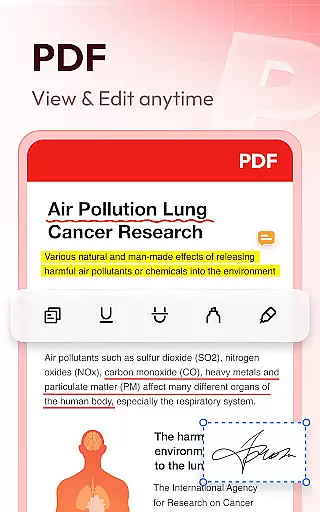
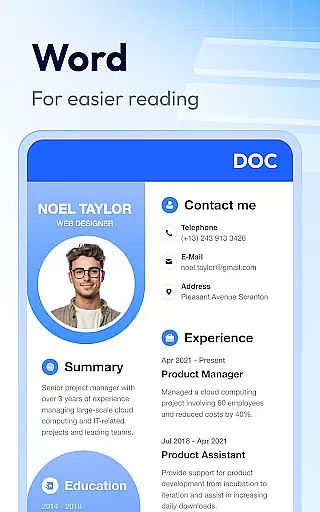
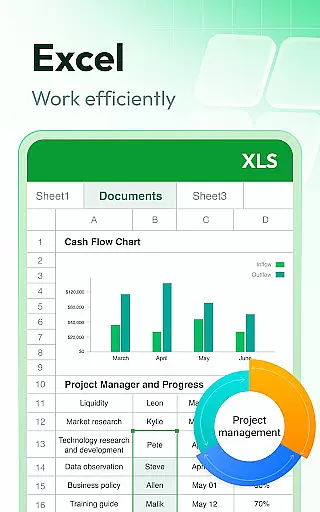
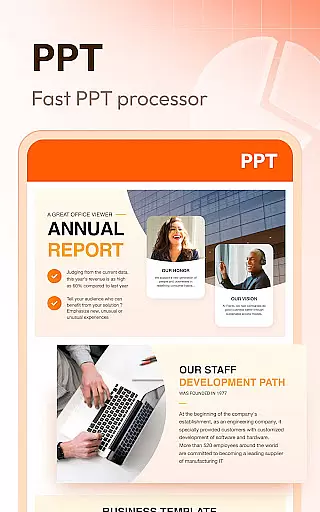

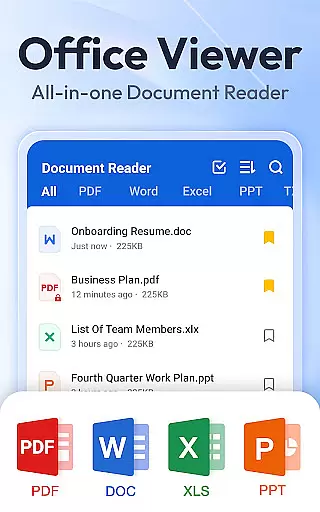

Document Reader & PDF Editor is a versatile productivity tool designed to streamline document management across various formats. This all-in-one solution supports PDF, Word, Excel, PPT, TXT, PNG, JPG, and more, making it an essential app for professionals and students alike.
The app's intuitive interface allows users to organize files in well-structured folders with quick search functionality. Key features include offline reading capability, bookmarking for easy access, and one-click document opening. Whether you need to review presentations, analyze spreadsheets, or edit text documents, this application provides a seamless experience across devices.
Particularly valuable for remote workers, Document Reader enables efficient document handling without internet dependency. Its comprehensive format support and user-friendly design make it perfect for managing professional documents on the go while maintaining productivity standards.
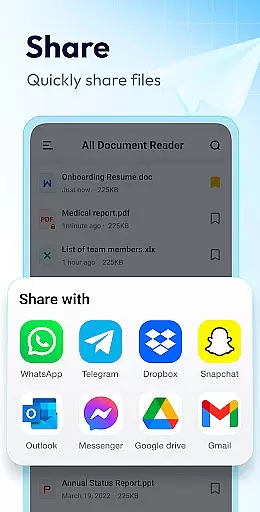
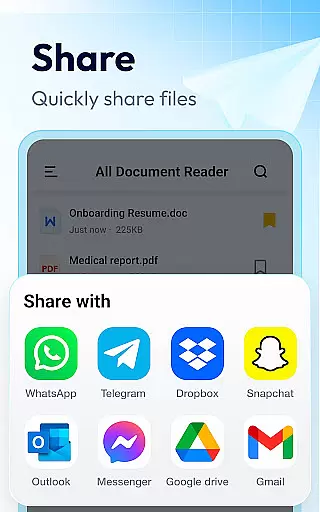
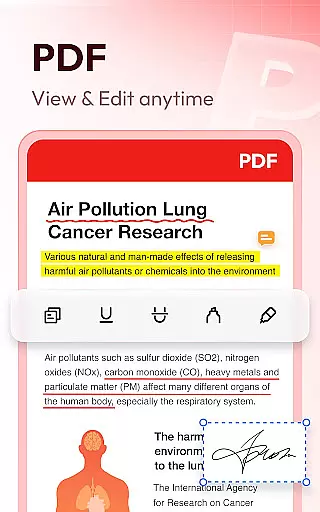
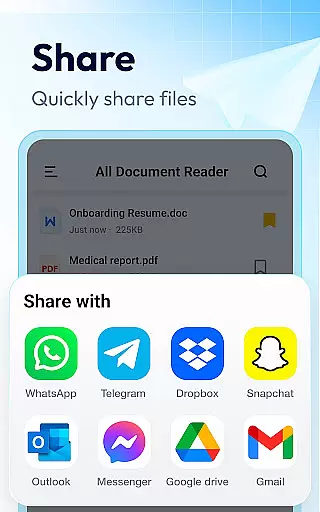
Document Reader distinguishes itself through its extensive feature set tailored for productivity enthusiasts. The app's PDF reader functionality includes page zoom, direct page navigation, and flexible landscape/portrait modes. Users can print and share PDFs directly from the application interface.
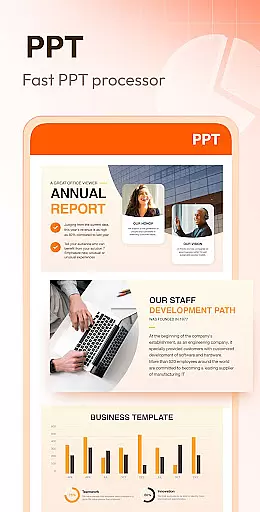
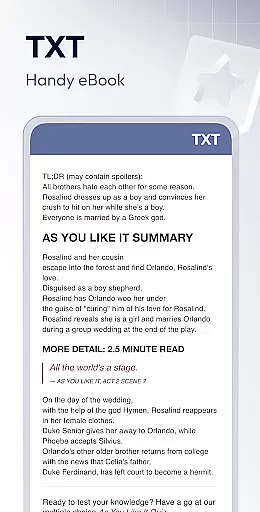
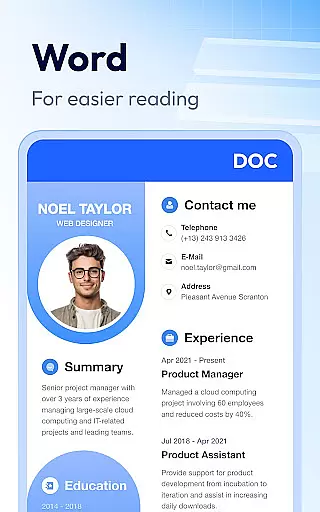
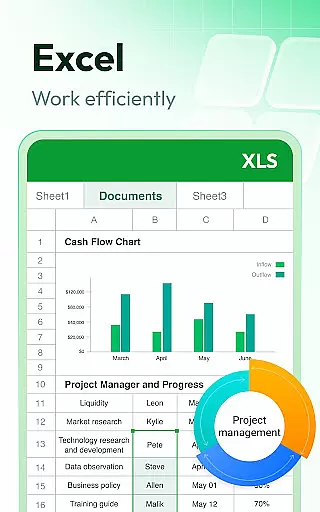
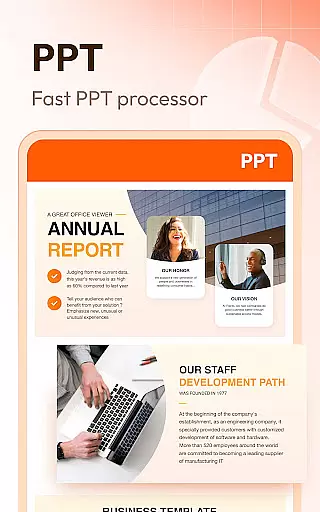
For office documents, the app provides specialized viewers for different formats. Word files benefit from advanced sorting options by file path, size, or modification date. Excel documents maintain their formatting integrity while offering quick data search capabilities. Presentation files display in high-definition quality with stable performance.
Additional productivity features include image to PDF conversion, night mode for comfortable reading, and in-document text search. The upcoming editing capabilities will further enhance its value proposition, allowing users to modify documents directly within the app environment.
Document Reader & PDF Editor excels in core task management by offering an all-in-one solution for handling various document formats. This app supports a wide array of file types including PDF, DOC, XLS, PPT, and TXT, making it a versatile tool for productivity.
The application's interface is designed to provide users with straightforward file management. It features quick search functionality and the ability to sort documents by various criteria such as file path, size, name, and last edit date. These capabilities ensure that users can efficiently locate and manage their documents without hassle.
Moreover, Document Reader & PDF Editor allows users to bookmark important documents for rapid access. This feature is particularly beneficial for individuals who need to frequently reference specific files, streamlining their workflow and enhancing productivity.
By consolidating essential document management tasks into a single platform, this app eliminates the need for multiple specialized applications. Users can read, edit, and manage their files within one intuitive environment, which significantly boosts efficiency and simplifies their digital document handling experience.
Cross-device synchronization is a pivotal aspect of Document Reader & PDF Editor, ensuring that users have reliable access to their documents regardless of the device they are using. The app facilitates seamless transitions between devices, allowing users to pick up right where they left off.
One of the key strengths of this app is its ability to function offline. Users can read and manage their documents without an internet connection, which is crucial for those who are often on the move or working in environments with limited connectivity. This offline capability guarantees that productivity is not hampered by external factors.
In addition to offline access, Document Reader & PDF Editor offers consistent performance across different platforms. Whether you're switching from a tablet to a smartphone or vice versa, the app maintains the integrity and formatting of your documents, providing a uniform experience.
Furthermore, the app is optimized for both landscape and portrait modes, adapting effortlessly to user preferences and device orientations. This flexibility ensures that document viewing is always comfortable and user-friendly, regardless of the device being used. With these robust synchronization features, Document Reader & PDF Editor stands out as a reliable tool for managing documents across multiple devices.
User-friendly interface
Wide format support
Offline functionality
Quick search feature
Bookmark system
Limited editing tools
Advanced features locked
Storage permission required
Interface not customizable
Large file loading time

Ads Free App! Editor, Hide File, Copy, Move, Delete and Rename.. all facility av
 1.70
1.70
Wake up & get tasks done! Add alarms & reminders on the Clock Launcher.
4.00
A lightweight JSON & XML files creator, editor and viewer (Premium Version)
4.40
aCalendar+ makes your day, week and month
4.70
Fill, sign & send docs, forms, agreements & contracts via electronic signature.
4.50
Find and delete junk files & block unwanted notifications & manage files
3.70
Tally and goal counter for Wear OS & mobile
4.50
Scan paperwork into PDF/JPG, generate your own e-signature and send fax or email
4.70
Set up, print, and get support—in one place
4.20
Great calculator for Android named one of USA TODAY's "25 Essential Apps".
4.90
Seamlessly integrate data and reports to build your presentation to impress
4.80
App lock - lock apps with fingerprint, password, pin or pattern, protect privacy
4.70
CalenGoo is a very flexible and feature-rich calendar app
4.40
Docker, Kubernetes management over Portainer Mobile
4.40
Pwnagotchi companion app
4.20
All in One PDF Reader: Manage, Read and Edit your Documents
4.20
Todo reminder
4.10
Take control of your clipboard with Clipper!
3.90
Code on-the-go with VScode for Android. Edit,debug and collaborate from mobile!!
3.10


User Reviews