
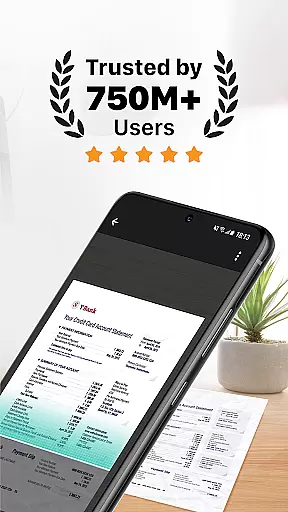
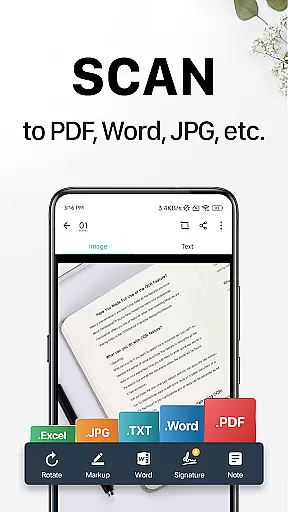
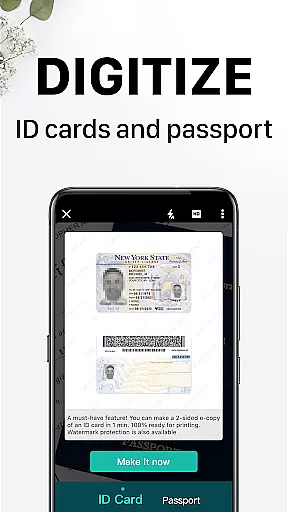
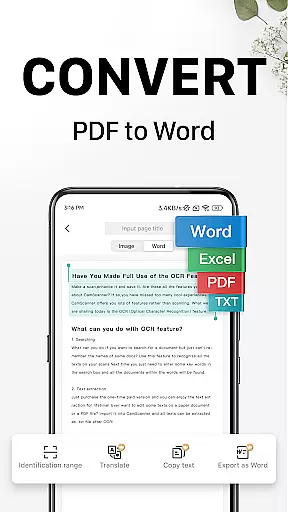
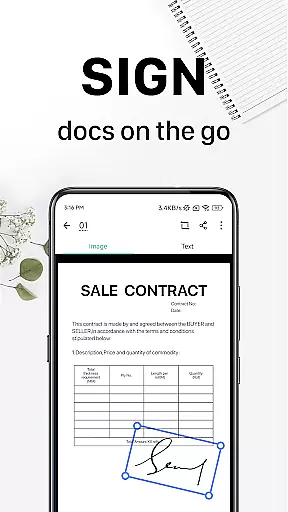
CamScanner is a versatile productivity app that transforms your mobile device into a powerful portable scanner. With advanced OCR technology, it allows users to instantly scan, save, and share documents in various formats including PDF, JPG, Word, and TXT. The app optimizes scan quality through smart cropping and auto-enhancing features, ensuring clear and sharp text with premium resolutions.
Beyond basic scanning, CamScanner offers advanced functionalities such as wireless printing, remote faxing to over 30 countries, and comprehensive document editing tools. Users can annotate documents, add customized watermarks, and extract text for later use. Its quick search feature and cross-platform syncing make document management seamless and efficient, catering to both personal and professional needs.
Whether you're a student digitizing notes or a business professional managing invoices, CamScanner provides an all-in-one solution to improve productivity and save time. Its secure document protection and unlimited access membership options further enhance its value, making it an essential tool for anyone looking to streamline their document handling process.
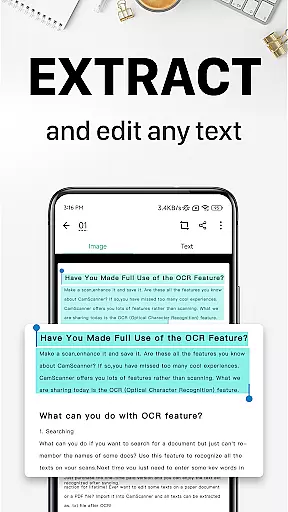
CamScanner stands out with its robust feature set tailored for productivity enthusiasts. One of its core strengths is the ability to quickly digitize various types of documents - from receipts and notes to business cards and certificates. The app's intelligent cropping and auto-enhancement capabilities ensure every scan maintains optimal quality, while the OCR feature allows users to extract and edit text from images or PDFs.
The app goes beyond simple scanning by offering advanced document management tools. Users can annotate files using a complete editing toolkit, add personalized watermarks, and organize documents with customizable tags. The quick search function enables content-based retrieval of images, while wireless printing and remote fax capabilities provide added convenience for professionals working across different locations.
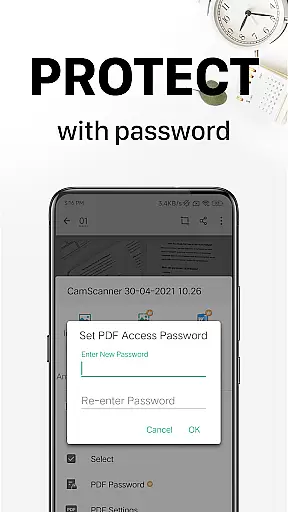
What truly sets CamScanner apart is its comprehensive security and synchronization features. The app allows users to password-protect sensitive documents and secure download links. Its cross-platform sync functionality ensures seamless access across multiple devices, while the unlimited access membership unlocks premium features including enhanced cloud storage and priority technical support, making it an indispensable tool for modern document management.
CamScanner excels in core task management by offering a comprehensive suite of productivity tools that streamline document handling. The app allows users to quickly digitize documents using their mobile device's camera, transforming receipts, notes, and business cards into high-quality scans.
With advanced features such as smart cropping and auto-enhancing, CamScanner ensures that every scan is optimized for clarity and sharpness. This functionality not only saves time but also enhances the overall quality of the digitized content, making it easier to read and share.
The app goes beyond simple scanning by providing options for organizing and retrieving documents efficiently. Users can tag documents, extract text via OCR, and perform quick searches based on content. These capabilities ensure that managing tasks related to document handling is both intuitive and efficient.
Furthermore, CamScanner supports secure document management through password protection and syncs across multiple platforms, allowing users to access their files from any device. This cross-device synchronization ensures that users can manage their tasks seamlessly, regardless of their location or the device they are using.
Cross-device synchronization is a cornerstone of CamScanner's reliability, ensuring that users can access their documents from any device with consistent performance. By signing up for an account, users can sync their scanned documents across smartphones, tablets, and computers, accessing them via the CamScanner website or app.
This synchronization process is seamless and automatic, providing real-time updates so that the latest version of any document is always available. Whether at home, in the office, or on the go, users benefit from having their important files at their fingertips, enhancing both personal and professional productivity.
Security is also a priority in CamScanner's synchronization feature. Documents can be protected with passwords, and download links can be secured to prevent unauthorized access. This ensures that sensitive information remains confidential while still being easily accessible to authorized users.
Additionally, CamScanner offers cloud integration, which further strengthens its synchronization reliability. By storing documents securely in the cloud, users can rest assured that their data is safe and can be retrieved even if their local device is lost or damaged. This robust approach to synchronization makes CamScanner a reliable tool for managing documents across various devices.
User-friendly interface
Advanced OCR technology
Cross-platform synchronization
Comprehensive editing tools
Secure document protection
Premium features locked
Subscription costs
Ads in free version
File size limitations
Basic features limited

Native client for Forgejo and Gitea
 5.00
5.00
Unlock AutoNotification
4.00
Direct Chat without saving contacts & Dual WA Account on Single Device
4.70
Automates browsing any website and notifies you of important changes or events
4.30
Device's storage information in a simple and clear graphical form (infographics)
4.10
This small app MUST BE INSTALLED after purchase, else license won't work
4.40
Seamlessly read, manage, and organize all your PDF files solution in one place
4.40
Set up, print, and get support—in one place
4.20
Browse and view your photos and videos from the phone with photo & video hide.
4.10
Mind Map and brainstorm, note taking and idea collection
4.80
We're working to become the best machining app on the market! www.cncdirt.com
4.80
Simple notepad & memo. Take notes, to-do list, shopping list with reminders.
4.80
A beautiful digital clock with autostart and many other functions
4.70
Fill, sign & send docs, forms, agreements & contracts via electronic signature.
4.50
Professional calendar app for Google Calendar, MS Outlook & Exchange
4.20
The ultimate file manager for rooted devices. The original and still the best.
4.00
Auto-shutoff Alarm with Sunrise, Sunset & Fixed Options.
3.50
Create study competitions, track your hours, and stay consistent with friends
4.4
IP Camera Viewer - Android TV : RTSP Surveillance camera viewer for Android TV
4.1


User Reviews