
Notein - Notepad, Notes, Lists is a versatile productivity app designed to streamline note-taking and task management. This free notepad app offers multiple note-taking modes including text and checklist formats, automatic saving, and an intuitive interface for creating quick notes, to-do lists, and reminders.
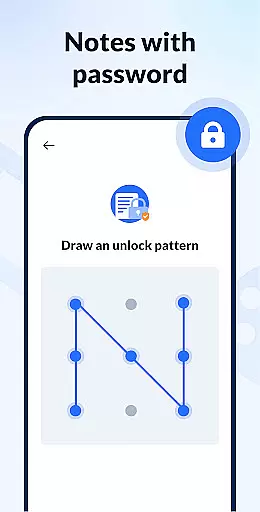
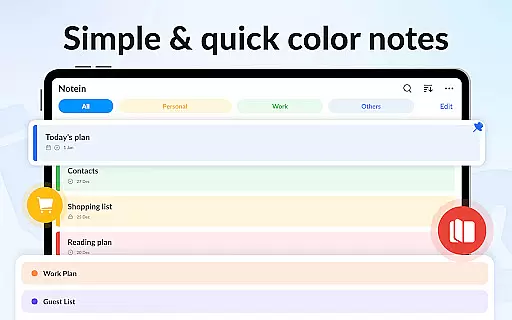
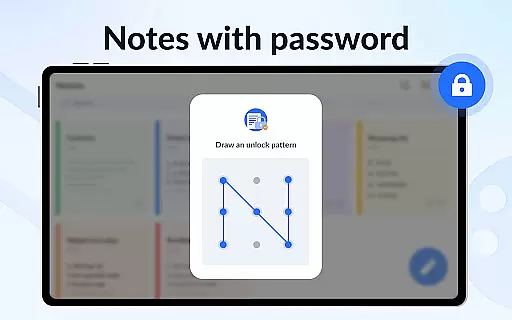
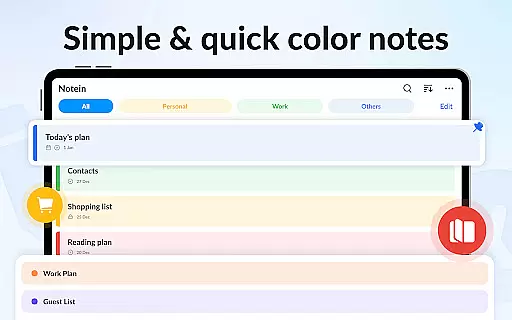
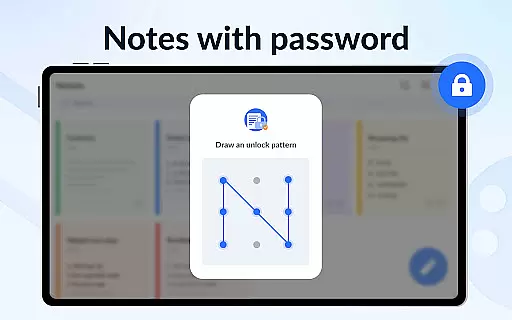
Key features include color-coded notes for better organization, calendar integration for scheduling tasks, and secure password protection for privacy. The app also supports sticky notes widgets for easy access and cloud backup to prevent data loss. With its user-friendly design and powerful functionality, Notein helps users stay organized and productive.
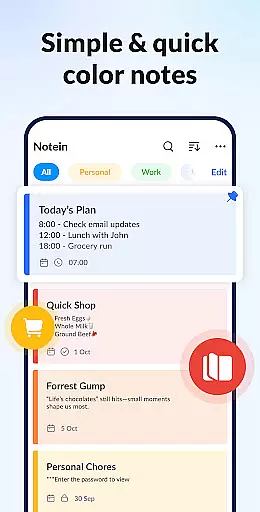
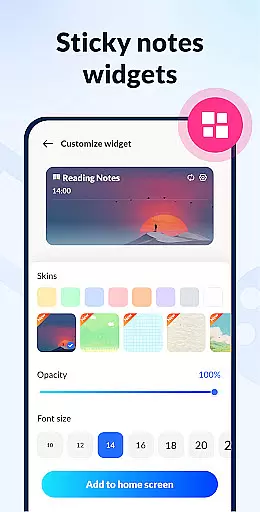
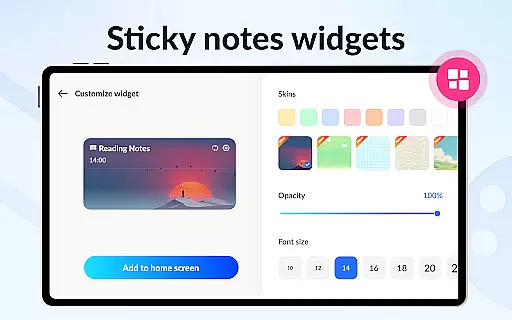
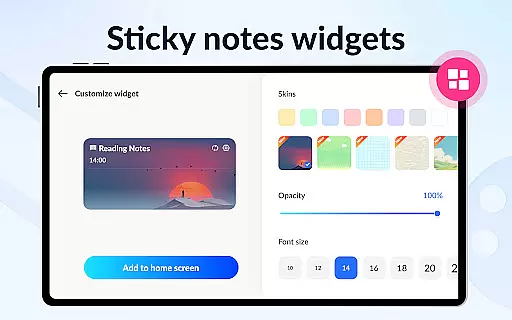
Notein stands out with its comprehensive feature set tailored for efficient note management. The app provides colorful sticky notes widgets that can be placed on the home screen for instant access to important notes. Users can create various types of notes such as class notes, book notes, and text notes, while enjoying the flexibility of viewing them in list, grid, or detail modes.
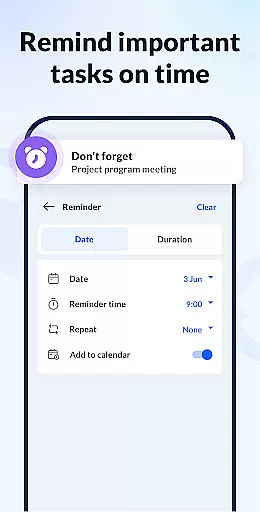
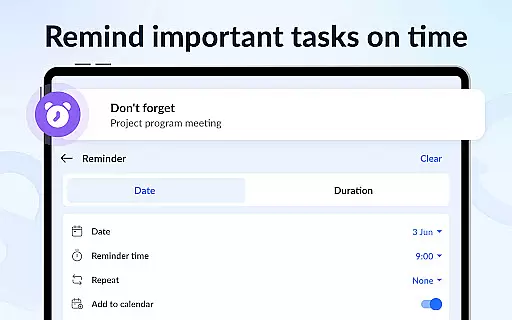
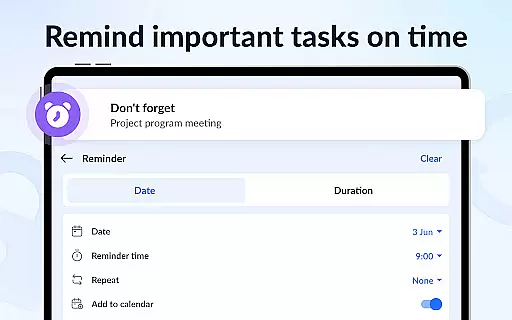
Advanced functionalities include setting reminders for time-sensitive tasks, pinning crucial notes for easy reference, and sorting notes by time or color. The app also facilitates collaboration through note sharing options via social media, email, and messaging apps. Additionally, Notein ensures data security with password protection and offers peace of mind with cloud backup and restore capabilities.
Effective task management is essential for productivity apps, serving as the backbone for organizing and tracking responsibilities. Notein - Notepad, Notes, Lists excels in this area by offering versatile features tailored to various note-taking needs.
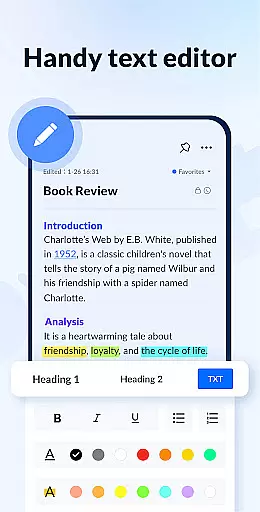
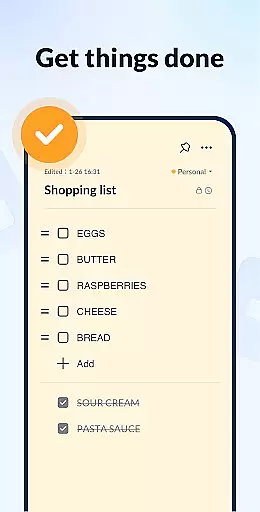
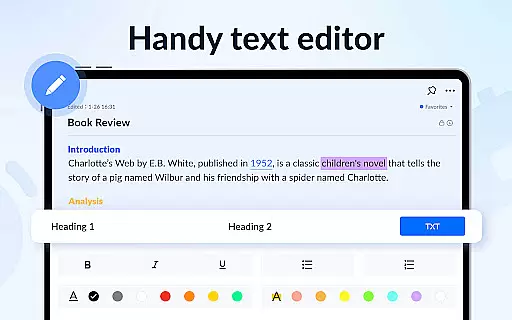
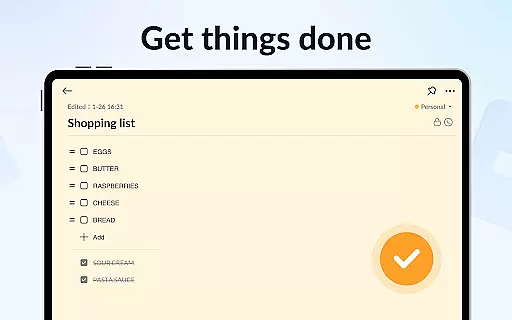
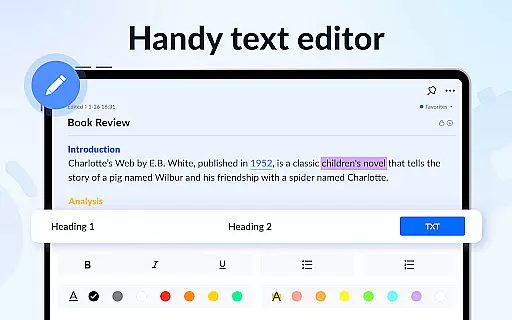
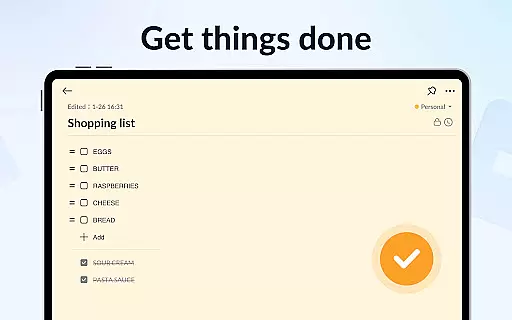
The app provides multiple modes for task creation, including text mode for standard notes and checklist mode for more structured task management. This flexibility allows users to adapt their note-taking style according to different scenarios, whether it's quick memos or detailed to-do lists.
Notein automatically saves all entries, ensuring no information is lost while working. The ability to pin important notes and view them through home screen widgets enhances accessibility and keeps critical tasks visible at all times.
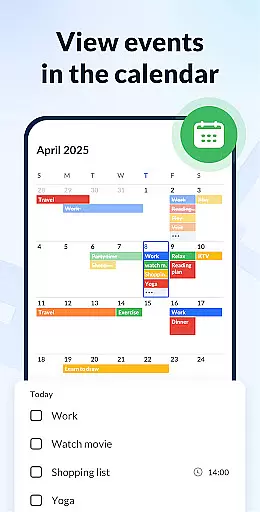
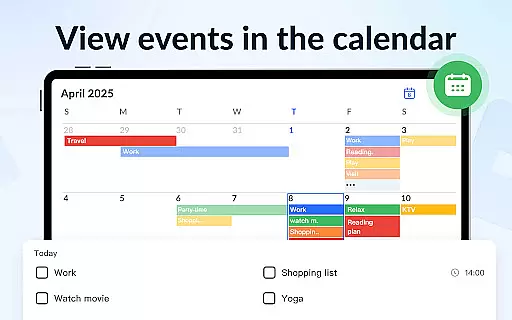
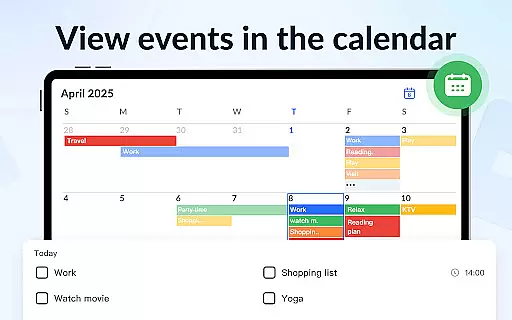
With calendar integration and reminder functionality, users can schedule tasks and receive timely notifications. These features help maintain an organized workflow and ensure important deadlines are never missed, making daily task management both efficient and reliable.
In today's interconnected world, reliable cross-device synchronization is crucial for productivity applications. Notein addresses this need by implementing robust cloud-based backup and restore functionality.
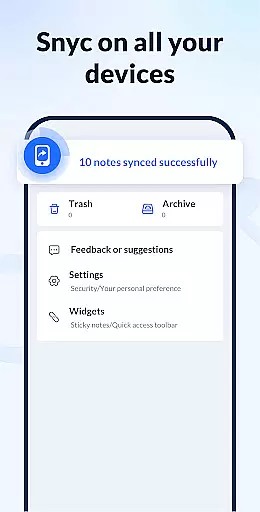
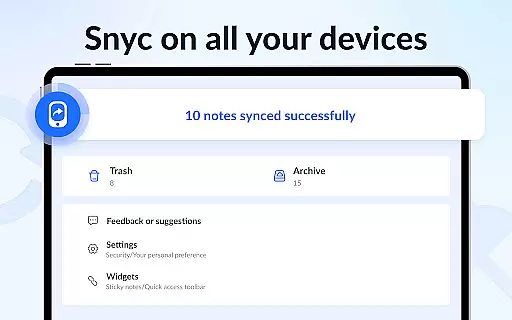
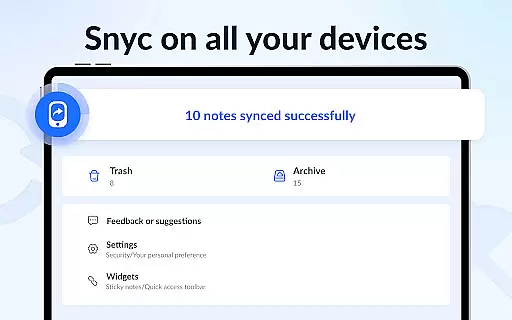
All notes created within the app can be securely stored in the cloud, allowing users to access their information from multiple devices. This ensures that important data remains available regardless of which device is being used.
The synchronization process maintains perfect consistency across devices, with changes made on one device instantly reflected on others. This real-time updating capability guarantees that users always work with the most current version of their notes.
Additionally, the app's backup system provides peace of mind by protecting against data loss. Users can restore their entire note collection quickly should they switch devices or encounter any technical issues, ensuring uninterrupted productivity and secure data management.
User-friendly interface
Colorful organization options
Automatic note saving
Secure password protection
Cloud backup feature
Limited advanced formatting
No real-time collaboration
Occasional sync issues
Basic drawing tools
Ads in free version

8 custom complications. Custom Time Fonts. Beautiful color schemes. A++ Design.
 5.00
5.00
The Pro Version of Android's tiniest Notepad app. Just 0.3MB but feature-packed!
4.60
Fill, sign & send docs, forms, agreements & contracts via electronic signature.
4.50
PDF scanner & converter for files, photos, lottery, QR codes. One swipe away!
4.50
Find and delete junk files & block unwanted notifications & manage files
3.70
Cloud storage, automatic phone backup, and more.
4.10
Tally and goal counter for Wear OS & mobile
4.50
* block pre-roll ads, pop-up and forced redirect ads * Samsung certification app
4.00
Understand anything with a personalized AI research assistant
4.80
Quickly and easily keep track of your work shifts
4.70
Absolutely the best CNC machinist speed and feed calculator around. fswizard.com
4.60
A simple Whisper AI keyboard for reliable speech transcription and rewording
4.60
To do list widget with a notebook organizer, checklist, simple shopping list
4.60
Lightweight PDF, Word, Excel reader.
4.60
Pwnagotchi companion app
4.20
Create and edit presentations with Google Slides, part of Google Workspace.
4.00
Ultimate Virtual AI Character for immersive Roleplay Chat. Perfect Companion
3.90
Smart PDF reader & editor to view, organize and manage PDF documents easily.
3.70
Simple and reliable communication between inmates, friends and family
3.20


User Reviews