
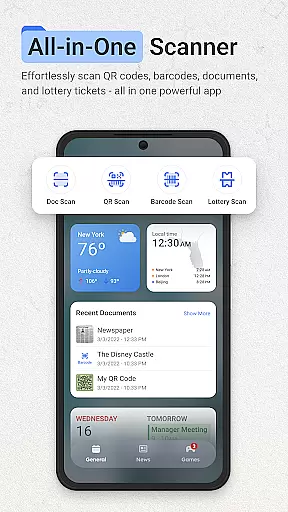
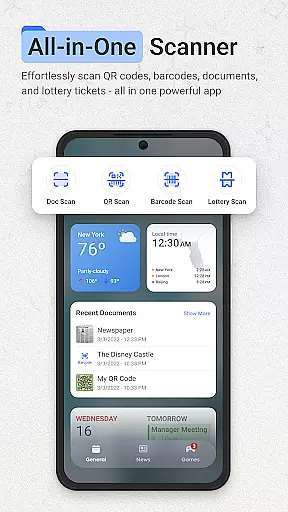
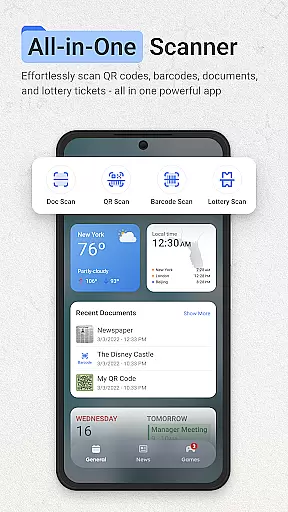
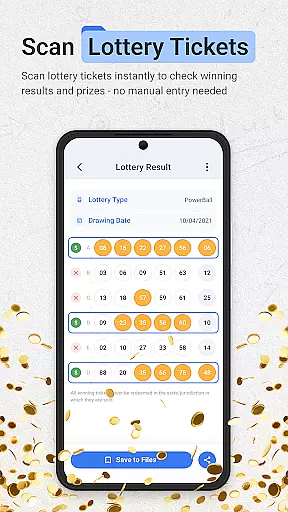
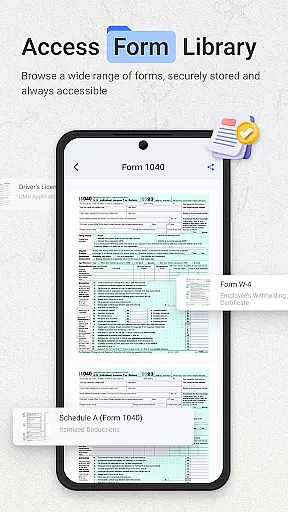
ScanNow Home revolutionizes productivity by integrating advanced scanning tools directly into your home screen experience. This innovative launcher combines essential document, barcode, and lottery ticket scanning with a clean, customizable interface. Users can instantly access powerful scanning features while enjoying the convenience of a modern Android launcher.
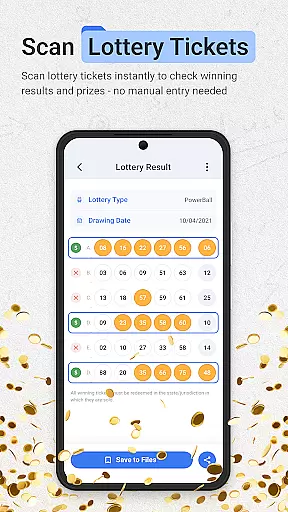
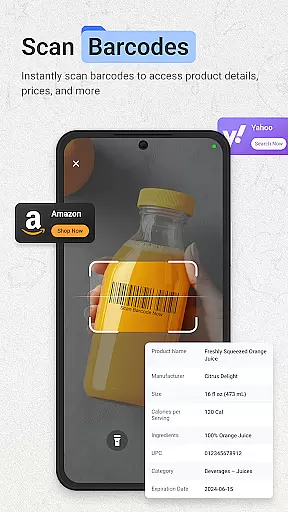
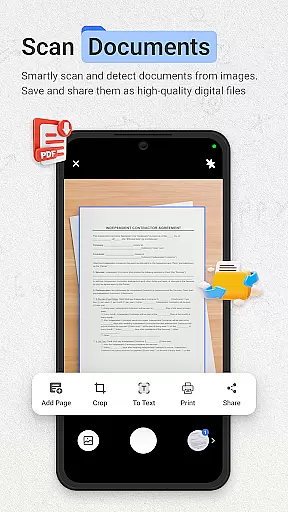
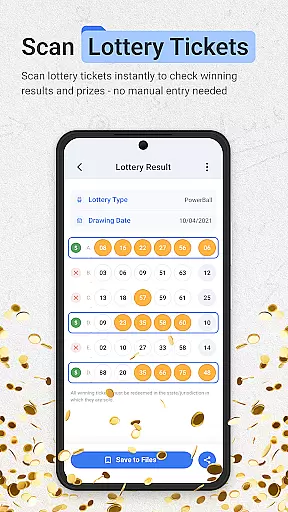
The application's standout feature is its seamless integration of professional-grade scanning tools. The document scanner offers auto-edge detection, perspective correction, and multi-page support, while the barcode scanner provides instant price comparisons and scan history. Additionally, the unique lottery ticket validator helps users track winnings and playing history. These capabilities make ScanNow Home particularly valuable for professionals and individuals seeking to streamline their daily tasks.
With support for Android 8.0 and above, ScanNow Home demonstrates its practical value in various scenarios. Whether you're digitizing important documents, comparing product prices while shopping, or checking lottery results, this app provides instant access to essential tools right from your home screen. The combination of productivity features and launcher functionality creates a uniquely efficient mobile experience.
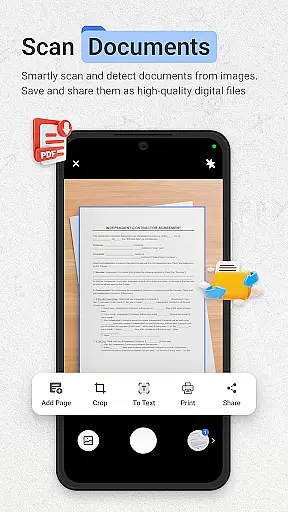
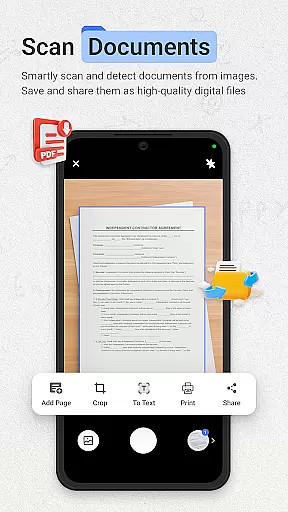
ScanNow Home distinguishes itself through its comprehensive feature set that blends productivity tools with launcher functionality. The application's document scanner implements advanced algorithms for auto-edge detection and perspective correction, ensuring professional-quality scans every time. Its batch scanning capability with multi-page support streamlines document digitization, while advanced image enhancement produces crystal-clear results regardless of lighting conditions.
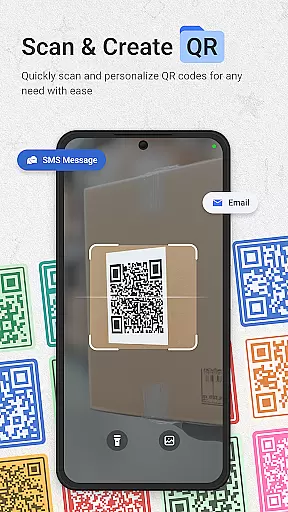
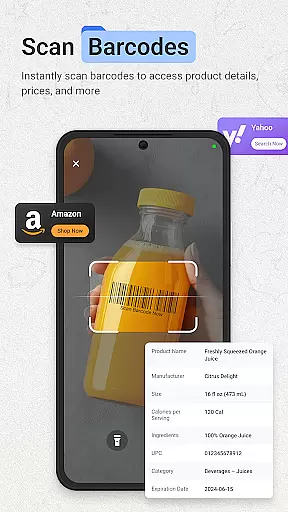
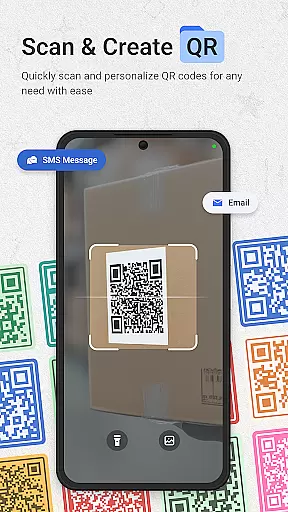
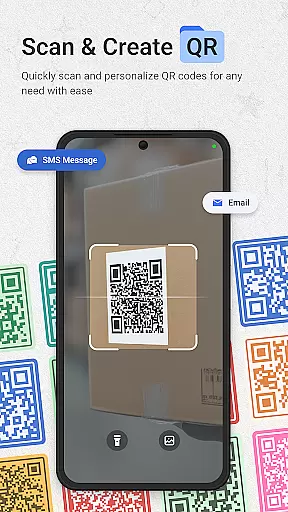
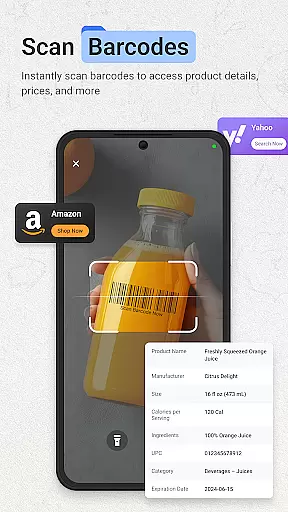
The integrated barcode and QR scanner showcases exceptional performance, supporting all major formats with lightning speed. Its intelligent price comparison feature empowers users to make informed purchasing decisions, while the scan history with search functionality enables easy reference to past scans. The unique lottery ticket validator demonstrates innovation by automatically checking results against latest drawings and providing winning notifications.
As a launcher, ScanNow Home incorporates smart app categorization, adaptive icon support, and dark mode, enhancing both functionality and aesthetics. The Yahoo Search integration exemplifies strategic partnership, offering users enhanced search capabilities. With recent improvements in scanning accuracy, low-light performance, and battery optimization, the application delivers a robust and reliable user experience that sets it apart from conventional launchers and standalone scanning apps.
ScanNow Home revolutionizes productivity by integrating essential scanning tools directly into your home screen experience, making task management seamless and efficient. The app provides instant access to powerful document, barcode, and lottery ticket scanning features, allowing users to digitize important information quickly.
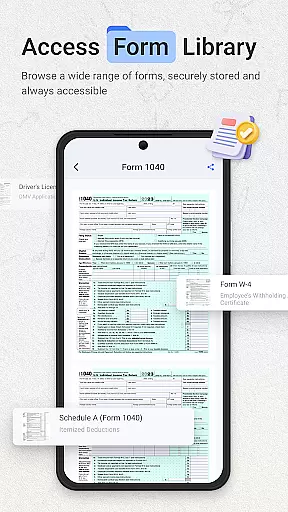
The document scanner offers auto-edge detection, perspective correction, and advanced image enhancement, ensuring crystal-clear results for all scanned materials. With support for batch scanning and multi-page exports to PDF or JPG formats, users can efficiently organize and manage their digital documents without switching between multiple apps.
Barcode and QR code scanning capabilities further enhance productivity by enabling quick price comparisons, URL browsing, and scan history tracking. These features help streamline both personal and professional workflows, saving valuable time while maintaining accuracy and reliability in everyday tasks.
One of ScanNow Home's standout features is its reliable cross-device synchronization, which ensures that all scanned documents, barcodes, and lottery tickets are securely stored and accessible across multiple devices. This functionality is particularly beneficial for users who need consistent access to their data regardless of the device they are using.
The app supports cloud-based synchronization, allowing users to save their scans automatically and retrieve them from any connected device. Whether it's a receipt captured on your phone or a QR code scanned on your tablet, all information remains up-to-date and readily available, enhancing workflow continuity and convenience.
Additionally, ScanNow Homeu2019s synchronization process is optimized for speed and reliability, minimizing delays and ensuring data integrity. With robust security measures in place, including encryption and secure authentication protocols, users can trust that their synchronized data remains private and protected at all times.
Instant access to scanning tools
Professional document processing
Unique lottery validation
Clean material design
Smart app organization
Some features require purchase
Specific to Android 8+
Search provider change
Storage permissions needed
Complex for beginners

Secure, fast, open-source, VNC and SSH Remote Desktop for Windows, Linux and Mac
 4.70
4.70
Experience Reading - Night Mode for Documents
4.40
The long-awaited modern gallery app for your Nextcloud server
4.70
The Pro Version of Android's tiniest Notepad app. Just 0.3MB but feature-packed!
4.60
aCalendar+ makes your day, week and month
4.70
A beautiful digital clock with autostart and many other functions
4.70
The ultimate file manager for rooted devices. The original and still the best.
4.00
Intelligent AI Assistant
4.10
Lightweight PDF, Word, Excel reader.
4.60
8 custom complications. Custom Time Fonts. Beautiful color schemes. A++ Design.
5.00
Use powerful, industry-leading AI tools to generate visual charts from any data
4.80
The AI assistant that thinks with you - write, code, and solve complex tasks
4.60
Planet Free VPN - The best Fast Unlimited and Secure VPN Without Logs
4.50
Tally and goal counter for Wear OS & mobile
4.50
A lightweight JSON & XML files creator, editor and viewer (Premium Version)
4.40
Access, manage and transfer files on Android, PC, Mac, NAS and cloud storages.
4.30
Take control of your clipboard with Clipper!
3.90
Ultimate Virtual AI Character for immersive Roleplay Chat. Perfect Companion
3.90
A comprehensive suite of tools designed specifically for Lactation Consultants
4.0


User Reviews