
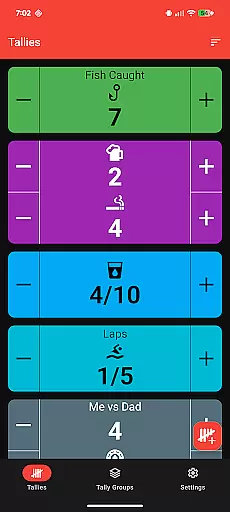
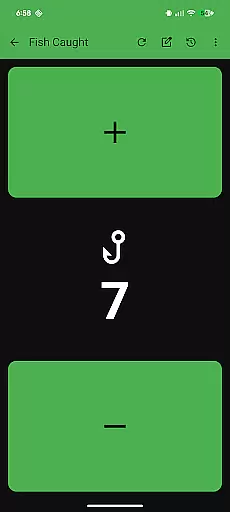
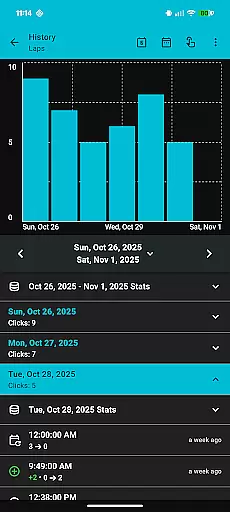
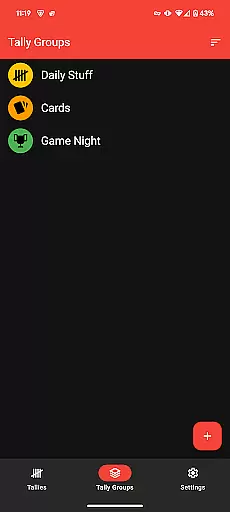
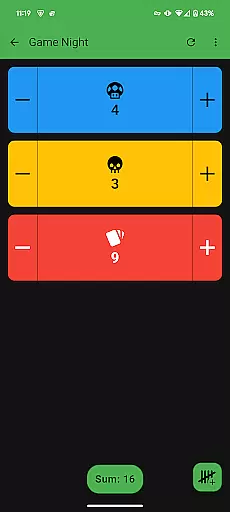
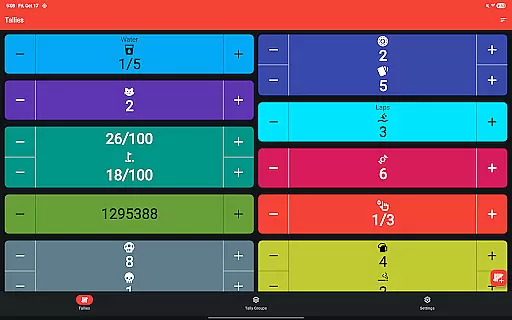
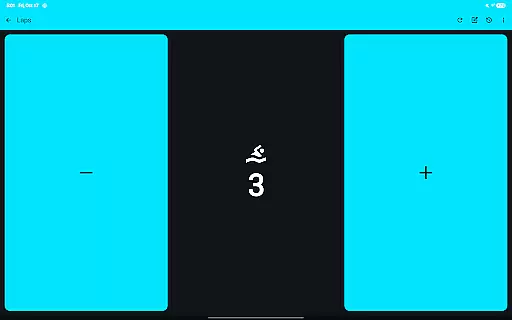
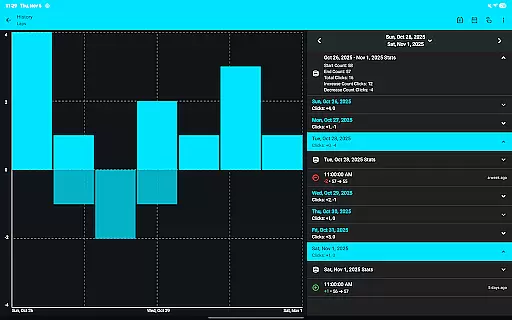
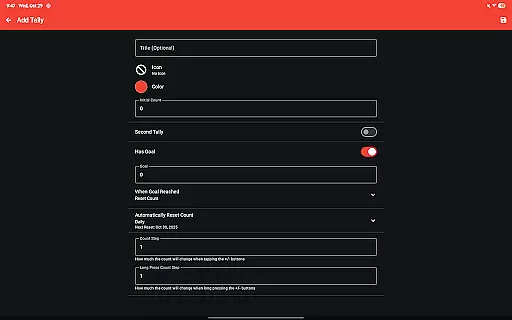
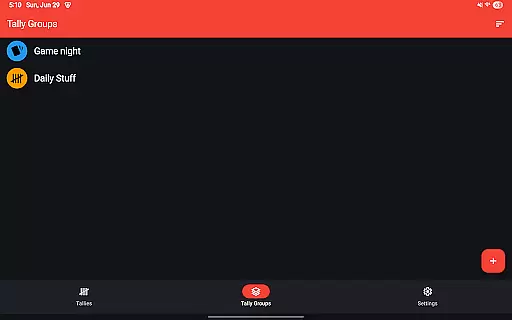
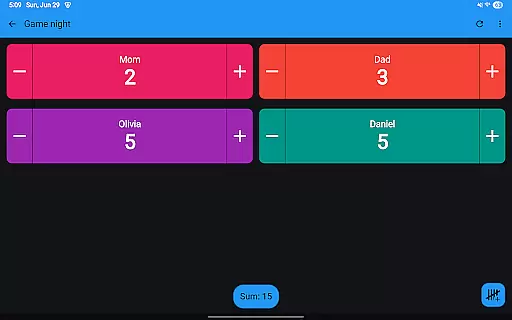
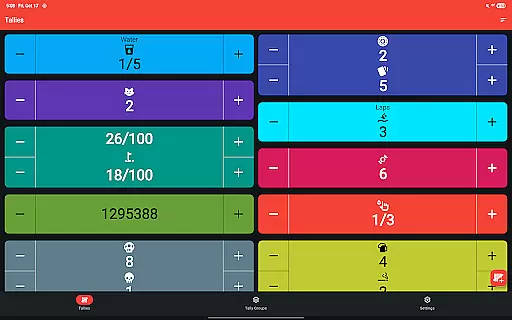
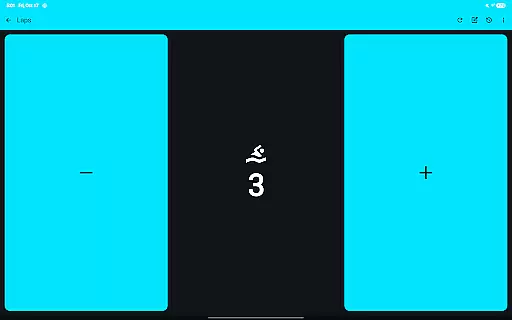
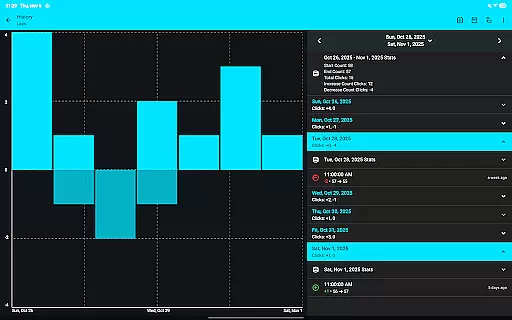
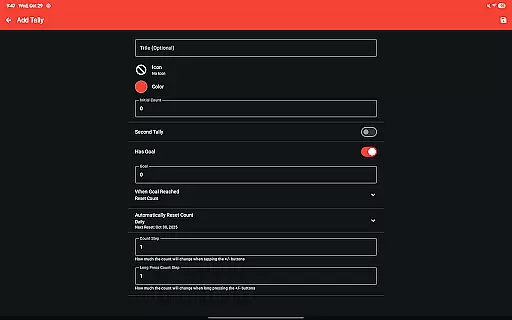
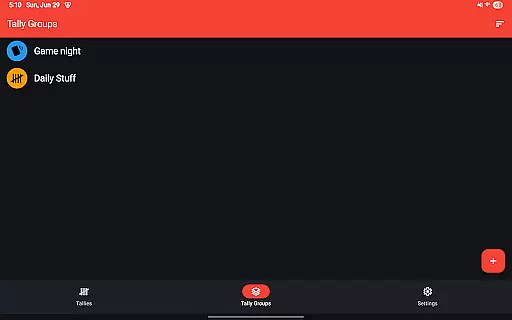
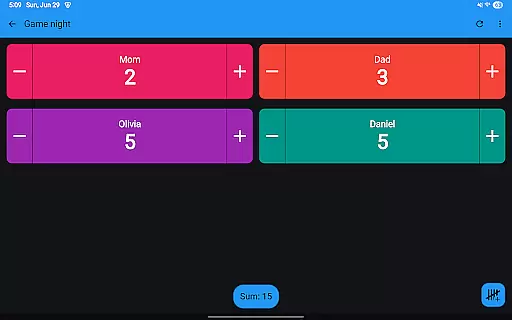
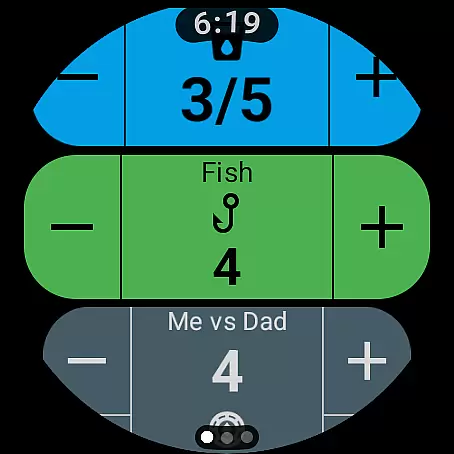
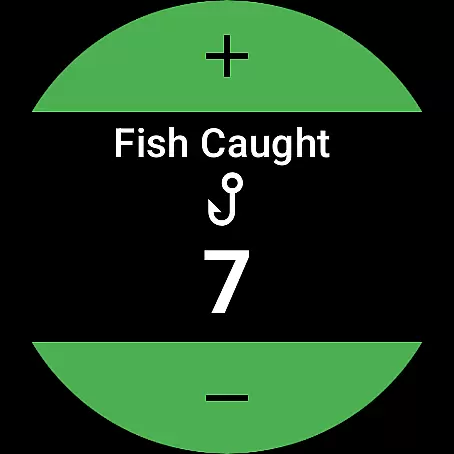
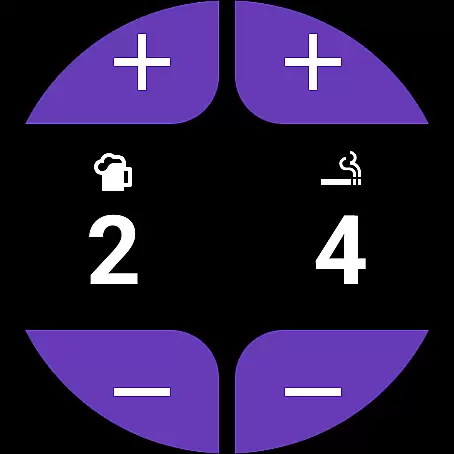
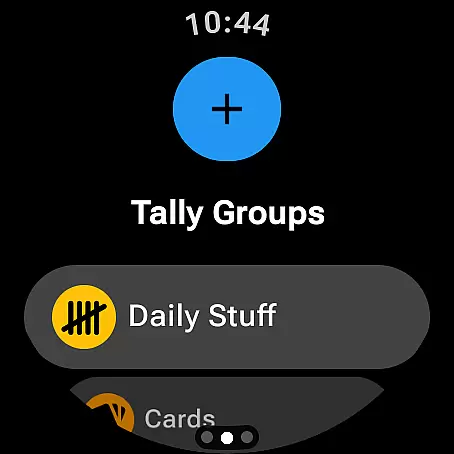
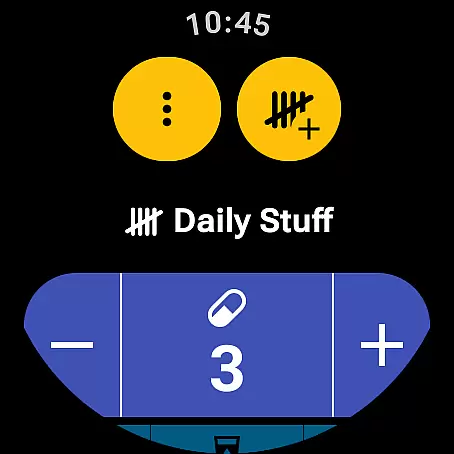
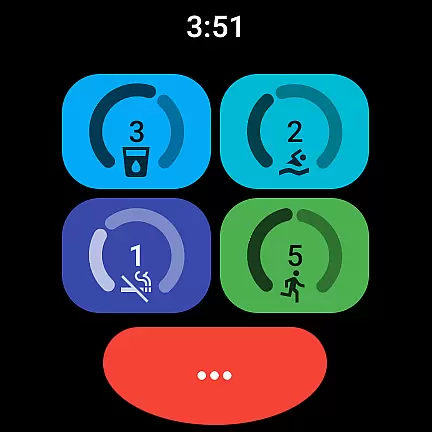
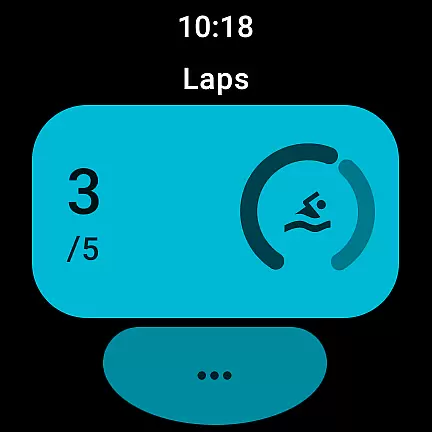
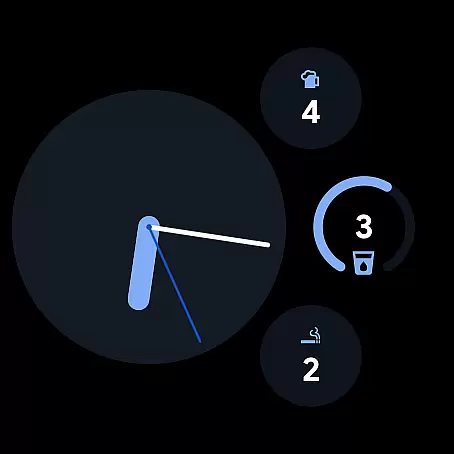
Tallies is a versatile productivity tool designed for both Wear OS and mobile devices, offering users an efficient way to track counts and achieve goals. The app provides double and single tally counters with ongoing counts, goal tallies that can lock or reset upon completion, and automatic reset options across different timeframes. Users can organize tallies into groups, view detailed histories with graphs and stats on their phones, and enjoy seamless sync between devices.
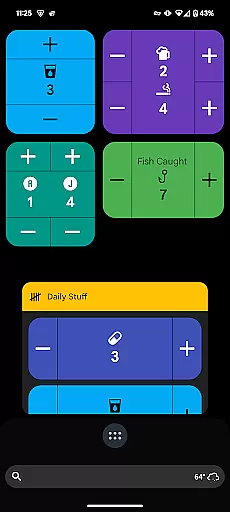
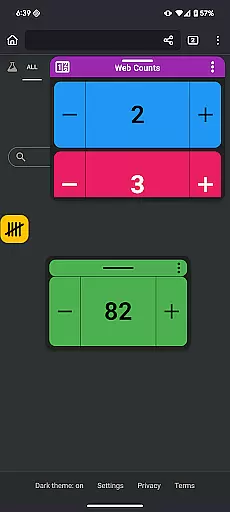
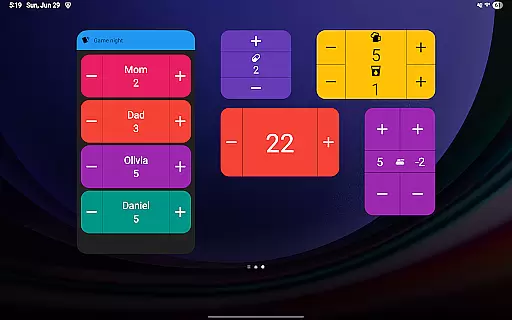
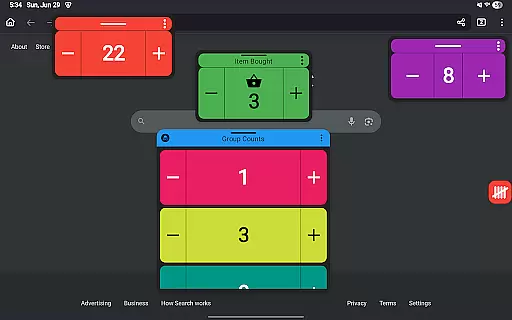
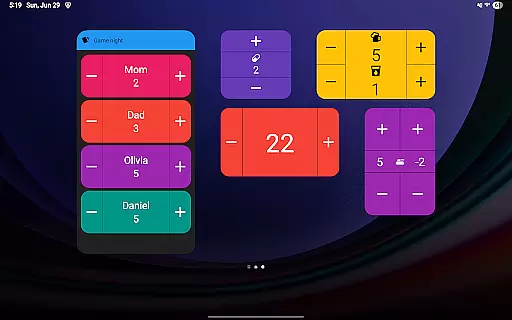
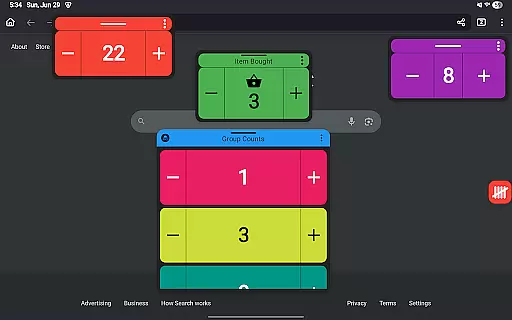
With its rich feature set, Tallies supports exporting history as CSV files, customizing counters with over 200 icons and multiple theme colors, and enhancing user experience through vibrations and sounds. It also offers full-screen mode, home screen widgets, floating windows for Android 14+, and complications for Wear OS watches. This makes Tallies an ideal solution for anyone needing to maintain precise records in various contexts, from personal projects to professional tasks.
Tallies stands out with its comprehensive features tailored for productivity enthusiasts. The app includes ongoing and goal-based tally systems, with advanced options like automatic resets and locking mechanisms when goals are met. Tally Groups allow users to aggregate counts and view summaries easily. On the phone, users can explore detailed tally histories presented through multiple graphs, stats, and selectable intervals, ensuring thorough tracking and analysis.
Device-specific functionalities enhance the overall utility of Tallies. For Wear OS, it offers complications and tiles for quick access to tallies and goals. On mobile, vertical and horizontal widgets, launcher shortcuts, and floating windows provide flexible interaction methods. Additionally, features such as volume button controls in full-screen mode and extensive customization options with themes and icons make Tallies a robust tool for managing counts efficiently across different platforms.
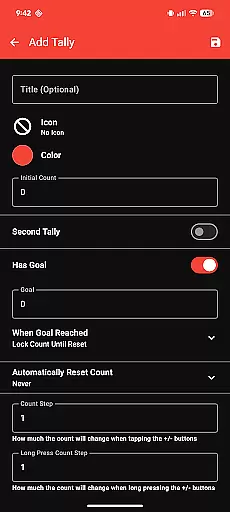
Task management is essential for productivity applications, and Tallies excels in this area by offering a comprehensive set of features to track and manage counts effectively. The app provides double and single tally counters, ongoing counts, and goal tallies with customizable options such as locking or resetting the count upon reaching a target.
Tallies goes beyond basic counting by allowing users to automatically reset tallies at regular intervalsu2014daily, weekly, monthly, or yearly. This feature ensures that users can maintain an organized record of their progress over time without manual intervention, thus streamlining their task management process.
For users who need to oversee multiple tasks, Tally Groups enable them to aggregate related tallies and view their sum. This functionality not only simplifies multitasking but also allows users to gain insights into their overall productivity through synchronized tally history available on their phone, complete with graphs and stats.
Cross-device synchronization is crucial for users who employ multiple devices in their daily routines. Tallies addresses this need by providing reliable sync capabilities between phones and Wear OS watches, ensuring that all tally data is consistently updated across devices.
To facilitate seamless integration, Tallies incorporates watch-specific features like ongoing and goal tally complications, quick tally tiles, and multi-goal tally tiles. These elements allow users to access and modify their tallies directly from their smartwatch interface, making it convenient to update counts on the go.
On the phone side, Tallies offers home screen widgets for vertical, horizontal, and list views of tallies, as well as floating windows for tally groups. This extensive widget support enhances accessibility and ensures that users can quickly interact with their tally information regardless of the device they are using.
User-friendly interface
Extensive customization
Seamless device sync
No subscription model
Detailed analytics
Limited free features
Requires installation on both devices for sync
Some features need newer Android versions
Occasional sync delays
Complexity for new users

All in one sketching tool. Technical and General drawing. Online Maps support.
 3.70
3.70
Easiest event planning, volunteer signups & parent teacher conference scheduling
2.20
All in One PDF Reader: Manage, Read and Edit your Documents
4.20
App Lock with fingerprint, password: Lock apps & hide photos with lock screens
4.60
Simple and reliable communication between inmates, friends and family
3.20
Access, manage and transfer files on Android, PC, Mac, NAS and cloud storages.
4.30
A beautiful digital clock with autostart and many other functions
4.70
To do list widget with a notebook organizer, checklist, simple shopping list
4.60
Ultimate Virtual AI Character for immersive Roleplay Chat. Perfect Companion
3.90
Best Tool for the professionals Electrician, Electrical contractors, etc.
4.90
The long-awaited modern gallery app for your Nextcloud server
4.70
Quickly and easily keep track of your work shifts
4.70
Planet Free VPN - The best Fast Unlimited and Secure VPN Without Logs
4.50
This small app MUST BE INSTALLED after purchase, else license won't work
4.40
Make apps & sites with natural language prompts
4.10
Intelligent AI Assistant
4.10
⏰ Finally a timer app which can run multiple timers simultaneously on your watch
3.90
Code on-the-go with VScode for Android. Edit,debug and collaborate from mobile!!
3.10
A comprehensive suite of tools designed specifically for Lactation Consultants
4.1


User Reviews