
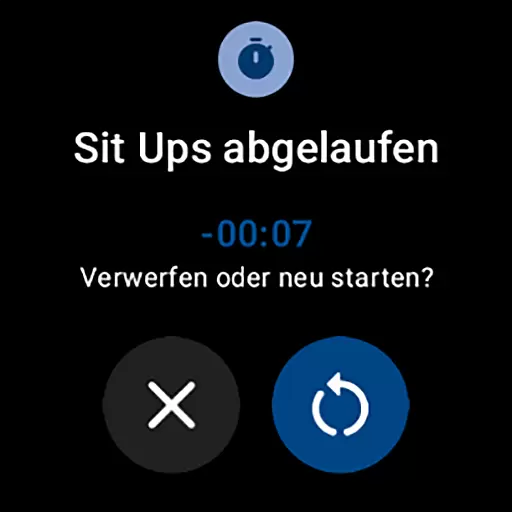
MultiTimerPro for Wear OS is a powerful productivity tool designed to revolutionize time management on smartwatches. This app allows users to run multiple timers simultaneously, overcoming the limitations of standard single-timer applications.
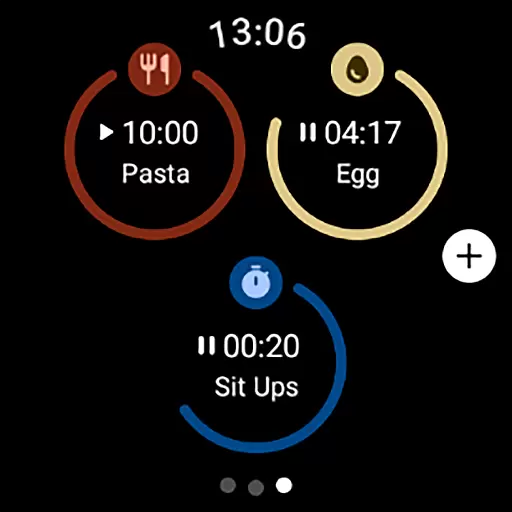
The application features an intuitive interface that makes timer management effortless, while offering customization options including names, durations, icons, and colors. Its unique Tile functionality provides quick access to favorite timers, making it perfect for multitasking professionals, home cooks, and fitness enthusiasts who need precise time tracking across various activities.
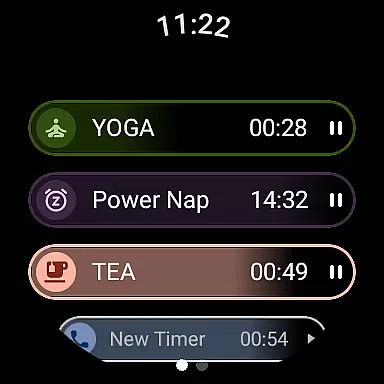
MultiTimerPro stands out with its innovative multi-timer functionality, enabling users to track multiple activities concurrently. The app's interface is carefully designed for ease of use, allowing seamless creation and modification of timers directly from your Wear OS device.
What sets this productivity tool apart is its comprehensive customization options. Users can personalize each timer with distinct names, visual indicators, and sound notifications. The recently added Tile feature brings additional convenience by displaying favorite timers directly on the watch face, ensuring instant access to crucial timekeeping functions without navigating through menus.
Efficient task management is crucial for productivity, and MultiTimerPro excels in this area by offering advanced multi-timer functionality. This feature allows users to create and run multiple timers simultaneously, which is especially useful for managing various tasks or activities throughout the day.
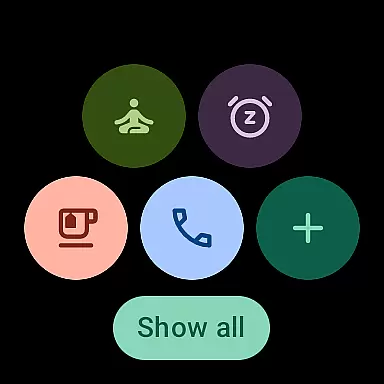
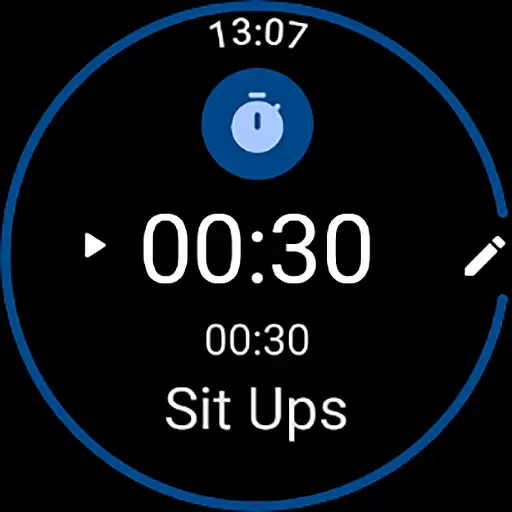
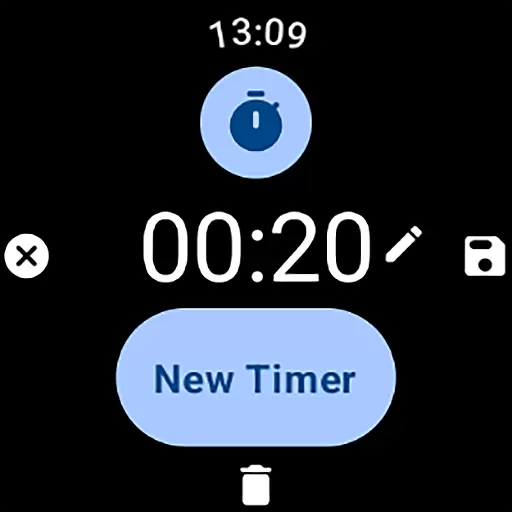
The app's interface is designed for simplicity and ease of use, enabling users to effortlessly set up and customize each timer. You can personalize timers with specific names, durations, colors, and icons, ensuring that each one perfectly matches the activity it represents.
With MultiTimerPro, users can maintain better control over their schedules and activities. Whether you're timing different phases of a workout, monitoring cooking intervals, or managing work sprints, the ability to handle multiple timers at once significantly enhances efficiency and organization.
In today's interconnected world, reliable cross-device synchronization is essential for seamless task management. MultiTimerPro addresses this need by integrating with Wear OS, allowing users to access their timers directly on their smartwatches.
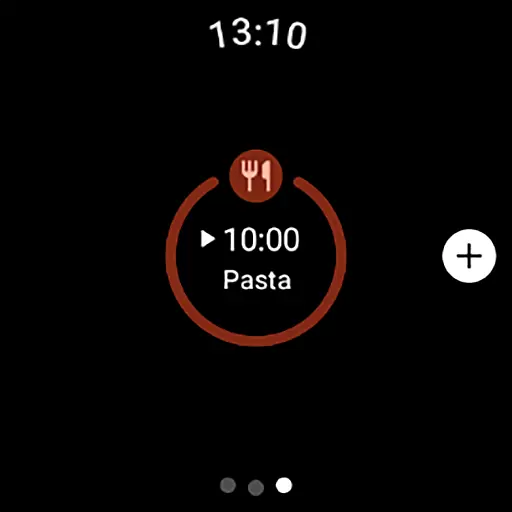
The app's recent addition of Tile functionality takes synchronization to the next level. Users can now instantly access their favorite timers through dedicated Tiles on their smartwatch, eliminating the need to navigate through multiple menus.
This synchronization feature ensures that your timers are always accessible, regardless of which device you're using. The instant access provided by the Tile integration, combined with sound notifications for timer alerts, guarantees that you'll never miss an important time cue again.
Multiple timers
Customizable options
User-friendly interface
Sound notifications
Quick-access Tile
Wear OS only
Premium features locked
Occasional sync issues
Learning curve present
Limited design themes

AI Video AI Image Private LLM AI Browser Llama Gemma Ollama Connect LLM Studio
 4.4
4.4
The long-awaited modern gallery app for your Nextcloud server
4.70
Device's storage information in a simple and clear graphical form (infographics)
4.10
Make your handwriting beautiful, even more than pen on paper.
3.60
Cloud storage, automatic phone backup, and more.
4.10
* block pre-roll ads, pop-up and forced redirect ads * Samsung certification app
4.00
A beautiful digital clock with autostart and many other functions
4.70
This small app MUST BE INSTALLED after purchase, else license won't work
4.40
Okta MFA
4.70
Seamlessly integrate data and reports to build your presentation to impress
4.80
QuickBooks Workforce lets teams view pay info and track time in one place.
4.70
Scan paperwork into PDF/JPG, generate your own e-signature and send fax or email
4.70
Absolutely the best CNC machinist speed and feed calculator around. fswizard.com
4.60
A simple Whisper AI keyboard for reliable speech transcription and rewording
4.60
Pwnagotchi companion app
4.20
Make apps & sites with natural language prompts
4.10
Customizable calendar widget for seamless event sync, planning & scheduling.
4.00
Create and edit presentations with Google Slides, part of Google Workspace.
4.00
Remotely view listen control and record cameras.
3.70


User Reviews