
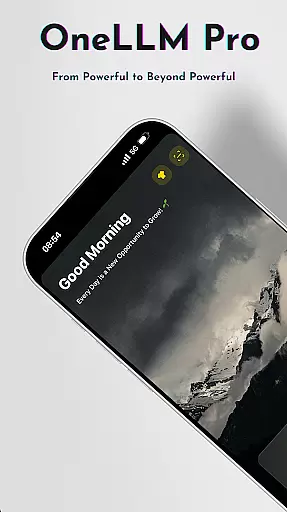
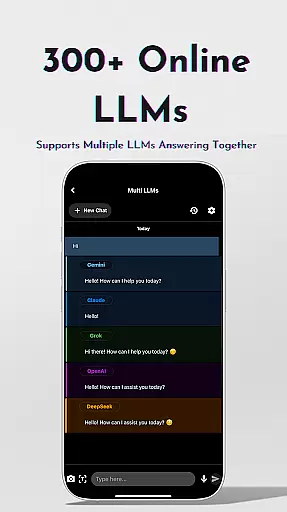
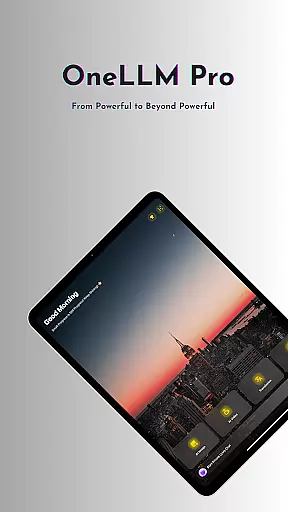
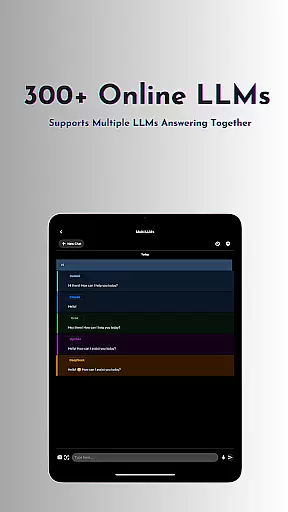
OneLLM Pro is a cutting-edge productivity app that seamlessly integrates local and cloud AI capabilities, offering users an extensive suite of tools for various tasks. Whether offline or online, the app provides access to thousands of fully offline Large Language Models (LLMs) and over 300 online LLMs, including top performers like ChatGPT 4o and Claude. Its core strength lies in delivering lightning-fast, secure interactions while maintaining maximum privacy through local processing.
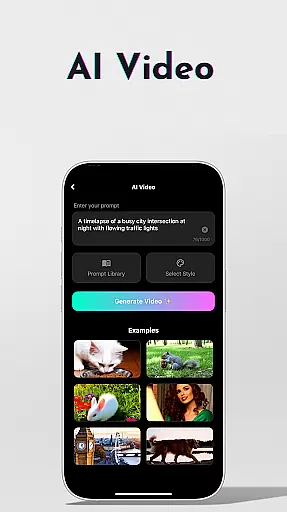
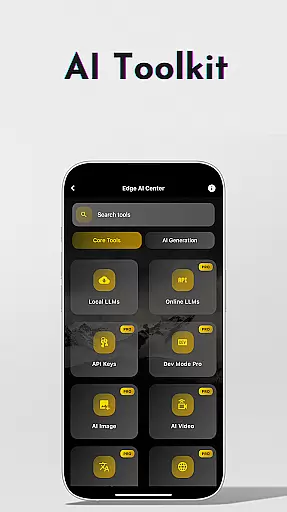
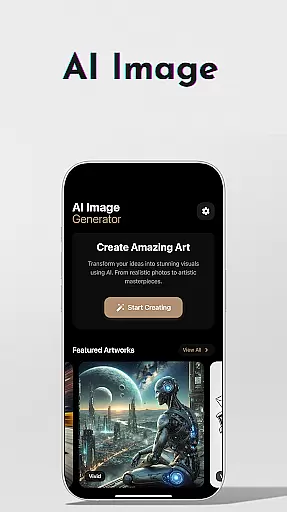
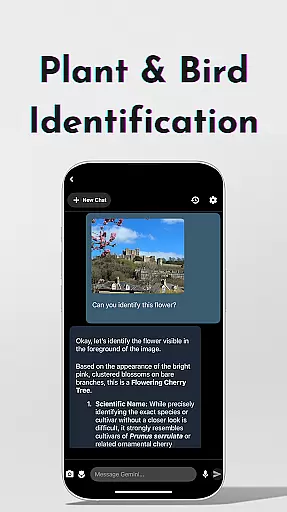
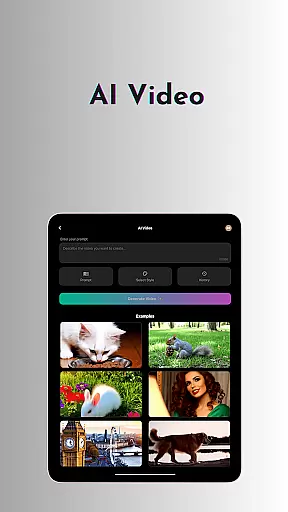
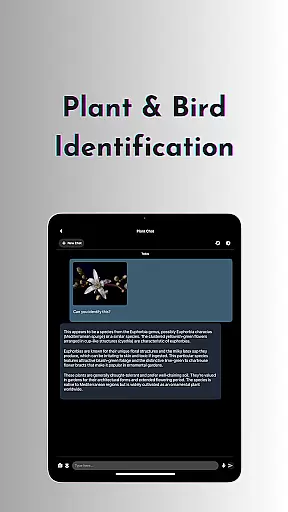
Beyond its robust language models, OneLLM Pro features an expanded toolkit covering AI video generation, image creation through Stable Diffusion and DALL·E 3, offline OCR document scanning, and more. These tools cater to diverse use cases, from professional workflows to creative projects. The app also includes specialized features such as private speech-to-text transcription, AI browser functionality, and plant and bird identification, making it a versatile companion for both work and personal use.
Optimized for all devices, OneLLM Pro ensures exceptional performance across entry-level to flagship smartphones. With smart LLM matching, Hugging Face integration, and an ad-free experience, the app delivers a smooth, distraction-free user experience. Its comprehensive feature set makes it an invaluable tool for anyone seeking to enhance their productivity with advanced AI capabilities.
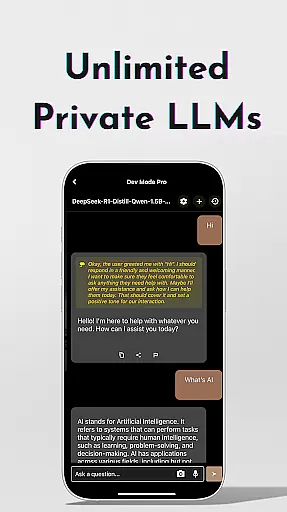
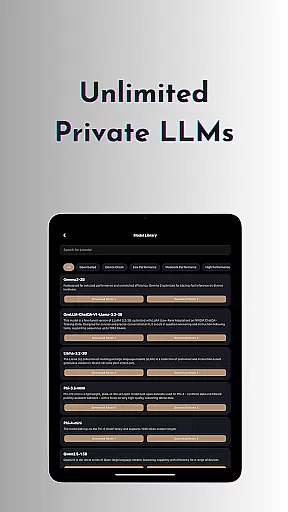
OneLLM Pro stands out with its unparalleled versatility and powerful AI-driven features. The app offers nearly double the number of on-device AI tools compared to its predecessor, covering a wide range of practical applications. Users can leverage unlimited private and local LLMs, customize unique AI characters, and switch between over 300 online LLMs with a single tap, ensuring flexibility and adaptability for different tasks.
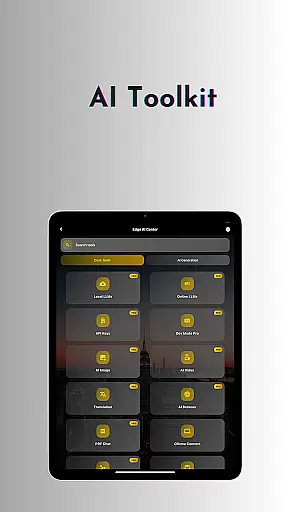
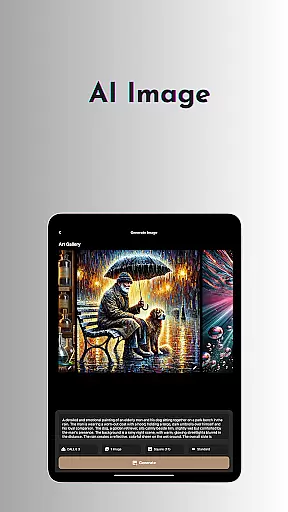
The AI toolkit is particularly impressive, featuring specialized tools like AI video generation, which transforms ideas into cinematic masterpieces, and AI image creation powered by Stable Diffusion and DALL·E 3. Additional functionalities include offline OCR document scanning, Ollama Connect for linking mobile devices to PCs or servers running large LLMs, and private speech-to-text transcription ideal for meetings and lectures. Advanced users will appreciate the LLM Dev Mode, allowing fine-tuning of virtually every parameter and saving custom configurations for precise tracking and optimization.
Other notable features include smart LLM matching, which intelligently recommends models optimized for specific device specs, Hugging Face integration for easy model downloads, and a study assistant that supports text input, photo capture, or image uploads. With privacy at its core, OneLLM Pro ensures local processing without external data sharing, providing users complete control over their information while delivering an ad-free experience across all devices.
At the heart of OneLLM Pro lies its exceptional core task management capabilities, designed to streamline productivity and enhance workflow efficiency. This powerful feature allows users to seamlessly organize, prioritize, and execute tasks with precision.
The application integrates both local and cloud-based AI tools to manage tasks effectively. Users can access thousands of offline Large Language Models (LLMs) for private task handling or switch to over 300 online LLMs when more computational power is needed. This dual capability ensures maximum flexibility and privacy.
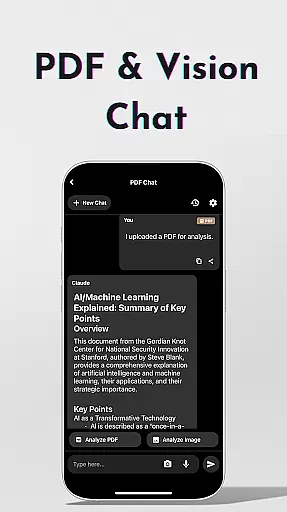
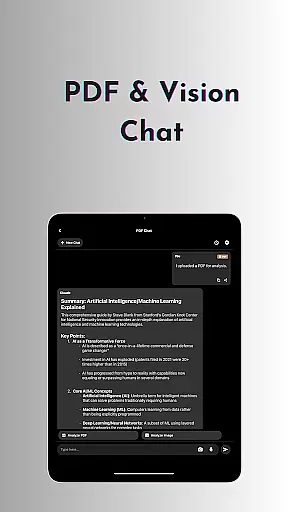
OneLLM Pro's task management extends beyond simple to-do lists. It includes specialized AI tools like document scanning, speech-to-text transcription, and multi-LLM response modes. These features enable users to handle complex projects, from analyzing PDFs to generating video content, all within a unified interface.
The true value of this robust task management system lies in its ability to adapt to different user needs. Whether you're a student utilizing the Study Assistant or a professional managing multiple AI-powered workflows, OneLLM Pro delivers a tailored, efficient experience that maximizes productivity while maintaining data security and privacy.
OneLLM Pro excels in cross-device synchronization, ensuring that your productivity isn't limited to a single device. This crucial feature maintains perfect harmony between your various devices, from entry-level smartphones to flagship tablets and PCs.
The application achieves this through its innovative Ollama Connect technology, which enables seamless integration between mobile devices and large LLMs running on more powerful machines. This creates a unified ecosystem where work started on one device can be instantly continued on another without any loss of data or functionality.
Particularly impressive is how OneLLM Pro handles complex AI tools across devices. Whether you're using AI image creation on your tablet or accessing locally stored LLMs on your PC, the transition between devices remains smooth and reliable. The Smart LLMs Matching feature further enhances this experience by optimizing model selection based on each device's specifications.
This synchronization reliability extends to all aspects of the application, including AI toolkits, configuration settings, and even Dev Mode parameters. Users can trust that their customized workflows, fine-tuned models, and personal preferences will remain consistent across their entire device ecosystem, providing unparalleled flexibility and peace of mind.
Extensive AI toolkit
Offline functionality
Privacy-focused design
Versatile use cases
Device optimization
Complex setup required
Premium subscription cost
Resource-intensive
Limited free features
Steep learning curve

Direct Chat without saving contacts & Dual WA Account on Single Device
 4.70
4.70
Planet Free VPN - The best Fast Unlimited and Secure VPN Without Logs
4.50
Secure, fast, open-source, Remote Desktop Client for Windows and Linux with SSH
4.60
ID.me Authenticator is a simple and free Two Factor Authentication solution
3.50
Create and edit presentations with Google Slides, part of Google Workspace.
4.00
Docker, Kubernetes management over Portainer Mobile
4.40
Great calculator for Android named one of USA TODAY's "25 Essential Apps".
4.90
Ultimate Virtual AI Character for immersive Roleplay Chat. Perfect Companion
3.90
Daily processing of PDF documents.
4.40
Best Tool for the professionals Electrician, Electrical contractors, etc.
4.90
Protect and view your important info on your phone and tablet with eWallet®
4.80
Android Wallet Password Manager
4.80
A simple Whisper AI keyboard for reliable speech transcription and rewording
4.60
Automates browsing any website and notifies you of important changes or events
4.30
Easily read and manage all your PDF files
4.10
Cloud storage, automatic phone backup, and more.
4.10
Unlock AutoNotification
4.00
The upgraded version of Name Wheel with AI and the power to add your own wheels.
4.5
A simple, portable logger for POTA, SOTA, Field Day, and more
4.4


User Reviews