
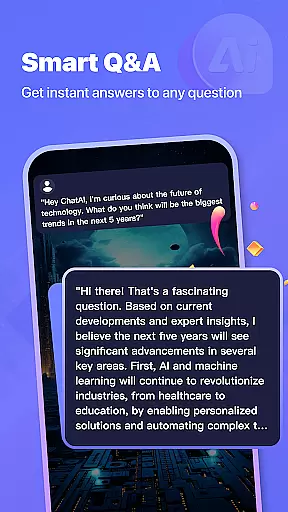

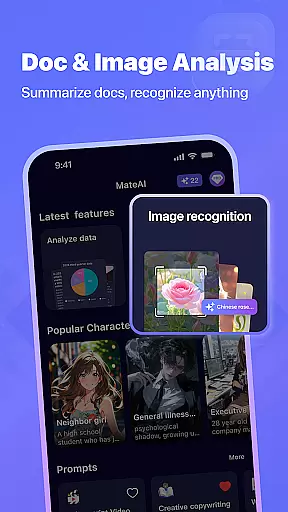
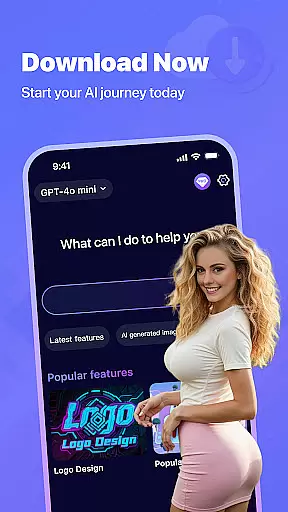
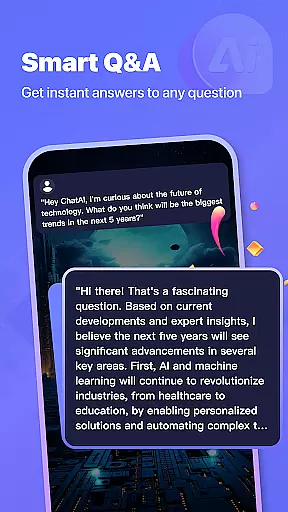

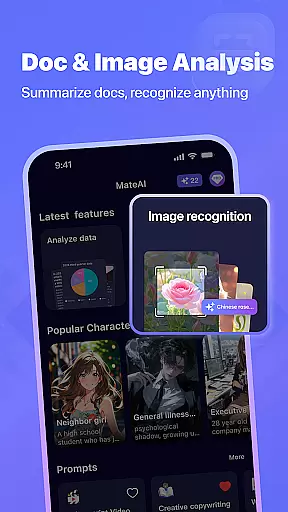
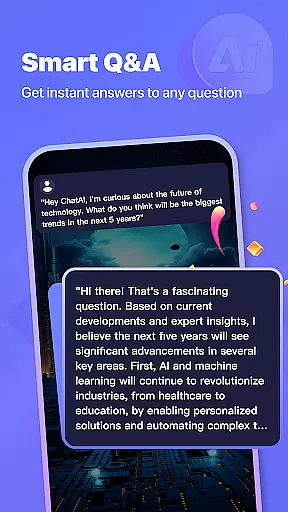
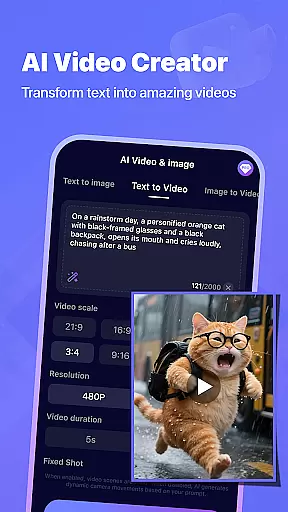
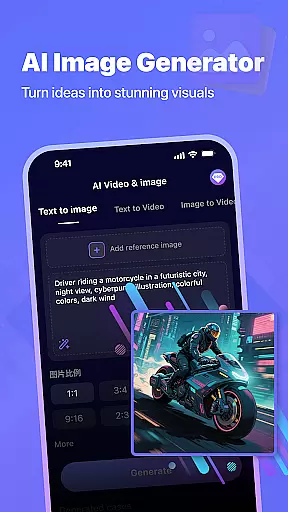

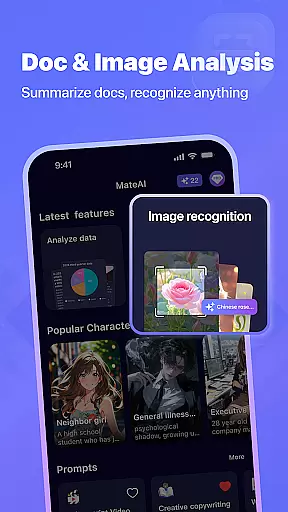
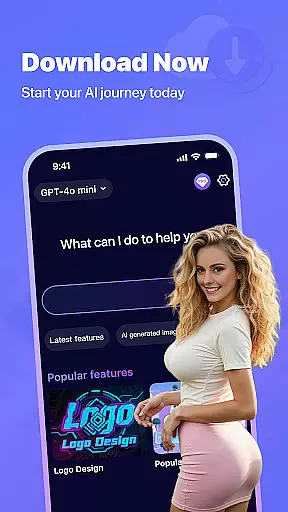
MateAI represents a new era of productivity applications, combining intelligent conversational capabilities with advanced content creation tools. At its core, this AI-powered platform features an engaging chatbot designed for both entertainment and practical communication, offering personalized dialogue based on user preferences and conversation history.
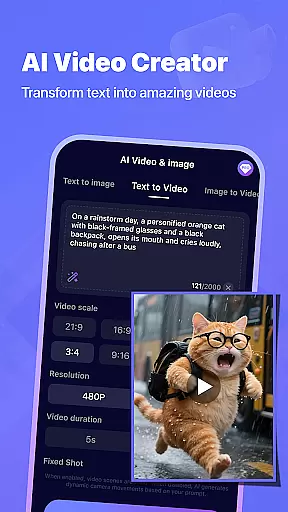
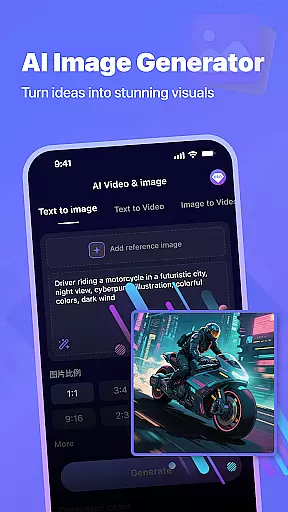
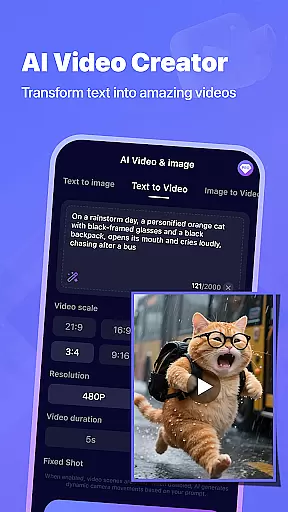
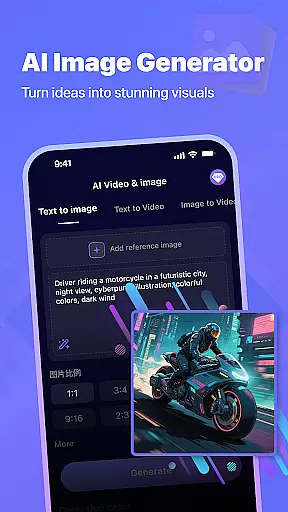
The application extends beyond basic chat functionality by incorporating professional-grade creative tools. Users can leverage the AI Video Generator to create compelling video content for social media and projects, while the AI Image Generator enables the production of unique artwork and designs through neural network technology. These features are seamlessly integrated into a unified interface that emphasizes ease of use and efficiency.
Particularly valuable for content creators and marketing professionals, MateAI streamlines the content production process while maintaining high-quality output standards. The app's adaptive AI learns from interactions, continually improving its responses and creative suggestions, making it an indispensable tool for modern digital workflows.
MateAI distinguishes itself through a comprehensive suite of productivity-enhancing features. The application's AI chatbot goes beyond simple conversation by offering customizable interaction styles, voice-based support, and personality adaptation based on user engagement patterns. This creates a more natural and productive communication experience.
The content creation capabilities are equally impressive. The AI Video Generator utilizes sophisticated algorithms to produce professional-quality videos quickly, while the AI Image Generator employs advanced neural networks to create unique visual content. The inclusion of face swap and morphing effects adds another dimension to creative possibilities, particularly useful in marketing and entertainment contexts.
Additional productivity features include conversation history retention for reference and continuity, extensive messaging capabilities for team collaboration, and premium options that remove ads and enhance performance. These elements combine to create a versatile productivity tool that adapts to various professional needs while maintaining an intuitive user interface.
MateAI revolutionizes productivity with its advanced AI-driven task management system. At the heart of this feature is an intelligent assistant that helps users organize, prioritize, and track their tasks efficiently.
The app's task management capability goes beyond simple to-do lists. It employs sophisticated algorithms to analyze task urgency, complexity, and user preferences, creating optimized workflows. Users can enjoy features such as smart reminders, deadline predictions, and contextual suggestions for task completion.
What sets MateAI apart is its seamless integration of productivity tools with entertainment features. While managing tasks, users can engage with the AI chatbot for motivation or utilize the app's creative tools to visualize project outcomes. This unique combination transforms routine task management into an engaging experience.
The practical benefits are significant - users report increased productivity through gamified task completion, reduced stress with intelligent workload distribution, and improved time management thanks to the app's predictive capabilities. These features make MateAI particularly valuable for professionals seeking efficient work-life balance solutions.
Cross-device synchronization stands as a crucial feature in MateAI, ensuring users maintain consistent access to their data across multiple platforms. The app employs cutting-edge cloud technology to deliver real-time updates and seamless transitions between devices.
Unlike traditional productivity apps, MateAI's synchronization system is designed with maximum reliability in mind. It features automatic backup intervals, conflict resolution protocols, and version control mechanisms. Whether switching from mobile to desktop or tablet, users can expect their chat history, created content, and task lists to remain perfectly aligned.
The implementation includes advanced security measures to protect synchronized data. End-to-end encryption, two-factor authentication, and secure cloud storage work together to safeguard user information during transfers. This robust security framework ensures that sensitive work-related content and personal creations remain protected.
For professionals and creatives alike, this reliable synchronization enables true mobility in their workflow. They can start a video project on their computer, refine image creations on their tablet, and manage tasks through quick mobile check-ins - all without missing a beat or compromising data integrity.
Advanced AI capabilities
Comprehensive toolset
User-friendly interface
Adaptive learning system
Premium feature options
Subscription costs
Learning curve
Resource intensive
Limited offline functions
Privacy concerns

The long-awaited modern gallery app for your Nextcloud server
 4.70
4.70
Wake up & get tasks done! Add alarms & reminders on the Clock Launcher.
4.00
Android Wallet Password Manager
4.80
Secure, fast, open-source, Remote Desktop Client for Windows and Linux with SSH
4.60
Pwnagotchi companion app
4.20
App lock - lock apps with fingerprint, password, pin or pattern, protect privacy
4.70
The AI assistant that thinks with you - write, code, and solve complex tasks
4.60
The ultimate file manager for rooted devices. The original and still the best.
4.00
Scan paperwork into PDF/JPG, generate your own e-signature and send fax or email
4.70
aCalendar+ makes your day, week and month
4.70
CalenGoo is a very flexible and feature-rich calendar app
4.40
When you Focus, so will your Bean in this cozy focus timer
4.30
Experience real multitasking on your Android!
4.00
Take control of your clipboard with Clipper!
3.90
A Revolutionary All-in-One Artificial Intelligence Tools
3.80
Remotely view listen control and record cameras.
3.70
Easiest event planning, volunteer signups & parent teacher conference scheduling
2.20
A simple, portable logger for POTA, SOTA, Field Day, and more
4.2
A comprehensive suite of tools designed specifically for Lactation Consultants
4.4


User Reviews