
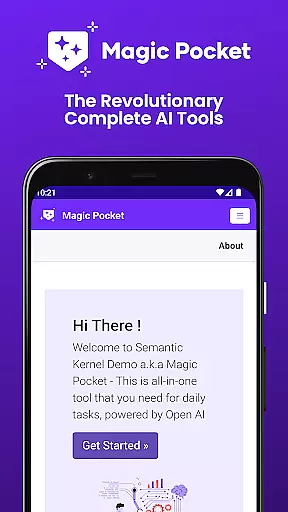
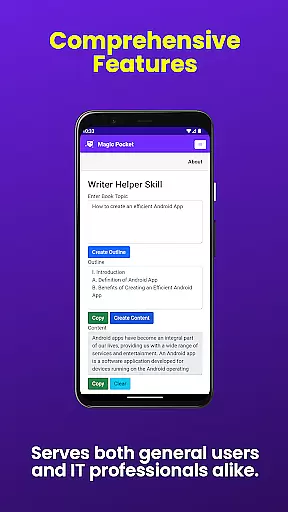
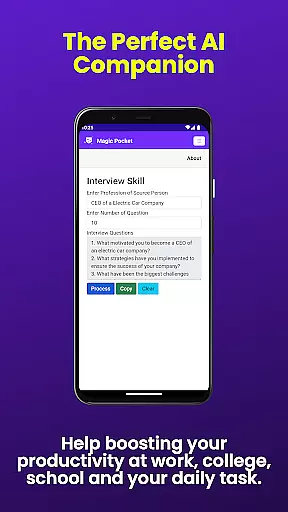
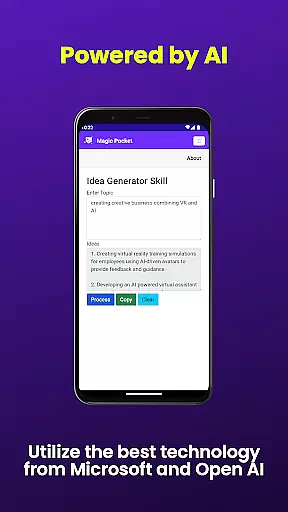
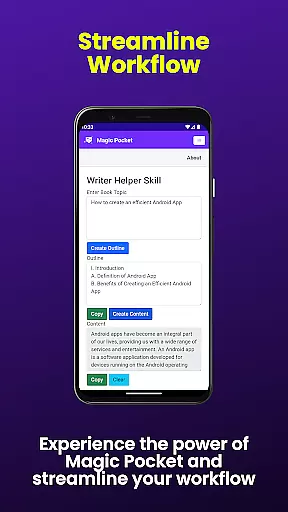
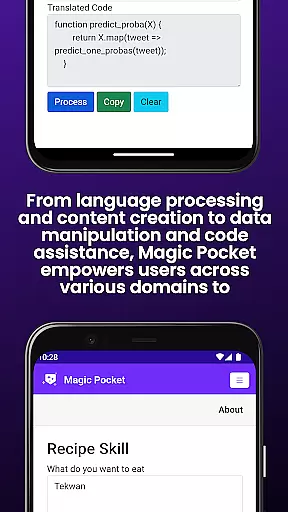
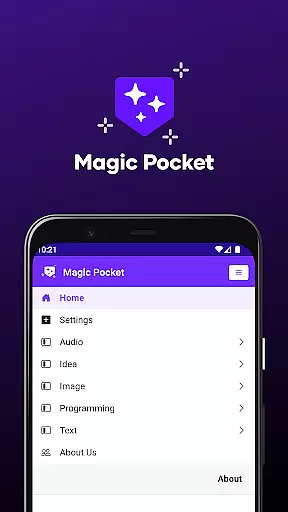
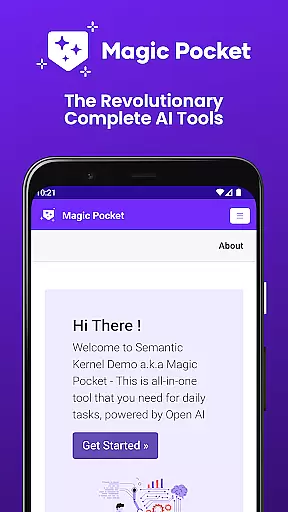
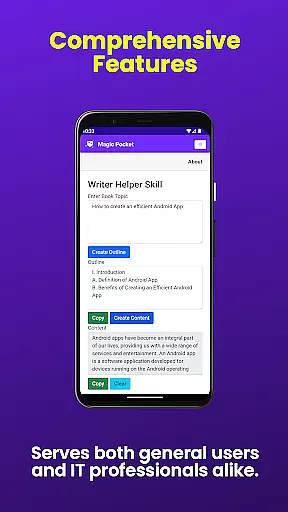
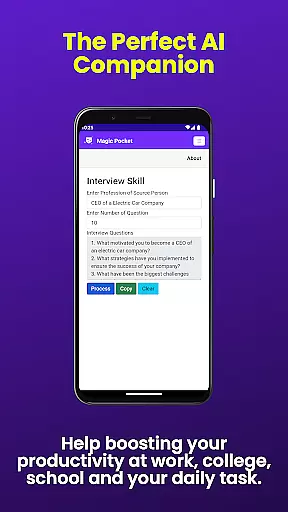
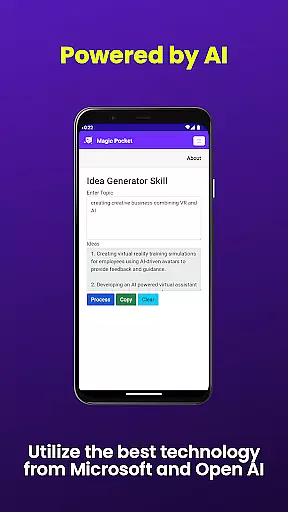
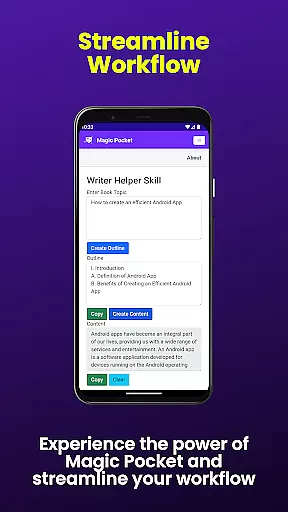
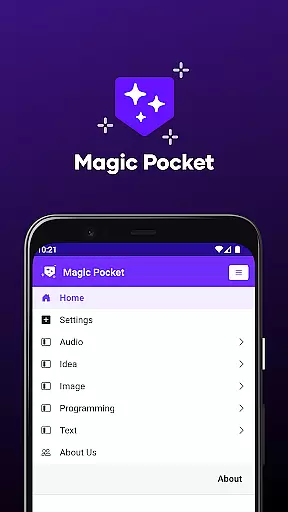
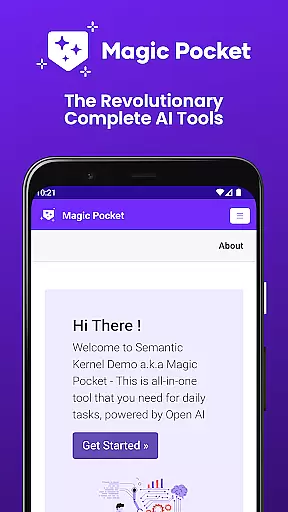
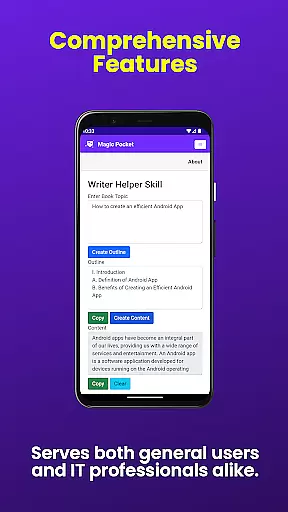
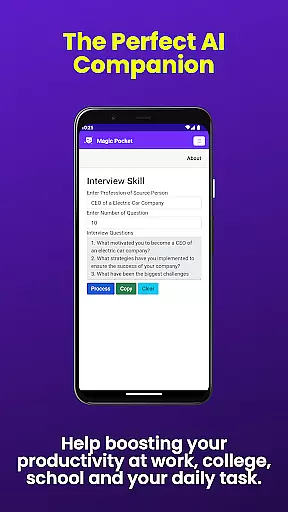
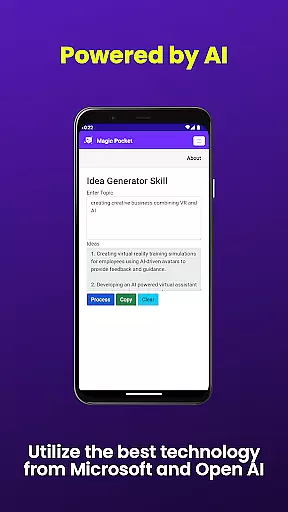
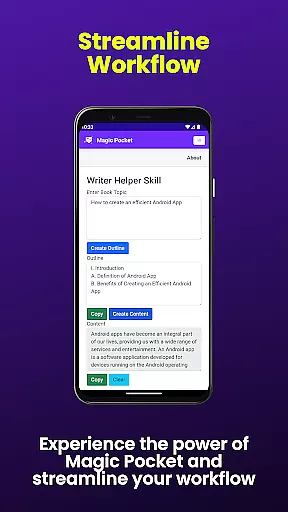
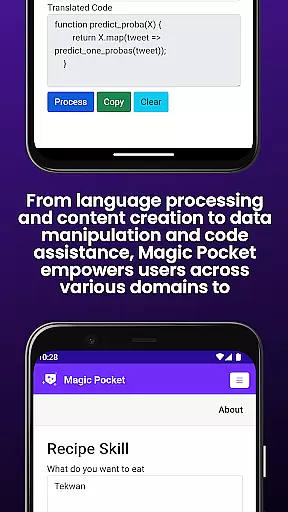
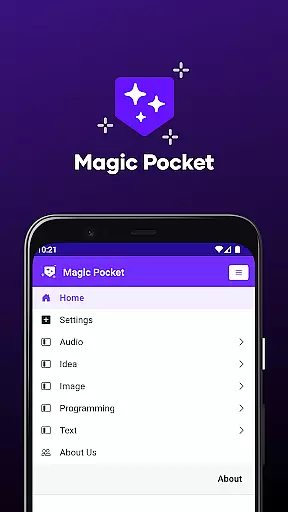
Magic Pocket is a productivity powerhouse, offering users an extensive suite of 100 cutting-edge features designed to enhance creativity and efficiency. Available on Android and Windows platforms, this app provides innovative tools for media management, creative projects, and text transformation.
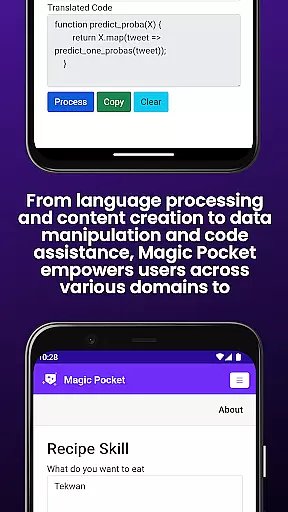
At its core, Magic Pocket enables seamless video conversations, smooth speech-to-speech translation, and effortless content conversion between HTML and Markdown formats. The application's versatility extends to image and video manipulation, with capabilities ranging from background changes to 3D asset creation using advanced models like Luma and Sana.
The app's true value lies in its ability to transform ordinary media into extraordinary creations. Users can generate high-quality images and videos, create realistic handwriting effects, and even convert static images into dynamic 2D animations or expressive emojis. These features make Magic Pocket an indispensable tool for professionals and creatives seeking to maximize their productivity while maintaining exceptional output quality.
Magic Pocket distinguishes itself through its comprehensive feature set that spans multiple productivity domains. The app's video capabilities include Talk with Video for seamless video conversations and robust video editing tools that allow users to change backgrounds, add captions, and extract foreground elements with precision.
In the realm of image processing, Magic Pocket offers revolutionary tools such as Image Inversion with resolution enhancement, Vector Image Generator for crisp graphics, and multiple AI-powered image generators including Sana, Photon, and Recraft models. The app also enables users to extract data from images and create animated effects with voice activation.
For text and content transformation, Magic Pocket provides practical solutions like Handwriting Generator for realistic text conversion and Html to Markdown converter. The app's integration of Trellis technology allows for sophisticated 3D asset creation from simple images, while Luma Video Generator helps produce professional-quality video content. These features collectively establish Magic Pocket as a versatile productivity solution that adapts to various user needs.
Task management is a cornerstone of productivity applications, and Magic Pocket excels in this domain by offering an extensive suite of features designed to streamline your workflow. With the introduction of 20 new tools, users can now manage tasks with unprecedented precision and efficiency.
Magic Pocket allows you to seamlessly integrate various media types into your task management process. For instance, the 'Talk with Video' feature enables face-to-face discussions without leaving the app, while 'Extract Image Data' helps in quickly gathering information from visual content, making data collection more dynamic and less time-consuming.
The true value for users lies in the app's ability to handle complex projects with ease. Whether it's through 'Video to Video Generator' for creating tutorial content or 'Vector Image Generator' for designing crisp visuals, Magic Pocket equips you with everything needed to complete tasks efficiently. This comprehensive approach ensures that no matter the project, you have the right tools at your disposal.
Ultimately, Magic Pocket transforms how users interact with their tasks by providing innovative solutions that cater to both creative and administrative needs. Its multifaceted capabilities not only enhance productivity but also inspire creativity, allowing users to focus on what truly mattersu2014achieving their goals.
Cross-device synchronization is vital for maintaining consistency across multiple platforms, and Magic Pocket takes this aspect seriously. By ensuring reliable syncing between Android and Windows devices, users can expect a seamless transition when switching between their phone and computer.
The application employs advanced algorithms to keep all your work up-to-date. Features like 'Html to Markdown' and 'Handwriting Generator' are instantly accessible on any device you use, which means that whether you're drafting documents or converting text to handwriting, your progress is saved and synchronized in real-time.
For the user, this translates into peace of mind knowing that their work is always current and accessible. No matter where you are or which device you choose to use, Magic Pocket provides a dependable experience that keeps you productive without missing a beat.
By prioritizing synchronization reliability, Magic Pocket sets itself apart as a robust tool for those who demand flexibility and continuity in their digital lives. It empowers users to work smarter, not harder, by eliminating the barriers between different operating systems and hardware setups.
Extensive feature set
Cross-platform support
Advanced AI tools
High-quality output
User-friendly interface
Steep learning curve
Resource-intensive
Limited iOS support
Complex UI
Premium pricing

A customizable calendar for your Wear OS watch
 4.20
4.20
Unlock AutoNotification
4.00
aCalendar+ makes your day, week and month
4.70
Translate text/voice/photos in 150+ languages. Offline & fast translator app.
4.50
Create and edit presentations with Google Slides, part of Google Workspace.
4.00
Calendar 2023 widget for Android. Appointment scheduler, planner, and reminder
4.60
Tally and goal counter for Wear OS & mobile
4.50
The ultimate file manager for rooted devices. The original and still the best.
4.00
Lightweight PDF, Word, Excel reader.
4.60
Best Tool for the professionals Electrician, Electrical contractors, etc.
4.90
Protect and view your important info on your phone and tablet with eWallet®
4.80
The long-awaited modern gallery app for your Nextcloud server
4.70
The Pro Version of Android's tiniest Notepad app. Just 0.3MB but feature-packed!
4.60
The AI assistant that thinks with you - write, code, and solve complex tasks
4.60
PDF scanner & converter for files, photos, lottery, QR codes. One swipe away!
4.50
Docker, Kubernetes management over Portainer Mobile
4.40
Device's storage information in a simple and clear graphical form (infographics)
4.10
Ultimate Virtual AI Character for immersive Roleplay Chat. Perfect Companion
3.90
Find and delete junk files & block unwanted notifications & manage files
3.70


User Reviews