
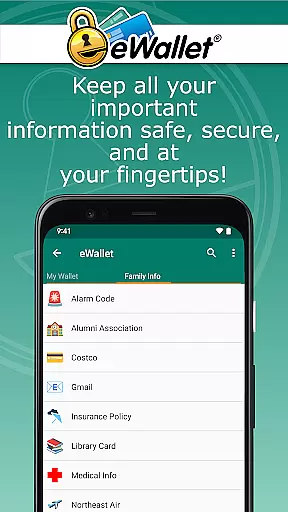
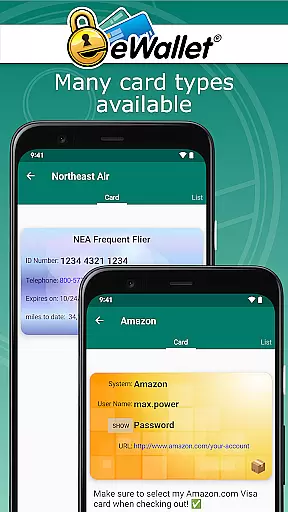
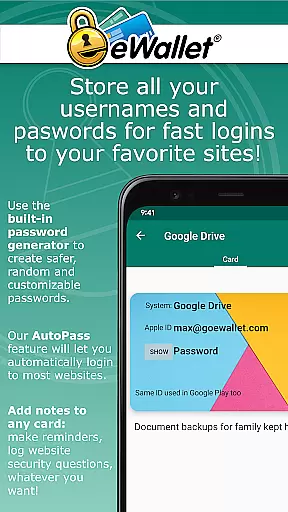
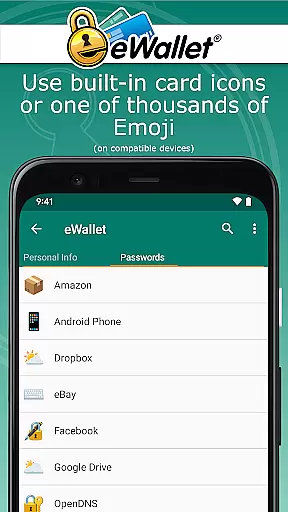
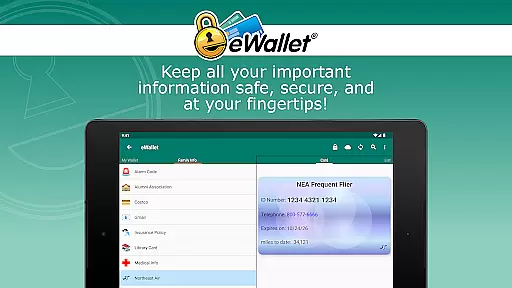
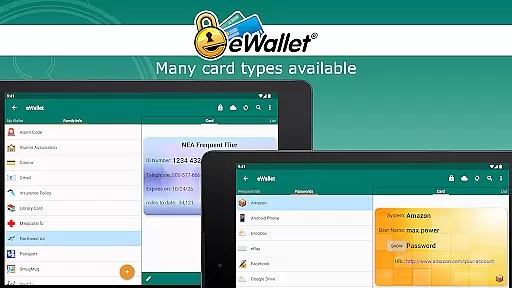
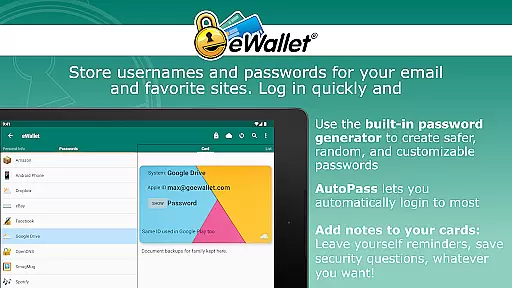
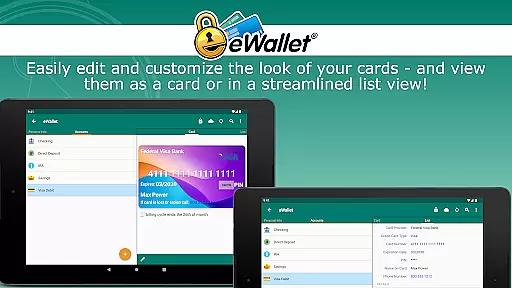
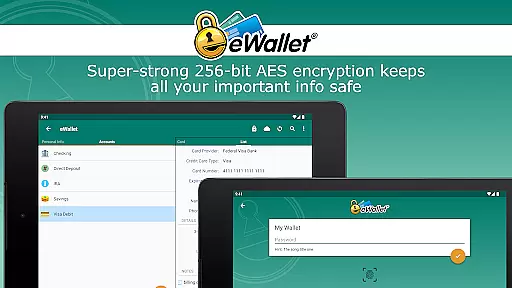
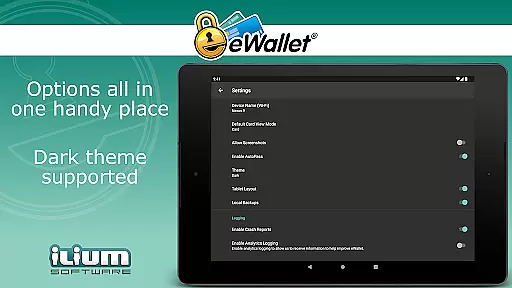
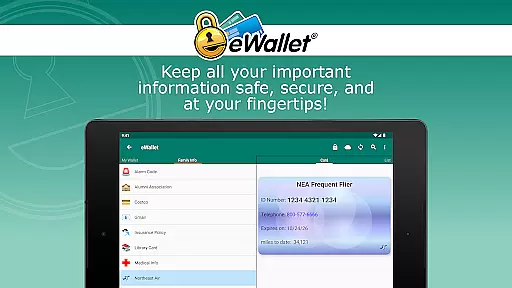
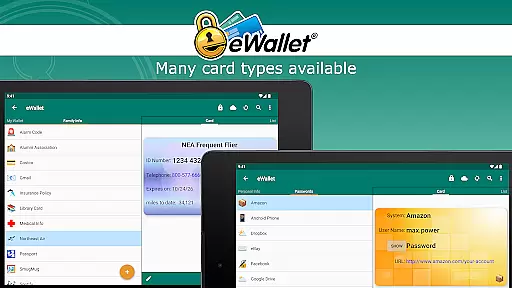
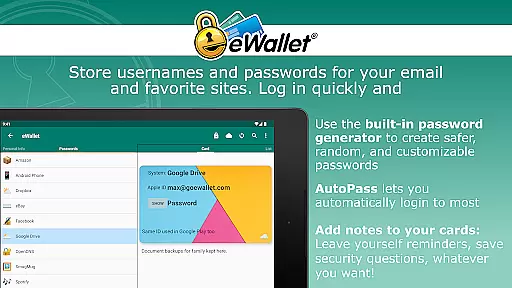
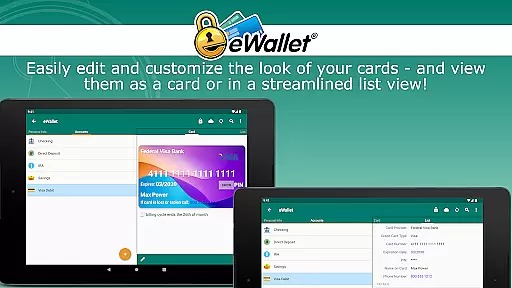
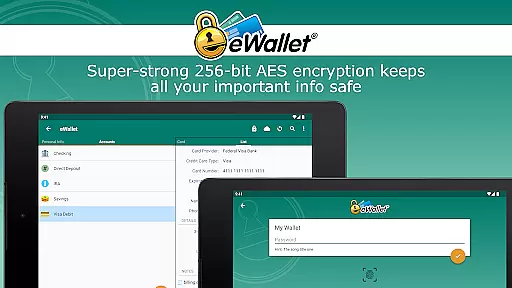
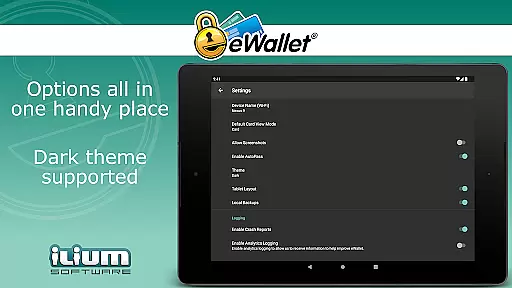
eWallet is a premier productivity app designed to securely manage your digital life. This password manager app allows users to store sensitive information such as passwords, credit card details, and bank account numbers behind military-grade 256-bit AES encryption. Available on Android smartphones and tablets, eWallet ensures that you can access your crucial data anywhere you go while maintaining top-notch security.
One of the standout features of eWallet is its updated Biometric authentication options, including fingerprint, iris scan, and facial recognition, which provide both security and convenience based on the capabilities of your device. With full cloud or local Wi-Fi synchronization across Android devices and desktop computers, users can seamlessly sync their secure wallets. Whether you need to generate random passwords, auto-lock your app, or customize your wallet's appearance, eWallet combines safety with simplicity, making it an essential tool for anyone looking to stay organized and secure.
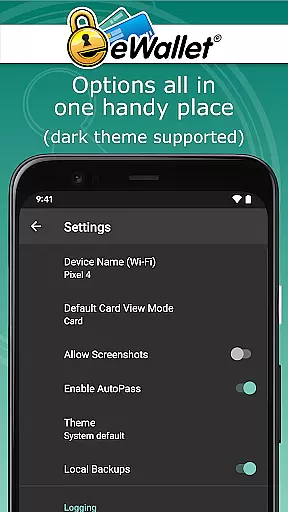
eWallet offers a comprehensive suite of features aimed at enhancing personal data security and productivity. The app supports multiple biometric authentication methods like fingerprint scanning, facial recognition, and iris scanning, ensuring secure yet convenient access on compatible devices. Its Dark Theme provides a modern and eye-friendly user interface, while the Random Password Generator helps create strong, unique passwords for all your accounts.
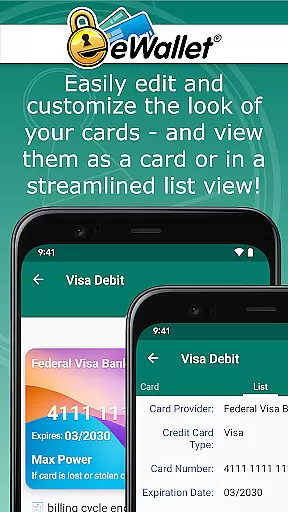
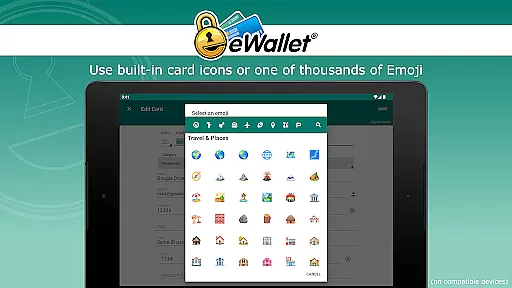
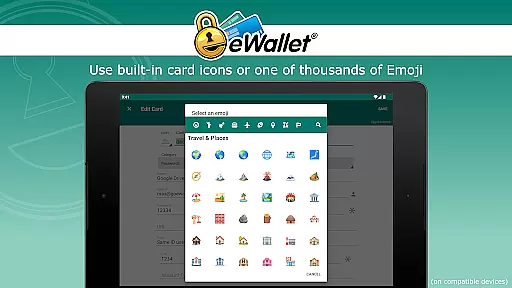
With seamless cloud synchronization via Dropbox, Google Drive, or Microsoft OneDrive, and local Wi-Fi sync options, eWallet makes it easy to keep your data up-to-date across all your devices. The AutoPass feature facilitates automatic password entry through a built-in browser control, streamlining your online activities. Additionally, users can customize their wallets with various icons and backgrounds, categorize their stored information, and even create multiple wallets for different aspects of their digital lives, ensuring both functionality and personalization are at the forefront.
In the realm of productivity, core task management is pivotal for organizing and executing tasks efficiently. eWallet excels in this area by providing users with a robust platform to manage their digital credentials and sensitive information seamlessly.
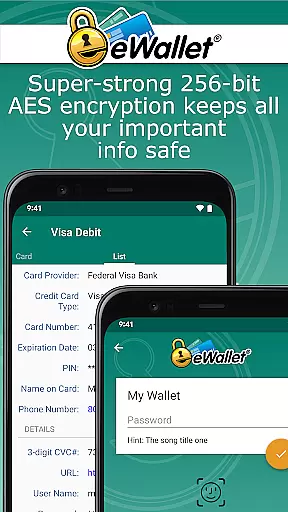
The app employs military-grade 256-bit AES encryption, ensuring that your passwords, credit cards, and personal details are stored securely. This level of security empowers users to carry their digital lives in their pockets without compromising safety.
eWallet also features a random password generator, which plays a crucial role in task management by creating strong, unique passwords for different accounts. This not only streamlines the login process across various platforms but also significantly bolsters account security.
Furthermore, the inclusion of an auto-locking feature and biometric support means that access to your wallet is both secure and convenient, tailored to the latest standards of authentication technology available on your device.
Cross-device synchronization is essential for maintaining consistency and accessibility of data across multiple platforms. eWallet addresses this need by offering reliable synchronization options that ensure your wallets are up-to-date wherever you go.
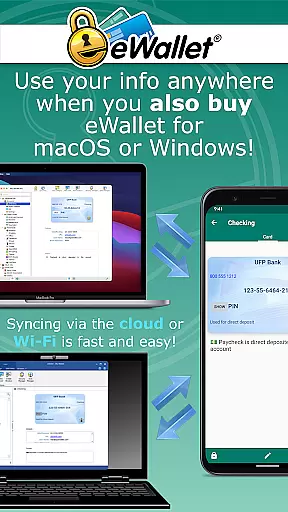
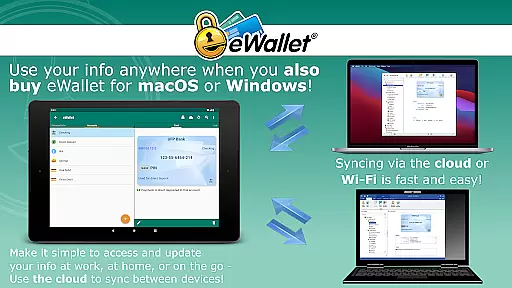
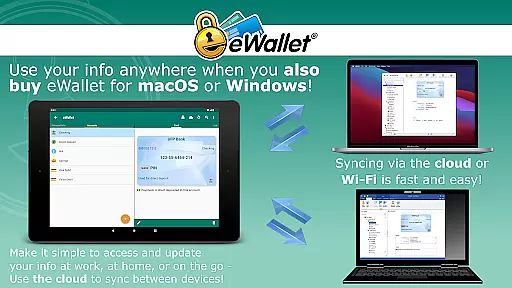
Users can sync their encrypted wallets via cloud services like Dropbox, Google Drive, or Microsoft OneDrive, or through local Wi-Fi with eWalletu2019s desktop versions for macOS or Windows. This flexibility allows for real-time updates and backups, safeguarding your data against loss.
The ability to create and sync multiple wallets between devices enhances organizational capabilities, letting users categorize and manage different aspects of their digital lives with ease.
With over 28 years of experience in mobile security software, Ilium Software has crafted eWallet to be a dependable solution that combines comprehensive security features with user-friendly functionality, making cross-device management both reliable and intuitive.
Top-notch security
User-friendly interface
Biometric login options
Cloud and Wi-Fi sync
Random password generator
No iOS compatibility
Separate desktop purchase
Limited free features
Subscription fees apply
Complex setup process

AI Video AI Image Private LLM AI Browser Llama Gemma Ollama Connect LLM Studio
 4.4
4.4
When you Focus, so will your Bean in this cozy focus timer
4.30
Direct Chat without saving contacts & Dual WA Account on Single Device
4.70
A simple, portable logger for POTA, SOTA, Field Day, and more
4.2
Great calculator for Android named one of USA TODAY's "25 Essential Apps".
4.90
Understand anything with a personalized AI research assistant
4.80
Scan paperwork into PDF/JPG, generate your own e-signature and send fax or email
4.70
AT&T Internet customers can use this app to personalize their Wi-Fi network.
4.40
Set up, print, and get support—in one place
4.20
A beautiful digital clock with autostart and many other functions
4.70
Translate text/voice/photos in 150+ languages. Offline & fast translator app.
4.50
CalenGoo is a very flexible and feature-rich calendar app
4.40 4.20
4.20
Device's storage information in a simple and clear graphical form (infographics)
4.10
Cloud storage, automatic phone backup, and more.
4.10
Smart PDF reader & editor to view, organize and manage PDF documents easily.
3.70
Simple and reliable communication between inmates, friends and family
3.20
Code on-the-go with VScode for Android. Edit,debug and collaborate from mobile!!
3.10
A comprehensive suite of tools designed specifically for Lactation Consultants
4.2


User Reviews