



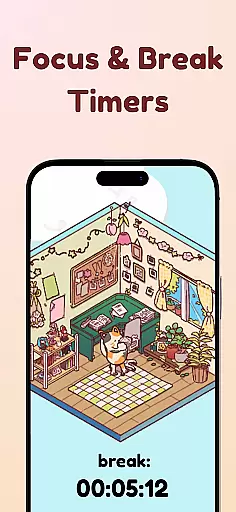
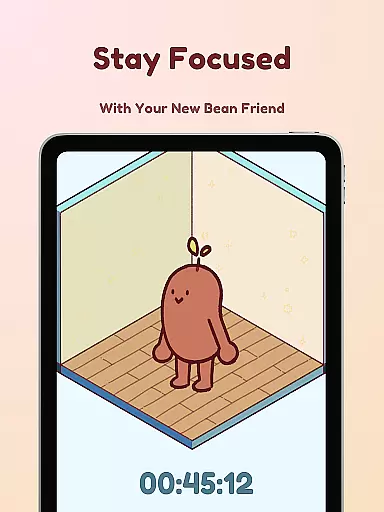
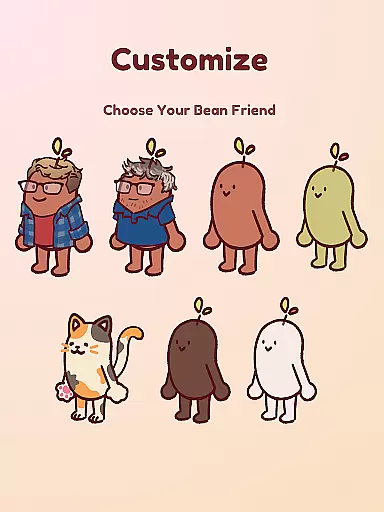
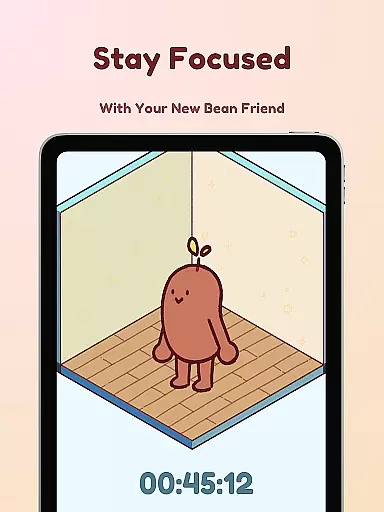
Focus Friend is an innovative productivity app designed to help users maintain focus through gamification. Developed by Hank Green, this app features a charming Bean character that mirrors the user's focus habits. When you stay on task, your Bean Friend stays happy; if you interrupt the timer, your Bean becomes sad. The app provides a unique blend of productivity tools and entertainment, making it ideal for students and professionals who struggle with maintaining concentration over long periods.
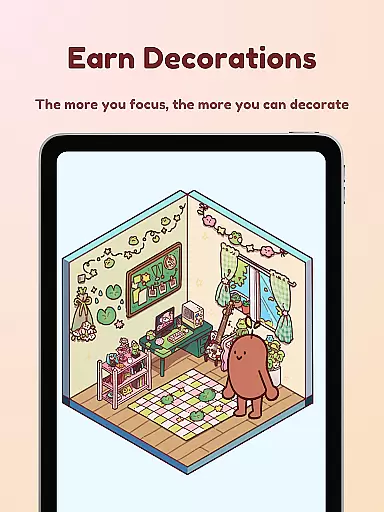
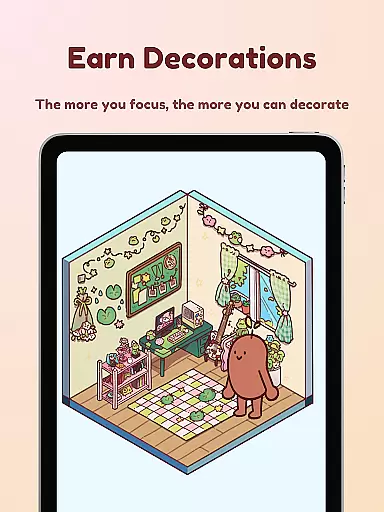
The app goes beyond basic timing functions by offering various engaging features. Users can earn rewards to decorate their Bean's room, choose from multiple Bean skins for customization, and utilize Deep Focus Mode to block distracting apps. With its combination of practical productivity tools and playful elements, Focus Friend creates an enjoyable environment that motivates users to stay focused while having fun.
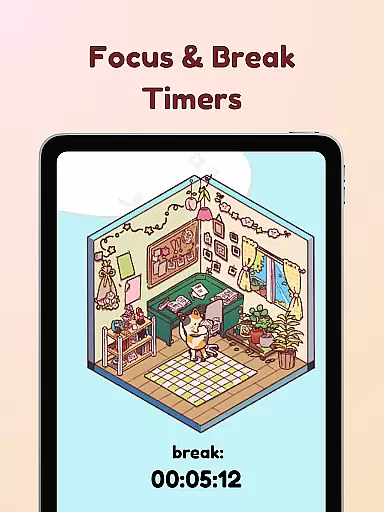
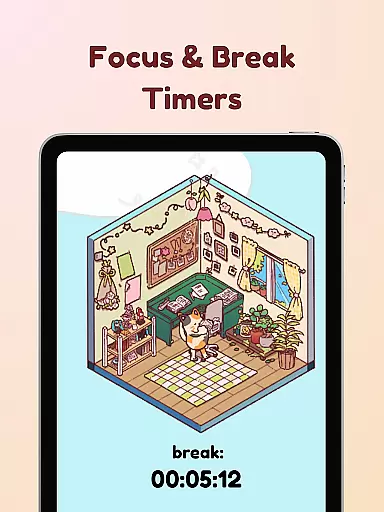
Focus Friend stands out in the productivity category through its creative approach to time management. The app incorporates Live Activity functionality, allowing users to track their timer progress even when their phone is locked. This feature ensures users remain aware of their focus sessions at all times. Additionally, the Pomodoro-inspired break timers let users decorate during breaks, promoting healthy work-rest cycles.
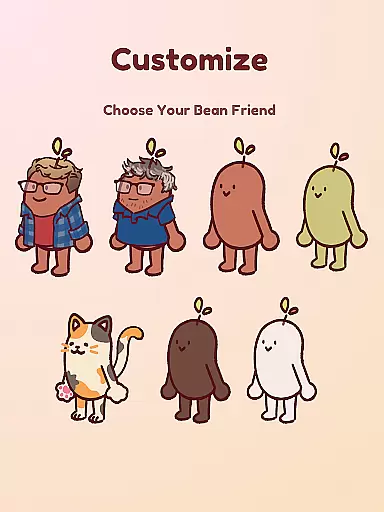
One of the app's most distinctive features is its extensive customization options. Users can choose from hundreds of decorations to personalize their Bean's room across different themes. The app also offers various Bean skins, including creative options like Coffee Bean, Edamame Bean, and even characters representing Hank and John Green. These customization features, combined with the Deep Focus Mode that blocks distracting applications, create a comprehensive productivity solution that keeps users engaged while helping them maintain focus on their tasks.
At the heart of Focus Friend lies its robust core task management system, designed to help users maintain focus and productivity. This feature allows users to set specific time intervals for focused work sessions, ensuring that tasks are approached in a structured manner.
The app employs gamification techniques by introducing the concept of a 'Bean Friend,' which reacts based on the user's ability to adhere to their focus sessions. If users complete their sessions successfully, they are rewarded with in-app prizes that can be used to decorate their Bean Friend's virtual room.
This innovative approach not only helps users manage their tasks effectively but also provides an engaging incentive to stay committed to their goals. The integration of live activity updates further enhances this experience by allowing users to track their progress even when their phone is locked.
Focus Friend ensures reliable cross-device synchronization, enabling users to maintain consistency across multiple devices. Whether you're using your phone, tablet, or any other compatible device, the app seamlessly syncs your data in real-time.
This functionality is crucial for users who switch between devices throughout their day. It guarantees that all focus sessions, rewards, and customizations are up-to-date regardless of the device being used.
By providing dependable synchronization, Focus Friend supports uninterrupted productivity and ensures that users have access to their most current information at all times. This reliability fosters trust and encourages continued use of the app as a central tool for managing daily tasks efficiently.
User-friendly interface
Engaging gamification elements
Effective focus tracking
Customizable Bean characters
Comprehensive productivity tools
Limited advanced features
Occasional performance issues
Requires consistent usage
Premium decoration costs
Learning curve for new users

A customizable calendar for your Wear OS watch
 4.20
4.20
Experience real multitasking on your Android!
4.00
Smart PDF reader & editor to view, organize and manage PDF documents easily.
3.70
Pwnagotchi companion app
4.20
Translate text/voice/photos in 150+ languages. Offline & fast translator app.
4.50
Docker, Kubernetes management over Portainer Mobile
4.40
Understand anything with a personalized AI research assistant
4.80
Simple notepad & memo. Take notes, to-do list, shopping list with reminders.
4.80
Seamlessly read, manage, and organize all your PDF files solution in one place
4.40
Multilingual translator for text, voice, and image translation!
4.90
Seamlessly integrate data and reports to build your presentation to impress
4.80
Mind Map and brainstorm, note taking and idea collection
4.80
aCalendar+ makes your day, week and month
4.70
Secure, fast, open-source, Remote Desktop Client for Windows and Linux with SSH
4.60
Enjoy classic gameplay with customizable features and retro-style graphics.
4.30
Secure, open-source, SPICE and SSH Remote Desktop for QEMU KVM virtual machines
4.00
Auto-shutoff Alarm with Sunrise, Sunset & Fixed Options.
3.50
ID.me Authenticator is a simple and free Two Factor Authentication solution
3.50
Experience and share your SolidWorks designs on your Android® phone and tablet.
2.50


User Reviews