
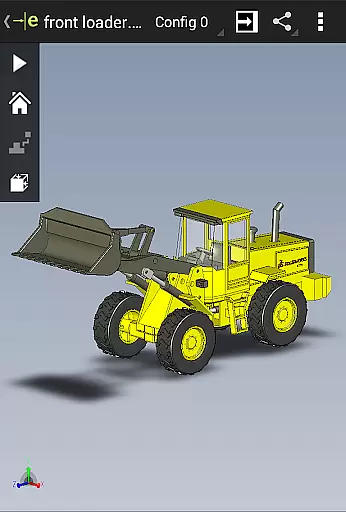
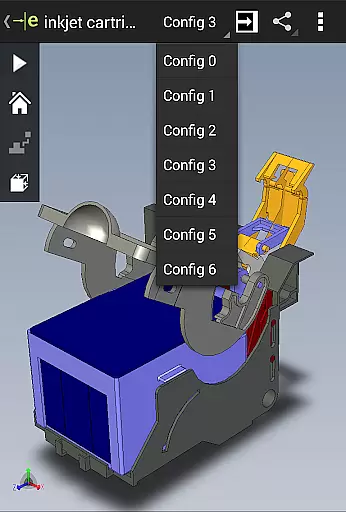
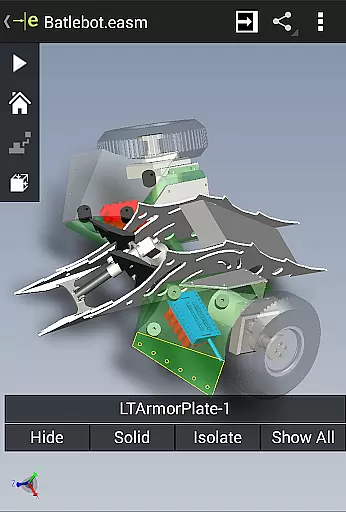
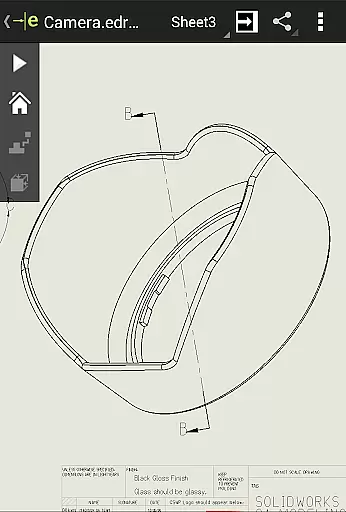
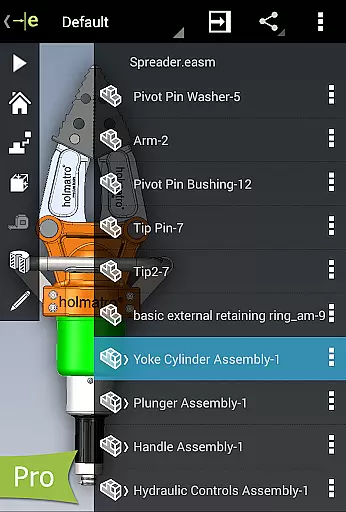
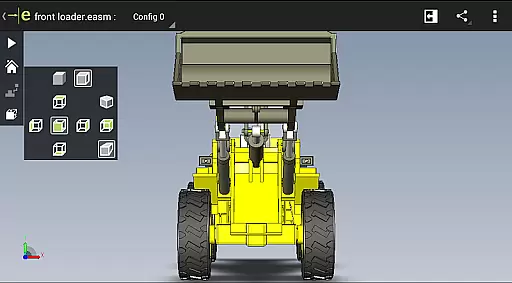
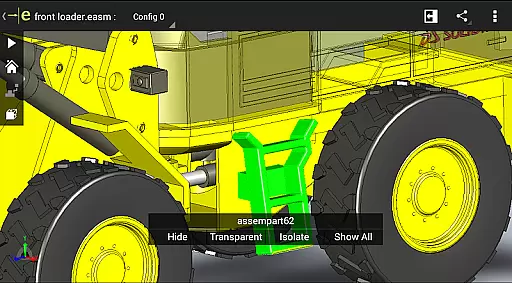
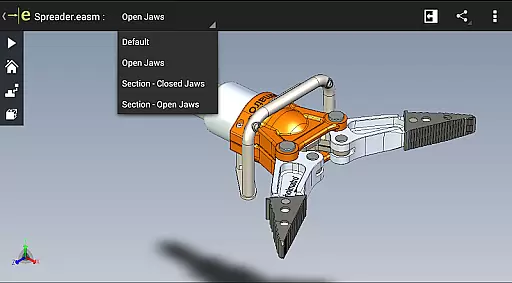
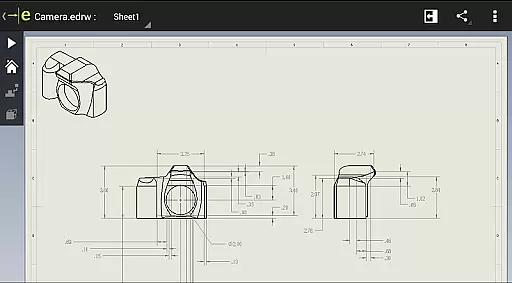
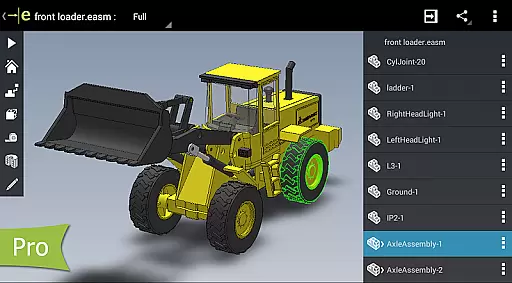
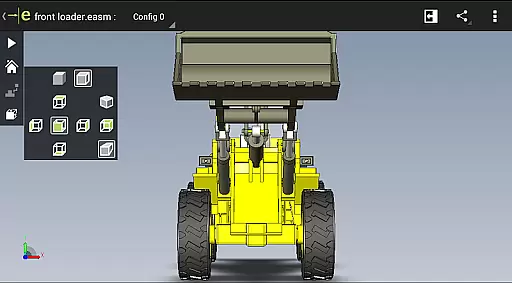
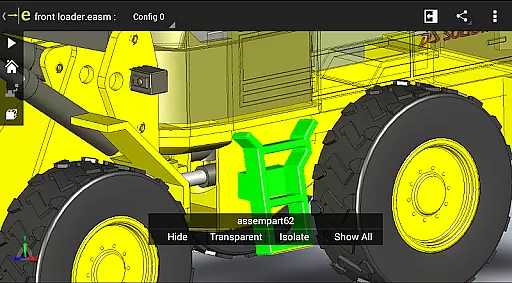
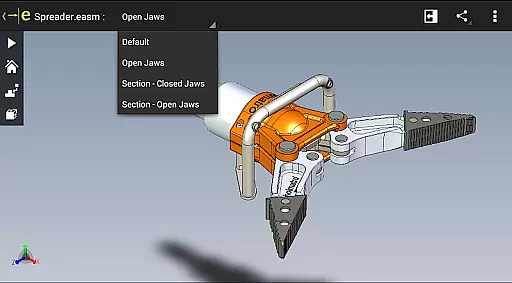
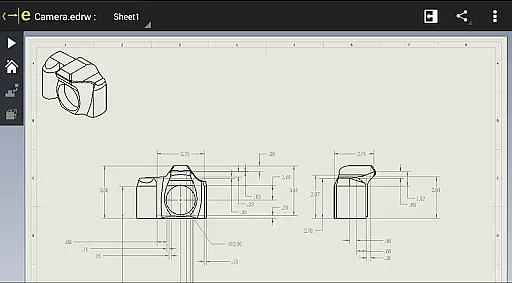
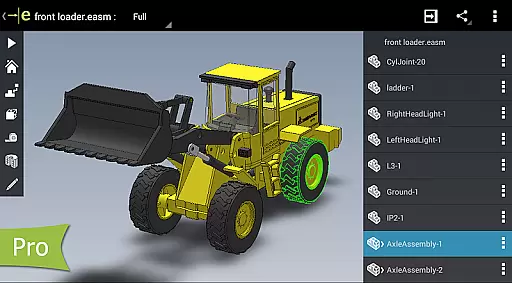
eDrawings is a powerful CAD viewer designed for Android devices, enabling users to view native eDrawings files as well as SolidWorks parts, assemblies, and drawings. This app revolutionizes the way product design information is shared by allowing users to easily load and send files via email, making collaboration seamless even for those not familiar with CAD software.
With multi-touch gestures, users can pan, zoom, and rotate models effortlessly. The app supports drawing sheets and exploded views for files published from SolidWorks, providing an intuitive and easy-to-use interface that enhances productivity in viewing 2D and 3D designs.
eDrawings offers a comprehensive set of features tailored for efficient CAD file management. Users can open various 3D and 2D file formats including EASM, EPRT, SLDASM, SLDPRT, IGES, IGS, JT, STEP, STP, IFC, EDRW, SLDDRW, DWG, and DXF from multiple sources such as email attachments, cloud storage services, web, FTP sites, and network folders.
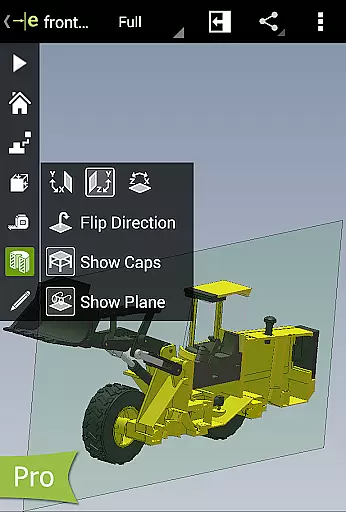
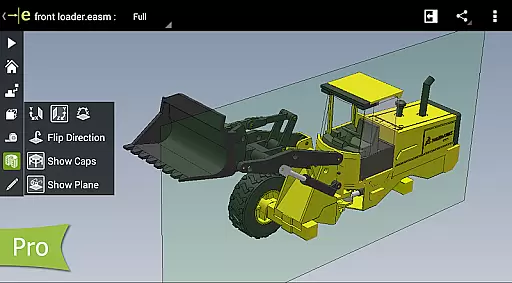
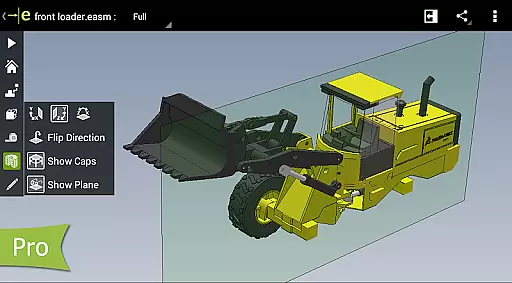
The app allows users to animate standard views, browse drawing sheets, and view designs in full screen. Upgrading to eDrawings Pro through an in-app purchase unlocks advanced capabilities like measuring designs, dynamically viewing cross-sections, creating markups, and sharing marked-up files for review, ensuring all annotations are saved within the file for future reference.
eDrawings excels in core task management by offering a comprehensive suite of tools for viewing and interacting with CAD data. The application supports a wide range of 3D and 2D file formats, including EASM, EPRT, SLDASM, SLDPRT, IGES, IGS, JT, STEP, STP, IFC, EDRW, SLDDRW, DWG, and DXF.
Users can easily manipulate their CAD models using intuitive multi-touch gestures to zoom, pan, and rotate designs. This functionality ensures that all stakeholders, regardless of their CAD proficiency, can interpret and understand complex product designs.
The app further enhances productivity by enabling users to animate standard views, browse drawing sheets, and view designs in full screen. These features collectively streamline the design review process, making collaboration more effective and efficient.
Cross-device synchronization is a standout feature of eDrawings, ensuring reliable access to CAD files across various platforms. Whether you're working on an Android phone or tablet, the app provides consistent performance and accessibility.
With support for cloud storage services like Dropbox, SkyDrive, Google Drive, and others, users can seamlessly load and send files via email. This connectivity facilitates real-time collaboration, allowing teams to work together irrespective of geographical locations.
Moreover, upgrading to eDrawings Pro through an in-app purchase unlocks advanced capabilities such as measurement tools, dynamic cross-section views, and markup functionalities. These enhancements not only improve task management but also ensure that all modifications and annotations are saved within the eDrawings file for future reference.
User-friendly interface
Wide file format support
Efficient collaboration tools
Advanced measurement tools
Comprehensive markup features
Limited free version
In-app purchases required
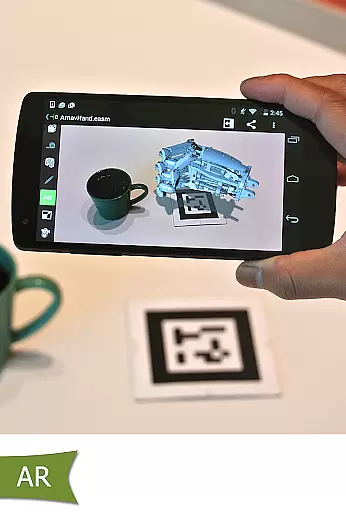
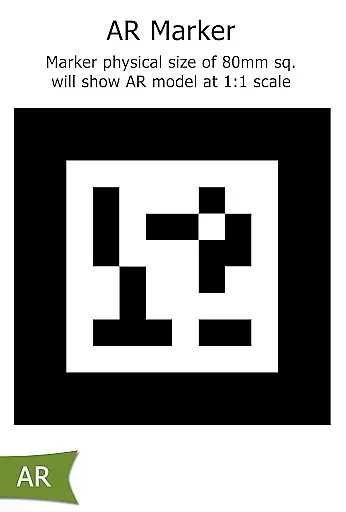
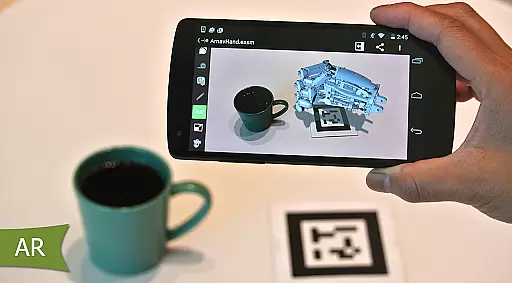
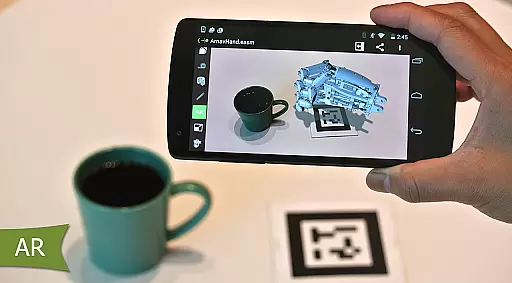
Occasional AR issues
Complex for beginners
High system requirements

When you Focus, so will your Bean in this cozy focus timer
 4.30
4.30
The upgraded version of Name Wheel with AI and the power to add your own wheels.
4.1
A simple, portable logger for POTA, SOTA, Field Day, and more
4.4
Pwnagotchi companion app
4.20
Functional QR scanner and barcode reader that requires little storage space.
4.60
Create and edit presentations with Google Slides, part of Google Workspace.
4.00
A Pixel Art watchface inspired by other iconic 90s designs for Wear OS devices!
4.40
Browse and view your photos and videos from the phone with photo & video hide.
4.10
Put a lock on your cloud: Take the security of your data into your own hands
3.70
8 custom complications. Custom Time Fonts. Beautiful color schemes. A++ Design.
5.00
Great calculator for Android named one of USA TODAY's "25 Essential Apps".
4.90
To do list widget with a notebook organizer, checklist, simple shopping list
4.60
Experience Reading - Night Mode for Documents
4.40
A customizable calendar for your Wear OS watch
4.20
Make apps & sites with natural language prompts
4.10
Unlock AutoNotification
4.00
Ultimate Virtual AI Character for immersive Roleplay Chat. Perfect Companion
3.90
Mega cloud explorer plugin for Solid Explorer
3.80
AI Video AI Image Private LLM AI Browser Llama Gemma Ollama Connect LLM Studio
4.1


User Reviews