
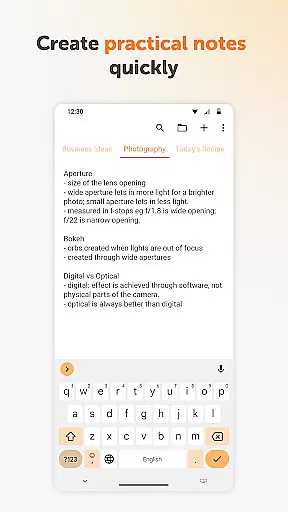
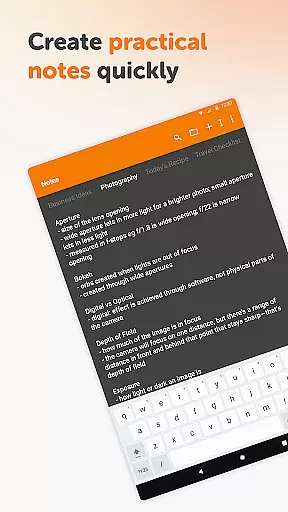
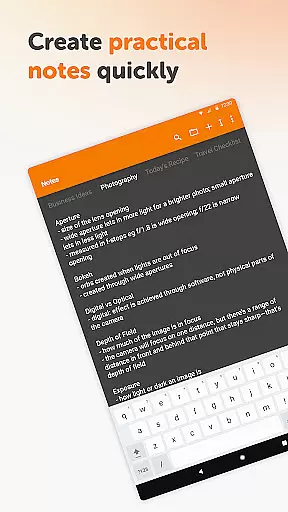
Simple Notes Pro is a productivity-focused note-taking application designed to help users quickly capture ideas, create shopping lists, and manage daily tasks. The app offers an intuitive interface that allows for easy organization of notes and to-do lists without any complicated setup steps.
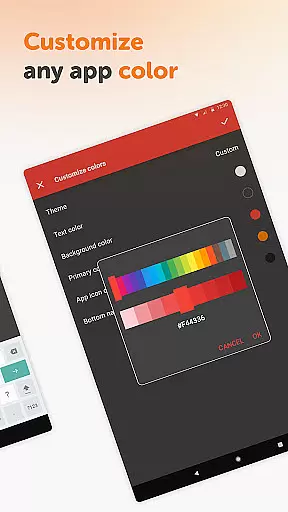
One of the standout features of Simple Notes Pro is its autosave functionality, ensuring that users never lose their important notes due to accidental closures or errors. Additionally, it supports multiple independent plain text notes and lists, making it versatile for various note-taking needs. With customizable colors and a resizable widget, users can personalize their experience while enjoying quick access to their notes directly from their home screen.
This application is particularly useful for professionals and students who need a reliable tool to jot down reminders, track assignments, or plan meetings efficiently. By providing a seamless experience with no ads or unnecessary permissions, Simple Notes Pro ensures that users can focus on what matters most - organizing their thoughts and tasks effectively.
Simple Notes Pro stands out in the realm of productivity apps through its combination of simplicity and powerful features. One key aspect is its fully open-source nature, which not only enhances transparency but also allows tech-savvy users to contribute to its development. This commitment to openness extends to its privacy policy; the app does not require internet access, thereby ensuring enhanced security and stability compared to many alternatives.
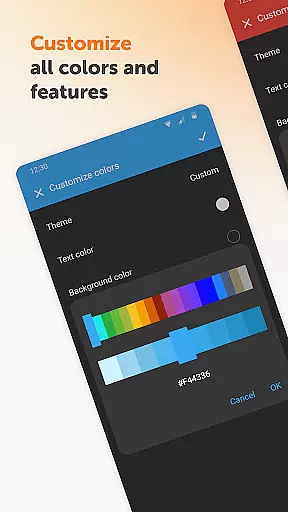
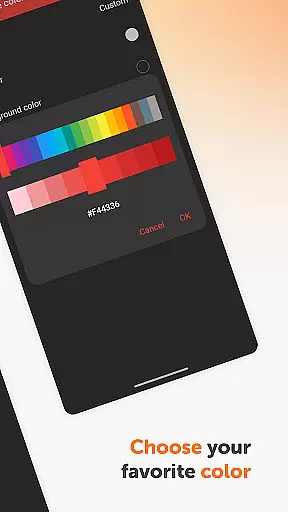
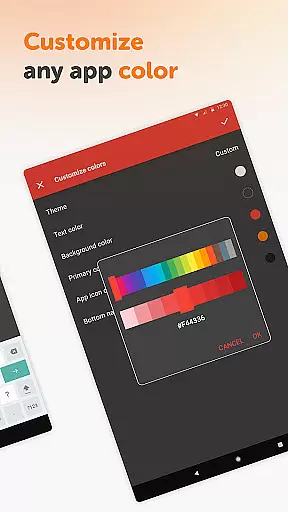
The app includes a remarkable set of functionalities such as support for material design and dark theme by default, offering a visually appealing and comfortable user experience even in low-light conditions. Its customizable and resizable widget enables users to open the app with a single tap, streamlining the process of accessing and managing notes. Furthermore, the ability to adjust colors with quick tweaking adds another layer of personalization, allowing users to tailor the app's appearance to their preferences.
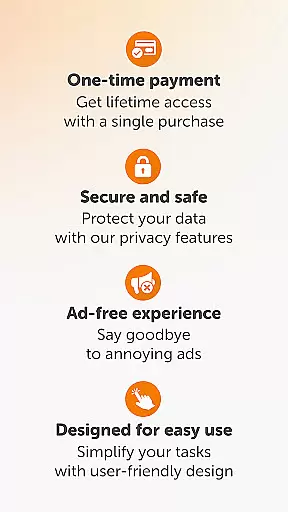
Another notable feature is the absence of ads and unnecessary permissions, setting Simple Notes Pro apart from many competitors. This minimalist approach ensures that users enjoy an uninterrupted workflow, free from distractions commonly found in other note-taking applications. Whether you're creating a simple shopping list or drafting detailed meeting notes, these features collectively enhance both usability and efficiency.
Task management is at the heart of productivity applications, and Simple Notes Pro excels in this area. This feature allows users to efficiently organize their daily tasks, ensuring nothing important slips through the cracks.
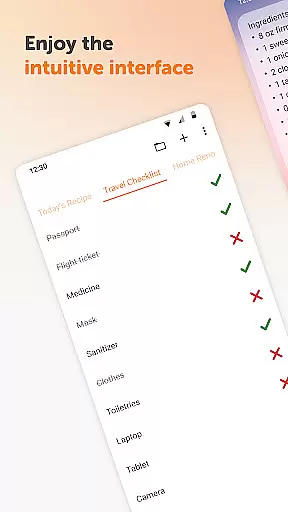
The app provides an intuitive interface for creating quick lists, checklists, and reminders. Whether it's a shopping list, meeting agenda, or startup idea, users can easily input and categorize their thoughts into actionable items.
What sets Simple Notes Pro apart is its autosave functionality and support for multiple independent notes. This ensures that users never lose their valuable information while maintaining organized records of different projects or aspects of their lives.
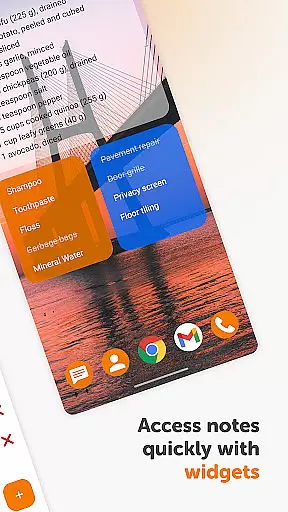
With customizable widgets that open directly to your notes, managing tasks becomes even more streamlined. The ability to resize and customize these widgets adds another layer of personalization and efficiency to your task management process.
In today's interconnected world, reliable cross-device synchronization is crucial for productivity tools. Simple Notes Pro addresses this need by providing seamless syncing capabilities across multiple devices.
The application ensures that all your notes, lists, and reminders are consistently updated and accessible from any device you use. This means you can start a note on your phone during the commute and continue editing it on your tablet at home without missing a beat.
Security and privacy are prioritized in this synchronization process. Unlike many other apps, Simple Notes Pro operates without internet access when possible, giving users more control over their data while maintaining stability and reliability.
This synchronization feature, combined with the app's material design and dark theme options, creates a smooth user experience that maintains consistency across devices while offering customization options to suit individual preferences.
User-friendly interface
No ads or unnecessary permissions
Autosave functionality
Fully open-source
Customizable colors
Limited advanced features
No cloud sync option
Basic design aesthetics
Manual backup required
Less community support

 4.20
4.20
Create study competitions, track your hours, and stay consistent with friends
4.5
Automates browsing any website and notifies you of important changes or events
4.30
Todo reminder
4.10
App lock - lock apps with fingerprint, password, pin or pattern, protect privacy
4.70
Subscribe to Webcal & .ics calendars and keep them up-to-date!
4.50
A comprehensive suite of tools designed specifically for Lactation Consultants
4.2
Okta MFA
4.70
Daily processing of PDF documents.
4.40
Multilingual translator for text, voice, and image translation!
4.90
The long-awaited modern gallery app for your Nextcloud server
4.70
Absolutely the best CNC machinist speed and feed calculator around. fswizard.com
4.60
This small app MUST BE INSTALLED after purchase, else license won't work
4.40
Total remote control for your Android device, PC and cloud services (IFTTT)!
4.20
Activate Two Factor Authentication (2FA or Multi OTP), Password manager and more
4.10
All in one sketching tool. Technical and General drawing. Online Maps support.
3.70
Code on-the-go with VScode for Android. Edit,debug and collaborate from mobile!!
3.10
Experience and share your SolidWorks designs on your Android® phone and tablet.
2.50
IP Camera Viewer - Android TV : RTSP Surveillance camera viewer for Android TV
4.5


User Reviews