
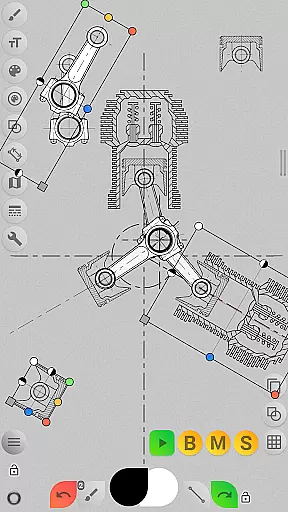
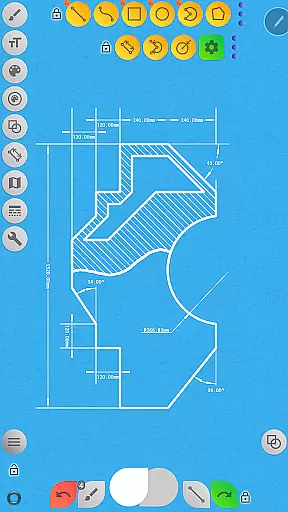
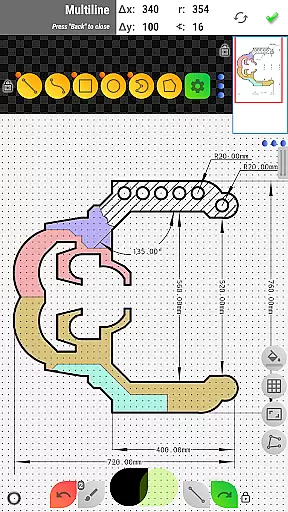

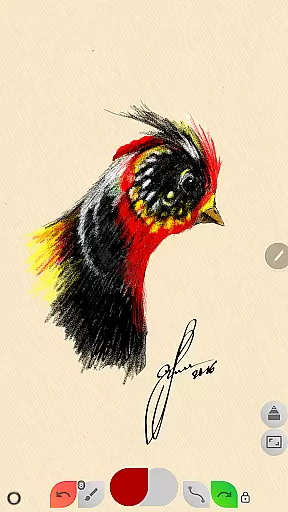
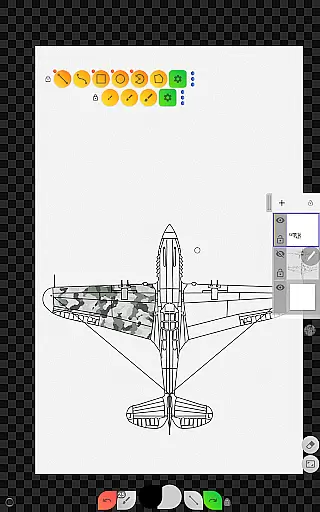
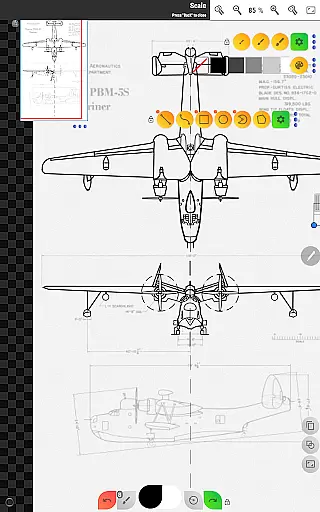
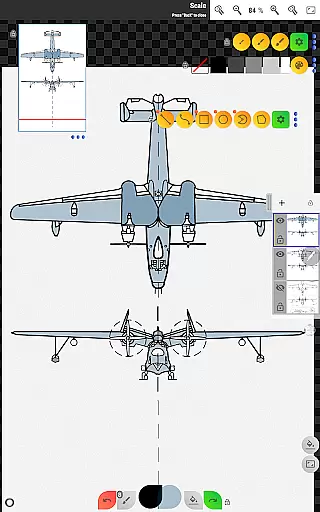
Sketch Box Pro is a versatile sketching and drawing application designed for both technical drawings and general sketching needs. This app serves as an alternative to vector CAD systems while maintaining the simplicity of traditional drawing tools. With features like online maps support and interactive map tools, it caters to a wide range of requirements from engineering sketches to creative drawings.
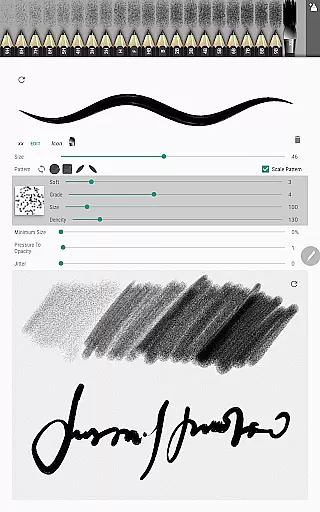
The app introduces innovative tools such as the Pencils Set and Pencil Redactor, allowing users to customize their drawing experience. It also supports project-based workflows where users can create projects from scratch, import snapshots from online maps, or use images from the device gallery. Sketch Box Pro ensures that ideas are captured instantly with its easy-to-use interface, making it a reliable tool for engineers and artists alike.
Whether you need precise technical drawings or freehand sketches, Sketch Box Pro offers a seamless blend of functionality and convenience. Its comprehensive set of features, including layers support, dimension tools, and scale settings, empowers users to create detailed and accurate sketches. The app's ability to export and share drawings further enhances its utility, making it an essential tool for productivity.
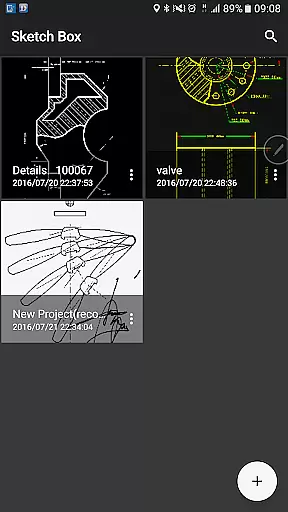
Sketch Box Pro stands out with its extensive features tailored for both casual and professional users. One of its key highlights is the project-based system, which allows users to start new projects from scratch, incorporate online map snapshots, or import images from the device gallery. This flexibility ensures that users can adapt the app to various drawing scenarios, whether they need a blank canvas or a reference image.
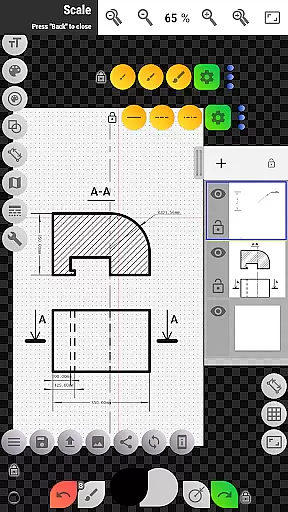
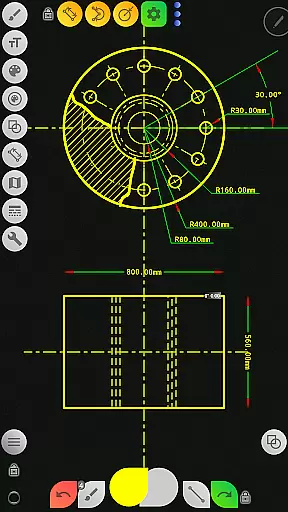
The app provides robust layer management with up to six layers in the Pro version, enabling users to organize their work efficiently. Features like locking layers, controlling opacity, duplicating, clearing, and merging layers offer advanced control over complex drawings. Additionally, the app includes a variety of basic shapes, predefined brushes, and precision tools such as grids and dimensioning, catering to technical drawing needs.
Sketch Box Pro also excels in enhancing user experience with tools like the Drawing Rotation tool, Flood Filling tool, and Hatching tool. Users can insert images, adjust opacity, and rotate elements within their drawings. The app's integration with online maps and interactive compass tools adds another layer of functionality, allowing users to measure distances and areas directly on the map. These features collectively make Sketch Box Pro a powerful tool for productivity and creativity.
Sketch Box Pro excels in core task management by offering a versatile platform for various drawing and sketching needs. The app supports technical drawings, general sketching, and interactive map tools, making it suitable for a wide range of users from engineers to artists.
The application provides project-based workflows allowing users to create projects from scratch, online maps snapshots, or device galleries. This flexibility ensures that users can manage their tasks effectively, whether they are starting new projects or revisiting old ones.
With layers support, including features like locking layers, controlling opacity, duplicating, clearing, deleting, and merging layers, Sketch Box Pro enhances productivity. These capabilities allow users to organize their work efficiently and make precise adjustments as needed.
Additionally, the app includes a variety of tools such as basic shapes, predefined brushes, grid tools, dimension tools, and more. These features collectively contribute to streamlined task management, empowering users to complete their projects with accuracy and ease.
Cross-device synchronization is a crucial feature for modern productivity apps, and Sketch Box Pro delivers reliable performance in this aspect. Users can access their projects across multiple devices without losing any data or experiencing inconsistencies.
The app allows users to save selections to their device disk and reuse them later, ensuring that important elements of their work are preserved and easily accessible. This functionality is particularly beneficial for those who switch between devices frequently.
Moreover, Sketch Box Pro supports exporting current drawings to the gallery or sharing them directly. This seamless integration facilitates collaboration and ensures that users can continue working on their projects regardless of the device they are using.
By providing robust cross-device synchronization, Sketch Box Pro ensures that users can rely on consistent and up-to-date access to their work, enhancing overall productivity and convenience.
User-friendly interface
Extensive drawing tools
Project-based workflow
Layer management
Online maps integration
Limited free version
Steep learning curve
Occasional bugs
High system requirements
Subscription cost

 4.20
4.20
Create study competitions, track your hours, and stay consistent with friends
4.2
IP Camera Viewer - Android TV : RTSP Surveillance camera viewer for Android TV
4.0
Fill, sign & send docs, forms, agreements & contracts via electronic signature.
4.50
Simple and reliable communication between inmates, friends and family
3.20
Find and delete junk files & block unwanted notifications & manage files
3.70
Subscribe to Webcal & .ics calendars and keep them up-to-date!
4.50
Access your phone's notifications, calls, apps, photos & texts on your PC
3.90
Scan paperwork into PDF/JPG, generate your own e-signature and send fax or email
4.70
Mind Map and brainstorm, note taking and idea collection
4.80
Quickly and easily keep track of your work shifts
4.70
Tally and goal counter for Wear OS & mobile
4.50
Send files, sync SMS, notifications & clipboard across devices via local network
4.40
When you Focus, so will your Bean in this cozy focus timer
4.30
Device's storage information in a simple and clear graphical form (infographics)
4.10
Activate Two Factor Authentication (2FA or Multi OTP), Password manager and more
4.10
Intelligent AI Assistant
4.10
The ultimate file manager for rooted devices. The original and still the best.
4.00
A simple, portable logger for POTA, SOTA, Field Day, and more
4.5


User Reviews