
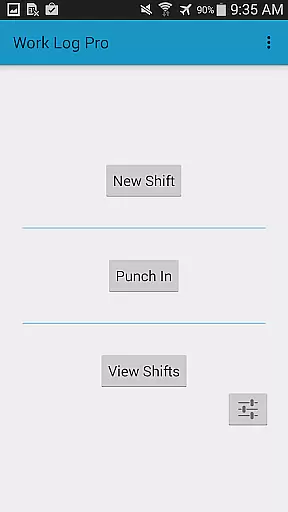
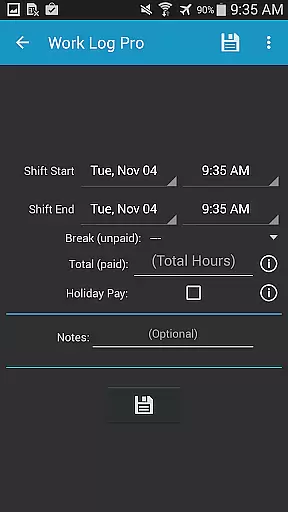
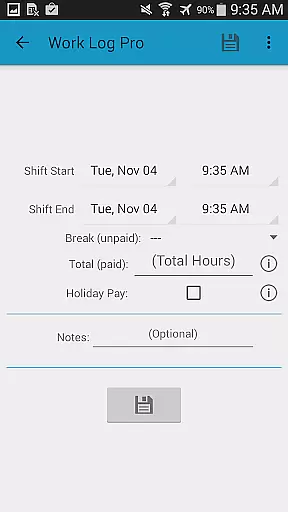
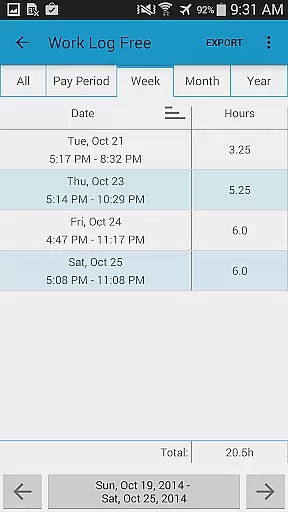
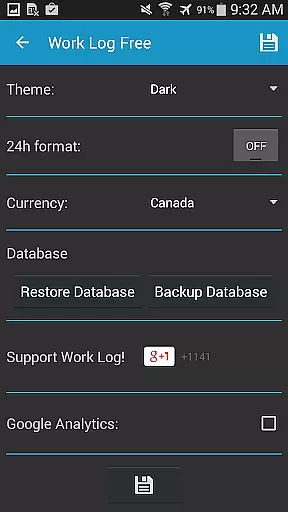
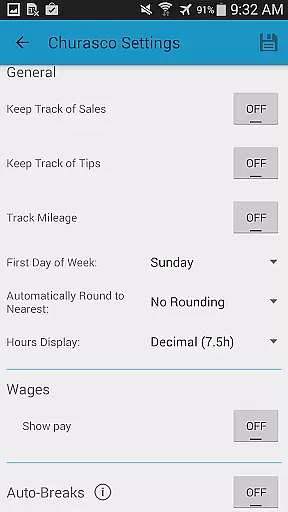
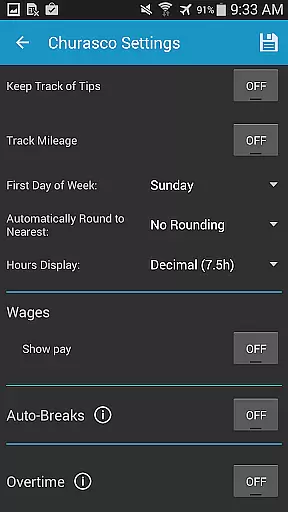
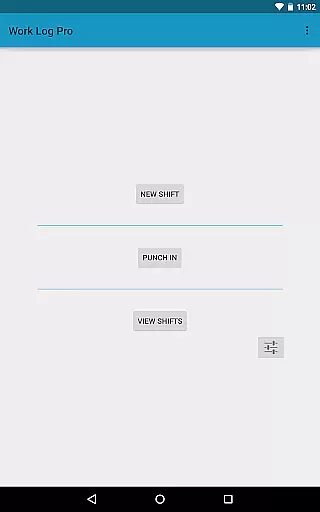
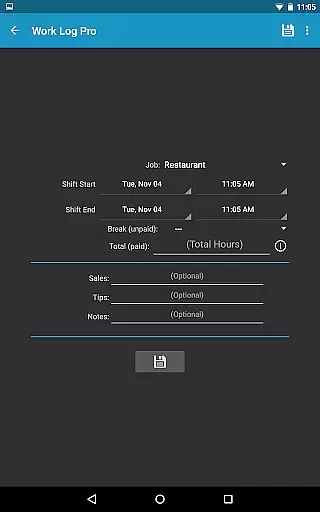
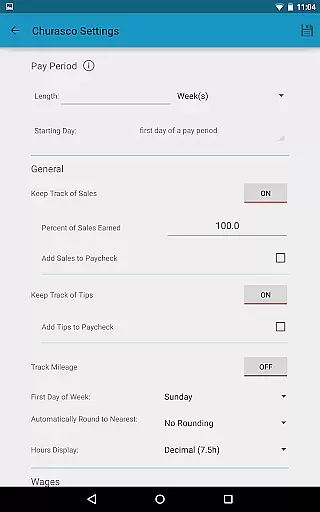
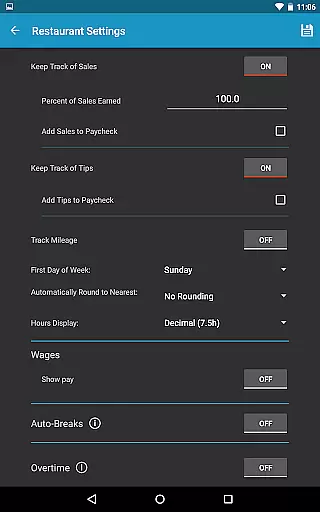
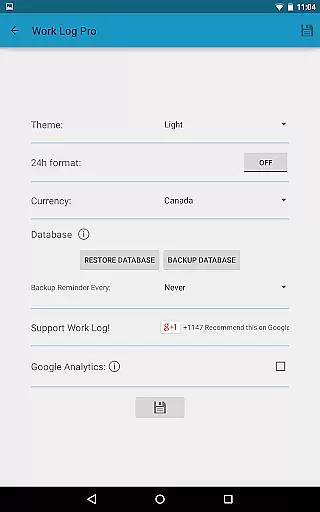
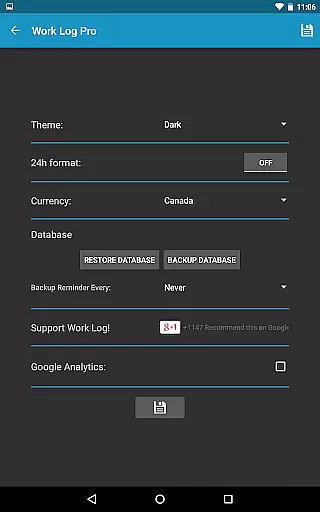
Work Log Pro is a comprehensive productivity tool designed for professionals who need to efficiently track their work hours and calculate earnings. The app offers advanced features such as exporting shifts in spreadsheet or PDF formats, importing and exporting backups, and supporting multiple jobs without ads. It provides an intuitive interface that allows users to punch in and out, manually enter shift hours, and customize settings like 24-hour formatting and pay period configurations.
This application is particularly beneficial for those managing multiple jobs with varying pay structures. With functionalities like automatic break deductions, overtime tracking, and customizable paycheck calculations including taxes and bonuses, Work Log Pro ensures accurate wage computations. Its ability to backup data via email and restore it on new devices makes it indispensable for maintaining continuous records across different platforms.
Work Log Pro stands out with its extensive feature set tailored for maximum user customization and productivity. Key capabilities include time-saving functions like automatic break deductions and flexible pay period settings. Users can choose between punching in and out or manually entering shift details, making updates straightforward.
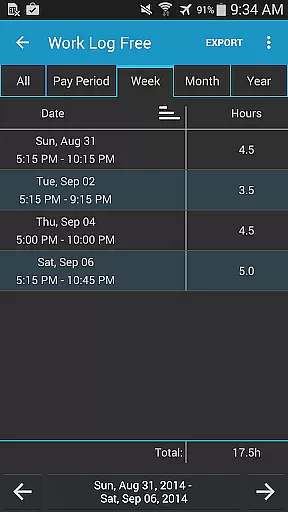
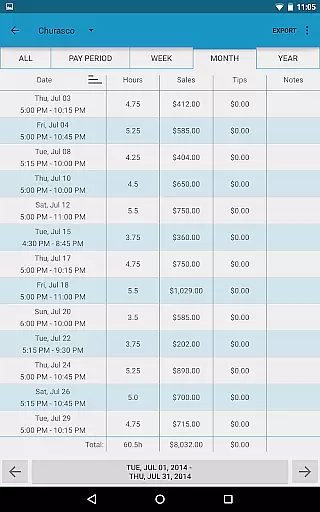
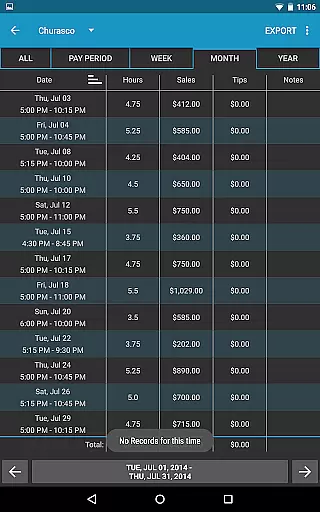
The app supports tracking multiple jobs, each with unique settings, and offers numerous customization options such as 24-hour time format, start-of-week preferences, and various view modes for past shifts. Additionally, it calculates worked hours and wages over customizable pay periods, incorporates optional sales or tip tracking, and manages up to two overtime rates. Widgets facilitate quick access to punch in/out functions or adding new shifts, enhancing overall usability.
Work Log Pro excels in core task management by offering users a comprehensive suite of tools to track and manage their work hours efficiently. The app allows users to punch in and out, manually enter shift hours, and customize settings for multiple jobs, ensuring accurate time tracking.
The application's automatic break deduction feature saves time and simplifies paycheck calculations. Users can set custom pay periods, overtime rules, and deductions, streamlining the payroll process. This level of automation ensures that users can focus on their work without worrying about manual time tracking errors.
With Work Log Pro, users benefit from an intuitive interface that supports various customization options, including 24-hour formatting and diverse viewing modes for past shifts. These features provide flexibility and ease of use, catering to individual preferences and maximizing productivity.
Cross-device synchronization is a critical feature of Work Log Pro, allowing users to maintain data integrity across multiple devices. By exporting shifts as spreadsheets or PDFs, and importing backups via email, users can seamlessly transfer their data between devices.
This reliable synchronization ensures that all work hour records, pay period settings, and job-specific configurations are consistently up-to-date, regardless of the device being used. Such reliability is essential for users who rely on accurate time tracking for payroll purposes.
Additionally, the app offers backup reminders and customizable backup frequencies, enhancing data security and accessibility. These features collectively contribute to a robust cross-device experience, empowering users to manage their work logs with confidence and precision.
User-friendly interface
Customizable settings
Multiple job support
Automatic calculations
Data backup options
Requires separate free version
No built-in cloud sync
Paid upgrade necessary
Limited design themes
Complex initial setup

 4.20
4.20
Experience Reading - Night Mode for Documents
4.40
All in one sketching tool. Technical and General drawing. Online Maps support.
3.70
Device's storage information in a simple and clear graphical form (infographics)
4.10
The AI assistant that thinks with you - write, code, and solve complex tasks
4.60
Calendar 2023 widget for Android. Appointment scheduler, planner, and reminder
4.60
A comprehensive suite of tools designed specifically for Lactation Consultants
4.2
Access your phone's notifications, calls, apps, photos & texts on your PC
3.90
AI Chatbot and AI writing assistant powered by ChatGPT.
4.60
Native client for Forgejo and Gitea
5.00
Best Tool for the professionals Electrician, Electrical contractors, etc.
4.90
Tally and goal counter for Wear OS & mobile
4.50
Send files, sync SMS, notifications & clipboard across devices via local network
4.40
A lightweight JSON & XML files creator, editor and viewer (Premium Version)
4.40
Access, manage and transfer files on Android, PC, Mac, NAS and cloud storages.
4.30
Pwnagotchi companion app
4.20
Activate Two Factor Authentication (2FA or Multi OTP), Password manager and more
4.10
Make your handwriting beautiful, even more than pen on paper.
3.60
Create study competitions, track your hours, and stay consistent with friends
4.0


User Reviews