
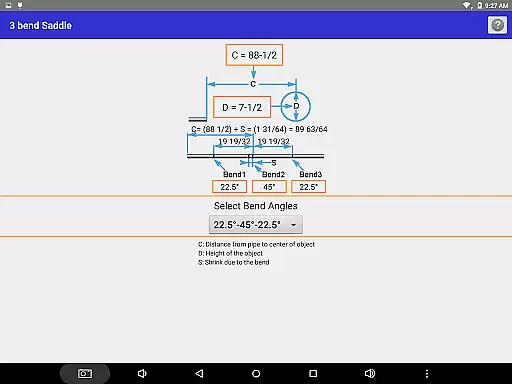
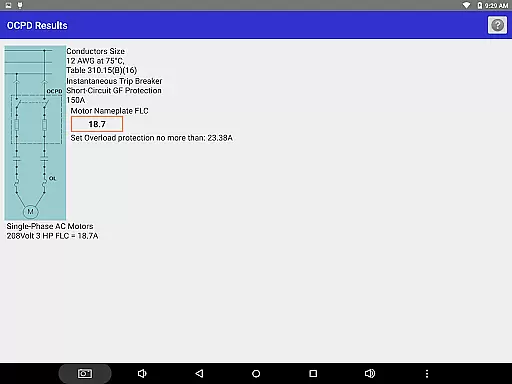
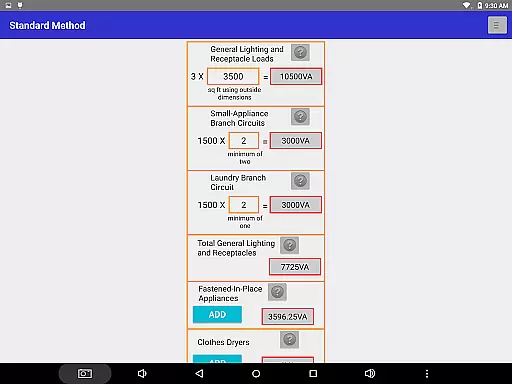
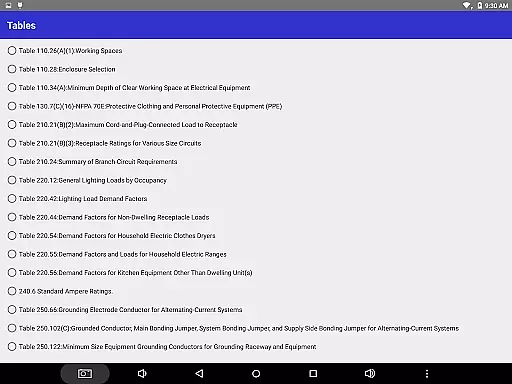
Electrician's Bible is an essential productivity tool designed specifically for electricians, electrical contractors, and those preparing for electrical certification exams. The application provides comprehensive calculations based on the National Electric Code 2020, ensuring accuracy and compliance with the latest standards. Key features include voltage drop calculations, conduit bending guides, raceway sizing, ampacity tables, load calculations, motor and transformer computations, grounding requirements, and much more.
This robust app is indispensable for professionals in the field who require quick access to critical information while on the job or studying for certifications. With its extensive range of functionalities such as detailed electrical schematics, NEC code references, burial depth guidelines, NEMA configurations, and even a units converter, it serves as a complete reference guide that can be accessed from any Android device running version 4.0 Ice Cream Sandwich or higher with internet connectivity.
For electricians looking to streamline their workflow and ensure adherence to national codes, Electrician's Bible offers unparalleled value by consolidating all necessary tools into one convenient mobile application.
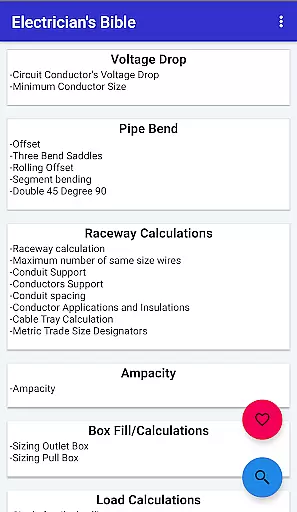
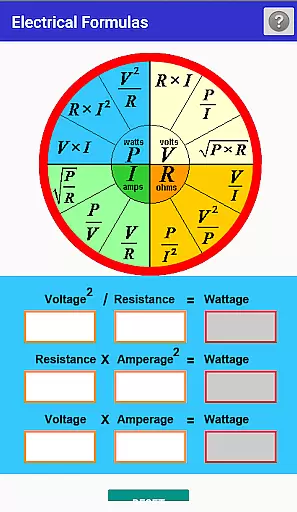
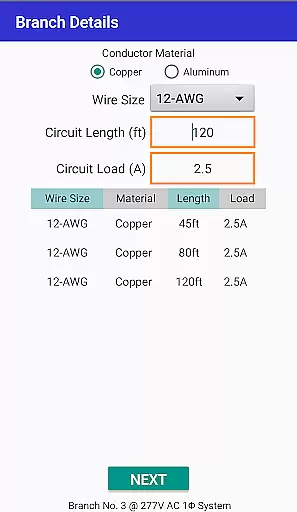
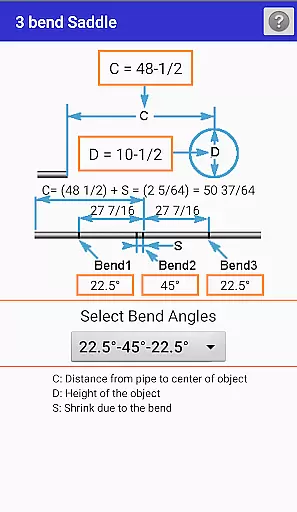
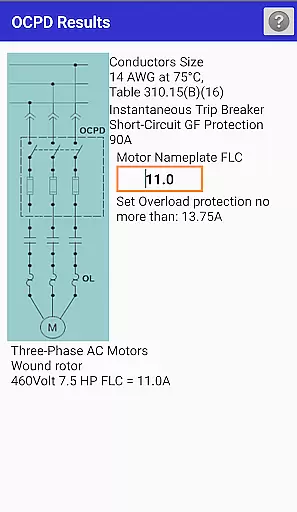
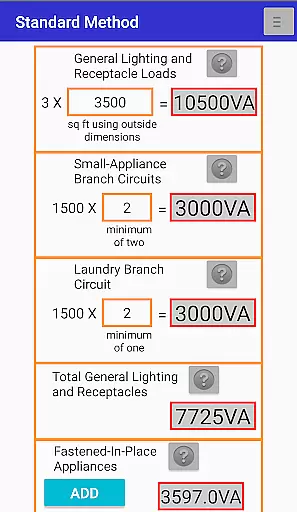
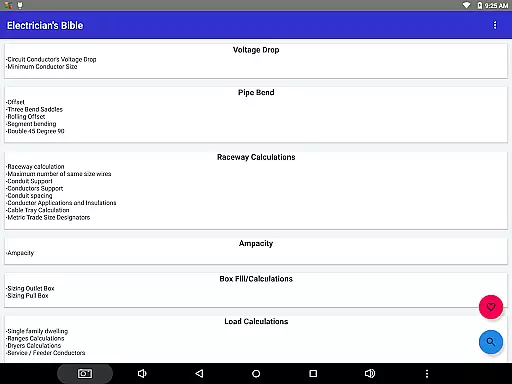
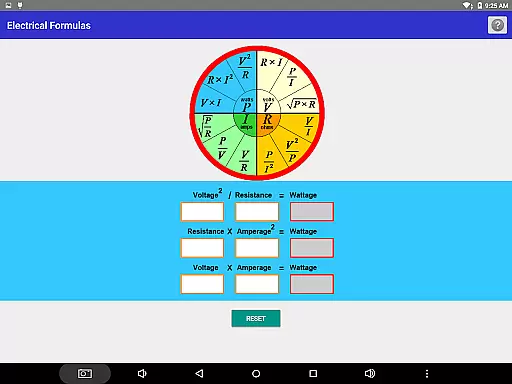
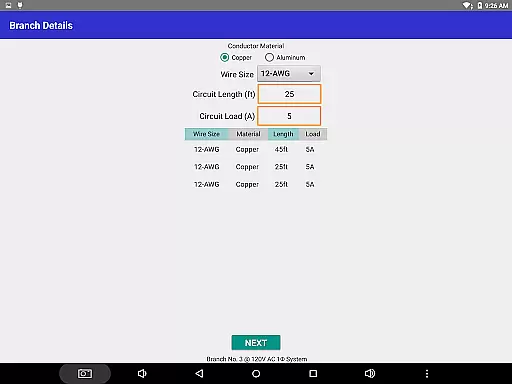
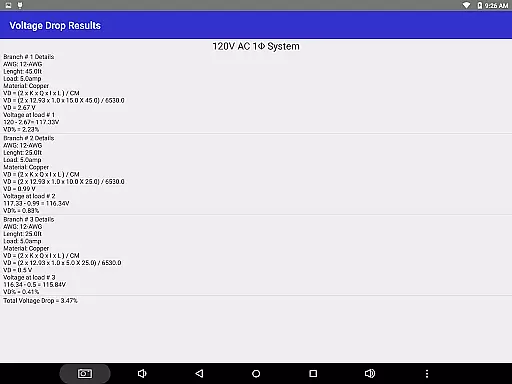
Electrician's Bible stands out due to its wide array of specialized features tailored for electrical work. It includes precise calculations for voltage drops, minimum conductor sizes, pipe bends, raceways, ampacity, box fill, residential load calculations, transformers, motors, and grounding specifications. Each calculation is meticulously crafted to adhere to NEC standards, providing users with reliable data they can trust.
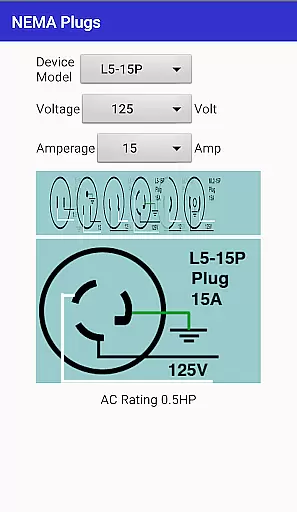
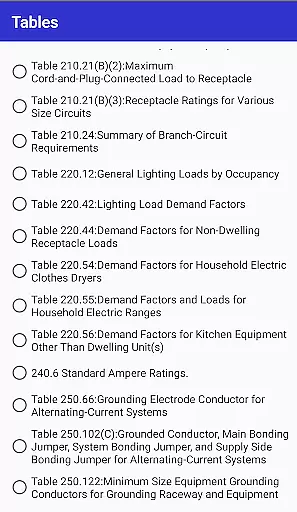
In addition to these core capabilities, the app also offers advanced functionalities like electrical schematics for various types of circuits and transformers, NEMA device configurations, and a dedicated section for NEC tables and examples. Users will appreciate the inclusion of practical tools such as a units converter, resistor color codes, phase wire color codes, and panel color codes. These features not only enhance productivity but also serve as valuable learning resources.
The app further enriches user experience through additional utilities such as search functionality, favorites, and regular updates that introduce new content and improvements. This ensures that Electrician's Bible remains a cutting-edge tool that evolves alongside industry needs, making it an indispensable companion for both seasoned professionals and newcomers in the electrical field.
For electricians and contractors, effective task management is crucial for ensuring projects are completed on time and to the highest standard. The Electrician's Bible app excels in this area by providing a comprehensive suite of calculation tools that align with the National Electric Code 2020. These include voltage drop calculations, conduit bending guides, raceway sizing, and more.
The app's core task management features are designed to streamline daily operations. Users can access detailed electrical schematics, perform complex ampacity computations, and determine optimal box fill sizes. Each tool is carefully crafted to not only save time but also reduce the possibility of human error in critical calculations.
What sets this productivity tool apart is its practical application in real-world scenarios. Whether you're determining the correct burial depth for cables or calculating transformer sizes, the app provides accurate, code-compliant results. This ensures that every project decision is backed by professional-grade data, ultimately leading to better electrical installations and maintenance work.
In today's fast-paced work environment, having reliable access to your tools across multiple devices is essential. The Electrician's Bible app addresses this need through its robust cross-device synchronization capabilities. While the app itself does not store user data, it ensures that all code updates and new features are immediately available across all devices running Android 4.0 or higher.
This synchronization reliability is particularly valuable for electricians who work on various job sites throughout the day. Whether you're using a tablet in the office or a smartphone on-site, you'll always have access to the latest NEC-compliant calculations and reference materials. The app maintains consistent performance and accuracy regardless of the device being used.
Although the app requires an internet connection for full functionality, its lightweight design ensures smooth operation even with varying network conditions. This approach guarantees that users can rely on having up-to-date electrical information at their fingertips, regardless of which device they're using or where they're working.
Comprehensive NEC coverage
Extensive calculation tools
User-friendly interface
Regular updates
Practical utilities included
Requires internet connection
No offline mode available
Interface may feel dated
Some features are complex
Large app size

Auto-shutoff Alarm with Sunrise, Sunset & Fixed Options.
 3.50
3.50
Mega cloud explorer plugin for Solid Explorer
3.80
All in one sketching tool. Technical and General drawing. Online Maps support.
3.70
Smart PDF reader & editor to view, organize and manage PDF documents easily.
3.70
Easiest event planning, volunteer signups & parent teacher conference scheduling
2.20
Cloud storage, automatic phone backup, and more.
4.10
Daily processing of PDF documents.
4.40
Put a lock on your cloud: Take the security of your data into your own hands
3.70
Note taking, handwriting, record audio, PDF annotation, planner & journal
4.20
Native client for Forgejo and Gitea
5.00
Direct Chat without saving contacts & Dual WA Account on Single Device
4.70
Quickly and easily keep track of your work shifts
4.70
Scan paperwork into PDF/JPG, generate your own e-signature and send fax or email
4.70
App Lock with fingerprint, password: Lock apps & hide photos with lock screens
4.60
Stay on top of your to-dos with Google Tasks, part of Google Workspace.
4.60
Share files & memories safely. Keep your photos and videos secure.
4.40
Automates browsing any website and notifies you of important changes or events
4.30
Device's storage information in a simple and clear graphical form (infographics)
4.10
⏰ Finally a timer app which can run multiple timers simultaneously on your watch
3.90


User Reviews