
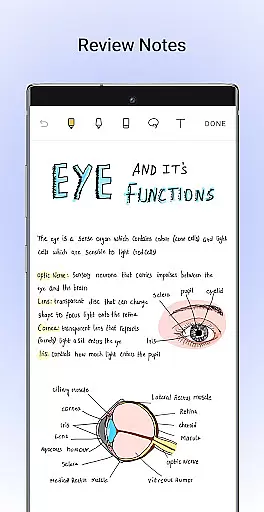
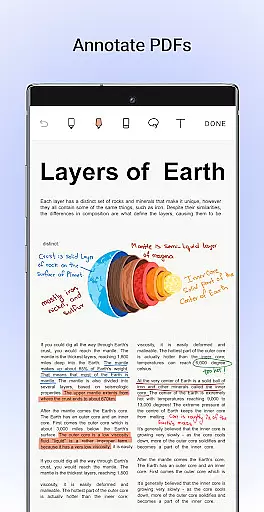
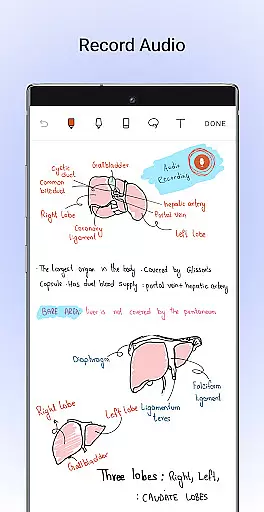
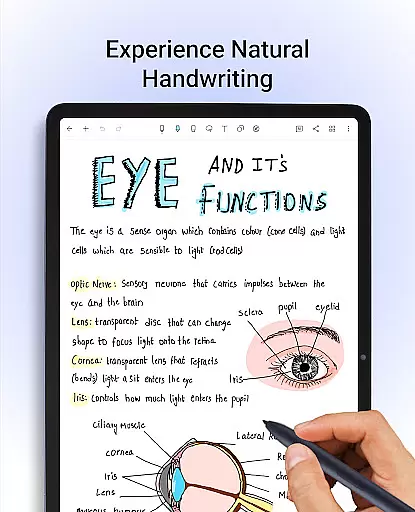
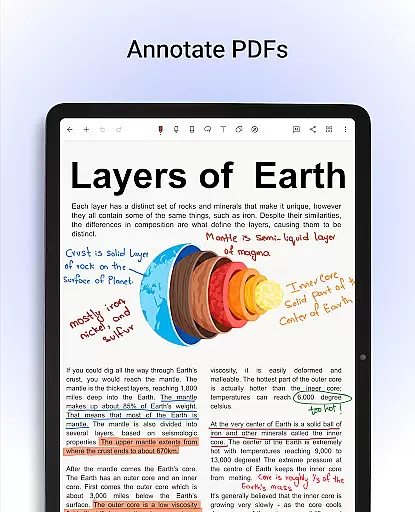
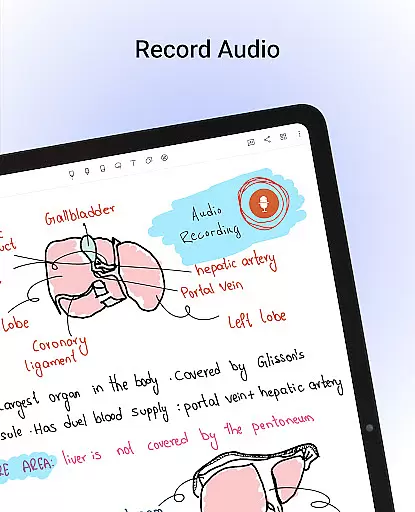
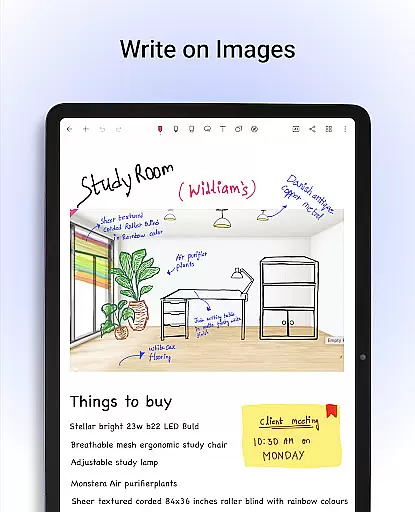
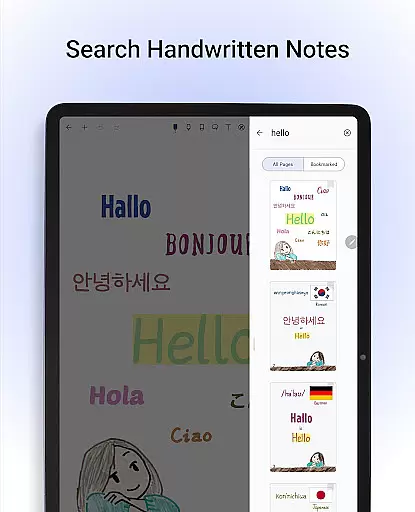
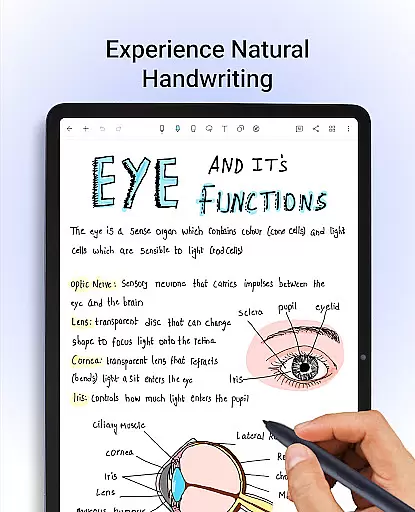
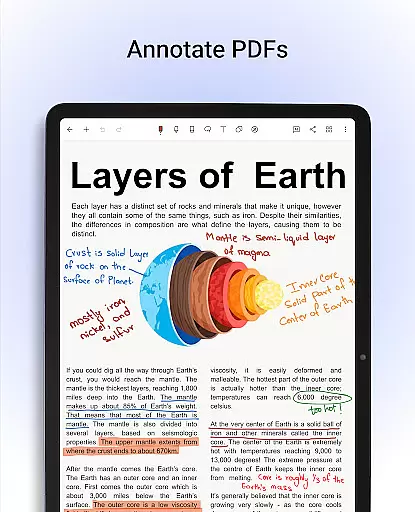
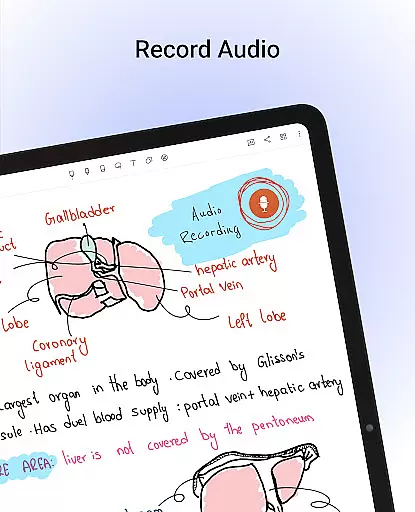
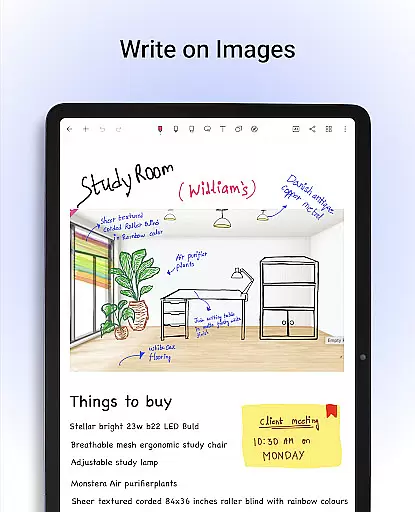
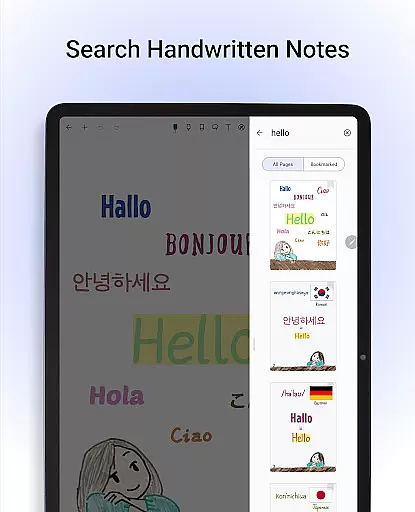
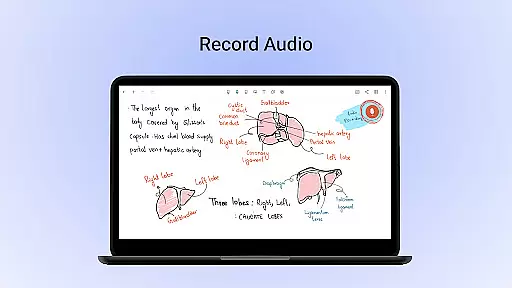
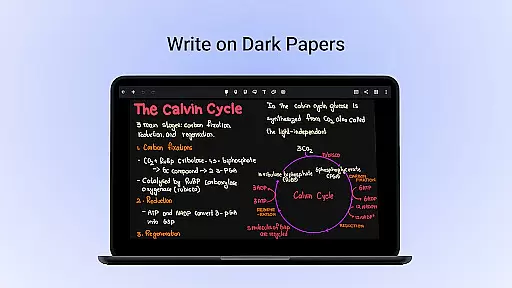
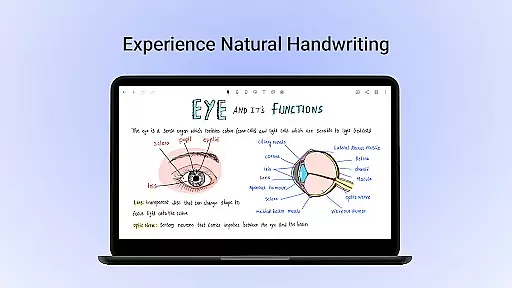
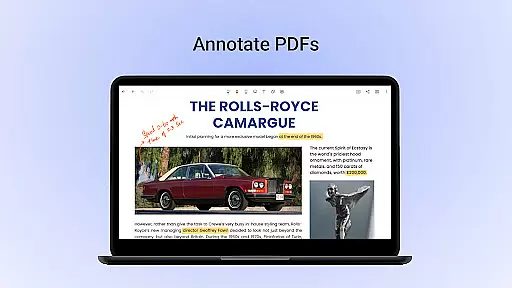
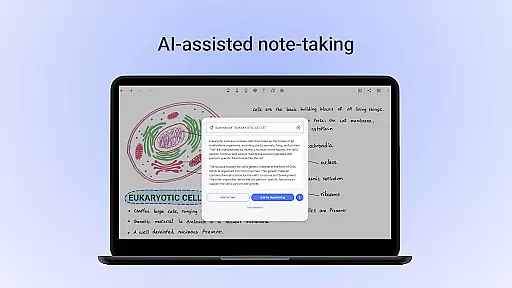
Noteshelf is a powerful note-taking app designed for students, teachers, and professionals. It allows users to take beautiful handwritten notes, annotate PDFs, record audio notes, and more. The app offers realistic pens and highlighters that make handwriting feel natural. With support for 65 languages, it includes handwriting recognition and OCR capabilities to convert handwritten notes into typed text.
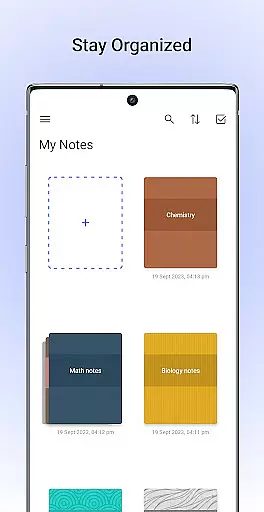
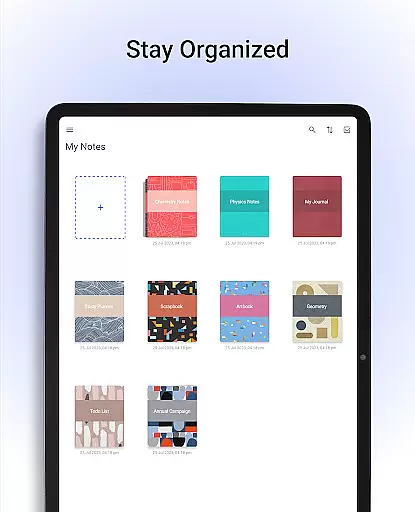
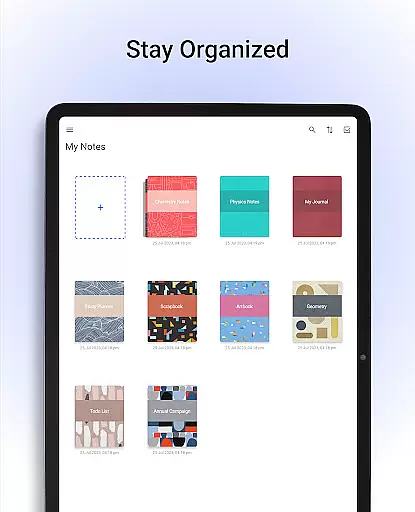
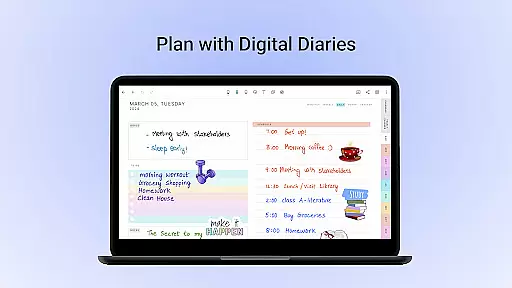
The app provides over 200 customizable templates for various needs like lesson plans, to-do lists, and bullet journaling. Noteshelf AI enhances productivity by generating notes, summarizing content, and translating text. Users can personalize their notebooks with different paper styles, covers, and formatting options. The app ensures notes are safe through cloud syncing and auto-backup features while offering organizational tools such as bookmarks and categories.
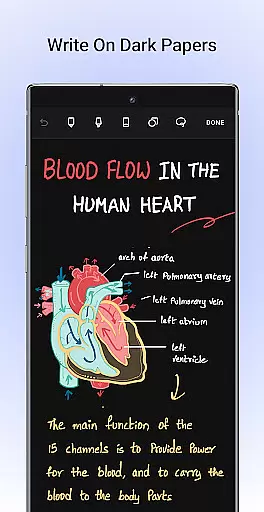
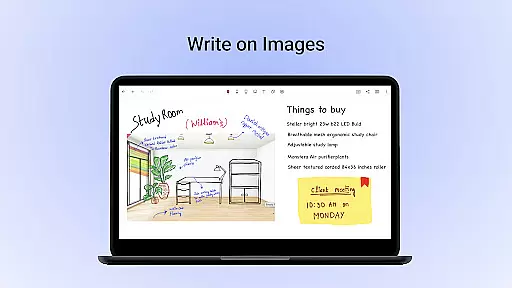
Noteshelf stands out with its comprehensive feature set tailored for digital note-taking. The app supports a variety of styluses, providing a natural handwriting experience with options to customize colors and strokes. Annotating PDFs and images is seamless with built-in formatting tools, allowing users to edit documents, fill forms, and sign papers directly within the app.
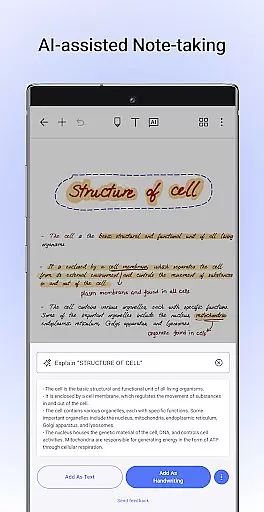
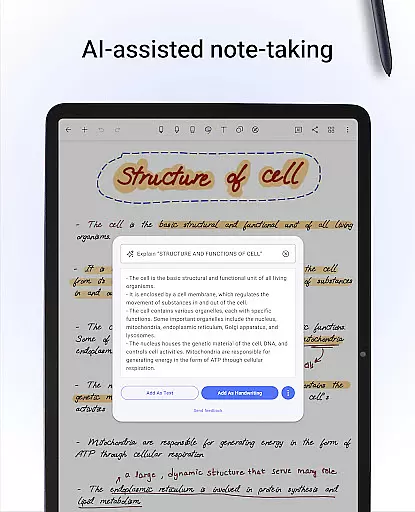
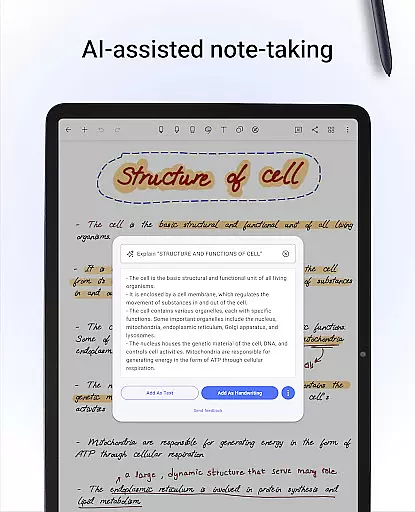
One of the key highlights is the Noteshelf AI, which intelligently understands handwriting and assists in creating study notes, summarizing content, and translating text. The app also offers extensive personalization options, including lined, dotted, or grid papers, beautifully crafted notebook covers, and diverse text formatting choices. Additionally, features like audio recording, shape conversion, and integration with cloud services ensure that users stay organized and can access their notes from any device.
Noteshelf excels in core task management by offering a comprehensive suite of tools designed to enhance productivity. The app allows users to take beautiful handwritten notes, annotate PDFs, and record audio notes, making it an all-in-one solution for students, teachers, and professionals.
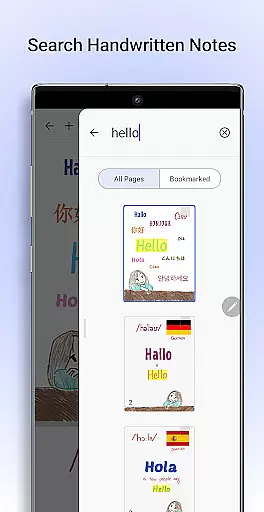
The app supports natural handwriting with realistic pens and highlighters, providing an experience that closely mimics traditional note-taking. Users can also search and convert their handwritten notes into typed text, thanks to the handwriting recognition feature available in 65 languages.
With Noteshelf AI, users benefit from an intelligent assistant capable of understanding handwriting and assisting with various tasks. This includes generating notes on any topic, summarizing pages of notes, translating text, and explaining complex terms, thus streamlining the note-taking process significantly.
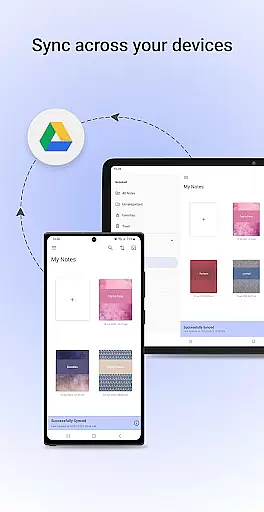
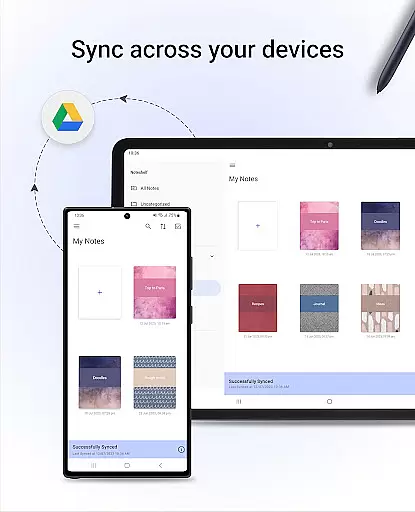
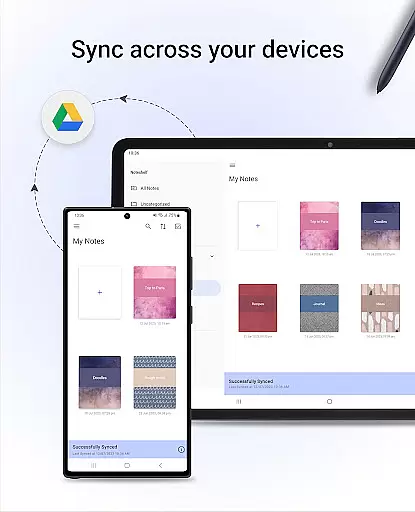
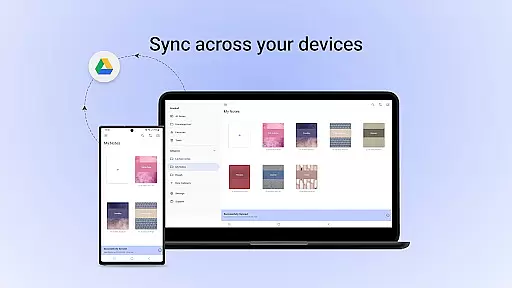
Cross-device synchronization is a critical feature of Noteshelf, ensuring that users can access their notes anytime and anywhere. By syncing notes via Google Drive, the app enables seamless access across multiple Android devices, enhancing both convenience and reliability.
Noteshelf offers auto-backup options to popular cloud services such as Google Drive, OneDrive, Dropbox, or WebDAV. This ensures that users' valuable notes are securely backed up and can be retrieved even if they switch devices or encounter technical issues.
In addition to cloud backups, Noteshelf allows automatic publishing of notes to Evernote, providing another layer of accessibility. This means users can retrieve their notes from any location, ensuring they are never without their important information.
User-friendly interface
Extensive customization options
Powerful AI capabilities
Robust organizational tools
Secure cloud syncing
Limited free features
Requires learning curve
Occasional sync issues
Premium subscription cost
Heavy on storage

Native client for Forgejo and Gitea
 5.00
5.00
Planet Free VPN - The best Fast Unlimited and Secure VPN Without Logs
4.50
The upgraded version of Name Wheel with AI and the power to add your own wheels.
4.3
Make your handwriting beautiful, even more than pen on paper.
3.60
App lock - lock apps with fingerprint, password, pin or pattern, protect privacy
4.70
Functional QR scanner and barcode reader that requires little storage space.
4.60
Translate text/voice/photos in 150+ languages. Offline & fast translator app.
4.50
Quickly and easily keep track of your work shifts
4.70
Intelligent AI Assistant
4.10
8 custom complications. Custom Time Fonts. Beautiful color schemes. A++ Design.
5.00
Multilingual translator for text, voice, and image translation!
4.90
Stay on top of your to-dos with Google Tasks, part of Google Workspace.
4.60
CalenGoo is a very flexible and feature-rich calendar app
4.40
Enjoy classic gameplay with customizable features and retro-style graphics.
4.30
Pwnagotchi companion app
4.20
Activate Two Factor Authentication (2FA or Multi OTP), Password manager and more
4.10
Unlock AutoNotification
4.00
All in one sketching tool. Technical and General drawing. Online Maps support.
3.70
A simple, portable logger for POTA, SOTA, Field Day, and more
4.2


User Reviews