
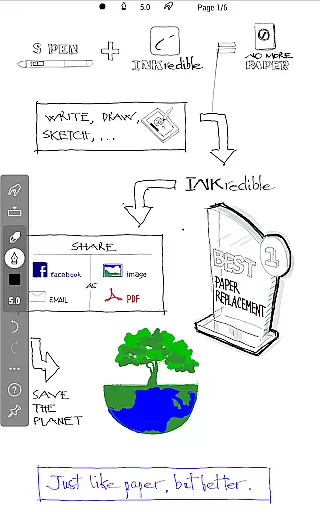
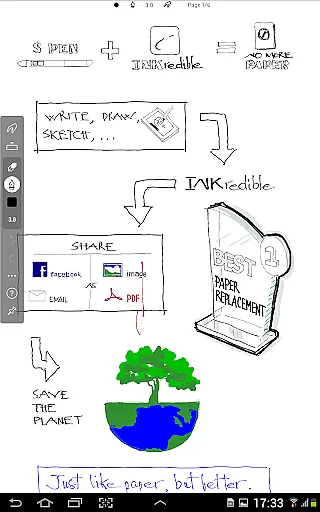
INKredible PRO is a premium productivity app designed to deliver an exceptional writing experience on tablets. This app includes all in-app purchase features of INKredible, offering a $9 value, along with free future updates. With its roots in the popular Notes Plus app, INKredible PRO brings advanced inking technology and automatic palm and wrist rejection, making digital writing feel as natural as pen on paper.
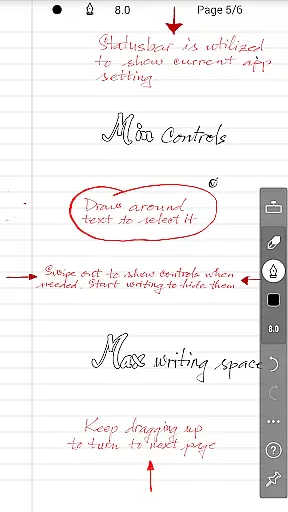
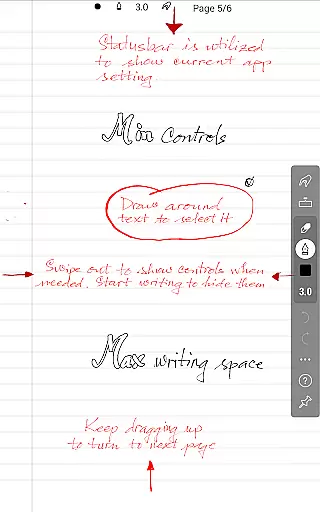
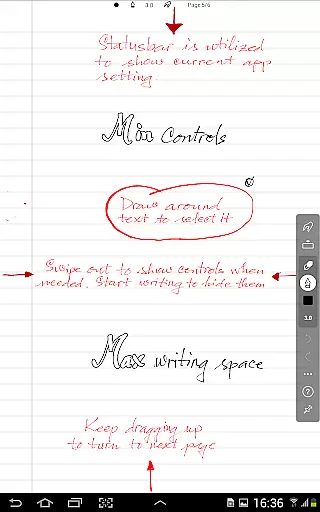
The app focuses on simplicity and beauty, providing a distraction-free environment where UI controls are invisible, letting users focus solely on their writing. Its vector-graphics inking technology enhances handwriting, making it look more beautiful than on paper and suitable for any resolution needs, whether for printing or displaying.
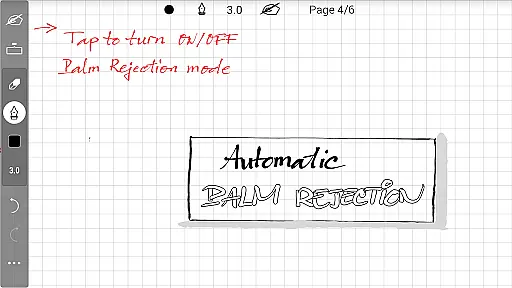
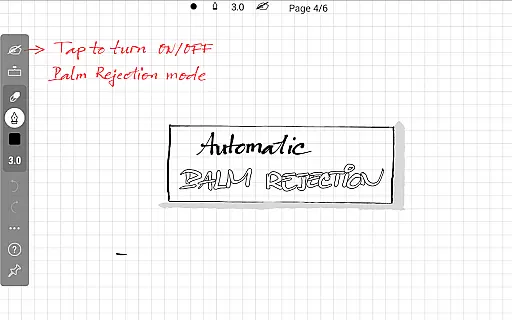
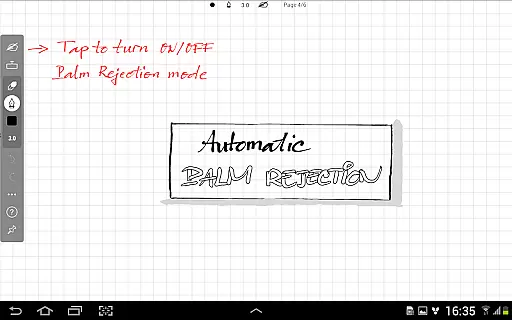
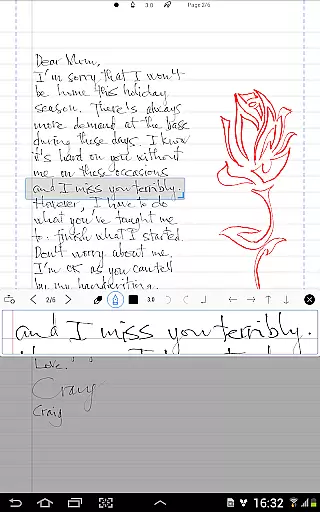
INKredible PRO stands out with its sophisticated manipulation of Bezier curves, ensuring that your handwriting looks stunning at any zoom level. The app's automatic palm rejection feature allows for a seamless writing experience by preventing unintended touches while you write.
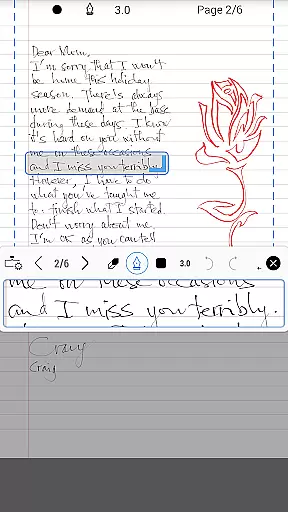
With over three years of research and development invested in perfecting its inking technology, INKredible PRO offers a near-perfect writing simulation. It provides users with a unique blend of simplicity and functionality, focusing on delivering an unparalleled writing experience without distractions.
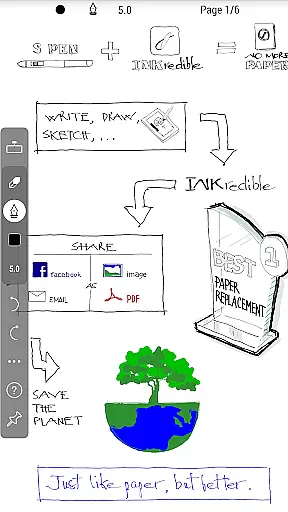
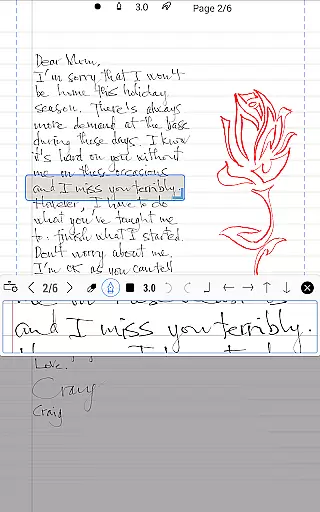
Additionally, the app supports various use cases such as note-taking, sketching, and annotating documents, making it versatile for both personal and professional use.
In the realm of productivity applications, core task management is pivotal for organizing and prioritizing tasks efficiently. INKredible PRO excels in this area by offering a streamlined interface that remains distraction-free, focusing solely on the writing experience. This minimalist approach ensures that users can concentrate on their primary tasks without unnecessary interruptions or complex navigations.
The app's dedication to a singular missionu2014providing an outstanding writing experienceu2014translates into its task management feature. By eliminating UI controls and buttons, it creates an environment akin to writing on plain paper, which enhances focus and productivity. Users will find themselves more immersed in their work, with fewer distractions from the digital world surrounding them.
Moreover, INKredible PRO's automatic palm and wrist rejection technology allows for a seamless writing process, further augmenting the core task management capabilities. This feature ensures that inadvertent touches do not disrupt the workflow, thus maintaining the integrity and flow of the user's writing session. Such technological advancements make INKredible PRO a reliable tool for those who prioritize efficiency and effectiveness in their daily tasks.
Cross-device synchronization is essential for users who operate across multiple platforms and devices. INKredible PRO addresses this need by ensuring that all in-app purchases, including future updates, are reliably synced across devices. This means that whether you're using a tablet at home or a smartphone on the go, your work remains consistent and up-to-date, providing peace of mind and continuity in your projects.
The app's commitment to beautiful and perfect handwriting extends to its synchronization features. With over three years of research and development in vector-graphics inking technology, INKredible PRO guarantees that your handwritten notes will look impeccable on any device, regardless of screen size or resolution. This consistency is vital for professionals and students alike, who require their documents to be presentable and clear, no matter where they are accessed.
Furthermore, the reliability of INKredible PRO's cross-device synchronization is enhanced by its sophisticated manipulation of Bezier curves, which ensures that your handwriting looks as natural and fluid as it would on paper. This attention to detail in maintaining the quality of digital ink across different devices underscores the app's dedication to providing a flawless user experience. As a result, users can trust that their work will be preserved and presented accurately, wherever they choose to engage with it.
Superior inking technology
Automatic palm rejection
Free future updates
Beautiful handwriting rendering
Distraction-free interface
Higher cost compared to basic version
Limited to tablet devices
No additional productivity tools
Requires learning curve
Fewer features than competitors

Easily read and manage all your PDF files
 4.10
4.10
Automates browsing any website and notifies you of important changes or events
4.30
App lock - lock apps with fingerprint, password, pin or pattern, protect privacy
4.70
Stay on top of your to-dos with Google Tasks, part of Google Workspace.
4.60
Cloud storage, automatic phone backup, and more.
4.10
Activate Two Factor Authentication (2FA or Multi OTP), Password manager and more
4.10
A beautiful digital clock with autostart and many other functions
4.70
A Pixel Art watchface inspired by other iconic 90s designs for Wear OS devices!
4.40
Seamlessly read, manage, and organize all your PDF files solution in one place
4.40
8 custom complications. Custom Time Fonts. Beautiful color schemes. A++ Design.
5.00
Client for Nextcloud Deck
4.60
Functional QR scanner and barcode reader that requires little storage space.
4.60
A simple Whisper AI keyboard for reliable speech transcription and rewording
4.60
Fill, sign & send docs, forms, agreements & contracts via electronic signature.
4.50 4.20
4.20
Intelligent AI Assistant
4.10
⏰ Finally a timer app which can run multiple timers simultaneously on your watch
3.90
Ultimate Virtual AI Character for immersive Roleplay Chat. Perfect Companion
3.90
Find and delete junk files & block unwanted notifications & manage files
3.70


User Reviews