
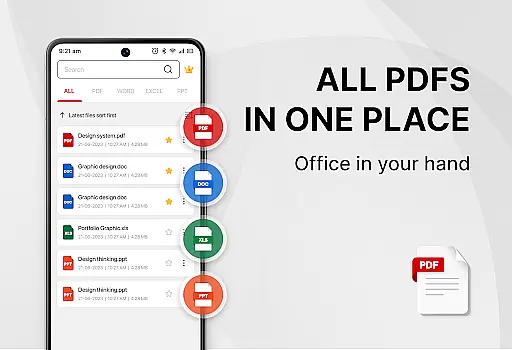
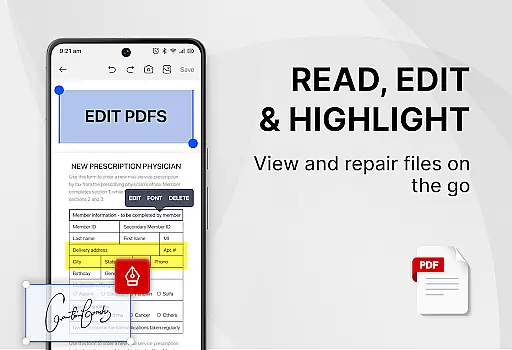
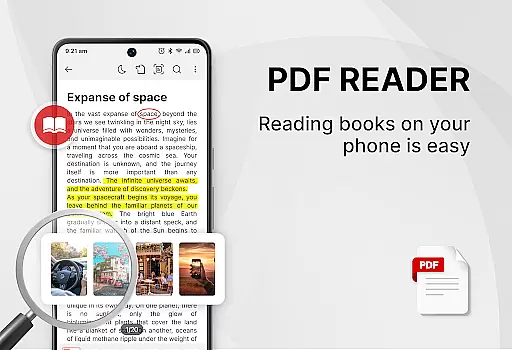
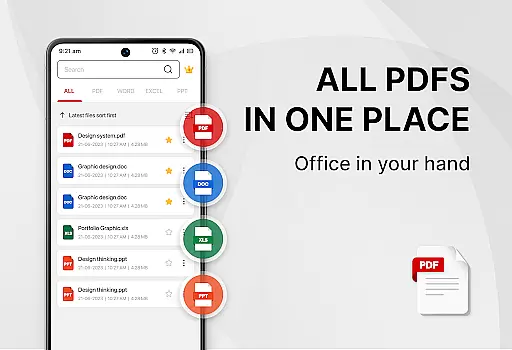
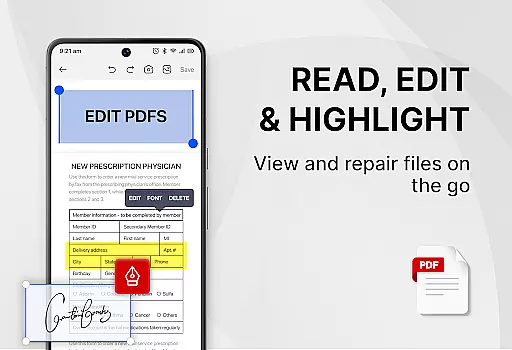
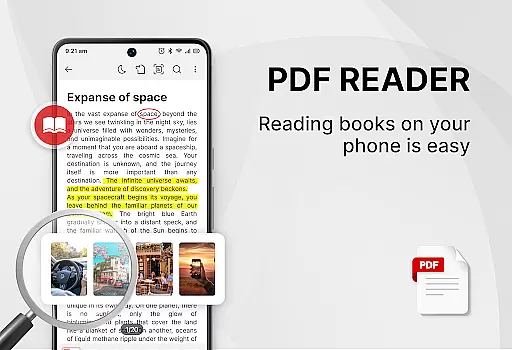
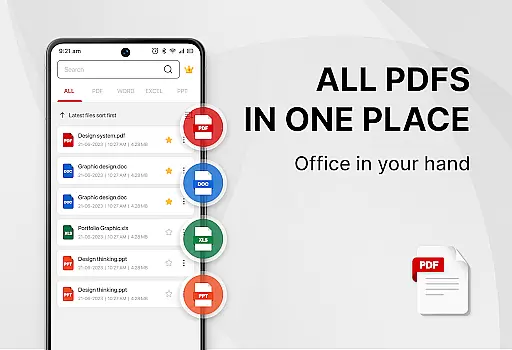
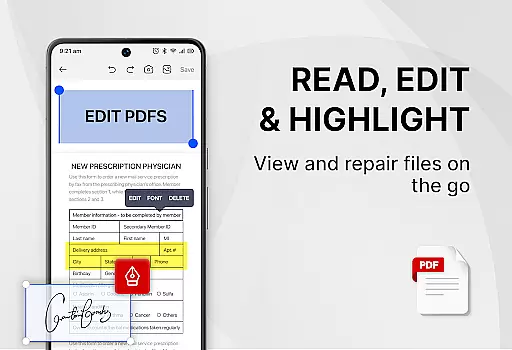
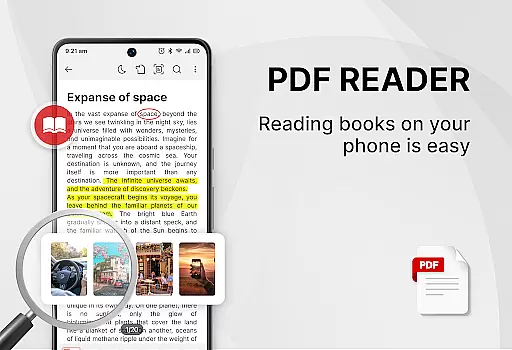
PDF Reader - Smart PDF Viewer is a comprehensive productivity tool designed for managing, reading, and editing various document formats on Android devices. This app stands out with its ability to handle not only PDF files but also Word, Excel, and PPT documents, making it an all-in-one solution for document management.
The core functionality includes features like e-signature support, PDF conversion to images, merging and splitting PDFs, and file sharing capabilities. Whether you're a student needing to annotate lecture notes or a professional requiring document signing and sharing, this app provides the essential tools to enhance your workflow.
With its user-friendly interface and powerful features such as dark mode switching and password protection for documents, PDF Reader - Smart PDF Viewer ensures that users can efficiently organize and secure their important files while improving their overall productivity.
PDF Reader - Smart PDF Viewer offers an extensive set of features tailored to meet diverse document handling needs. One notable feature is the smart search functionality, which allows users to quickly locate specific files across different formats including PDFs, Word documents, and Excel sheets.
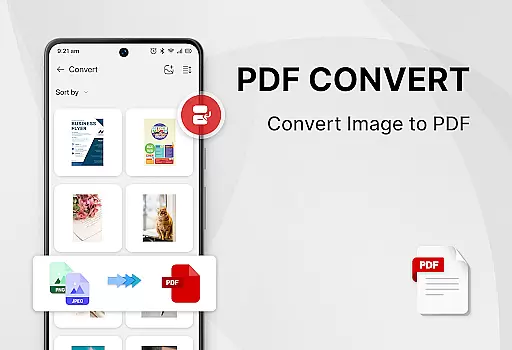
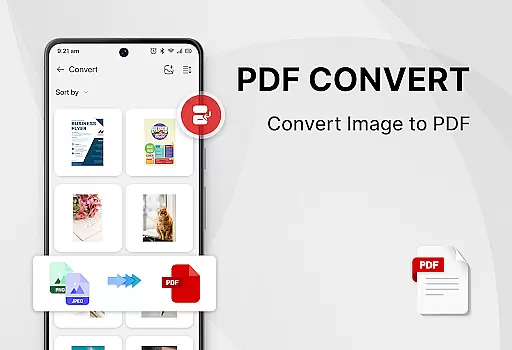
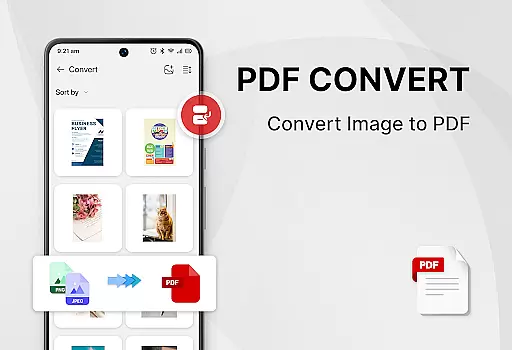
In addition to basic viewing capabilities, the app provides advanced tools such as adding e-signatures, converting images or scanned documents into PDF format, and even merging or splitting PDF files effortlessly. These functionalities are implemented through an intuitive interface that makes complex tasks straightforward.
Each feature is designed to deliver tangible value by saving time and effort in managing digital documents. The inclusion of security options like password protection further enhances the app's utility, ensuring that sensitive information remains secure while maintaining ease of access for authorized users.
Task management is a critical aspect of productivity applications, especially for users who need to organize and handle multiple documents efficiently. PDF Reader - Smart PDF Viewer excels in this area by offering an intuitive interface that simplifies the process of managing various document types.
This app provides smart search capabilities that allow users to quickly locate PDFs, Word documents, Excel sheets, and PowerPoint presentations. The recently opened files feature presents a simple list for immediate access, ensuring that users can swiftly return to their last viewed documents without hassle.
Moreover, the application supports organizing tasks through its powerful PDF tools. Users can merge and split PDF files, add e-signatures, convert images or scans to PDF, and even set passwords to protect sensitive information. These features collectively enhance work or study efficiency by streamlining document-related tasks.
Cross-device synchronization is essential for users who operate in multi-platform environments, ensuring that their documents are accessible wherever they go. PDF Reader - Smart PDF Viewer addresses this need by providing reliable synchronization features that keep all your devices up-to-date.
The app requires the MANAGE_EXTERNAL_STORAGE permission to locate, access, and edit document files effectively. This permission ensures that users can seamlessly transition between their Android devices without losing any data or experiencing delays in document availability.
In addition to synchronization, the app offers one-click switching between light and dark modes, catering to user preference and environmental lighting conditions. With these capabilities, PDF Reader - Smart PDF Viewer not only keeps your files synchronized but also enhances readability and comfort across different devices.
User-friendly interface
Comprehensive format support
Free advanced features
Efficient file management
Secure document handling
Requires storage permission
Limited offline help
Occasional ads
No cloud sync
Basic UI design

When you Focus, so will your Bean in this cozy focus timer
 4.30
4.30
Auto-shutoff Alarm with Sunrise, Sunset & Fixed Options.
3.50
8 custom complications. Custom Time Fonts. Beautiful color schemes. A++ Design.
5.00
We're working to become the best machining app on the market! www.cncdirt.com
4.80
Make your handwriting beautiful, even more than pen on paper.
3.60
Secure, fast, open-source, Remote Desktop Client for Windows and Linux with SSH
4.60
Subscribe to Webcal & .ics calendars and keep them up-to-date!
4.50
Best Tool for the professionals Electrician, Electrical contractors, etc.
4.90
Understand anything with a personalized AI research assistant
4.80
Use powerful, industry-leading AI tools to generate visual charts from any data
4.80
Scan paperwork into PDF/JPG, generate your own e-signature and send fax or email
4.70
Functional QR scanner and barcode reader that requires little storage space.
4.60
To do list widget with a notebook organizer, checklist, simple shopping list
4.60
CalenGoo is a very flexible and feature-rich calendar app
4.40
Automates browsing any website and notifies you of important changes or events
4.30 4.20
4.20
Take control of your clipboard with Clipper!
3.90
ID.me Authenticator is a simple and free Two Factor Authentication solution
3.50
Create study competitions, track your hours, and stay consistent with friends
4.2


User Reviews