
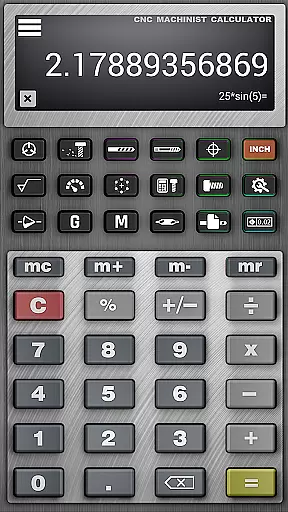
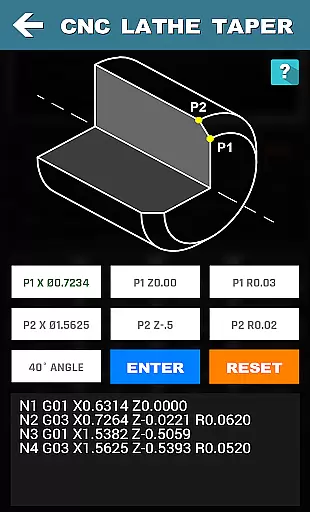
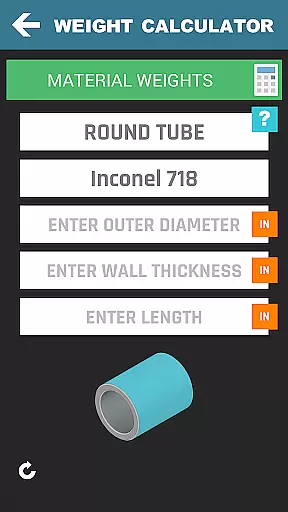
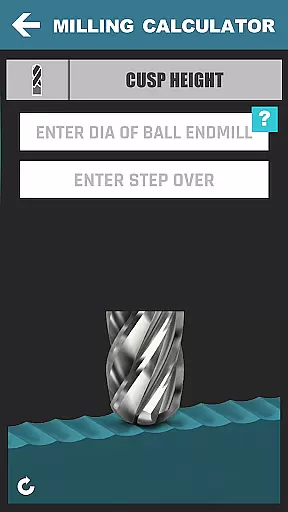



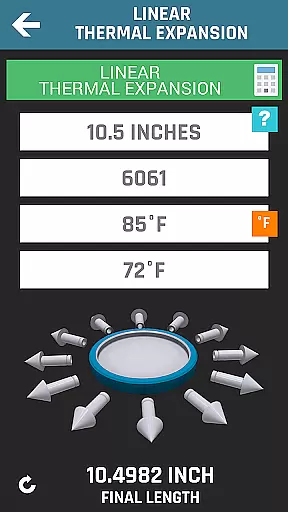
CNC Machinist Calculator Pro is a comprehensive productivity tool designed specifically for professionals in the manufacturing industry. This includes machinists, CNC operators, and toolmakers, as well as hobbyists who require quick calculations on machining parameters. The app provides over 35 categories of calculators and tools that cover turning, milling, drilling, thread calculation, and more.
One of the standout features of this app is its ability to perform complex machining calculations with ease. For instance, users can calculate cutting speeds, cycle times, and convert between different units of measurement effortlessly. Whether you're working on a lathe, mill, or dealing with threads and materials, this app has specialized calculators to streamline your workflow.
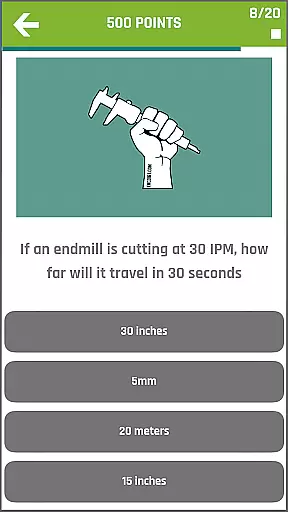
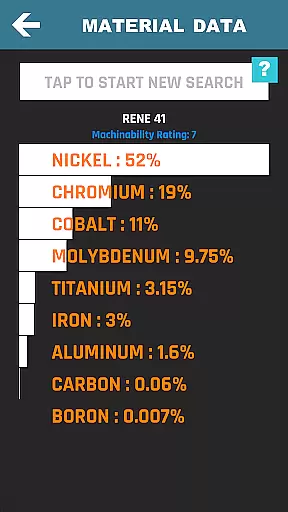
The true value of CNC Machinist Calculator Pro lies in its versatility and depth. It's not just about making calculations; it's about improving accuracy, saving time, and enhancing productivity on the shop floor. With additional resources like material property search, hardness conversions, and a machinist forum, it becomes an indispensable tool for anyone involved in CNC machining.
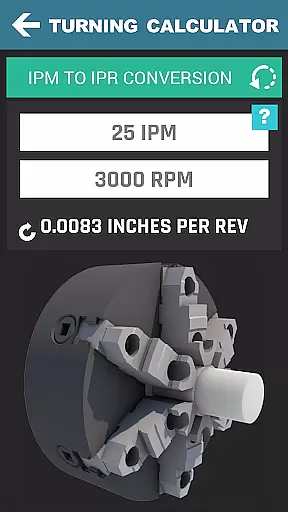
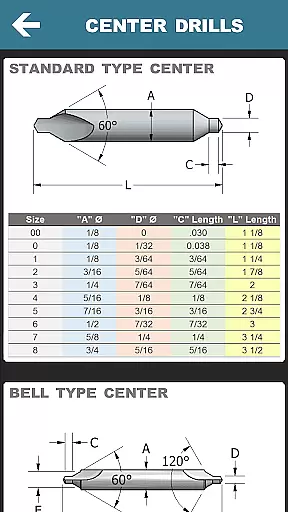
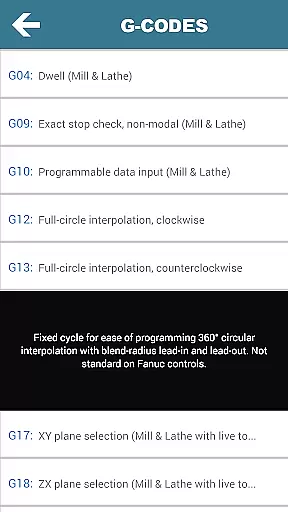
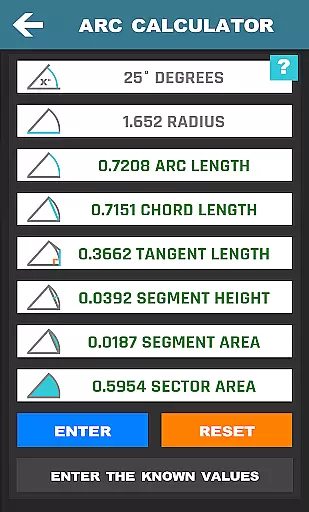
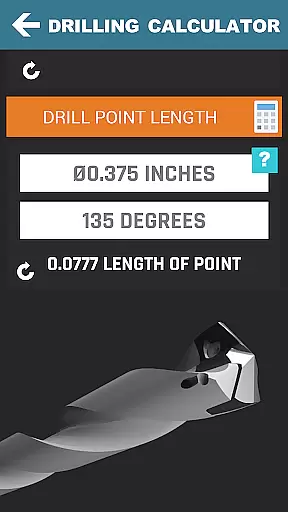
CNC Machinist Calculator Pro stands out due to its extensive range of features tailored for productivity in machining operations. The app includes Turning Calculators for lathe operators, which allow for cutting speed calculations based on material, grooving, rough turning, and various conversions. Milling Calculators offer functionalities such as cutting speed and feed calculations, radial chip thinning, and metal removal rate computations.
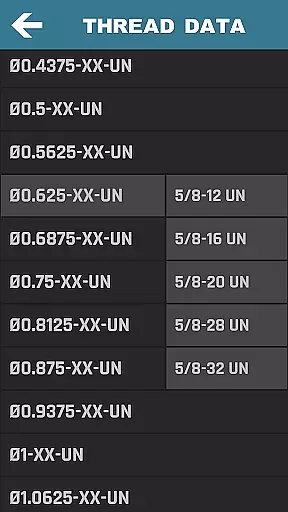
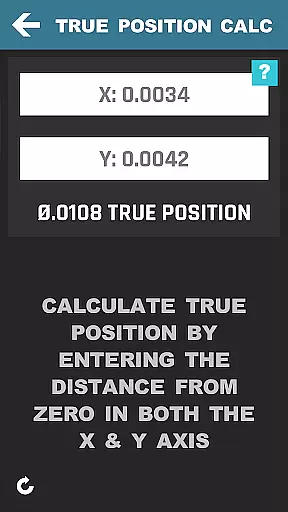
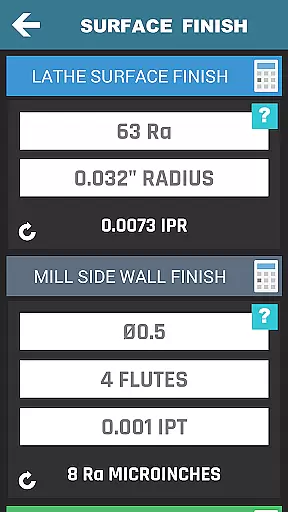
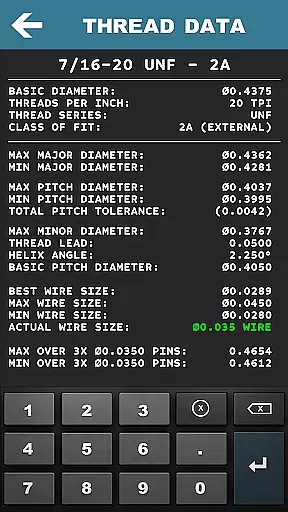
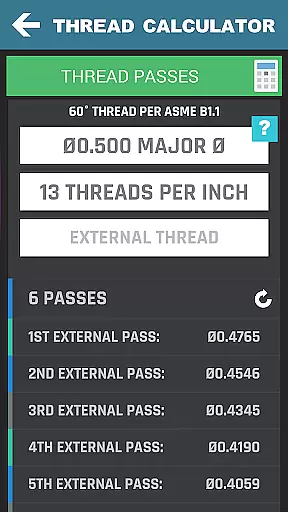
Drilling and Gun Drilling Calculators provide precise cutting speed and cycle time assessments, while Thread Calculators assist with thread data across multiple standards. The app also incorporates True Position, Bolt Pattern, Surface Finish Calculators, and much more. Each feature is crafted to ensure that users can make accurate calculations quickly, thus optimizing their machining processes.
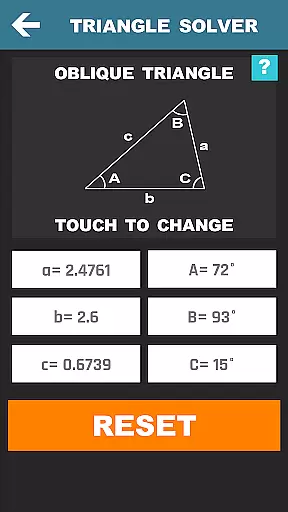
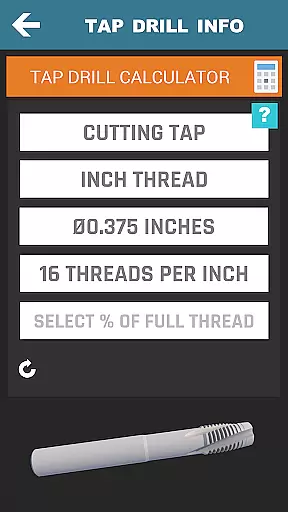
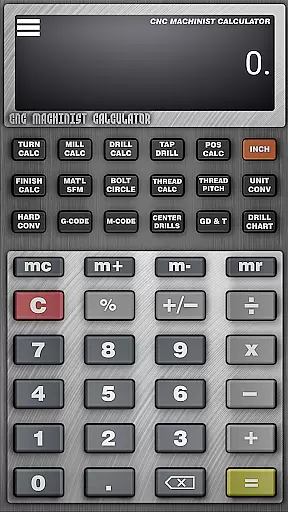
What sets this app apart is the inclusion of advanced tools like the Triangle Solver, Tap Drill Calculator, and even a Scientific Calculator. These features not only cater to everyday machining tasks but also support complex engineering challenges. By integrating practical tools with a user-friendly interface, CNC Machinist Calculator Pro significantly boosts efficiency and precision in machining operations.
CNC Machinist Calculator Pro excels in core task management by providing a comprehensive suite of calculators tailored for manufacturing professionals. This productivity app consolidates over 35 distinct calculation tools, each designed to streamline specific machining operations.
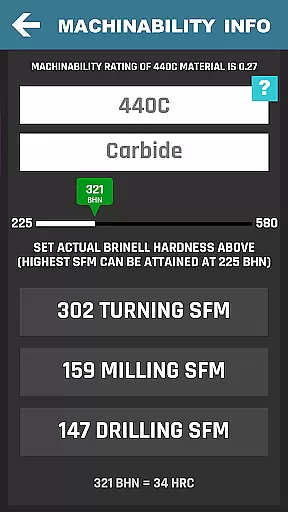
The application's turning, milling, and drilling calculators empower users to optimize cutting parameters with material-specific speed and feed recommendations. Its advanced thread data calculations and geometric tolerance descriptors ensure precision across various machining tasks. These features collectively enhance operational efficiency by reducing manual calculation errors.
For CNC programmers and operators, the app's ability to handle complex calculations such as true position, bolt patterns, and surface finish requirements significantly improves workflow accuracy. The inclusion of specialized tools like the gun drilling calculator and grinding calculations demonstrates its commitment to covering all essential machining aspects.
By integrating these diverse calculation tools into a single platform, CNC Machinist Calculator Pro enables manufacturing engineers and machinists to manage their technical computations more effectively, ultimately leading to increased productivity and better machining outcomes.
While primarily functioning as a standalone productivity tool, CNC Machinist Calculator Pro ensures reliable cross-device functionality through its consistent performance across various Android devices. The application maintains uniform calculation accuracy regardless of the device being used.
The app's robust architecture guarantees that all calculations, from basic unit conversions to complex machining parameters, produce identical results across different devices. This consistency is crucial for manufacturing professionals who may need to switch between devices while maintaining calculation integrity.
Although the app doesn't feature cloud synchronization, its standardized calculation engine ensures that users can rely on consistent results whether they're using their personal device or a shared workstation. The scientific calculator and machining formulas maintain their precision across different screen sizes and hardware configurations.
This reliability extends to its extensive material database and machining parameters, which remain accurate and accessible regardless of the device's specifications. Manufacturing engineers can trust that their calculations will yield the same precise results, whether performed on a smartphone or tablet, ensuring dependable decision-making throughout their projects.
Comprehensive toolset
User-friendly interface
Wide range of calculators
Regular updates
Professional community
Premium price point
Steep learning curve
Occasional bugs
Limited offline functionality
Heavy on resources

 4.20
4.20
Secure, fast, open-source, VNC and SSH Remote Desktop for Windows, Linux and Mac
4.70
Total remote control for your Android device, PC and cloud services (IFTTT)!
4.20
Planet Free VPN - The best Fast Unlimited and Secure VPN Without Logs
4.50
Font maker keyboard with your own handwriting
4.10
Enjoy classic gameplay with customizable features and retro-style graphics.
4.30
Scientific calculator for Android - looks and operates like the real thing!
4.90
QuickEdit is a fast, stable and full featured text and code editor.
4.20
Note taking, handwriting, record audio, PDF annotation, planner & journal
4.20
Multilingual translator for text, voice, and image translation!
4.90
Seamlessly integrate data and reports to build your presentation to impress
4.80
The long-awaited modern gallery app for your Nextcloud server
4.70
Scan paperwork into PDF/JPG, generate your own e-signature and send fax or email
4.70
Access, manage and transfer files on Android, PC, Mac, NAS and cloud storages.
4.30
Device's storage information in a simple and clear graphical form (infographics)
4.10
All in one sketching tool. Technical and General drawing. Online Maps support.
3.70
ID.me Authenticator is a simple and free Two Factor Authentication solution
3.50
AI Video AI Image Private LLM AI Browser Llama Gemma Ollama Connect LLM Studio
4.0
A comprehensive suite of tools designed specifically for Lactation Consultants
4.3


User Reviews