
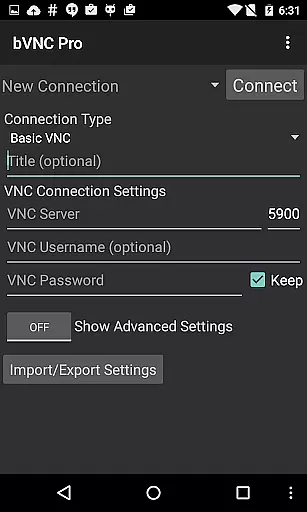
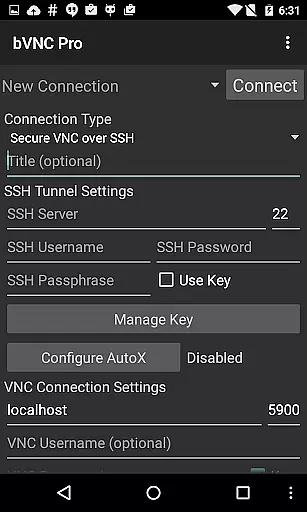
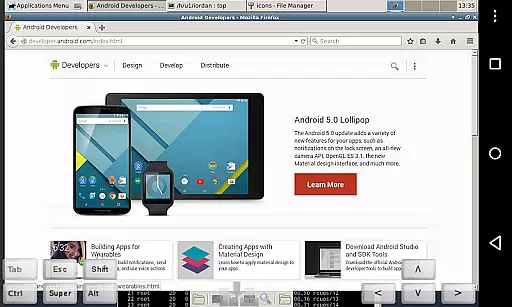
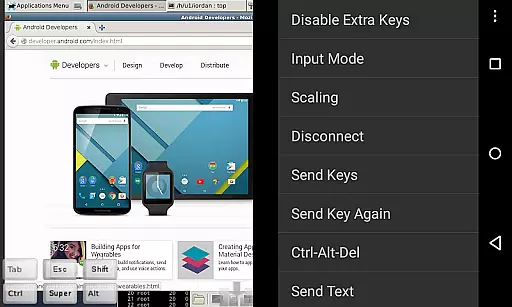
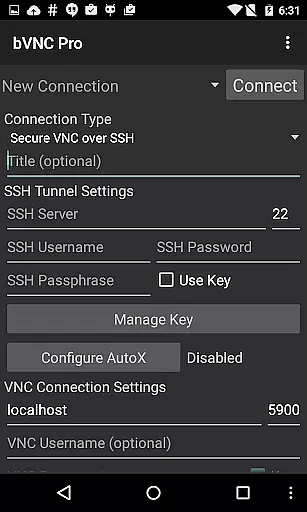
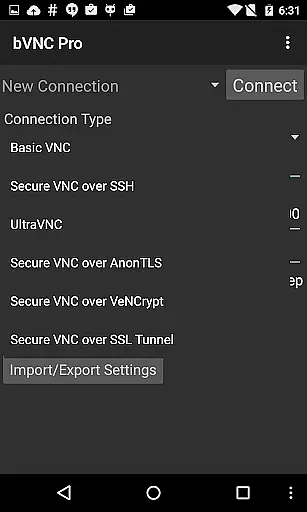
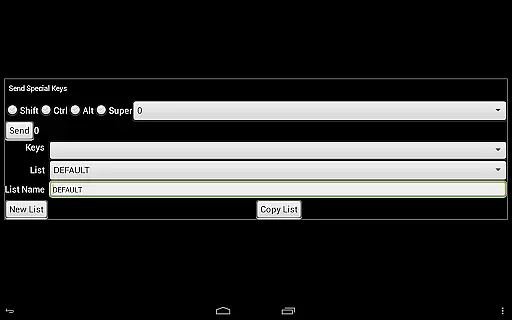
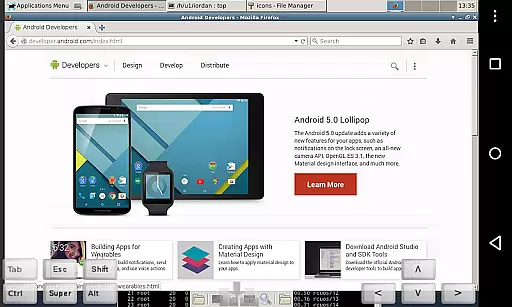
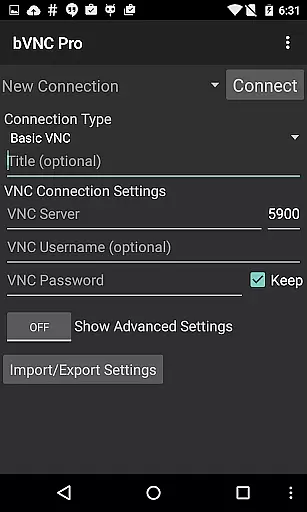
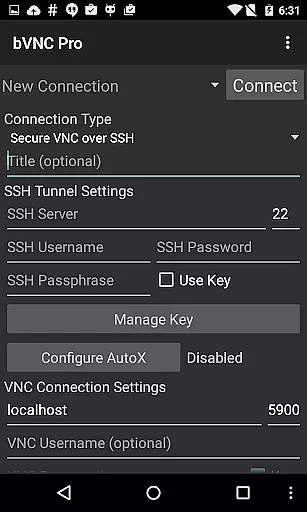
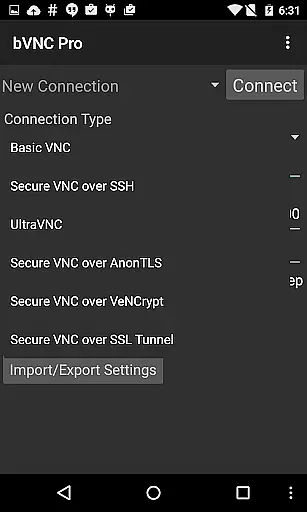
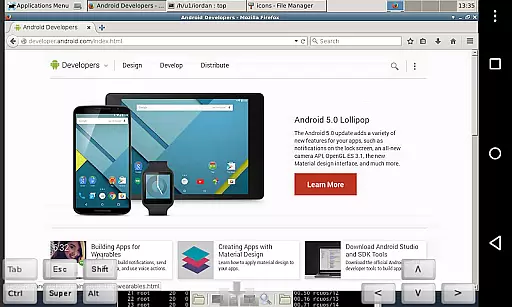
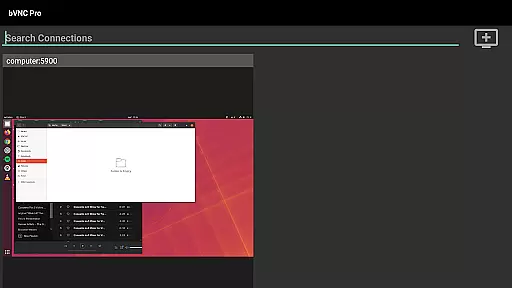
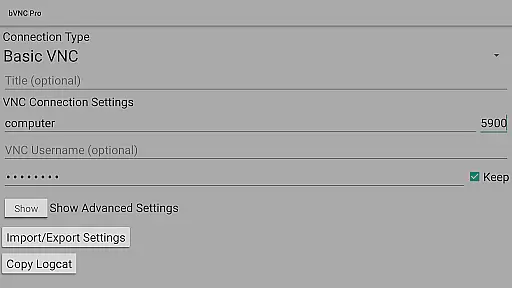
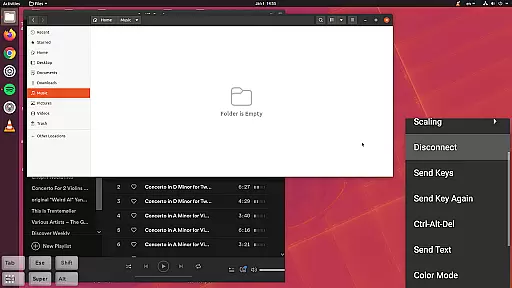
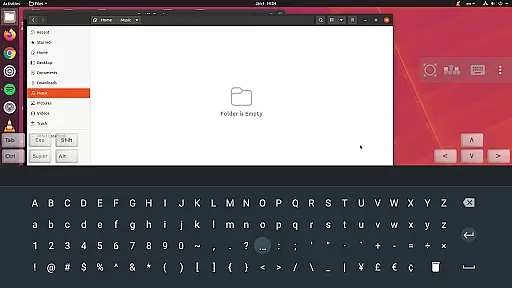
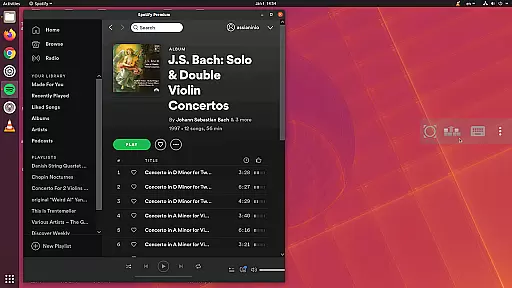
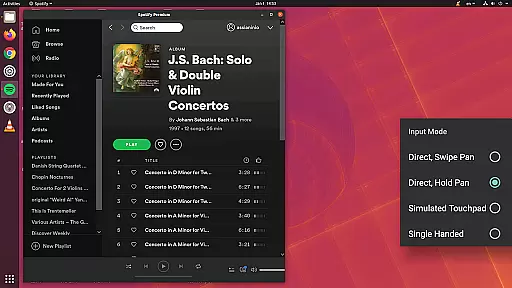
bVNC Pro is a secure, open-source VNC client designed for productivity-focused users who need reliable remote desktop access. The app supports connections to Windows, Mac, Linux, and other operating systems with VNC servers installed, making it versatile for various professional environments.
Key features include multi-touch control, SSH tunneling for secure connections, dynamic resolution changes, and compatibility with multiple VNC servers. Its support for PiKVM and advanced security protocols like AnonTLS ensures both flexibility and protection during remote sessions. Whether managing virtual machines or accessing workstations, bVNC Pro offers the tools necessary for efficient remote operations.
bVNC Pro stands out with its comprehensive feature set tailored for power users. It offers multi-factor SSH authentication and master password support in the Pro version, ensuring enterprise-grade security. Multi-touch gestures allow intuitive mouse control, while pinch-zoom and scrolling enhance navigation on touch devices.
The app supports high-grade encryption using SSH and VeNCrypt, surpassing traditional RNC encryption methods. With options like Tight and CopyRect encodings, users can optimize performance over slow network links. Additional functionalities such as view-only mode, Samsung DEX support, and customizable input modes make bVNC Pro adaptable to different workflows and use cases.
bVNC Pro is not just a remote desktop client but also an essential productivity tool for managing tasks across multiple operating systems. Its ability to connect securely to Windows, Mac, Linux, and other OS platforms with VNC servers installed makes it versatile for various professional environments.
The application supports dynamic resolution changes, allowing users to reconfigure their desktops while remaining connected. This feature ensures that the user experience is smooth and adaptable, whether accessing a virtual machine from BIOS to OS or handling complex tasks requiring different screen setups.
With multi-touch control over the remote mouse, bVNC Pro offers intuitive navigation. Users can perform left, right, and middle clicks with simple finger taps, making task execution efficient and straightforward. Additionally, features like pinch-zoom and scrolling with two-finger drags enhance usability, providing precision when interacting with detailed content.
One of the standout features of bVNC Pro is its reliable cross-device synchronization, which ensures seamless transitions between different devices without losing connection quality or data integrity. Whether you're switching from an iOS device to a Mac or using Android tablets, bVNC maintains consistent performance.
The Pro version includes master password support and multi-factor SSH authentication, adding layers of security that are crucial for maintaining synchronized sessions across devices. These features prevent unauthorized access and protect sensitive information during task management.
Moreover, bVNC Pro supports high-grade encryption superior to RDP using SSH and VeNCrypt (x509 certificates and SSL), preventing man-in-the-middle attacks. This level of security guarantees that your synchronized work remains confidential and tamper-proof, regardless of the network environment you operate within.
Secure remote access
Multi-touch controls
Dynamic resolution
SSH tunneling
Versatile OS support
No RealVNC encryption
Complex setup
Paid Pro features
Requires technical knowledge
Limited UI customization

Seamlessly integrate data and reports to build your presentation to impress
 4.80
4.80
Experience real multitasking on your Android!
4.00
Unlock AutoNotification
4.00
The upgraded version of Name Wheel with AI and the power to add your own wheels.
4.2
Device's storage information in a simple and clear graphical form (infographics)
4.10
Simple and reliable communication between inmates, friends and family
3.20
A comprehensive suite of tools designed specifically for Lactation Consultants
4.1
This small app MUST BE INSTALLED after purchase, else license won't work
4.40
Share files & memories safely. Keep your photos and videos secure.
4.40
Protect and view your important info on your phone and tablet with eWallet®
4.80
Quickly and easily keep track of your work shifts
4.70
Client for Nextcloud Deck
4.60
Translate text/voice/photos in 150+ languages. Offline & fast translator app.
4.50
Secure your apps with lock screens, use custom themes and different features.
4.40
Automates browsing any website and notifies you of important changes or events
4.30 4.20
4.20
Intelligent AI Assistant
4.10
Wake up & get tasks done! Add alarms & reminders on the Clock Launcher.
4.00
Find and delete junk files & block unwanted notifications & manage files
3.70


User Reviews