
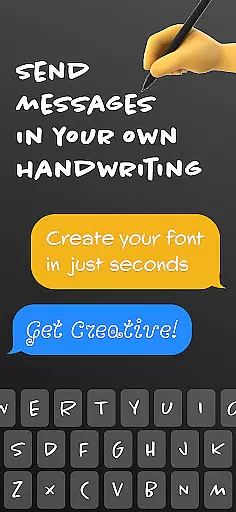
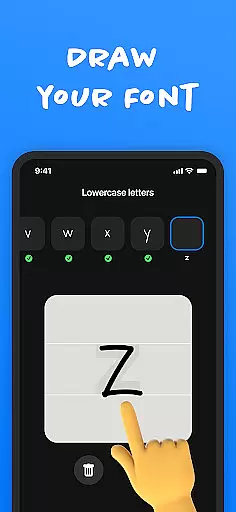
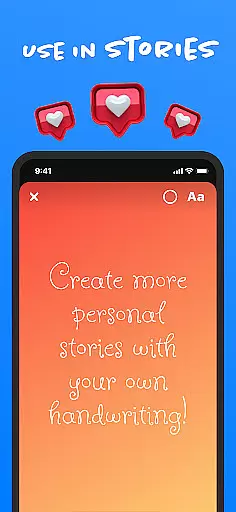
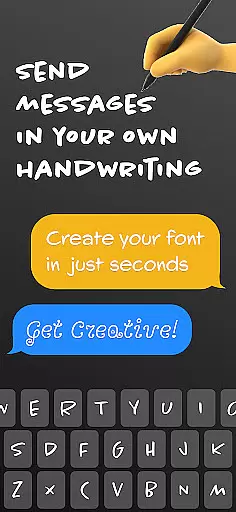
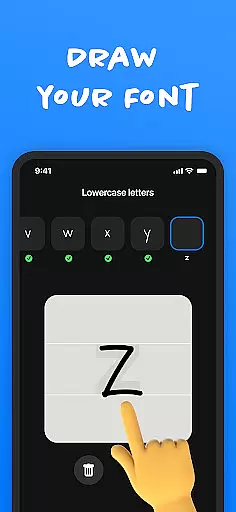
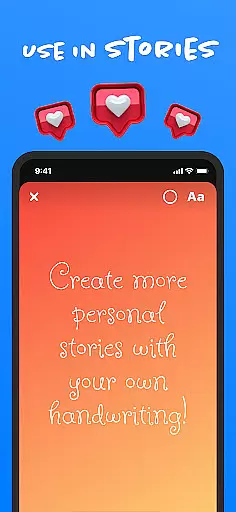
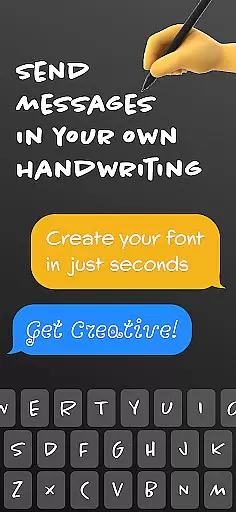
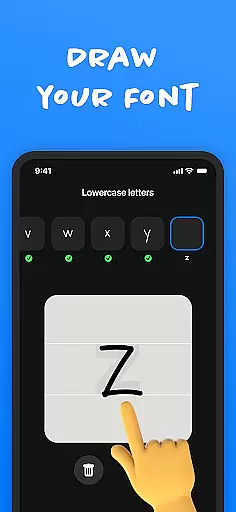
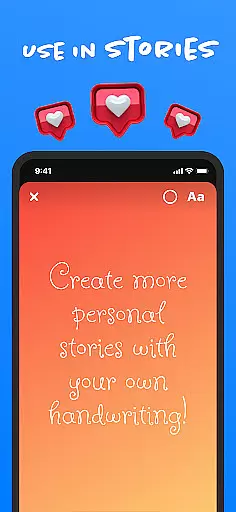
Fontmaker - Font Keyboard App is a productivity tool designed to help users create unique cursive and handwritten fonts for customizing their messaging experience. The app allows you to design personalized fonts using your own handwriting, which can then be used across various social media platforms and messaging apps.
With its intuitive font creator and keyboard integration, Fontmaker enables users to express their individual style through text. Whether you want to impress friends on Instagram, Snapchat, TikTok, or Facebook, this app lets you add a personal touch to all your digital communications. Elevate your online presence by showcasing your authentic handwriting and make your messages truly memorable.
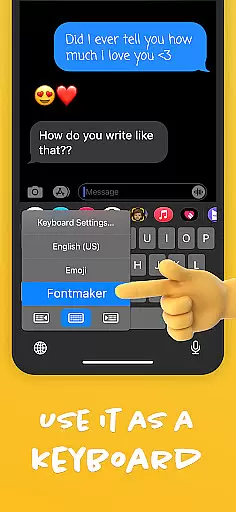
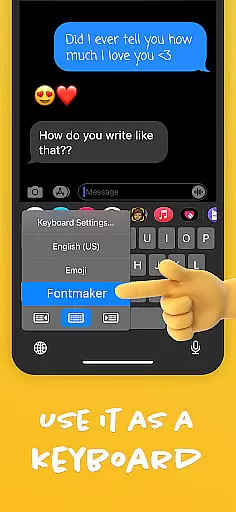
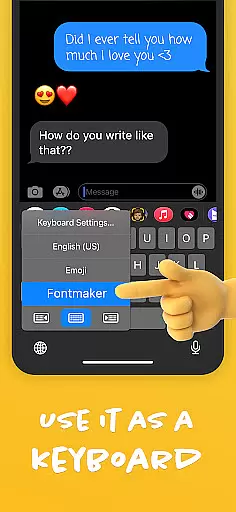
Fontmaker offers a comprehensive set of features that cater to creative expression through typography. The app's font creator allows you to generate custom fonts based on your own handwriting, providing an unprecedented level of personalization. Once created, these fonts can be seamlessly integrated into the app's custom keyboard, making it easy to use your unique fonts in any messaging or social media app.
Beyond just creating fonts, Fontmaker enhances your online presence by allowing you to maintain authenticity in your digital communications. The ability to switch between different custom fonts gives users the power to express different facets of their personality. Additionally, the app's user-friendly interface ensures that generating and applying your custom fonts is a smooth and enjoyable process, encouraging regular use and experimentation with new styles.
Fontmaker revolutionizes the way users manage their text customization tasks by offering a seamless font creation system. This feature allows users to design unique cursive and handwritten fonts, which can be directly integrated into their messaging platforms.
The app provides an intuitive interface for creating personalized fonts. Users can easily capture their own handwriting through the app's creator tool, ensuring that each font is a true reflection of their individual style. The process is streamlined to guide users from capturing their handwriting to applying it across various social media and messaging apps.
By centralizing font creation and management within a single platform, Fontmaker enhances productivity. Users no longer need to switch between different tools or platforms to customize their text, making their communication more efficient and visually appealing.
Cross-device synchronization is a pivotal feature of Fontmaker, ensuring that your custom fonts are reliably available across all your devices. Once you create a font on one device, it automatically syncs to other devices where you're logged into the app, maintaining consistency in your digital communication.
This synchronization process leverages cloud technology to store your font data securely. Any changes made to your fonts are updated in real-time, ensuring that you always have access to the latest versions of your creations regardless of the device you're using.
Fontmaker's reliable cross-device functionality means users can seamlessly transition between their phone, tablet, and other devices without losing any customizations. This ensures a smooth and uninterrupted user experience, allowing for greater flexibility and convenience in managing personal and professional communications.
Highly customizable
User-friendly interface
Unique font creation
Wide platform compatibility
Enhances personal expression
Limited free features
Requires manual input
Learning curve for new users
Occasional bugs
Premium subscription needed

QuickBooks Workforce lets teams view pay info and track time in one place.
 4.70
4.70
The long-awaited modern gallery app for your Nextcloud server
4.70
Create study competitions, track your hours, and stay consistent with friends
4.2
Mega cloud explorer plugin for Solid Explorer
3.80
Make your handwriting beautiful, even more than pen on paper.
3.60
Functional QR scanner and barcode reader that requires little storage space.
4.60
A comprehensive suite of tools designed specifically for Lactation Consultants
4.5
Access your phone's notifications, calls, apps, photos & texts on your PC
3.90
Okta MFA
4.70
8 custom complications. Custom Time Fonts. Beautiful color schemes. A++ Design.
5.00
Multilingual translator for text, voice, and image translation!
4.90
aCalendar+ makes your day, week and month
4.70
Client for Nextcloud Deck
4.60
Subscribe to Webcal & .ics calendars and keep them up-to-date!
4.50
A lightweight JSON & XML files creator, editor and viewer (Premium Version)
4.40
Cloud storage, automatic phone backup, and more.
4.10
Activate Two Factor Authentication (2FA or Multi OTP), Password manager and more
4.10
Find and delete junk files & block unwanted notifications & manage files
3.70
The upgraded version of Name Wheel with AI and the power to add your own wheels.
4.4


User Reviews