
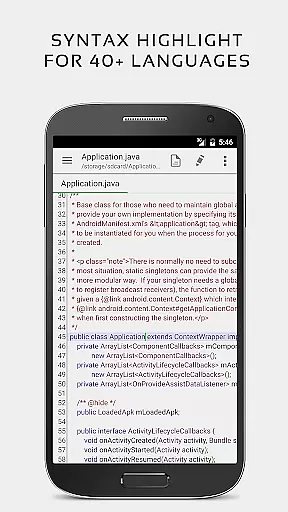


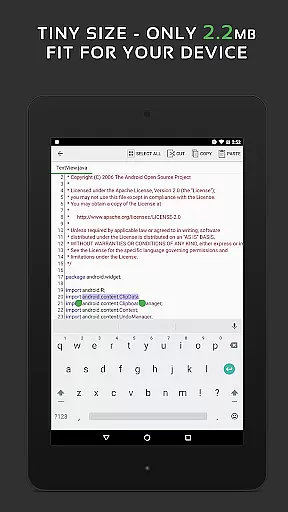
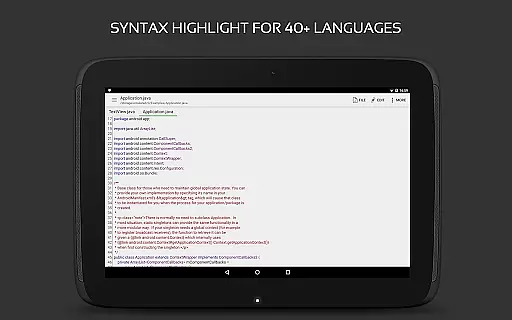
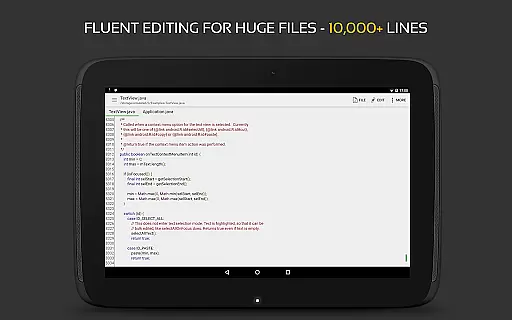
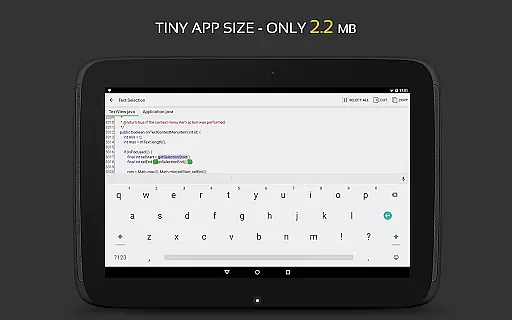
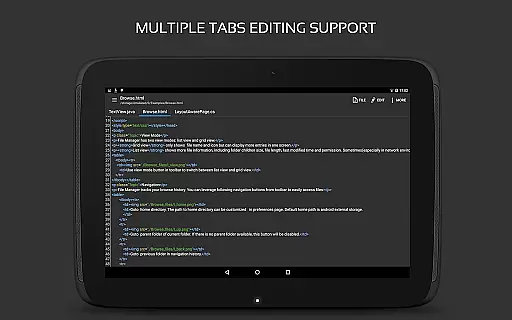
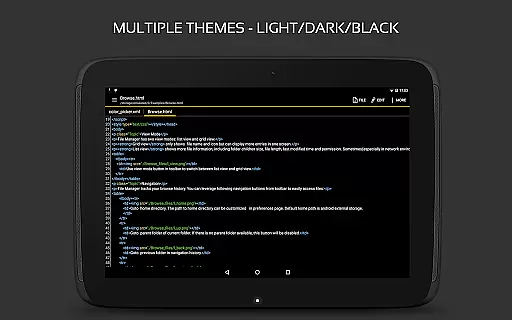
QuickEdit Text Editor Pro is a premium text editing solution designed for both casual users and programming professionals. This productivity app offers an enhanced notepad experience with advanced features tailored for code editing, making it suitable for over 170 programming languages. Its standout capability lies in the robust syntax highlighting and online compiler support, allowing users to compile and run more than 30 programming languages directly within the app.
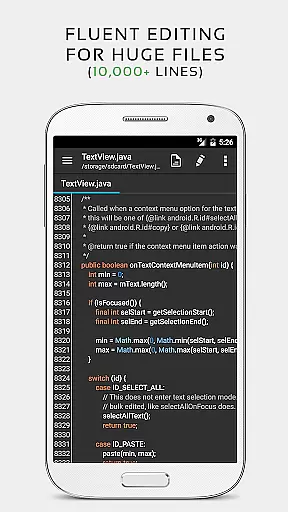
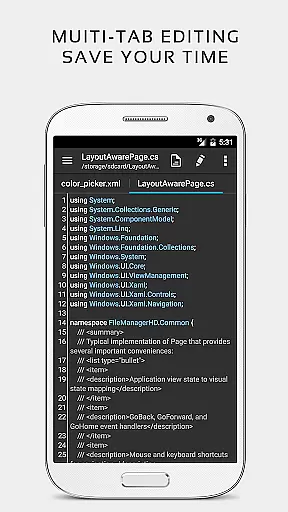
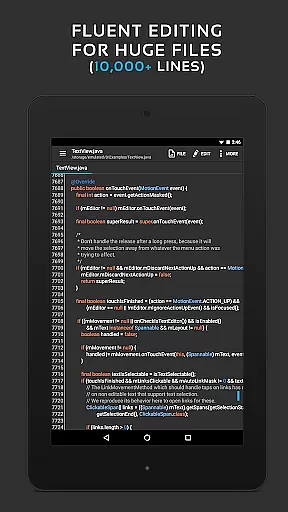
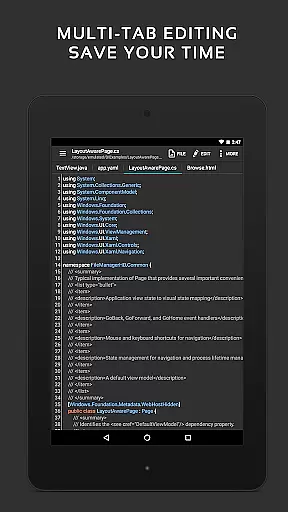
The application is optimized for performance, ensuring smooth operation even with large files containing over 10,000 lines. QuickEdit supports seamless navigation between multiple open tabs, line numbering, unlimited undo/redo functions, and customizable indentation settings. It also provides excellent physical keyboard support and smooth scrolling in all directions, which significantly enhances the editing experience on mobile devices.
Whether you're editing plain text files or working on complex coding projects, QuickEdit Text Editor Pro delivers professional-grade functionality in a user-friendly interface. The app's versatility makes it an essential tool for developers, writers, and anyone who requires efficient text editing on Android devices.
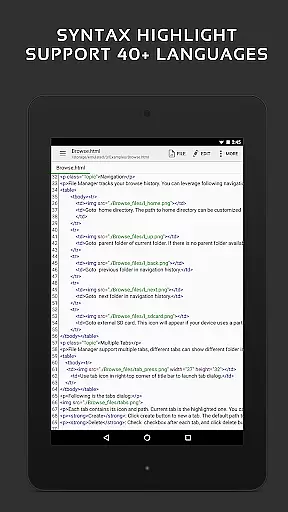
QuickEdit Text Editor Pro stands out with its comprehensive feature set that caters to both general and professional text editing needs. The app provides syntax highlighting for more than 170 programming languages, including C++, Java, Python, and Ruby, making it an invaluable tool for developers. Its integrated online compiler supports over 30 languages, enabling users to test their code without leaving the app.
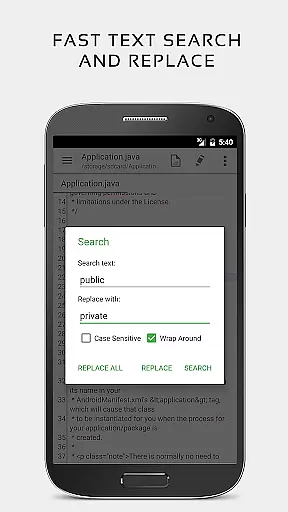
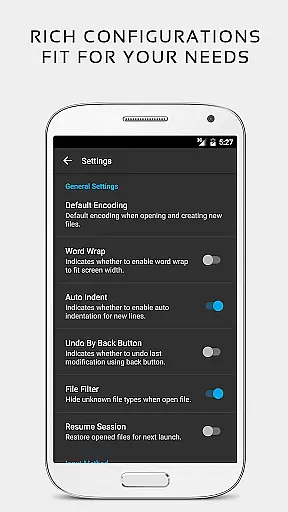
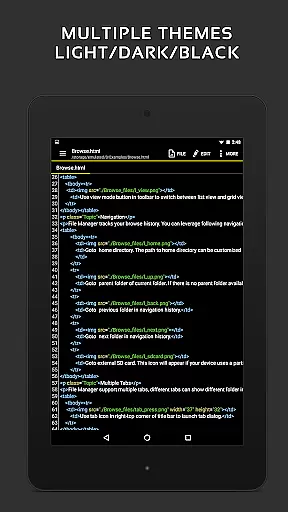
Performance-wise, QuickEdit excels with its ability to handle large text files smoothly, regardless of whether they contain thousands of lines. The app allows users to navigate efficiently through documents using features like line number display, quick search and replace, and direct line targeting. Additionally, users can customize their editing environment by adjusting font types and sizes, toggling between light and dark themes, and setting automatic indentations.
For those working across multiple files or cloud services, QuickEdit offers seamless integration with Google Drive, Dropbox, and OneDrive. The app also supports rooted device users who need to edit system files. With its intuitive interface and extensive functionality, QuickEdit Text Editor Pro proves to be an indispensable tool for anyone seeking a powerful text editor on their mobile device.
Task management is a critical aspect of productivity applications, and QuickEdit Text Editor Pro excels in this area. The app provides users with the ability to easily navigate between multiple open tabs, which is essential for managing various tasks or files simultaneously.
QuickEdit enhances task handling by offering features such as undo and redo changes without limit, displaying line numbers, and allowing users to show or hide them based on their preference. This flexibility ensures that users can tailor the editor to their specific workflow needs.
The application also supports physical keyboard input including key combinations, making it suitable for power users who require speed and efficiency when managing complex coding or writing projects. With these capabilities, QuickEdit empowers users to maintain control over their work processes.
Moreover, the high performance of QuickEdit, even with large text files exceeding 10,000 lines, means that professionals can rely on this editor for substantial task management without experiencing lag or performance issues. This robustness is crucial for maintaining productivity in fast-paced environments.
Cross-device synchronization is vital for users who work across multiple devices, ensuring that their data remains consistent and up-to-date. While QuickEdit Text Editor Pro focuses primarily on text editing, it offers reliable access to files from various cloud services like Google Drive, Dropbox, and OneDrive, which facilitates file syncing.
Although direct cross-device sync isn't a native feature, QuickEdit's integration with FTP, alongside popular cloud storage solutions, allows users to manually synchronize their work efficiently. This method gives users the freedom to choose how they manage their documents across different platforms.
Furthermore, QuickEdit's support for both light and dark themes, along with its optimization for phones and tablets, ensures a uniform experience regardless of the device being used. Users can seamlessly transition between devices while maintaining visual consistency and comfort.
By providing an ad-free environment and supporting external storage options, QuickEdit creates a dependable ecosystem where professionals can focus on their content creation without worrying about interruptions or inconsistencies in their workflow.
Fast and responsive performance
Extensive language support
Integrated online compiler
Advanced editing features
Ad-free experience
No iOS version available
Steep learning curve
Limited collaboration tools
Premium price point
Complex UI for beginners

A Revolutionary All-in-One Artificial Intelligence Tools
 3.80
3.80
Experience Reading - Night Mode for Documents
4.40
The long-awaited modern gallery app for your Nextcloud server
4.70
Planet Free VPN - The best Fast Unlimited and Secure VPN Without Logs
4.50
Mind Map and brainstorm, note taking and idea collection
4.80
Stay on top of your to-dos with Google Tasks, part of Google Workspace.
4.60
Translate text/voice/photos in 150+ languages. Offline & fast translator app.
4.50
Secure, open-source, SPICE and SSH Remote Desktop for QEMU KVM virtual machines
4.00
Experience and share your SolidWorks designs on your Android® phone and tablet.
2.50
Multilingual translator for text, voice, and image translation!
4.90
Direct Chat without saving contacts & Dual WA Account on Single Device
4.70
Absolutely the best CNC machinist speed and feed calculator around. fswizard.com
4.60
Secure, fast, open-source, Remote Desktop Client for Windows and Linux with SSH
4.60
Enjoy classic gameplay with customizable features and retro-style graphics.
4.30
Cloud storage, automatic phone backup, and more.
4.10
Intelligent AI Assistant
4.10
The ultimate file manager for rooted devices. The original and still the best.
4.00
Ads Free App! Editor, Hide File, Copy, Move, Delete and Rename.. all facility av
1.70
IP Camera Viewer - Android TV : RTSP Surveillance camera viewer for Android TV
4.3


User Reviews