
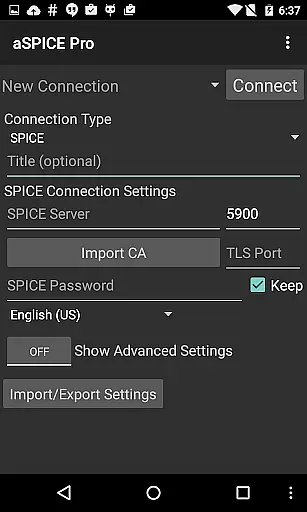
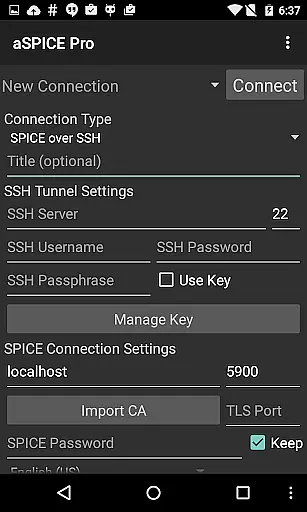
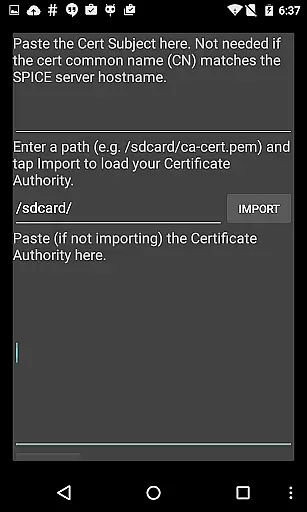
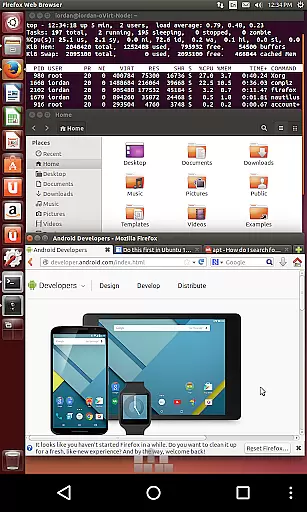
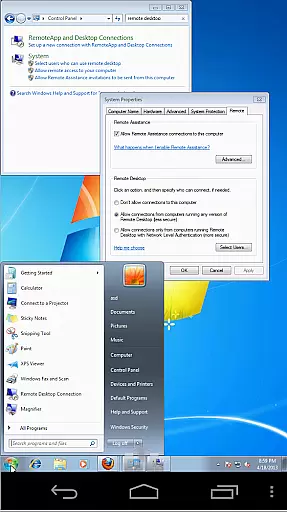
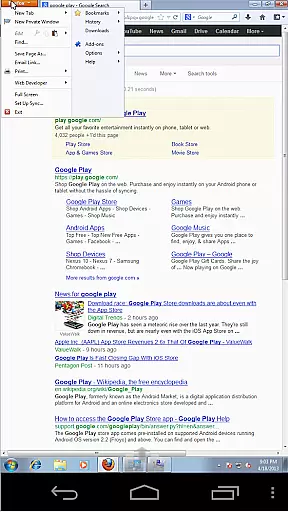
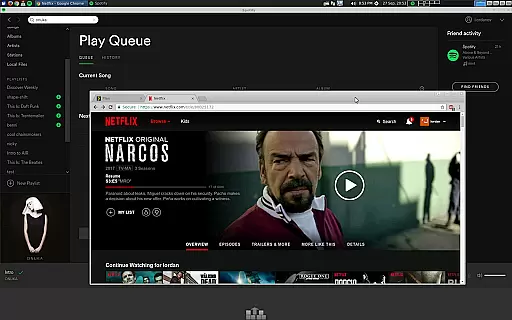
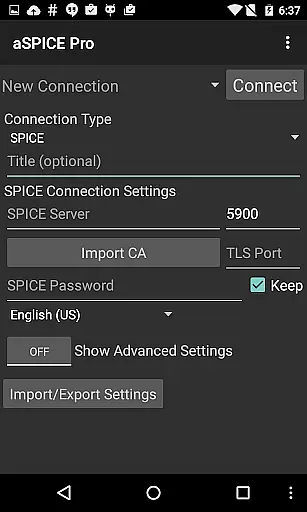
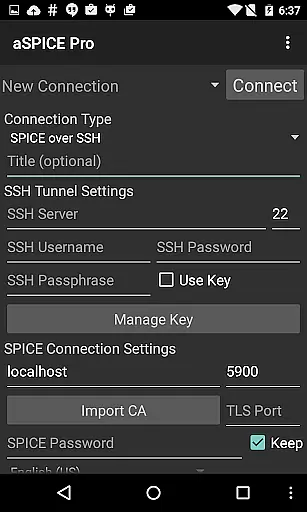
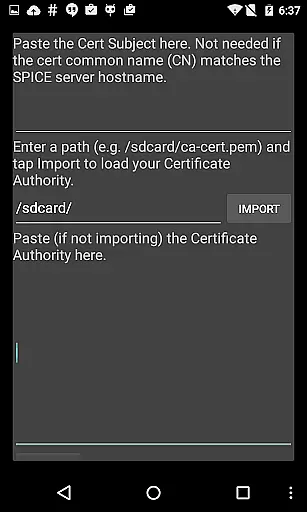
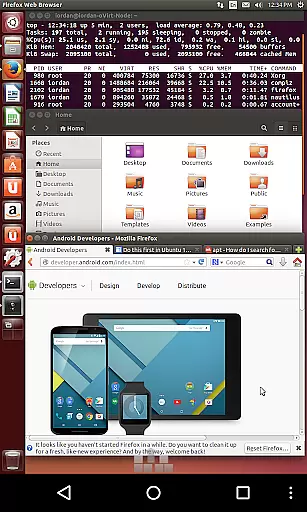
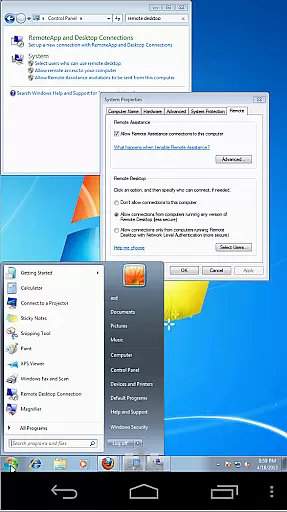
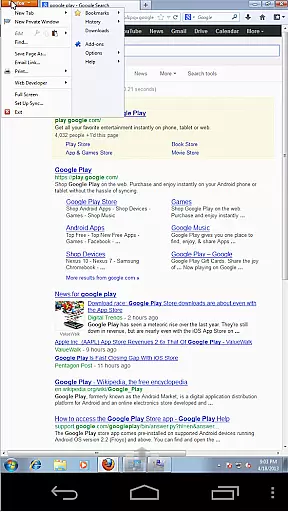
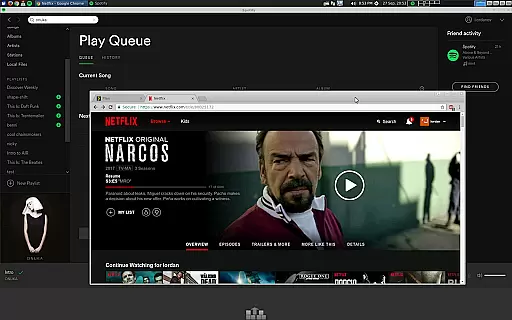
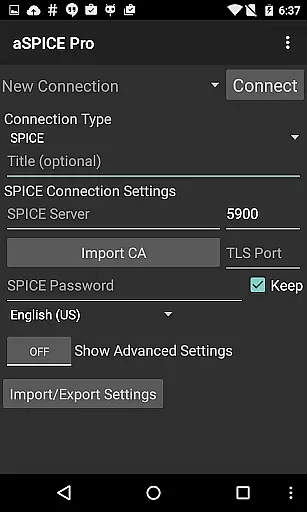
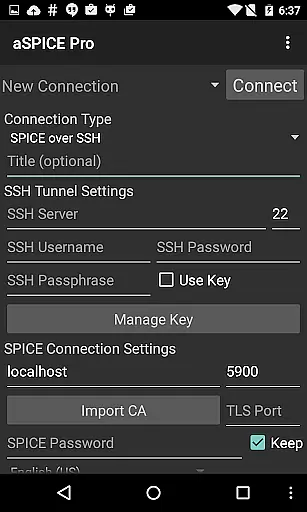
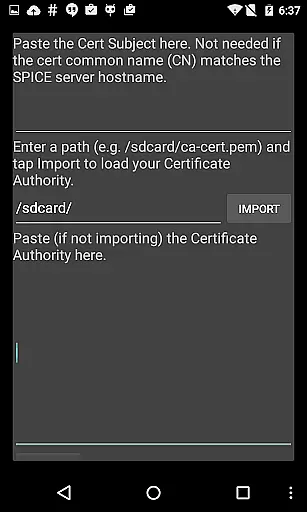
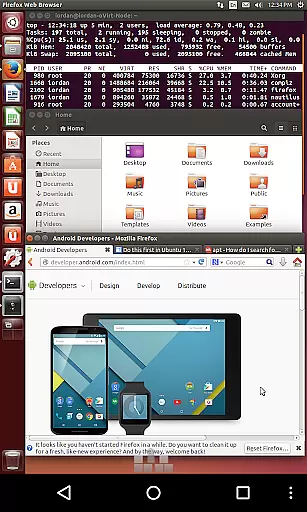
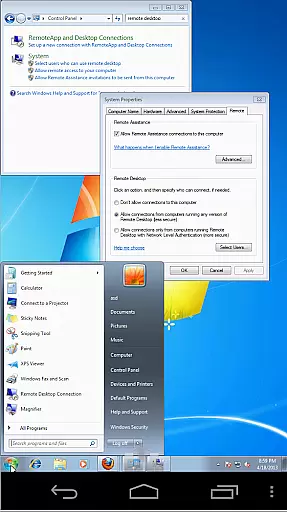
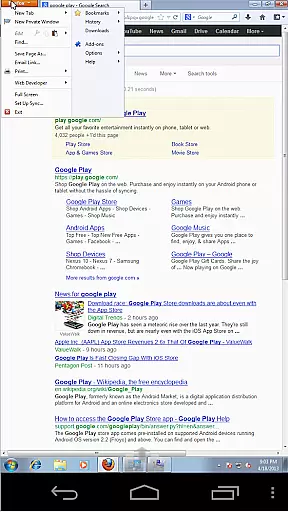
aSPICE Pro Secure SPICE Client is a powerful productivity tool designed for users who need to remotely control virtual machines with precision and security. This application supports the SPICE protocol, making it possible to interact with any SPICE-enabled QEMU virtual machine regardless of the guest operating system. With features like Master password support, MFA/2FA SSH authentication, and USB redirection, aSPICE ensures that your remote sessions are both secure and versatile.
The app offers an extensive set of functionalities including multi-touch controls, sound support, dynamic resolution changes, and full rotation support. These features make it suitable for a wide range of devices and orientations, ensuring that you can maintain productivity whether you're using a smartphone or tablet. Additionally, the SSH tunneling feature adds an extra layer of security, allowing you to safely connect to machines behind firewalls.
aSPICE Pro stands out with its comprehensive feature set tailored for productivity. One of the key highlights is its multi-touch control over the remote mouse, enabling intuitive interactions such as one-finger tap for left-click, two-finger tap for right-click, and three-finger tap for middle-click. The app also supports scrolling with a two-finger drag and pinch-zooming, providing a smooth and responsive user experience.
Security is a top priority for aSPICE Pro, which is why it includes robust options like SSH tunneling, MFA/2FA SSH authentication, and master password support. These features ensure that your connections are not only fast and reliable but also secure from unauthorized access. Furthermore, the app's ability to handle dynamic resolution changes and provide full visibility even with the soft keyboard extended makes it an ideal choice for users who require flexibility and adaptability in their remote desktop solutions.
In the realm of productivity, aSPICE Pro Secure SPICE Client excels in core task management by providing users with robust control over their virtual machines. This application supports any SPICE-enabled QEMU virtual machine, regardless of the guest operating system, ensuring that you can manage all your tasks from one central location.
With features like dynamic resolution changes and full rotation support, users are empowered to reconfigure their desktop environments on-the-fly. This flexibility allows for an adaptive workspace that can be tailored to fit various tasks and preferences, enhancing both efficiency and comfort.
The inclusion of multi-touch controls further enriches the user experience by enabling intuitive interactions such as tap-to-click functionalities and gesture-based commands. These capabilities ensure that navigating through different tasks is not only efficient but also natural and user-friendly.
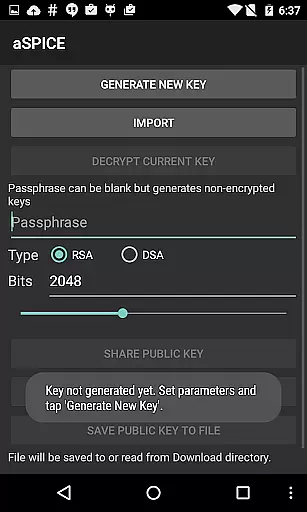
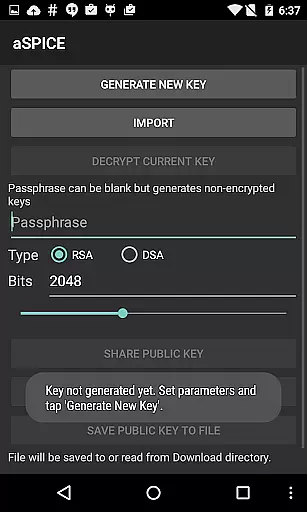
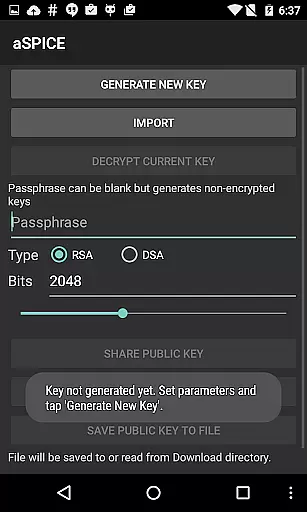
Cross-device synchronization is a critical component of modern productivity tools, and aSPICE Pro Secure SPICE Client addresses this need with reliable SSH tunneling and USB redirection. By supporting MFA/2FA SSH authentication and importing encrypted/unencrypted RSA keys, the app ensures secure and dependable connections across devices.
Automatic connection session saving and UI optimizations for different screen sizes make it easy to transition between working on a smartphone, tablet, or other devices without losing progress or context. This seamless integration helps maintain workflow continuity and boosts overall productivity.
Additionally, the availability of Samsung multi-window support and DEX compatibility enhances the ability to work efficiently across multiple devices simultaneously. Users can rely on consistent performance and feature availability, making cross-device task management both reliable and efficient.
Secure SSH connections
Multi-touch controls
Dynamic resolution
Full rotation support
Comprehensive help
Complex setup required
Advanced technical knowledge
Limited beginner support
No clipboard integration yet
Premium cost

Create study competitions, track your hours, and stay consistent with friends
 4.1
4.1
Automates browsing any website and notifies you of important changes or events
4.30
A simple, portable logger for POTA, SOTA, Field Day, and more
4.2
Secure, fast, open-source, Remote Desktop Client for Windows and Linux with SSH
4.60
Easiest event planning, volunteer signups & parent teacher conference scheduling
2.20
App Lock with fingerprint, password: Lock apps & hide photos with lock screens
4.60
Enjoy classic gameplay with customizable features and retro-style graphics.
4.30
Understand anything with a personalized AI research assistant
4.80
AT&T Internet customers can use this app to personalize their Wi-Fi network.
4.40
Native client for Forgejo and Gitea
5.00
The AI assistant that thinks with you - write, code, and solve complex tasks
4.60
Docker, Kubernetes management over Portainer Mobile
4.40
Share files & memories safely. Keep your photos and videos secure.
4.40
Pwnagotchi companion app
4.20
All in One PDF Reader: Manage, Read and Edit your Documents
4.20
A Revolutionary All-in-One Artificial Intelligence Tools
3.80
Smart PDF reader & editor to view, organize and manage PDF documents easily.
3.70
Auto-shutoff Alarm with Sunrise, Sunset & Fixed Options.
3.50
ID.me Authenticator is a simple and free Two Factor Authentication solution
3.50


User Reviews