
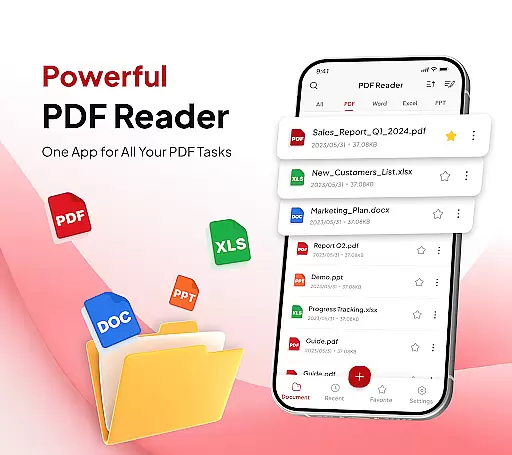
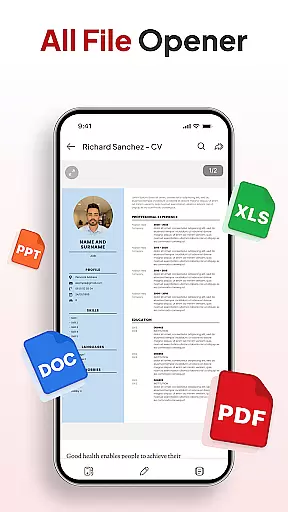
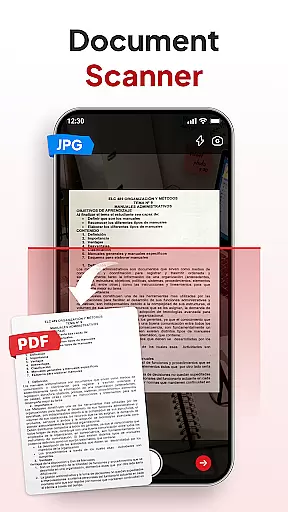
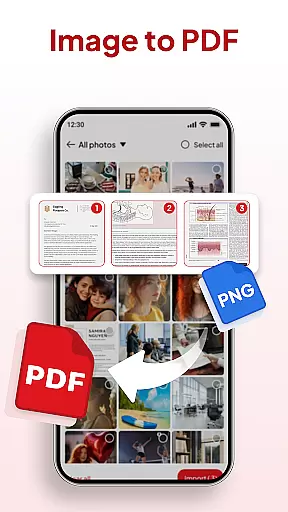
PDF Reader - Document Editor is a comprehensive productivity tool designed to simplify how you manage digital documents. This app allows users to read, edit, organize, and convert PDF files with ease, making it an essential utility for students, professionals, and anyone handling PDFs regularly. With its intuitive interface, the app supports multiple file formats including PDF, XLS, DOCX, and PPT, while offering advanced features like document scanning and image-to-PDF conversion.
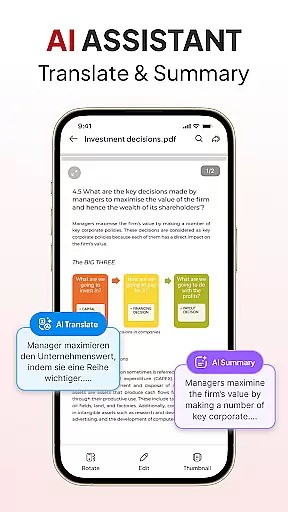
The app stands out with its smart AI assistant that can summarize or translate documents, as well as its seamless file management system. Users can sort, search, and organize files efficiently, add electronic signatures, and share documents instantly through various platforms. Whether for academic, professional, or personal use, PDF Reader - Document Editor provides a complete solution for all PDF-related tasks.
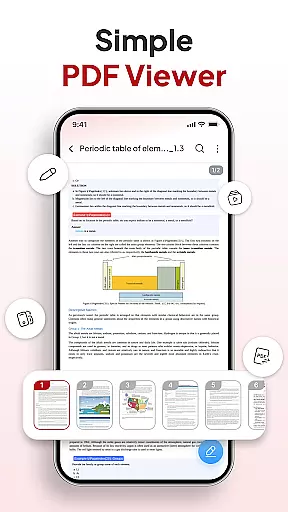
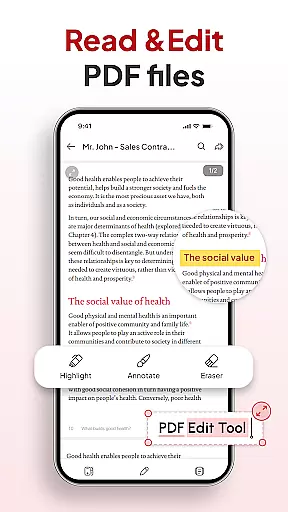
PDF Reader - Document Editor offers an extensive set of features that cater to various document management needs. One of its core strengths is the ability to handle large PDFs smoothly, allowing users to zoom in for details and highlight important text without any lag. The app also includes a document scanner that transforms physical notes, receipts, or contracts into clear digital PDFs, alongside an image-to-PDF converter that turns photos or screenshots into professional-quality documents.
Beyond basic viewing, the app excels in productivity tools. It provides robust file organization options such as folders and favorites, quick search functionality by name, date, or size, and easy signature management. Additionally, the integrated AI assistant enhances productivity by summarizing long documents or translating them into different languages. These features collectively ensure that users can accomplish more with their PDFs in less time.
In the realm of productivity, effective task management is paramount. PDF Reader u2013 Document Editor excels in this area by offering a comprehensive suite of tools designed to streamline your document handling tasks.
This app allows you to effortlessly manage and declutter your storage with an intuitive file organizer. You can sort and search for any document by name, date, or size, ensuring that you never waste time looking for that important file again.
Moreover, the ability to add and manage signatures within the app adds another layer of task efficiency. This feature enables users to handle document approvals and agreements swiftly, without the need to switch between multiple applications.
The true value of this core task management functionality lies in its seamless integration of reading, editing, organizing, and sharing capabilities, making it an indispensable tool for anyone looking to enhance their productivity.
For professionals and students alike, having reliable cross-device synchronization is crucial for maintaining workflow continuity. PDF Reader u2013 Document Editor addresses this need by providing a robust system that ensures your documents are always up-to-date across all your devices.
With just one tap, you can send PDFs via your favorite apps, knowing that any changes made will be reflected instantly on any other device you use. This instant sharing capability is complemented by the app's support for multiple file types including XLS, DOCX, and PPT, enhancing its versatility.
The inclusion of an AI Assistant further bolsters the appu2019s synchronization features. By summarizing or translating documents using smart AI tools, users can maintain consistent access to document insights regardless of the device they are using.
Ultimately, the reliability of cross-device synchronization in PDF Reader u2013 Document Editor not only boosts productivity but also provides peace of mind, knowing that your important files are always synchronized and accessible wherever you go.
User-friendly interface
Multi-format support
Powerful AI tools
Efficient file management
Instant sharing options
Limited free features
Occasional bugs
Ads in free version
Premium subscription required
Large file slowdowns

AI Video AI Image Private LLM AI Browser Llama Gemma Ollama Connect LLM Studio
 4.0
4.0
The long-awaited modern gallery app for your Nextcloud server
4.70
Native client for Forgejo and Gitea
5.00
Send files, sync SMS, notifications & clipboard across devices via local network
4.40
A lightweight JSON & XML files creator, editor and viewer (Premium Version)
4.40
Absolutely the best CNC machinist speed and feed calculator around. fswizard.com
4.60
IP Camera Viewer - Android TV : RTSP Surveillance camera viewer for Android TV
4.0
Enjoy classic gameplay with customizable features and retro-style graphics.
4.30
Set up, print, and get support—in one place
4.20
Seamlessly integrate data and reports to build your presentation to impress
4.80
App lock - lock apps with fingerprint, password, pin or pattern, protect privacy
4.70
Client for Nextcloud Deck
4.60
Lightweight PDF, Word, Excel reader.
4.60
Tally and goal counter for Wear OS & mobile
4.50
When you Focus, so will your Bean in this cozy focus timer
4.30
⏰ Finally a timer app which can run multiple timers simultaneously on your watch
3.90
Ultimate Virtual AI Character for immersive Roleplay Chat. Perfect Companion
3.90
Auto-shutoff Alarm with Sunrise, Sunset & Fixed Options.
3.50
The upgraded version of Name Wheel with AI and the power to add your own wheels.
4.4


User Reviews