
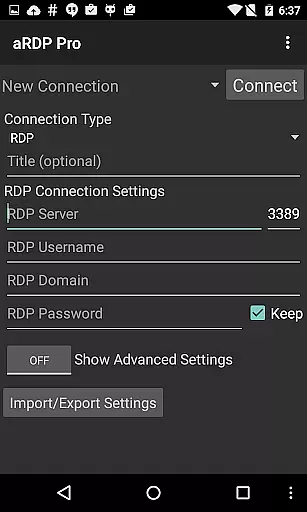
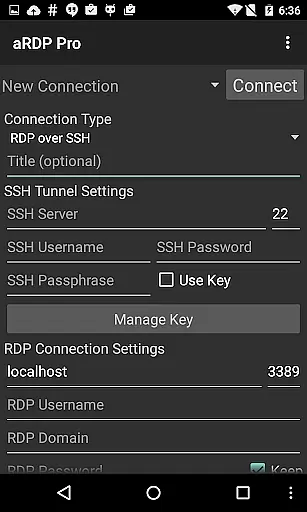
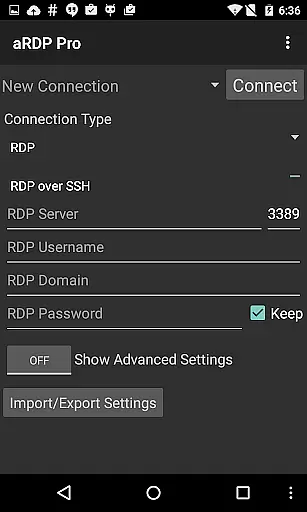
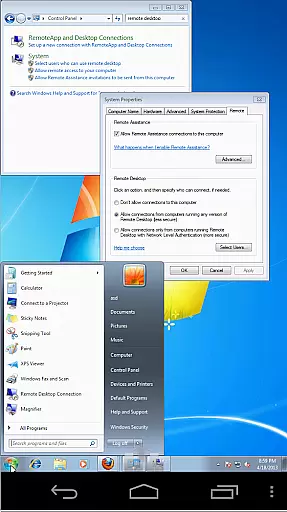
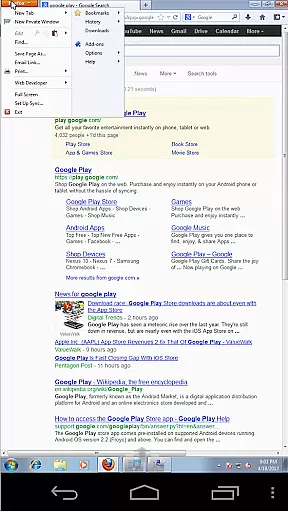
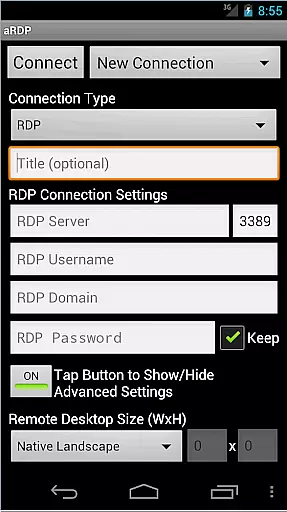
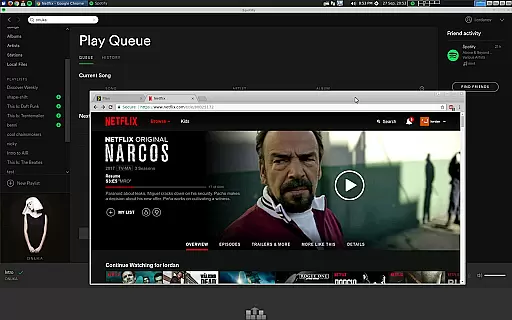
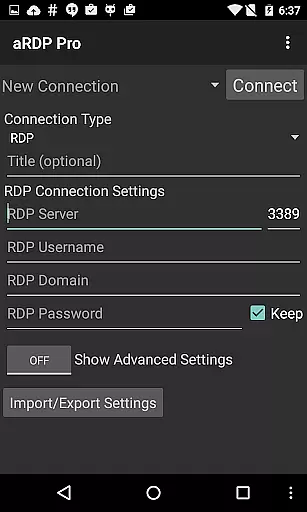
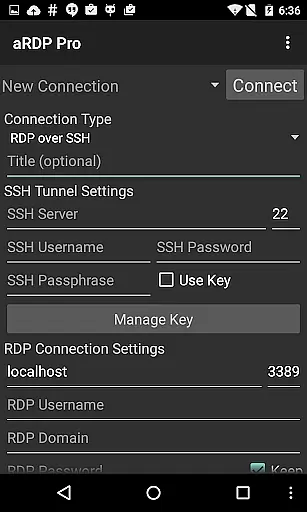
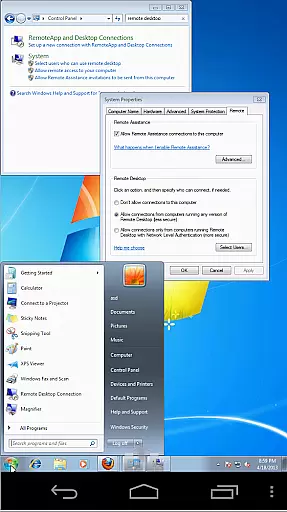
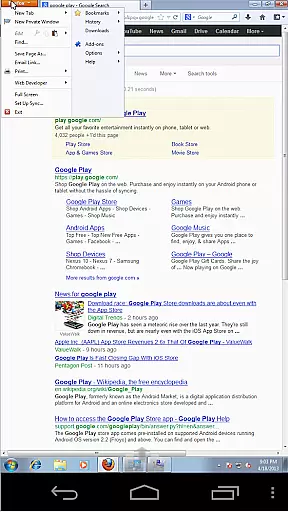
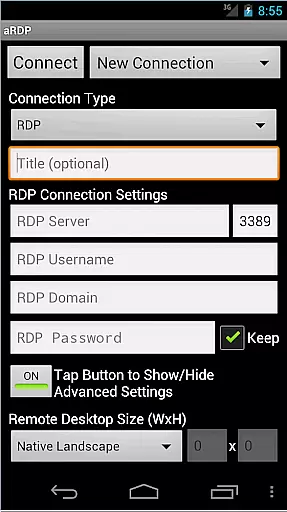
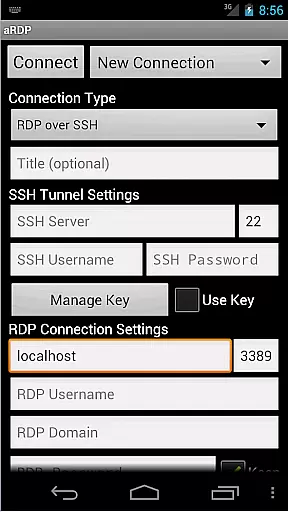
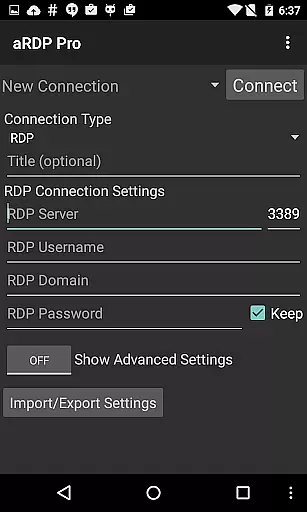
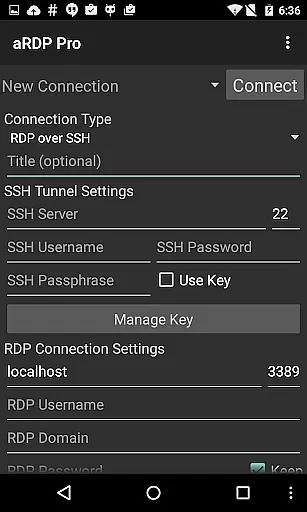
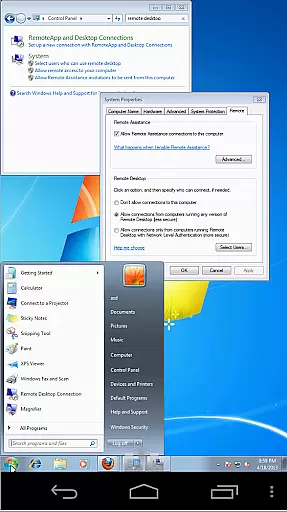
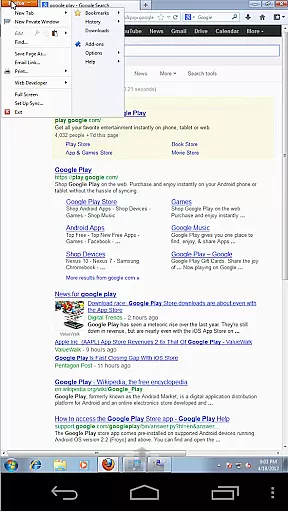
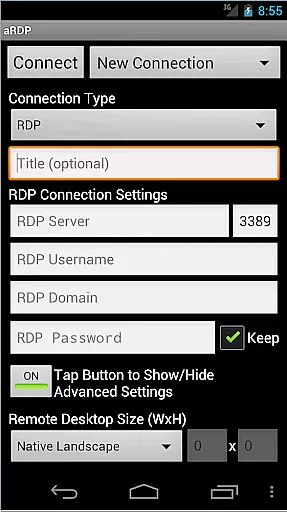
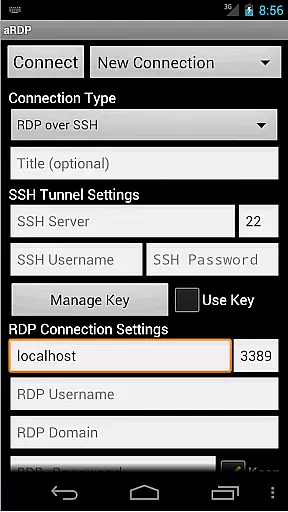
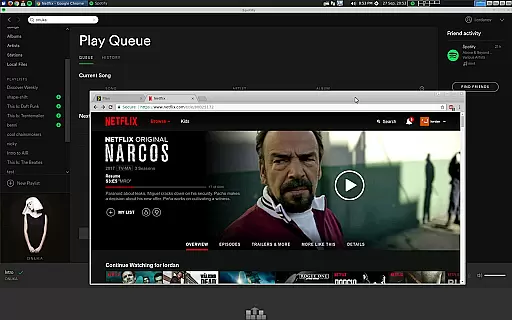
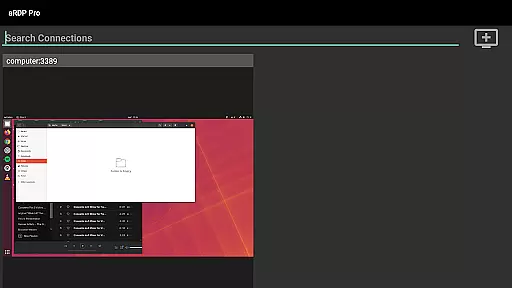
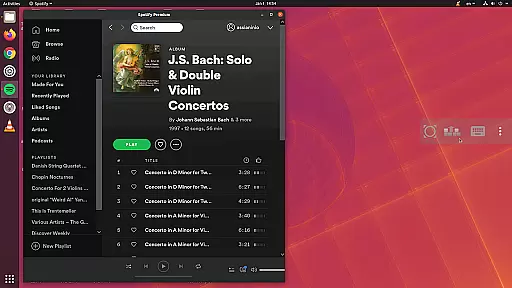
aRDP Pro is a premier open-source Remote Desktop Protocol (RDP) client, offering secure and versatile remote desktop control. It leverages the robust FreeRDP library to enable users to connect to Windows and Linux systems effortlessly.
With features like SSH tunneling, sound redirection, and multi-touch controls, it ensures a seamless and interactive remote experience. The app supports various configurations including RDP Gateway and console mode, making it ideal for both personal and professional environments.
Whether you're managing virtual machines or need access to your office computer, aRDP Pro provides the tools necessary for efficient remote management while ensuring top-notch security through MFA/2FA authentication.
aRDP Pro stands out with its comprehensive feature set tailored for productivity. The app supports RDP files, master password functionality, and multi-factor authentication for SSH, catering to security-conscious users.
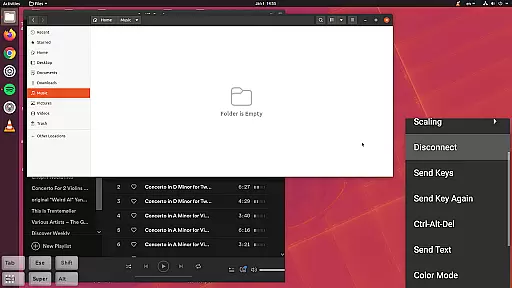
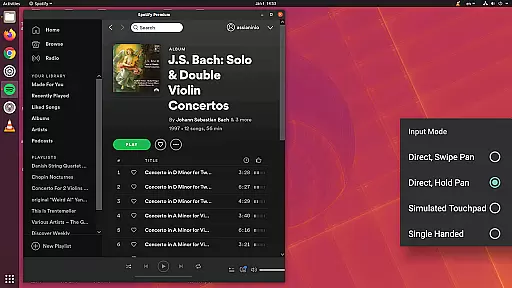
It offers dynamic resolution changes, full rotation support, and multi-language options, enhancing usability across different devices and orientations. Advanced input modes, including simulated touchpad and single-handed inputs, provide flexible interaction methods.
Additionally, aRDP Pro integrates with external keyboards, supports clipboard integration, and includes UI optimizations for tablets and smartphones, ensuring an efficient workflow regardless of your device type.
In the realm of remote desktop applications, aRDP Pro excels in core task management by offering users comprehensive control over their remote sessions. This is achieved through an array of features that cater to both basic and advanced user needs.
Firstly, aRDP Pro supports multi-touch gestures for efficient navigation, allowing users to perform left, right, and middle clicks with varying finger taps. Scrolling and zooming are intuitively handled with two-finger drags and pinch gestures respectively, ensuring that interacting with remote desktops feels as natural as using a physical mouse.
Additionally, the app provides dynamic resolution changes and full rotation support, empowering users to reconfigure their desktop environments on-the-fly. These capabilities are crucial for maintaining productivity, especially when switching between different tasks or devices.
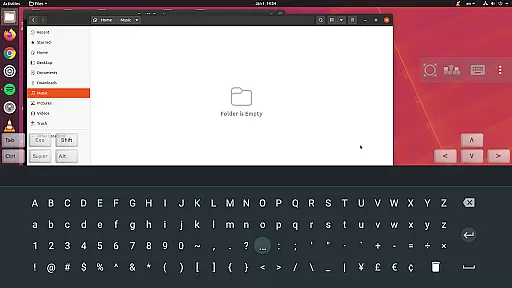
Furthermore, aRDP Pro includes stowable on-screen keys such as Ctrl, Alt, Tab, Super, and arrow keys, which enhance keyboard functionality directly from the mobile interface. This level of task management ensures seamless transitions between activities without sacrificing efficiency or comfort.
Cross-device synchronization is a cornerstone of aRDP Pro's design, ensuring that users can reliably access their remote desktops from various devices without losing progress or settings. This reliability stems from several key functionalities integrated into the application.
One significant feature is automatic connection session saving, which allows users to pick up exactly where they left off, regardless of the device used. Whether transitioning from a smartphone to a tablet or vice versa, this continuity is vital for maintaining workflow consistency.
Moreover, aRDP Pro offers export/import capabilities for settings, making it easy to replicate configurations across multiple devices. By importing previously saved settings, users can quickly establish a familiar working environment, thus minimizing setup time and maximizing productivity.
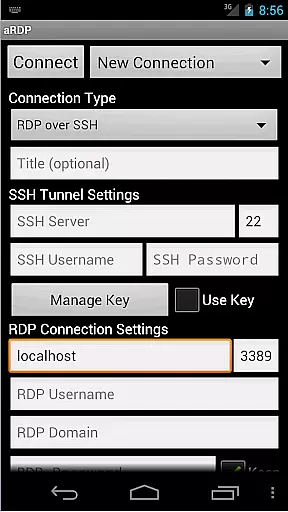
The inclusion of SSH tunneling further enhances synchronization reliability by providing secure access even behind firewalls. With these robust synchronization features, aRDP Pro guarantees that users experience uninterrupted and secure remote desktop interactions across all their devices.
Secure SSH connections
Multi-touch controls
Dynamic resolution changes
Clipboard integration
Comprehensive help guides
No Windows 10 Home support
Cyrillic username issues
Occasional connectivity bugs
Limited free version
Complex setup for beginners

AI Video AI Image Private LLM AI Browser Llama Gemma Ollama Connect LLM Studio
 4.1
4.1
Smart PDF reader & editor to view, organize and manage PDF documents easily.
3.70
The upgraded version of Name Wheel with AI and the power to add your own wheels.
4.5
Easiest event planning, volunteer signups & parent teacher conference scheduling
2.20
All in One PDF Reader: Manage, Read and Edit your Documents
4.20
Stay on top of your to-dos with Google Tasks, part of Google Workspace.
4.60
Cloud storage, automatic phone backup, and more.
4.10
Multilingual translator for text, voice, and image translation!
4.90
Intelligent AI Assistant
4.10
Native client for Forgejo and Gitea
5.00
Protect and view your important info on your phone and tablet with eWallet®
4.80
App lock - lock apps with fingerprint, password, pin or pattern, protect privacy
4.70
Functional QR scanner and barcode reader that requires little storage space.
4.60
The AI assistant that thinks with you - write, code, and solve complex tasks
4.60
Take control of your clipboard with Clipper!
3.90
⏰ Finally a timer app which can run multiple timers simultaneously on your watch
3.90
Ultimate Virtual AI Character for immersive Roleplay Chat. Perfect Companion
3.90
Find and delete junk files & block unwanted notifications & manage files
3.70
Ads Free App! Editor, Hide File, Copy, Move, Delete and Rename.. all facility av
1.70


User Reviews