
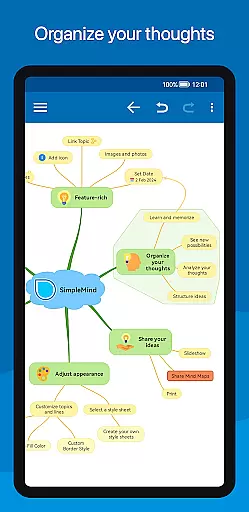
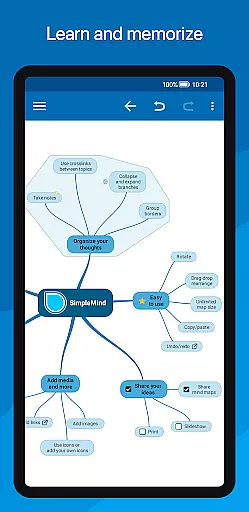
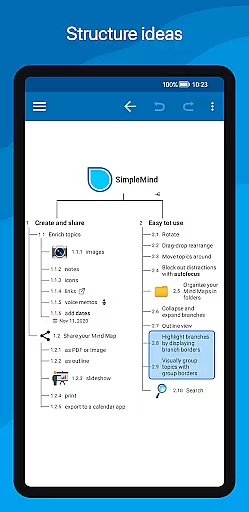
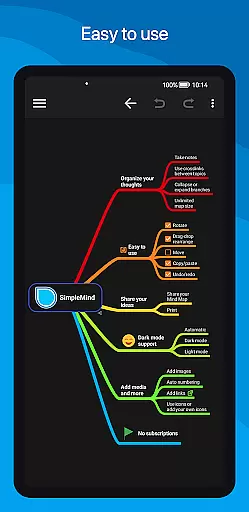
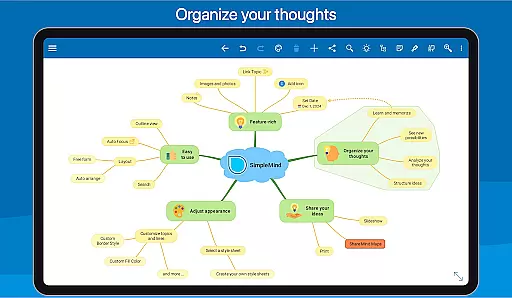
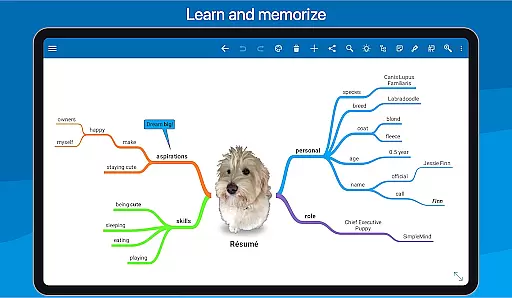
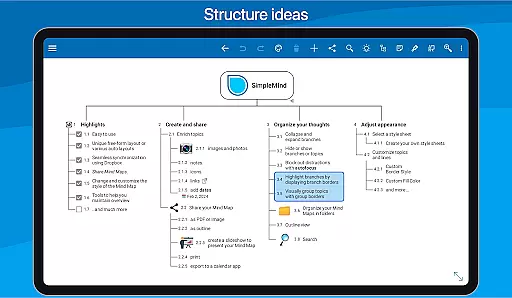
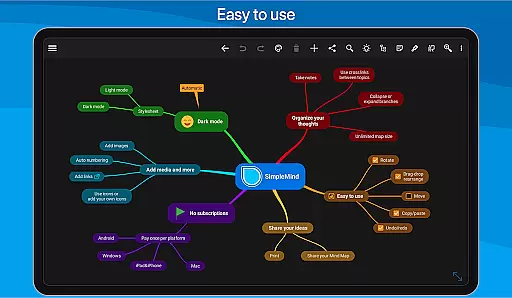
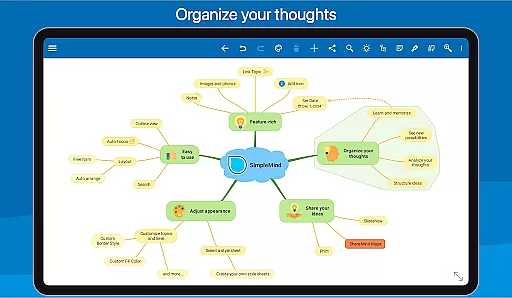
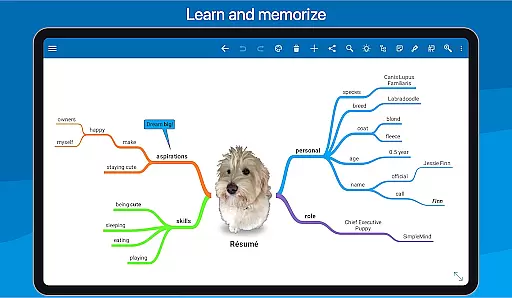
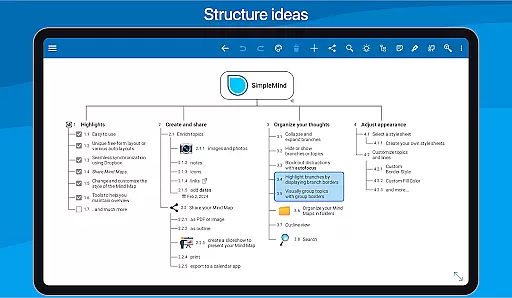
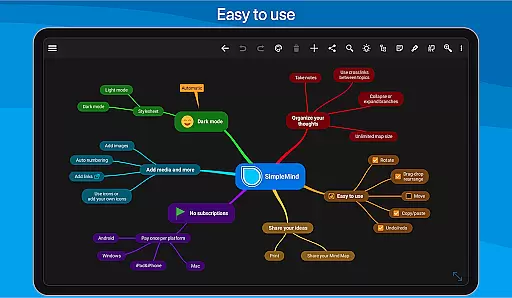
SimpleMind Pro is a premier mind mapping application designed to help users organize thoughts, retain information, and spark new ideas. This productivity tool stands out with its intuitive interface and flexible features that cater to various professional fields including business, education, and healthcare.
The app allows for free-form or structured mind map creation, media integration, seamless cross-platform synchronization via cloud services, and extensive customization options. Whether you're brainstorming new concepts or presenting complex information, SimpleMind Pro offers the tools to maintain clarity and overview in your projects.
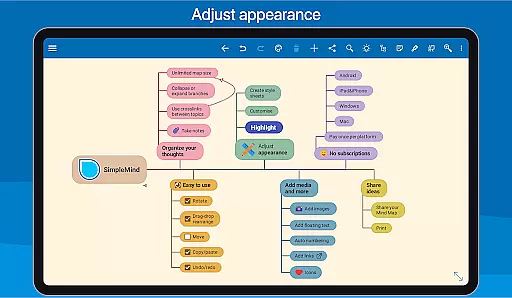
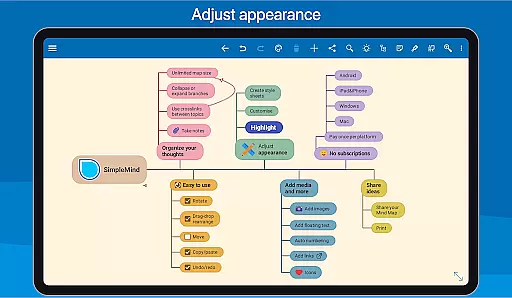
SimpleMind Pro boasts an array of robust features tailored for efficient mind mapping. The app supports multiple layouts including free-form and auto layouts, perfect for any brainstorming session. Users can easily restructure their maps using intuitive drag-and-drop, rotation, and reconnection tools.
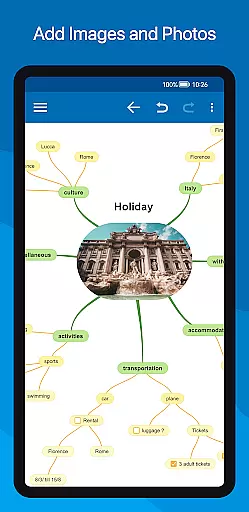
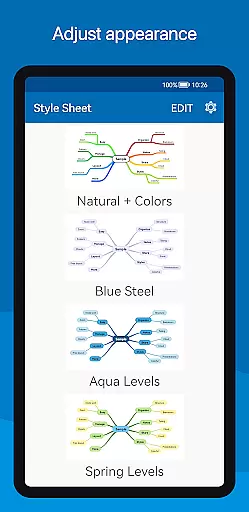
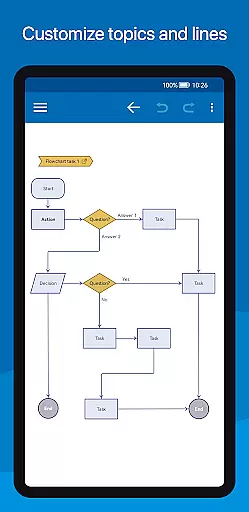
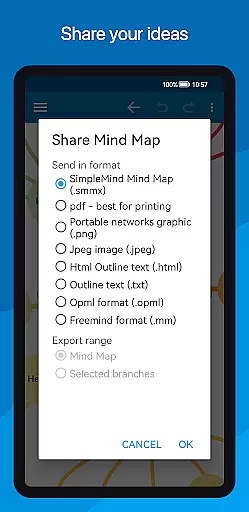
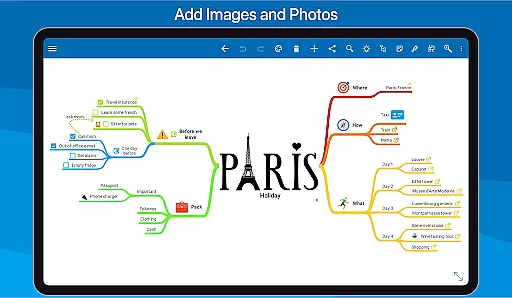
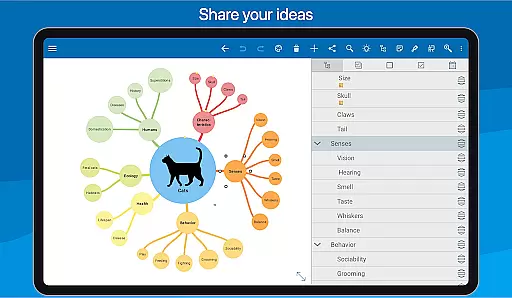
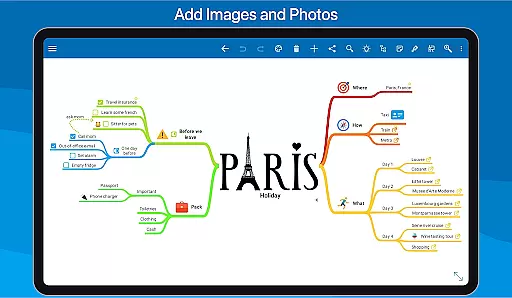
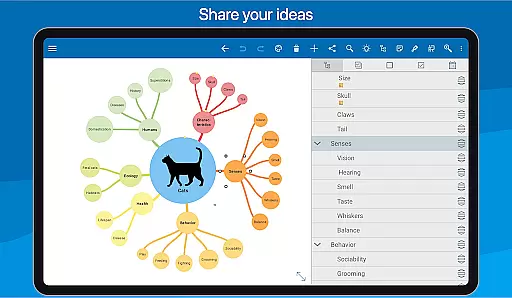
Enhance your mind maps by adding checkboxes, progress indicators, and crosslinks between topics. The app also enables the attachment of multimedia elements such as images, notes, icons, voice memos, and videos. With style customization options, sharing capabilities, and tools to maintain map overview, SimpleMind Pro ensures both creativity and practicality in organizing your thoughts.
SimpleMind Pro excels in core task management by providing users with a comprehensive set of tools to organize and prioritize their thoughts effectively. The app's mind mapping feature allows for the creation of tasks in a free-form layout, enabling users to place topics anywhere they want, fostering creativity and flexibility.
The application supports various auto-layouts that are perfect for brainstorming sessions, allowing ideas to flow naturally while maintaining structure. With functionalities such as drag, rotate, re-arrange, or reconnect, users can easily reorganize and restructure their tasks as priorities shift, ensuring that their mind maps remain up-to-date and relevant.
Additionally, SimpleMind Pro offers practical features like checkboxes, progress bars, and auto-numbering which help in tracking the completion of tasks. These elements provide visual cues about progress and serve as motivational markers on the path to achieving goals. Users can also connect any two topics with a crosslink, facilitating a better understanding of relationships between different tasks.
Overall, SimpleMind Pro transforms the way individuals approach task management by combining traditional mind mapping techniques with innovative digital solutions, resulting in an efficient system for managing complex projects or simple daily to-do lists.
Cross-device synchronization is a critical feature for users who need reliable access to their mind maps across multiple platforms. SimpleMind Pro addresses this need by offering seamless synchronization using cloud services such as Dropbox, ensuring that all devices are updated with the latest changes.
This synchronization capability allows users to start a mind map on their Android device and continue working on it from a Windows or Mac computer without missing a beat. It provides peace of mind knowing that no matter where you are or what device you have at hand, your work is always current and accessible.
Moreover, SimpleMind Pro's dedication to reliability is evident in its 10+ years of updates and improvements, reflecting a commitment to trustworthy service. This long-standing history assures users that their data is managed with care and precision, minimizing the risk of loss or corruption during transfers.
By investing in SimpleMind Pro, users gain not only an advanced tool for organizing thoughts but also a dependable partner in productivity, capable of maintaining consistency and coherence across all digital environments they operate within.
User-friendly interface
Flexible layout options
Extensive media integration
Cross-platform sync
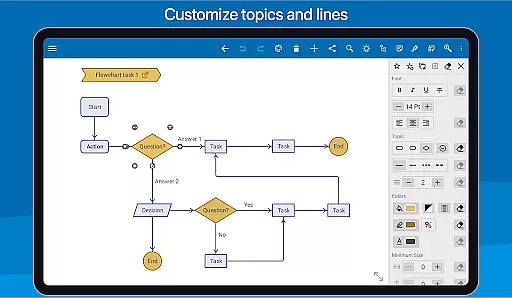
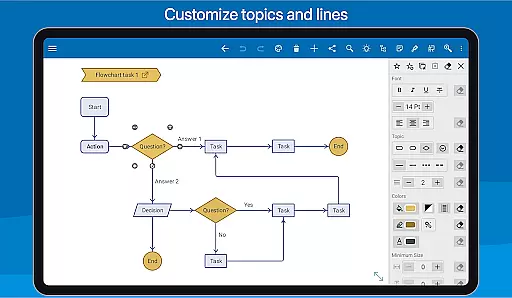
Customizable styles
Premium version costly
Complex for beginners
Limited free features
Occasional sync issues
Resource-intensive

Client for Nextcloud Deck
 4.60
4.60
Create study competitions, track your hours, and stay consistent with friends
4.2
Wake up & get tasks done! Add alarms & reminders on the Clock Launcher.
4.00
Send files, sync SMS, notifications & clipboard across devices via local network
4.40
Absolutely the best CNC machinist speed and feed calculator around. fswizard.com
4.60
⏰ Finally a timer app which can run multiple timers simultaneously on your watch
3.90
The AI assistant that thinks with you - write, code, and solve complex tasks
4.60
AI Chatbot and AI writing assistant powered by ChatGPT.
4.60
Put a lock on your cloud: Take the security of your data into your own hands
3.70
8 custom complications. Custom Time Fonts. Beautiful color schemes. A++ Design.
5.00
Secure, fast, open-source, VNC and SSH Remote Desktop for Windows, Linux and Mac
4.70
aCalendar+ makes your day, week and month
4.70
Secure, fast, open-source, Remote Desktop Client for Windows and Linux with SSH
4.60
PDF scanner & converter for files, photos, lottery, QR codes. One swipe away!
4.50
Todo reminder
4.10
Font maker keyboard with your own handwriting
4.10
Unlock AutoNotification
4.00
Create and edit presentations with Google Slides, part of Google Workspace.
4.00
Auto-shutoff Alarm with Sunrise, Sunset & Fixed Options.
3.50


User Reviews