
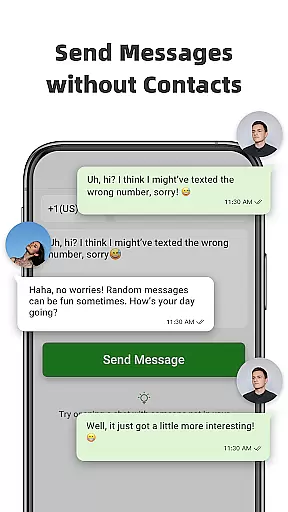
Direct Chat & Messaging is a productivity-focused application designed to streamline your communication process. This app allows users to send messages directly without the need to save contacts, making it ideal for quick business interactions or casual conversations. Additionally, it supports managing multiple accounts on a single device, enhancing its utility for professionals who juggle between personal and work-related communications.
The app also features a message recovery function, allowing users to retrieve deleted messages and media files. With its user-friendly interface and advanced functionalities, Direct Chat & Messaging proves to be an invaluable tool for anyone seeking efficient and flexible messaging solutions.
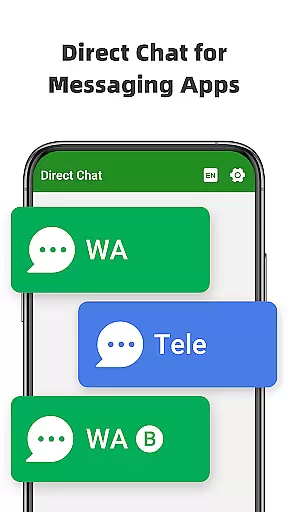
Direct Chat & Messaging stands out with its innovative features tailored for modern communication needs. The Direct Chat functionality enables users to initiate conversations with any phone number without saving it to their device, which is particularly useful for one-off interactions. This feature supports WA, WA Business, and Tele Chatting App, covering a wide range of messaging platforms.
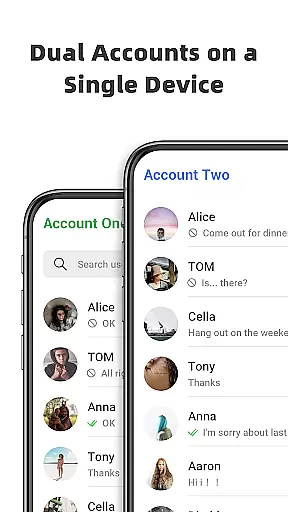
Another remarkable feature is the Dual App - Web Scan for WA, which allows users to access the same WA account on multiple devices or manage two different WA accounts on a single device. This ensures seamless connectivity and efficient management of communications across various platforms. Moreover, the Message Recovery function provides an added layer of security by enabling users to recover deleted messages and media files, ensuring no important information is lost.
Direct Chat & Messaging excels in core task management by offering a streamlined approach to handling communications without the clutter of unnecessary contacts. The app allows users to initiate conversations directly, bypassing the need to save temporary contacts, which is particularly useful for business or one-off tasks.
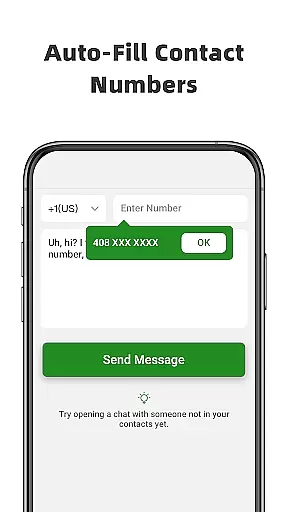
The Direct Chat feature supports WA, WA Business, and Tele Chatting App, enabling users to send messages efficiently. By simply entering a phone number, copying the message, and clicking send, users can communicate seamlessly, making it an ideal tool for managing quick, task-oriented conversations.
This functionality proves invaluable when there's no intention to retain contact numbers permanently, allowing users to focus on the task at hand without the distraction of managing an ever-growing contact list.
Cross-device synchronization is a standout feature of Direct Chat & Messaging, ensuring reliable access to the same WA account across multiple devices or managing two accounts on a single device. This dual app capability maintains a strong connection and prevents unexpected logouts, keeping users perpetually connected.
All messages from the cloned WA account are automatically synced, allowing users to read and reply anytime, anywhere. This seamless integration extends to managing downloaded files from cloned accounts, enhancing productivity by centralizing communication streams.
With Dual App - Web Scan for WA, users experience uninterrupted service, empowering them to handle their messaging tasks with confidence and efficiency, regardless of the device they are using.
User-friendly interface
Multi-account support
Message recovery
Direct chat initiation
Cross-platform compatibility
Limited to specific platforms
Requires notifications access
Potential privacy concerns
Dependent on internet connection
May have ads

Take control of your clipboard with Clipper!
 3.90
3.90
Make your handwriting beautiful, even more than pen on paper.
3.60
Secure, fast, open-source, Remote Desktop Client for Windows and Linux with SSH
4.60
Pwnagotchi companion app
4.20
Multilingual translator for text, voice, and image translation!
4.90
Access, manage and transfer files on Android, PC, Mac, NAS and cloud storages.
4.30
The ultimate file manager for rooted devices. The original and still the best.
4.00
Simple notepad & memo. Take notes, to-do list, shopping list with reminders.
4.80
Put a lock on your cloud: Take the security of your data into your own hands
3.70
Best Tool for the professionals Electrician, Electrical contractors, etc.
4.90
Use powerful, industry-leading AI tools to generate visual charts from any data
4.80
Understand anything with a personalized AI research assistant
4.80
Quickly and easily keep track of your work shifts
4.70
Tally and goal counter for Wear OS & mobile
4.50
Secure, open-source, SPICE and SSH Remote Desktop for QEMU KVM virtual machines
4.00
Find and delete junk files & block unwanted notifications & manage files
3.70
Simple and reliable communication between inmates, friends and family
3.20
AI Video AI Image Private LLM AI Browser Llama Gemma Ollama Connect LLM Studio
4.3
IP Camera Viewer - Android TV : RTSP Surveillance camera viewer for Android TV
4.5


User Reviews