
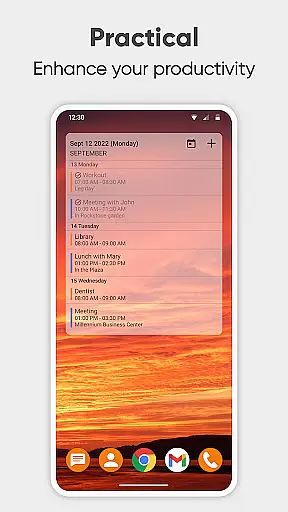
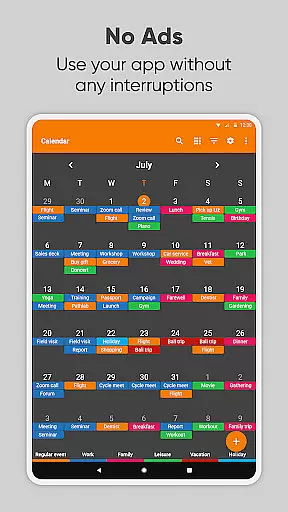
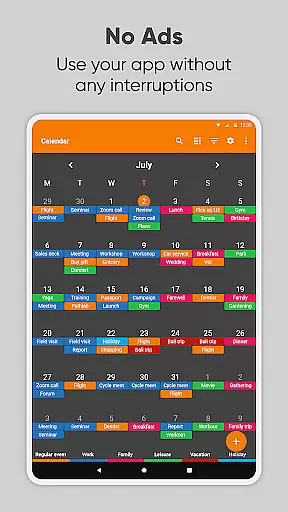
Simple Calendar Pro is a productivity-focused calendar application designed for Android users who value simplicity and customization. This offline calendar app offers essential scheduling features without unnecessary complexities, ads, or permissions. It supports event syncing through Google Calendar or other CalDAV-compatible services, making it versatile for both personal and professional use.
The app provides powerful time management tools including customizable reminders, notifications, and widgets. Users can organize single or recurring events like meetings, birthdays, and anniversaries with ease. Its flexibility extends to exporting and importing events via .ics files and settings through .txt files, ensuring seamless device transitions.
With its intuitive interface and open-source nature, Simple Calendar Pro is ideal for individuals seeking a reliable, ad-free planner that integrates well with existing digital ecosystems while offering extensive personalization options.
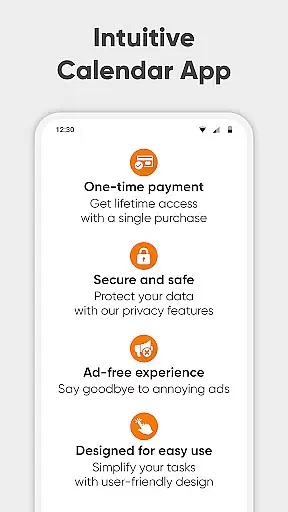
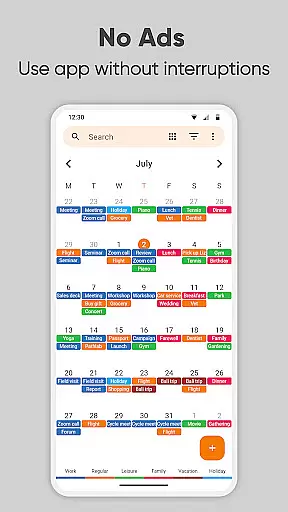
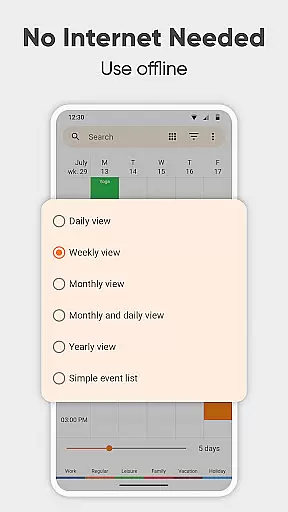
Simple Calendar Pro stands out with its comprehensive feature set tailored for productivity enthusiasts. The app offers an exceptional user experience by eliminating ads and not requiring internet access, thus enhancing privacy and stability. Its offline functionality ensures users can manage their schedules anytime, anywhere without connectivity concerns.
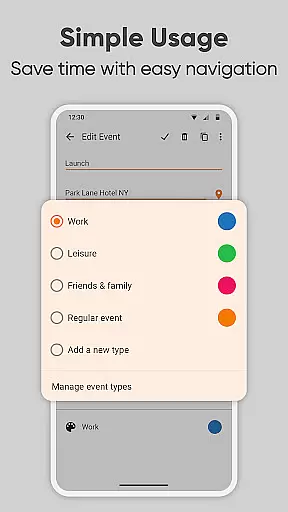
A key highlight is its flexible event management system. Users can create events with precise control over timing, duration, and repetition rules. The app's CalDAV support enables seamless synchronization with popular calendar services like Google Calendar, Microsoft Outlook, and Nextcloud. Additionally, the ability to export and import settings across devices demonstrates its commitment to user convenience.
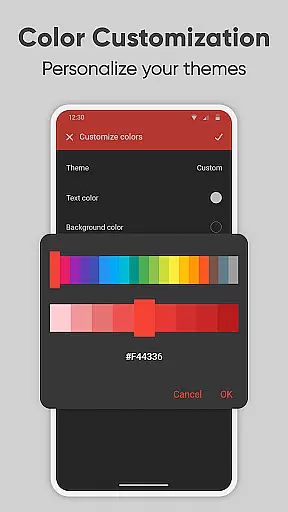
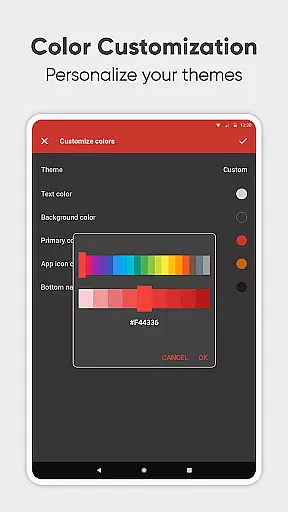
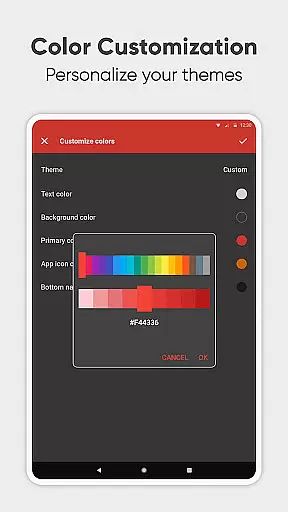
The app also excels in customization options. From personalized notification sounds and vibrations to colorful themes and widgets, users can tailor the interface to their preferences. The inclusion of multiple language translations and various viewing modes (daily, weekly, monthly, yearly) further enhances its usability, making it a complete solution for efficient time management.
At the heart of Simple Calendar Pro lies its robust core task management system, designed to streamline your daily planning. This feature allows users to effortlessly create, organize, and track events with precision. Whether it's a single appointment or recurring meetings, the app provides powerful repetition rules that ensure no important event is missed.
The beauty of this productivity tool is its seamless integration with various calendar services through CalDAV protocol, including Google Calendar and Microsoft Outlook. Users can sync their schedules across devices, ensuring they have access to their agenda wherever they go. With support for exporting and importing events via .ics files, maintaining an up-to-date calendar has never been easier.
Moreover, Simple Calendar Pro enhances user experience by offering customizable reminders and notifications. These alerts are tailored to individual preferences, allowing for personalized sound choices, vibration patterns, and even notification appearance. Such flexibility empowers users to take control of their time effectively, making sure they stay on top of their commitments without feeling overwhelmed.
Cross-device synchronization is a pivotal feature in today's fast-paced world, and Simple Calendar Pro excels in this area. The app ensures reliable syncing of your schedule planner across all your devices, providing peace of mind that your data remains consistent whether you're at home or on the move. By leveraging CalDAV protocol, it supports real-time updates from Google Calendar, Microsoft Outlook, Nextcloud, Exchange, and more.
This level of reliability means users can trust that every change made on one device will reflect instantly on others. Imagine scheduling a last-minute business meeting while commuting; as soon as you update your calendar, the information becomes available on your desktop upon arrival at work. This seamless transition between platforms keeps you organized and prepared for whatever comes next.
In addition to its synchronization prowess, Simple Calendar Pro offers export settings to .txt files for easy transfer between different devices. This functionality not only simplifies backup processes but also aids in migrating configurations when upgrading hardware. With these capabilities, maintaining an accurate digital agenda has never been so straightforward or dependable.
User-friendly interface
Offline functionality
Customizable themes
No ads or popups
Open-source platform
Limited advanced features
No built-in email integration
Basic widget options
Occasional sync delays
Learning curve for new users

 4.20
4.20
Native client for Forgejo and Gitea
5.00
Smart PDF reader & editor to view, organize and manage PDF documents easily.
3.70
CalenGoo is a very flexible and feature-rich calendar app
4.40
Easiest event planning, volunteer signups & parent teacher conference scheduling
2.20
Multilingual translator for text, voice, and image translation!
4.90
Enjoy classic gameplay with customizable features and retro-style graphics.
4.30
Use powerful, industry-leading AI tools to generate visual charts from any data
4.80
Note taking, handwriting, record audio, PDF annotation, planner & journal
4.20
Android Wallet Password Manager
4.80
The Pro Version of Android's tiniest Notepad app. Just 0.3MB but feature-packed!
4.60
Secure, fast, open-source, Remote Desktop Client for Windows and Linux with SSH
4.60
Docker, Kubernetes management over Portainer Mobile
4.40
Secure your apps with lock screens, use custom themes and different features.
4.40
Share files & memories safely. Keep your photos and videos secure.
4.40
* block pre-roll ads, pop-up and forced redirect ads * Samsung certification app
4.00
Mega cloud explorer plugin for Solid Explorer
3.80
Find and delete junk files & block unwanted notifications & manage files
3.70
Code on-the-go with VScode for Android. Edit,debug and collaborate from mobile!!
3.10


User Reviews