
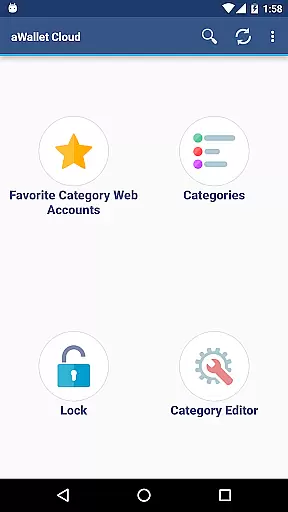
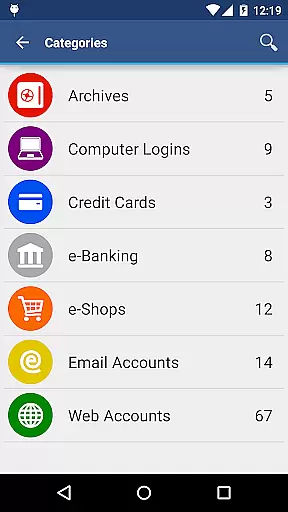
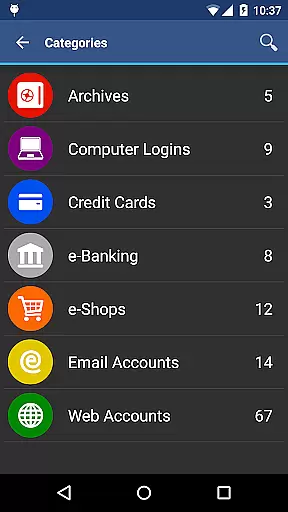
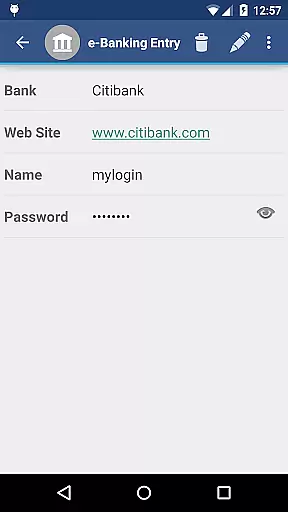
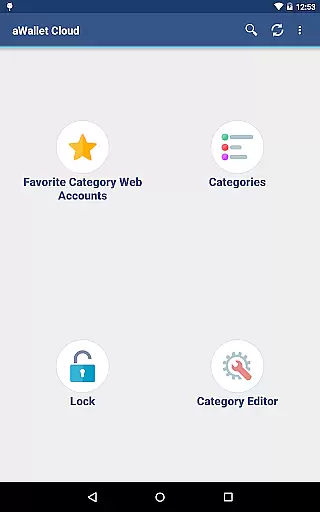
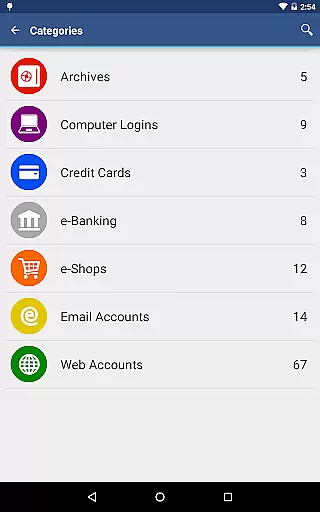
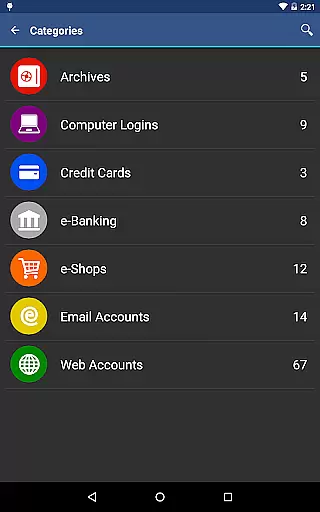
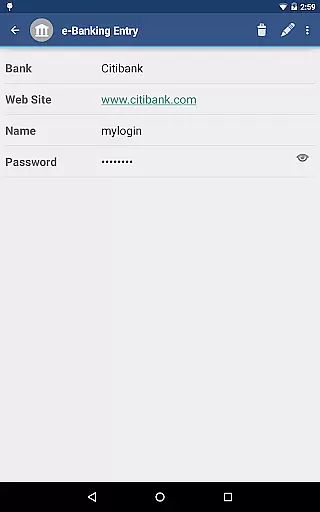
aWallet Cloud Password Manager is a robust productivity application designed to securely store and manage sensitive information such as passwords, credit card details, e-banking credentials, and web accounts. The app ensures top-notch security by encrypting all stored data using advanced algorithms like AES or Blowfish with key sizes up to 256 bits.
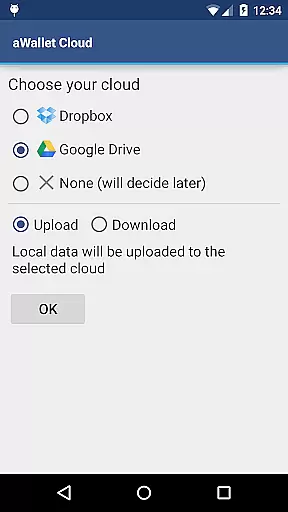
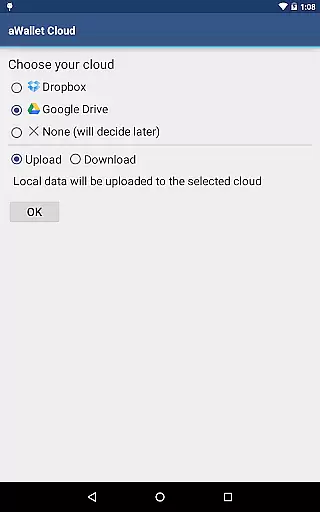
One of the standout features is its ability to synchronize encrypted data with your personal cloud storage accounts like Dropbox or Google Drive, ensuring that your information is accessible yet secure across multiple devices. Additionally, it offers pro features including biometric authentication options like fingerprint and facial recognition for compatible devices, enhancing both security and convenience.
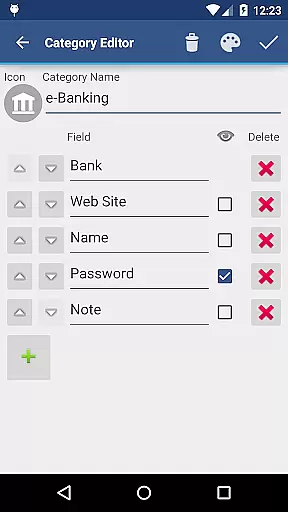
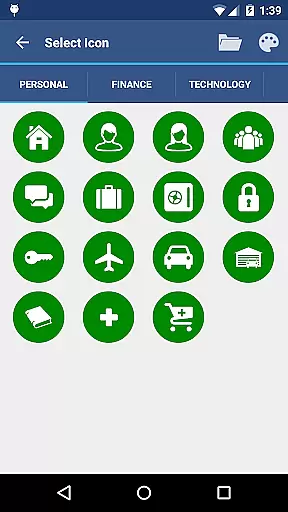
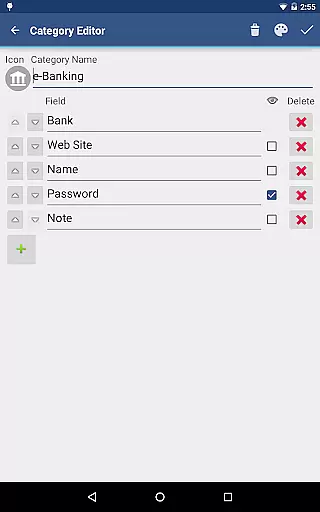
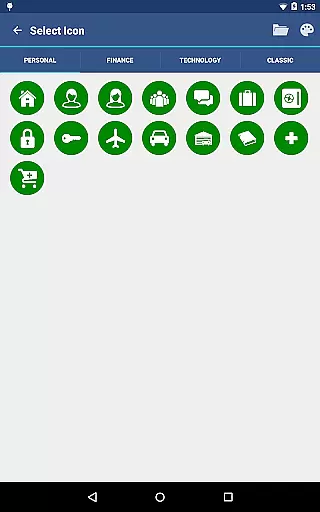
With an intuitive built-in editor, users can customize categories and icons, making data management more personalized. Whether you need to backup your data to an Android USB device or export it in CSV format, aWallet provides versatile tools to meet various user needs while maintaining stringent security protocols.
aWallet Cloud Password Manager stands out with its comprehensive set of features tailored for optimal security and usability. The app employs state-of-the-art encryption methods, utilizing AES or Blowfish algorithms with key sizes of 256, 192, or 128 bits. This ensures that all data, including entry names and category definitions, remains fully encrypted and protected from unauthorized access.
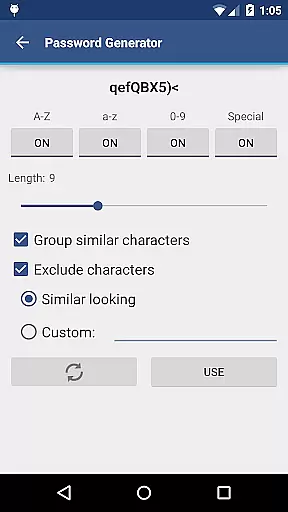
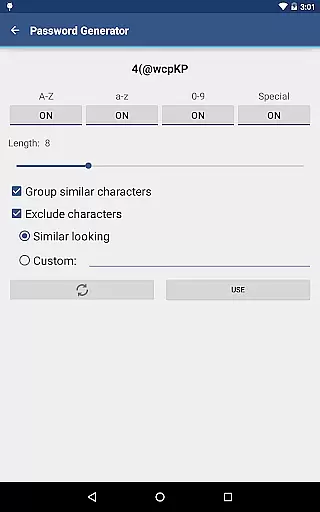
For added convenience, the app supports synchronization with cloud services like Dropbox and Google Drive, allowing users to access their encrypted data from any device seamlessly. The inclusion of a password generator and CSV import/export functionalities further enhances its utility, catering to both novice and tech-savvy users.
Biometric authentication options such as fingerprint and facial recognition provide an extra layer of security without compromising on ease of use. Moreover, the auto-lock feature and support for auto-destruction of the data file after several failed unlock attempts ensure that your sensitive information stays safeguarded at all times.
aWallet Cloud Password Manager excels in core task management by providing a comprehensive suite of features for securely handling sensitive information. The app allows users to store various types of data, including passwords, credit card details, and e-banking credentials, all within a structured and organized environment.
With its built-in Editor, users can customize categories and icons, tailoring the experience to their specific needs. This level of personalization enhances task management by enabling intuitive navigation and quick access to frequently used items. Additionally, the search functionality ensures that users can swiftly locate any piece of information they require.
The synchronization feature with cloud services like Dropbox or Google Drive further augments task management capabilities. By ensuring that data is consistently updated across devices, users can seamlessly manage their digital lives without being tied to a single device. This flexibility is crucial for maintaining productivity in today's fast-paced world.
Overall, aWallet Cloud Password Manager transforms the often tedious task of managing sensitive data into a streamlined and efficient process, empowering users to focus on their core activities without compromising on security or convenience.
Cross-device synchronization is a cornerstone of aWallet Cloud Password Manager, ensuring that users' encrypted data is reliably accessible wherever they go. By leveraging popular cloud storage solutions such as Dropbox and Google Drive, the app provides a seamless experience for those who need consistent access to their sensitive information.
This synchronization process is not only about convenience but also about maintaining the integrity and security of the data. Every update made on one device is promptly mirrored on all others, ensuring that users always have the most current version of their data at their fingertips. This real-time syncing capability is vital for individuals who operate in dynamic environments where information can change rapidly.
Moreover, the app supports backup and restore functionalities to an Android USB device, adding another layer of reliability. In the event of device loss or failure, users can rest assured that their data remains safe and can be easily restored. This feature underscores the app's commitment to safeguarding user information while facilitating effortless management across multiple platforms.
By prioritizing cross-device synchronization reliability, aWallet Cloud Password Manager delivers peace of mind and uninterrupted productivity, allowing users to concentrate on their tasks without worrying about data discrepancies or accessibility issues.
Advanced encryption
Cloud sync
Biometric login
No ads
Customizable fields
Complex setup
Paid pro features
Limited UI
No iOS version
Heavy on resources

Easily read and manage all your PDF files
 4.10
4.10
8 custom complications. Custom Time Fonts. Beautiful color schemes. A++ Design.
5.00
aCalendar+ makes your day, week and month
4.70
App lock - lock apps with fingerprint, password, pin or pattern, protect privacy
4.70
All in One PDF Reader: Manage, Read and Edit your Documents
4.20
Make apps & sites with natural language prompts
4.10
The ultimate file manager for rooted devices. The original and still the best.
4.00
Secure your apps with lock screens, use custom themes and different features.
4.40
Scan paperwork into PDF/JPG, generate your own e-signature and send fax or email
4.70
Seamlessly integrate data and reports to build your presentation to impress
4.80
Mind Map and brainstorm, note taking and idea collection
4.80
Use powerful, industry-leading AI tools to generate visual charts from any data
4.80
Lightweight PDF, Word, Excel reader.
4.60
PDF scanner & converter for files, photos, lottery, QR codes. One swipe away!
4.50
Professional calendar app for Google Calendar, MS Outlook & Exchange
4.20
Font maker keyboard with your own handwriting
4.10
Take control of your clipboard with Clipper!
3.90
Make your handwriting beautiful, even more than pen on paper.
3.60
A comprehensive suite of tools designed specifically for Lactation Consultants
4.2


User Reviews