
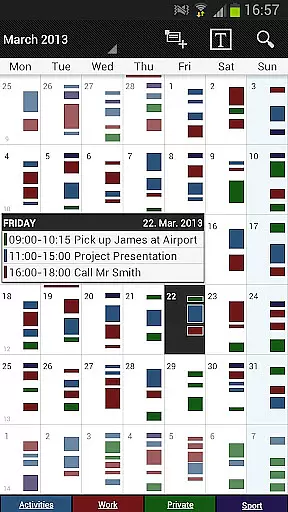
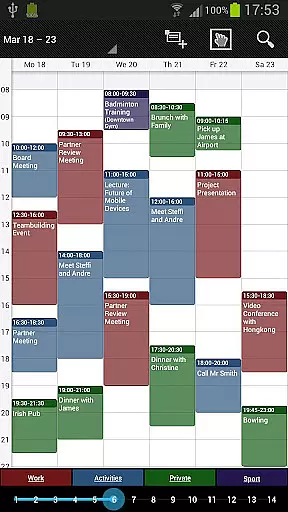
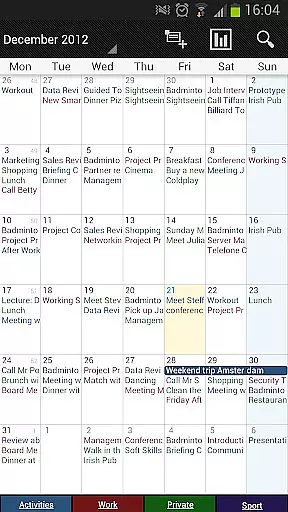
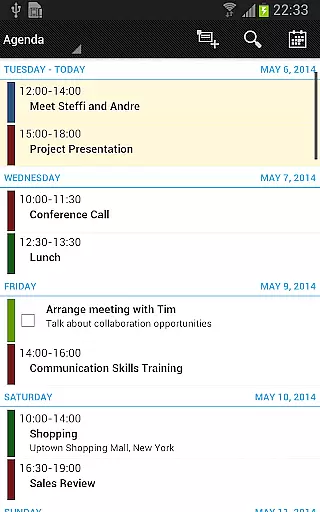
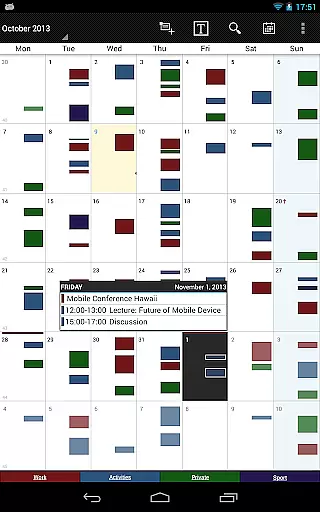
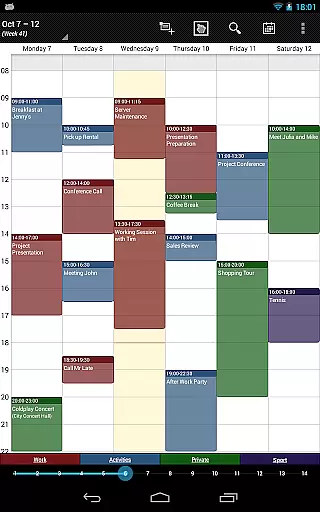
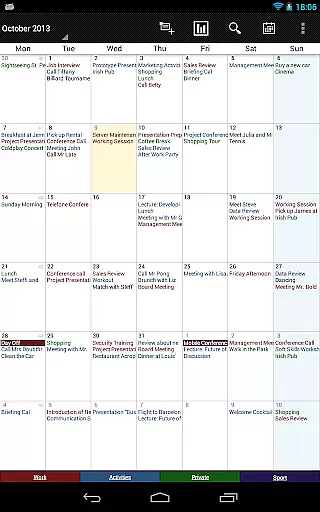
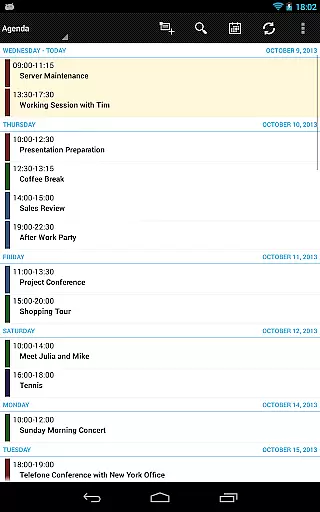
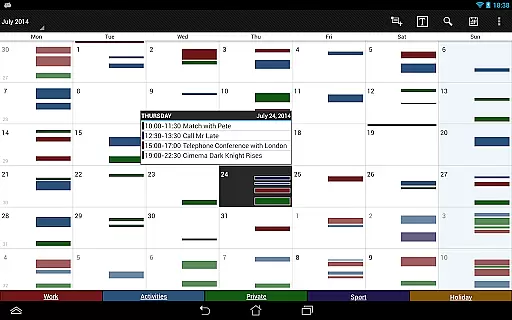
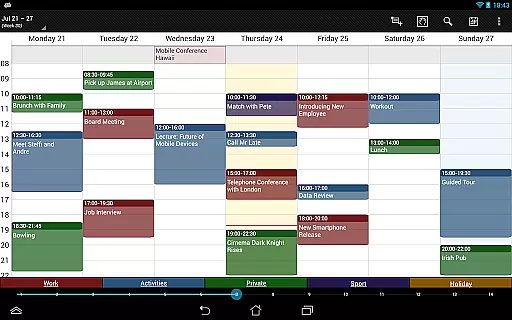
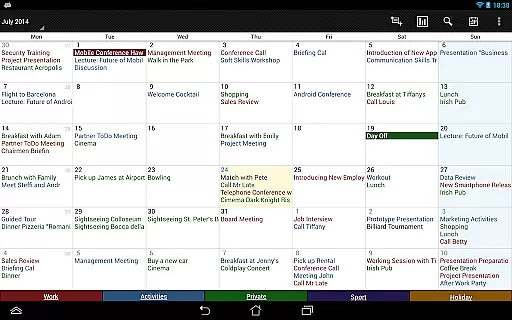

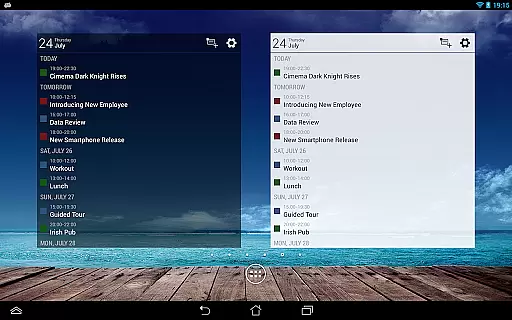
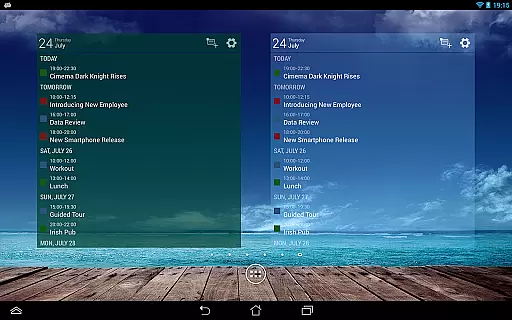
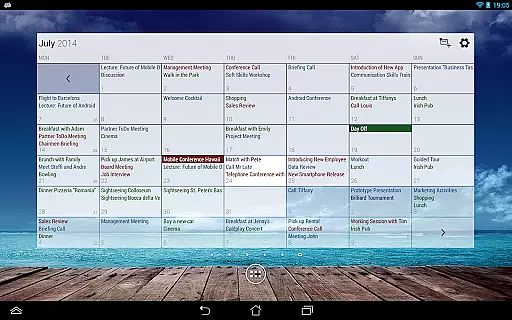
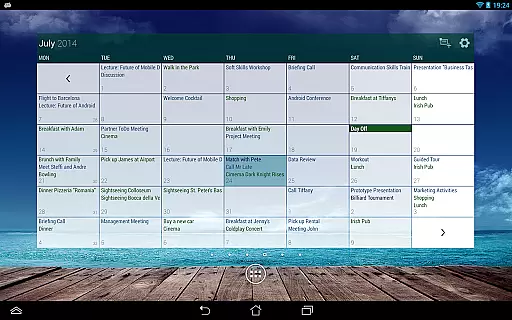
Business Calendar Pro is a comprehensive productivity tool designed for professionals who need an efficient way to manage their schedules. This app offers an intuitive interface with powerful features that allow users to create, manipulate, and view events with ease. With customizable views and widgets, it provides flexibility in how you organize your day, week, or month.
The app stands out with its Quick Day View, smooth scrolling, and zoom capabilities, ensuring you never miss an important appointment. It supports synchronization with Google Calendar, Microsoft Outlook, and Exchange, making it versatile for both personal and business use. Whether you're scheduling meetings, setting reminders, or managing contacts, Business Calendar Pro delivers a seamless experience tailored to enhance productivity.
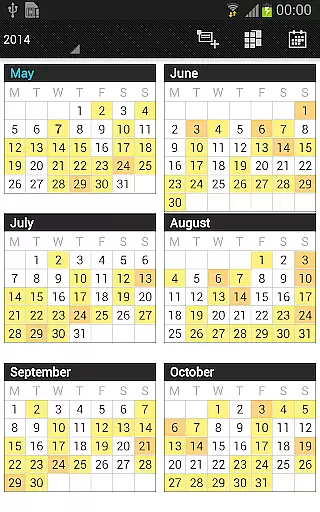
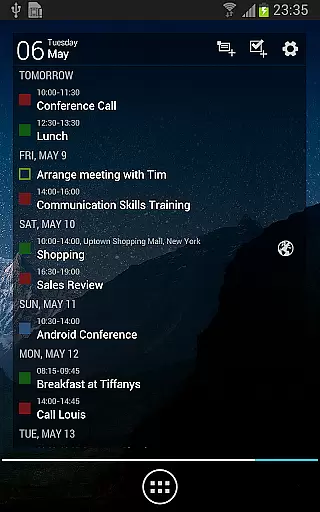
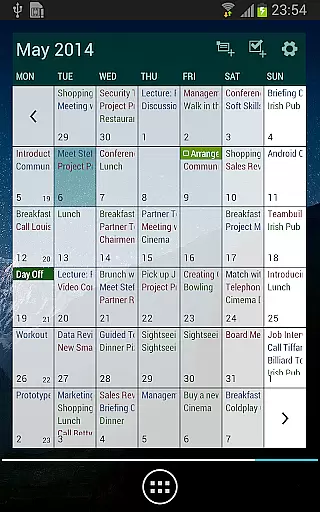
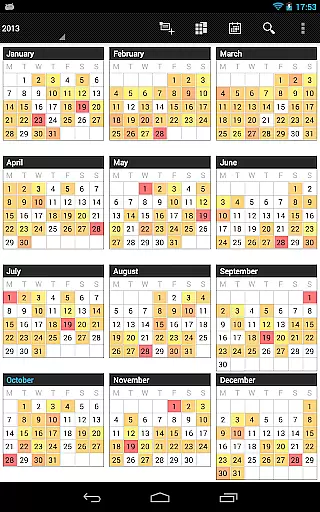
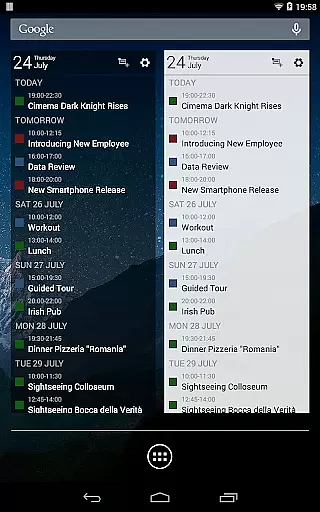
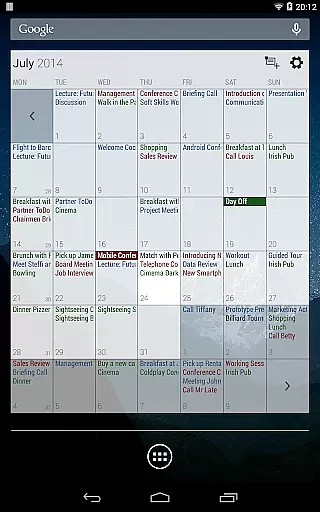
Business Calendar Pro boasts an array of features that cater to detailed customization and user control. The app allows adaptation of all views and widgets to suit individual preferences, including font sizes and reminder settings. Users can enjoy advanced functionalities such as multi-day views, color-coded year views, and professional widgets that provide quick access to essential calendar information.
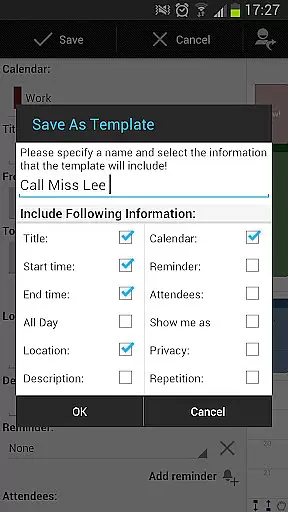
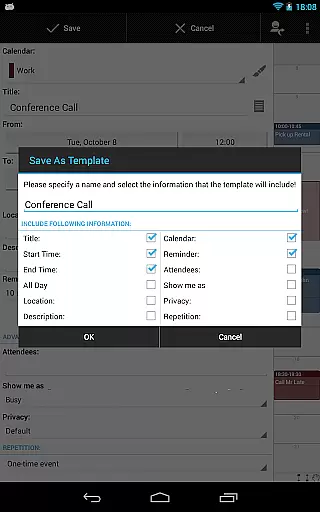
Additional pro features include the ability to manage contacts by linking them to events, customizable event templates, and drag-and-drop functionality for moving or copying events. The integrated task management tool syncs with Google Tasks and Toodledo, enhancing workflow efficiency. With options for recurrent events, birthday tracking, and comprehensive notifications, this app ensures you stay on top of your schedule while offering the flexibility to adjust to your unique working style.
Task management is a cornerstone of productivity applications, and Business Calendar Pro excels in this area. This feature allows users to organize, prioritize, and track their tasks efficiently, ensuring that nothing important slips through the cracks.
The app provides an intuitive interface for creating and managing events and tasks. With options for recurrent events, customizable reminders, and integration with Google Tasks and Toodledo, users can tailor their task management experience to fit their unique needs. The ability to link contacts to events further enhances organizational capabilities.
Users benefit from comprehensive reminder functionality, which includes notifications with vibration, sounds, repetitions, and intervals. This ensures timely alerts that keep users on track with their schedules. Additionally, the multi-selection feature enables deleting, moving, or copying multiple events at once, streamlining task management processes.
Cross-device synchronization is vital for maintaining consistency across all user devices. Business Calendar Pro offers reliable synchronization with Google Calendar, Microsoft Outlook, Exchange, and other services using Android calendar synchronization.
This ensures that whether you're accessing your calendar from your phone, tablet, or computer, your data remains up-to-date and consistent. The professional widgets for month, week, agenda, and day views are also synchronized, providing a seamless experience regardless of the device used.
Moreover, the app supports importing and exporting calendars in .ics format, allowing easy transfer between different platforms. This flexibility makes it simple to integrate Business Calendar Pro into existing workflows, enhancing productivity without disrupting established routines.
User-friendly interface
Highly customizable
Advanced widget options
Comprehensive task management
Versatile calendar views
Paid application
Complex for beginners
Limited free version
Occasional sync issues
Resource-intensive

Wake up & get tasks done! Add alarms & reminders on the Clock Launcher.
 4.00
4.00
Easily read and manage all your PDF files
4.10
Find and delete junk files & block unwanted notifications & manage files
3.70
To do list widget with a notebook organizer, checklist, simple shopping list
4.60
Intelligent AI Assistant
4.10
Scan paperwork into PDF/JPG, generate your own e-signature and send fax or email
4.70
AT&T Internet customers can use this app to personalize their Wi-Fi network.
4.40
Seamlessly read, manage, and organize all your PDF files solution in one place
4.40
Note taking, handwriting, record audio, PDF annotation, planner & journal
4.20
aCalendar+ makes your day, week and month
4.70
A simple Whisper AI keyboard for reliable speech transcription and rewording
4.60
Translate text/voice/photos in 150+ languages. Offline & fast translator app.
4.50
Subscribe to Webcal & .ics calendars and keep them up-to-date!
4.50
Send files, sync SMS, notifications & clipboard across devices via local network
4.40
CalenGoo is a very flexible and feature-rich calendar app
4.40
Total remote control for your Android device, PC and cloud services (IFTTT)!
4.20
Activate Two Factor Authentication (2FA or Multi OTP), Password manager and more
4.10
ID.me Authenticator is a simple and free Two Factor Authentication solution
3.50
IP Camera Viewer - Android TV : RTSP Surveillance camera viewer for Android TV
4.3


User Reviews