
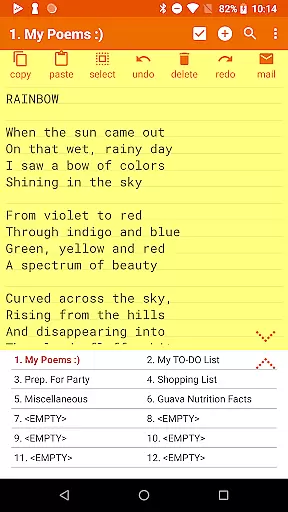

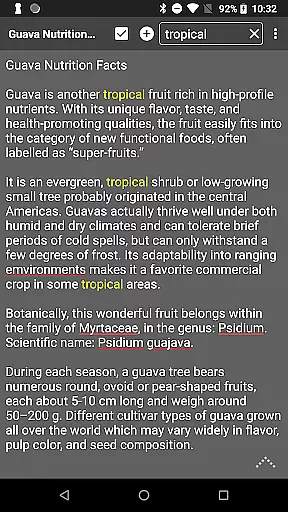
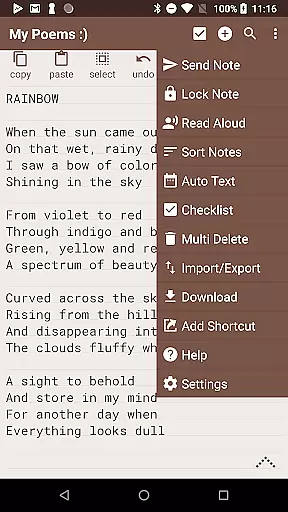
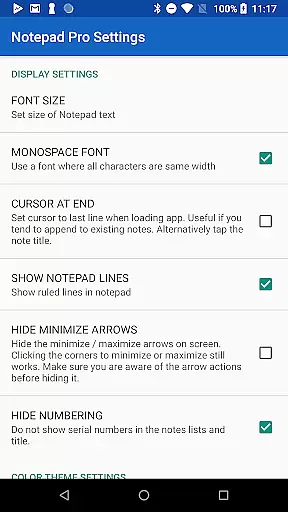


Notepad Pro represents the pinnacle of note-taking applications tailored for productivity enthusiasts. This versatile app offers unlimited notepad slots, inline checklist capabilities, and a powerful search function that spans across all notes. Its compact size of just 0.3 MB ensures minimal storage usage while providing essential features like desktop widget support and no unnecessary permissions.
Beyond basic note-taking, Notepad Pro excels in customization and accessibility. Users can sort and categorize notes, apply custom themes, and enjoy full-screen viewing options. Advanced safeguarding features include selective import/export capabilities, read-only notes, and customizable backup frequencies. These robust features make it an ideal tool for both personal and professional use.
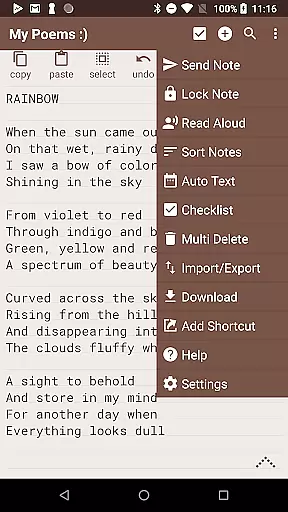
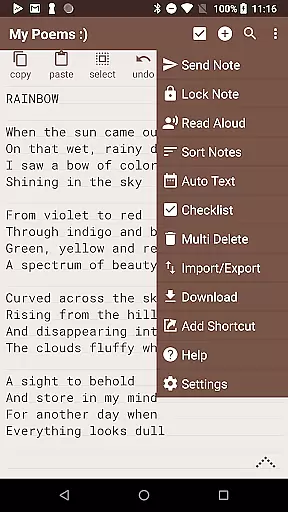
The app's true value lies in its ability to streamline workflow through innovative accessibility features. With options to create desktop shortcuts, utilize Home/End shortcuts, and even have notes read aloud, Notepad Pro transforms how users interact with their digital notes. The ability to attach notes as files in emails and specify preferred email apps further enhances its utility in modern work environments.
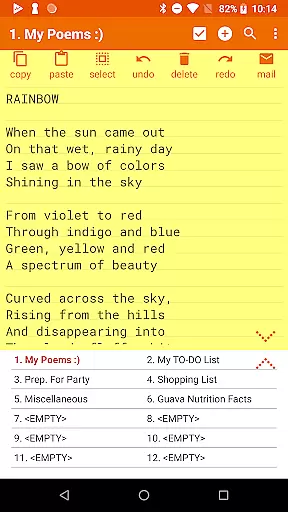
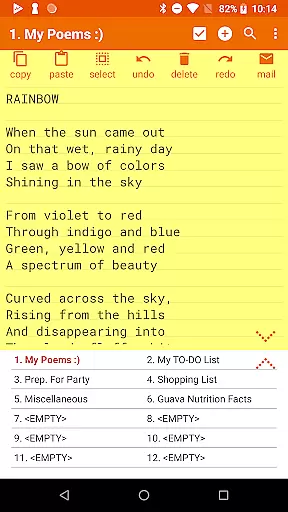
Notepad Pro distinguishes itself through a comprehensive feature set designed to enhance productivity. The app's general features include unlimited notepad slots and inline checklist capabilities, allowing users to organize tasks efficiently. Its powerful search functionality enables quick retrieval of information across multiple notes, while maintaining a minimal footprint of just 0.3 MB.
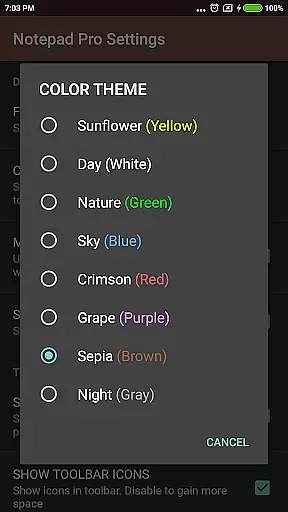
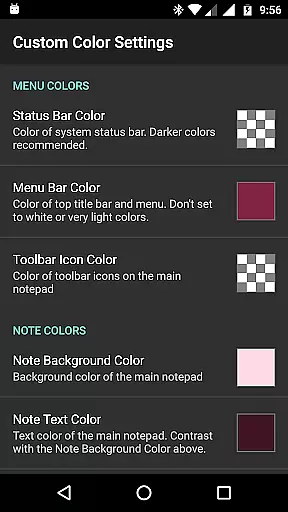
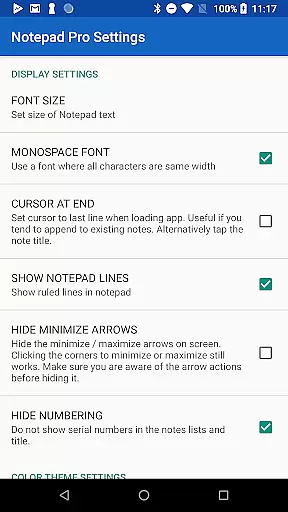
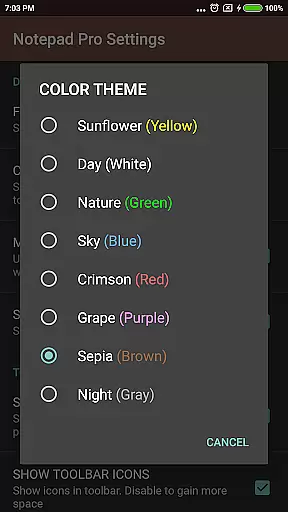
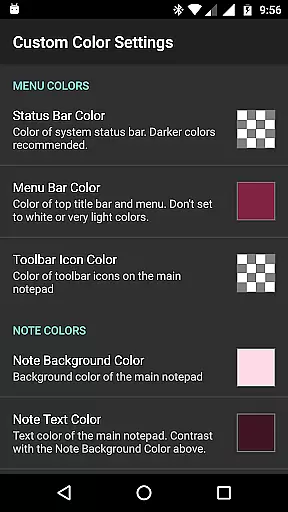
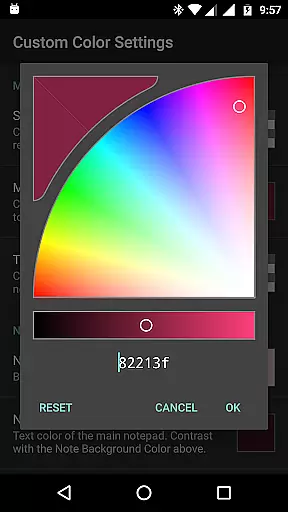
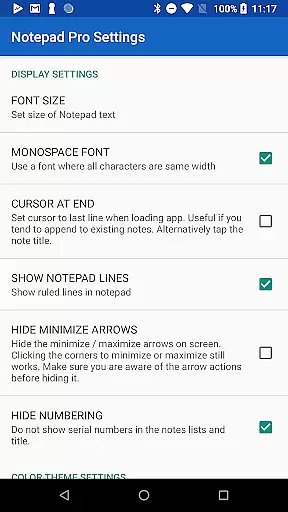
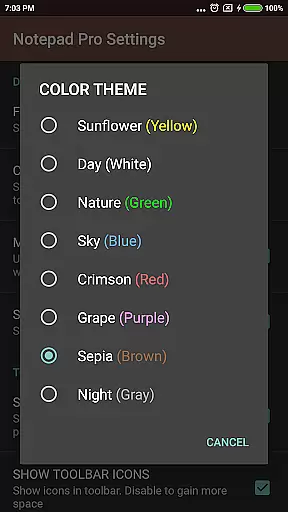
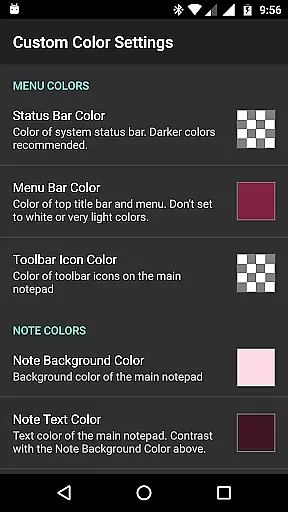
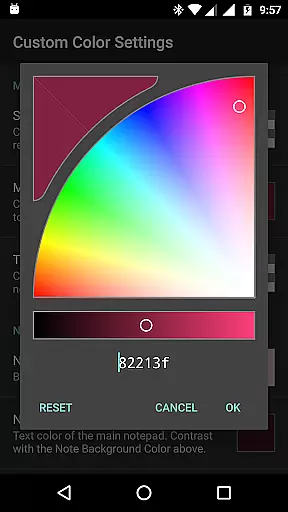
In terms of display customization, Notepad Pro offers advanced options such as custom sorting, bookmarking capabilities, and support for custom themes. The always-visible note title and full-screen view options provide optimal readability. Users can also configure their experience through various settings, including blank note preferences and widget customization.
The app's safeguarding features ensure data security and accessibility. Users can restore notes from backup files, download local copies of notes, and set specific backup frequencies. The selective import/export functionality, combined with read-only options, provides granular control over note management. These features collectively establish Notepad Pro as a reliable solution for secure and efficient note-taking.
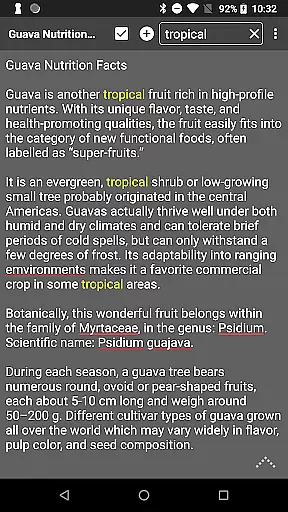
Notepad Pro excels in core task management by offering users a versatile Auto Save Notepad with unlimited notepad slots, ensuring that no idea or task is lost. The app's in-line checklist capability allows users to efficiently manage and track their tasks, enhancing productivity.
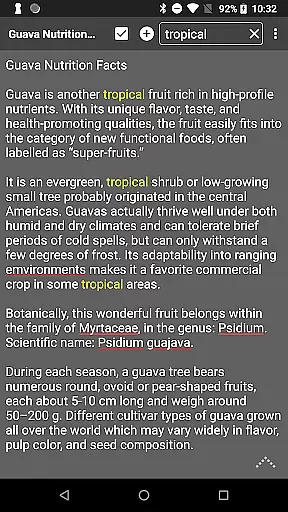
Search functionality within and across notes makes information retrieval swift and effortless. This feature is particularly beneficial for users who maintain extensive notes and require quick access to specific content without navigating through multiple screens.
The app also supports desktop widgets, providing immediate access to your notes and checklists from the home screen. This seamless integration into daily workflows ensures that task management is both convenient and efficient, allowing users to focus on what truly matters.
While Notepad Pro focuses on device-local features, it offers reliable backup and restore functionalities that ensure your data remains safe and accessible. Users can download notes and backups locally, which serves as an alternative to traditional cross-device synchronization.
The ability to make notes read-only adds another layer of safeguarding against accidental edits, ensuring that critical information remains intact. Additionally, specifying backup frequency allows users to automate their data protection strategy according to their needs.
Selective import/export of notes provides flexibility when transitioning between devices or sharing specific content with others. These features collectively contribute to maintaining high data integrity and availability, mimicking the benefits of cross-device synchronization while prioritizing user control and security.
Unlimited notepads
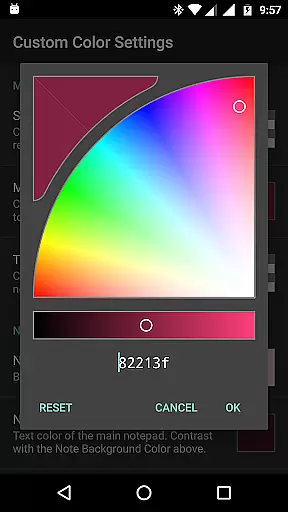
Custom themes
Auto-save feature
Compact size
Read-aloud function
Paid version only
No cloud sync
Limited design
Android exclusive
No collaboration

Auto-shutoff Alarm with Sunrise, Sunset & Fixed Options.
 3.50
3.50
Secure, fast, open-source, Remote Desktop Client for Windows and Linux with SSH
4.60
Font maker keyboard with your own handwriting
4.10
All document reader, all in one file viewer read PDF, DOCX, XLS, PPT, TXT files.
4.60
Access, manage and transfer files on Android, PC, Mac, NAS and cloud storages.
4.30
* block pre-roll ads, pop-up and forced redirect ads * Samsung certification app
4.00
Best Tool for the professionals Electrician, Electrical contractors, etc.
4.90
Quickly and easily keep track of your work shifts
4.70
Put a lock on your cloud: Take the security of your data into your own hands
3.70
Simple notepad & memo. Take notes, to-do list, shopping list with reminders.
4.80
Scan paperwork into PDF/JPG, generate your own e-signature and send fax or email
4.70
Secure, fast, open-source, VNC and SSH Remote Desktop for Windows, Linux and Mac
4.70
The AI assistant that thinks with you - write, code, and solve complex tasks
4.60
A simple Whisper AI keyboard for reliable speech transcription and rewording
4.60
Docker, Kubernetes management over Portainer Mobile
4.40
When you Focus, so will your Bean in this cozy focus timer
4.30
Cloud storage, automatic phone backup, and more.
4.10
Experience real multitasking on your Android!
4.00
Create and edit presentations with Google Slides, part of Google Workspace.
4.00


User Reviews