
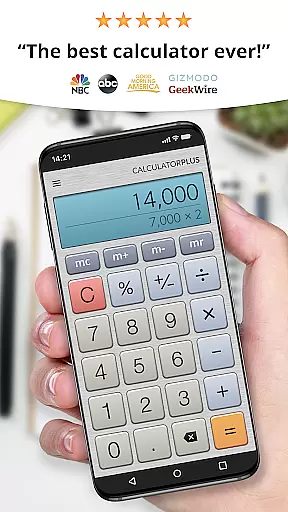
Calculator Plus stands out as an essential productivity tool designed to simplify and enhance everyday calculations. Recognized by USA TODAY as one of the '25 Essential Apps', it surpasses traditional calculators with its user-friendly interface and advanced functionality.
This calculator app offers a range of features including memory functions, backspace correction, and elegant typography for easy reading. It is perfect for various tasks from shopping to tax calculations, ensuring users can rely on it for both simple and complex computations without the need to retype previous entries.
With its intuitive design and ability to save calculation history, Calculator Plus is ideal for anyone looking to improve their efficiency in daily tasks. Its compatibility with Android devices makes it accessible for use anytime, anywhere, providing a seamless experience that leverages modern display technology.
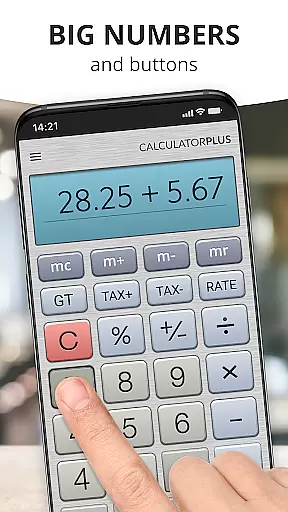
Calculator Plus boasts an array of innovative features that cater to diverse computational needs. The app's elegant typeface and proper comma placement ensure clarity and precision in displaying results, making it visually appealing and easy to read.
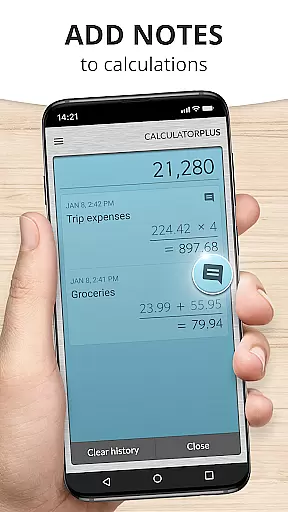
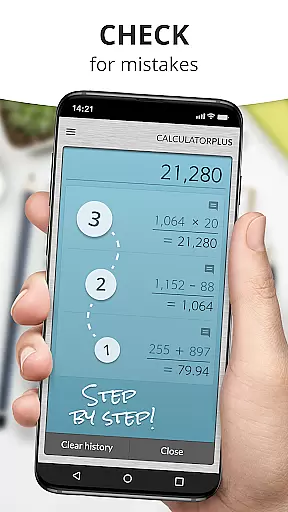
One standout feature is its ability to remember past calculations, allowing users to review and resume work effortlessly. The inclusion of advanced math functions alongside standard operations provides versatility, while the backspace function enables quick corrections without starting over.
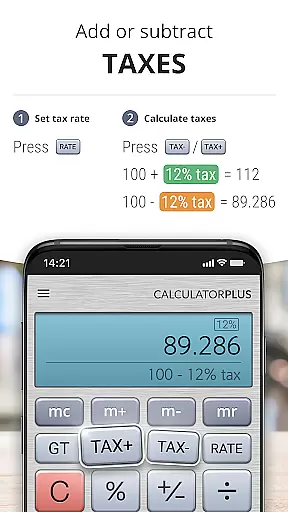
Additionally, the app's percentage key offers clear explanations of calculations, eliminating confusion. Its swipe functionality reveals more sophisticated mathematical tools, catering to both casual and power users who require efficient solutions for their calculation requirements.
Calculator Plus excels in core task management by offering a seamless calculation experience tailored for productivity. Its ability to save and review past calculations ensures users can efficiently manage their computational tasks without the need to re-enter data.
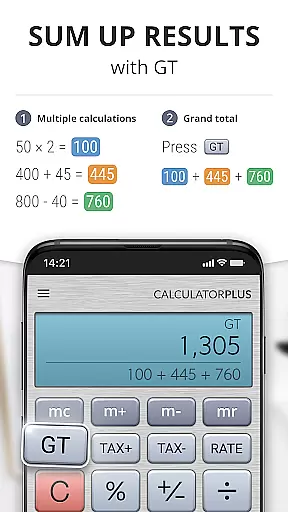
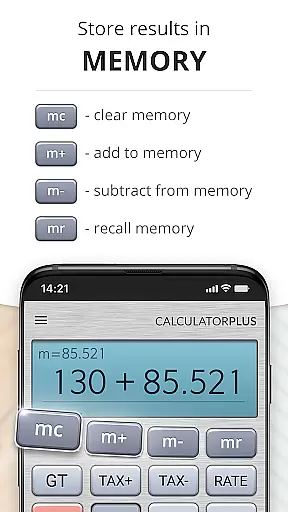
The app's memory functions allow for running totals and intermediate results, making complex calculations more manageable. This feature is particularly useful when balancing checkbooks or working on financial reports, as it keeps track of cumulative figures.
With intuitive backspace functionality, users can easily correct mistakes without disrupting their workflow. This efficient error-handling contributes significantly to streamlined task completion.
Moreover, the inclusion of advanced math functions accessible via swipe gestures demonstrates the app's commitment to providing comprehensive tools for various productivity needs.
While Calculator Plus does not explicitly advertise cross-device synchronization, its reliable memory feature offers users a consistent experience across sessions on the same device. This ensures that users can rely on the app to preserve their work until they are ready to return.
The app's ability to remember everything users calculate provides a form of local synchronization, allowing users to pick up right where they left off. This continuity enhances productivity by eliminating the need to restart calculations.
For those who use multiple devices, while real-time syncing isn't present, the app's robust memory system means that as long as you're on the same device, your calculations are stored safely and accurately.
Although true cross-device capabilities aren't highlighted, the app's reliability on a single device makes it an invaluable tool for anyone seeking a dependable calculation companion.
User-friendly interface
Advanced math functions
Calculation history recall
Clear percentage display
Elegant typography
Limited to Android
No scientific mode
Occasional bugs
Ads in free version
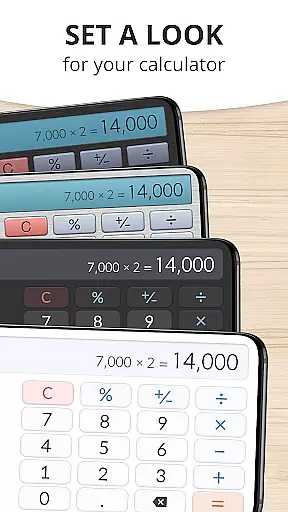
Interface not customizable

Auto-shutoff Alarm with Sunrise, Sunset & Fixed Options.
 3.50
3.50
Wake up & get tasks done! Add alarms & reminders on the Clock Launcher.
4.00
Easily read and manage all your PDF files
4.10
Automates browsing any website and notifies you of important changes or events
4.30
IP Camera Viewer - Android TV : RTSP Surveillance camera viewer for Android TV
4.4
PDF scanner & converter for files, photos, lottery, QR codes. One swipe away!
4.50
Create and edit presentations with Google Slides, part of Google Workspace.
4.00
Access, manage and transfer files on Android, PC, Mac, NAS and cloud storages.
4.30
Seamlessly read, manage, and organize all your PDF files solution in one place
4.40
Scientific calculator for Android - looks and operates like the real thing!
4.90
Simple notepad & memo. Take notes, to-do list, shopping list with reminders.
4.80
Quickly and easily keep track of your work shifts
4.70
Stay on top of your to-dos with Google Tasks, part of Google Workspace.
4.60
Functional QR scanner and barcode reader that requires little storage space.
4.60
A simple Whisper AI keyboard for reliable speech transcription and rewording
4.60
Device's storage information in a simple and clear graphical form (infographics)
4.10
Font maker keyboard with your own handwriting
4.10
Experience and share your SolidWorks designs on your Android® phone and tablet.
2.50
The upgraded version of Name Wheel with AI and the power to add your own wheels.
4.4


User Reviews