

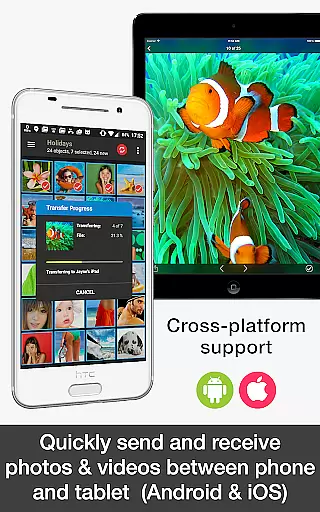
PhotoSync Bundle Add-On is an advanced activation license that enhances the free version of PhotoSync, a leading cross-platform solution for wireless photo and video management. This add-on enables users to unlock all Autotransfer, NAS, and Cloud capabilities, allowing seamless transfer, backup, and sharing across Android, iOS, Windows, Mac, NAS devices, and cloud services.
The product stands out with its automated transfer features, secure connections to numerous NAS and cloud services, and extensive customization options. Whether you're backing up to a Synology NAS or sharing files to Google Drive, PhotoSync ensures reliable performance. It's particularly beneficial for photographers and businesses needing efficient media management solutions.
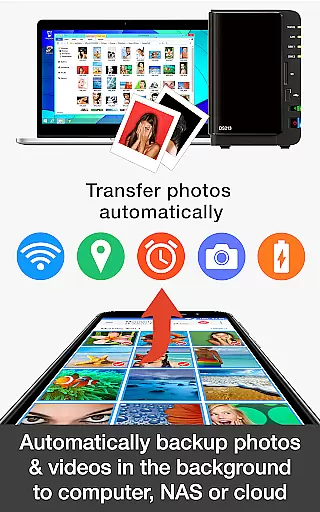
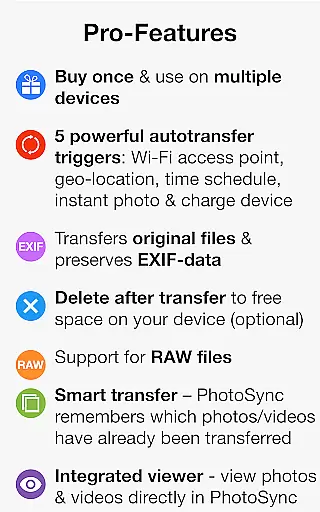
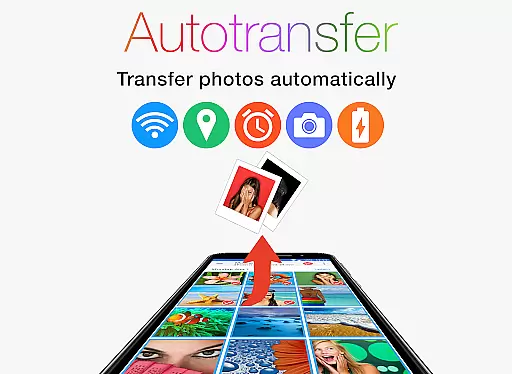
PhotoSync Bundle Add-On offers a comprehensive suite of features designed to streamline photo and video management. The Autotransfer functionality supports instant, WiFi-based, location-based, and scheduled transfers, ensuring your media is always backed up without manual intervention.
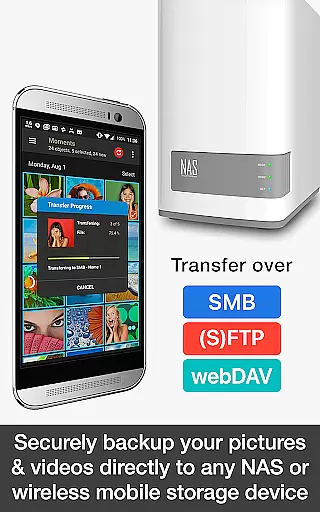
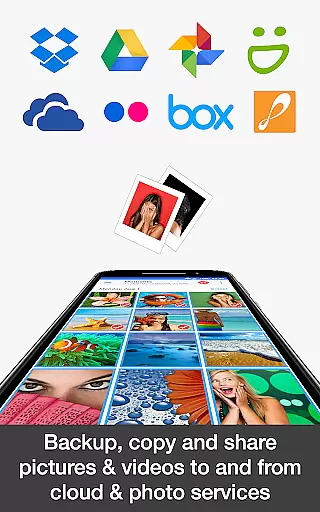
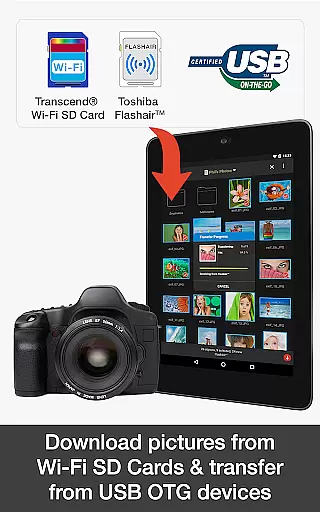
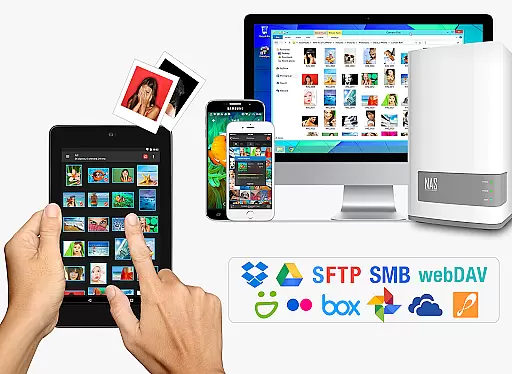
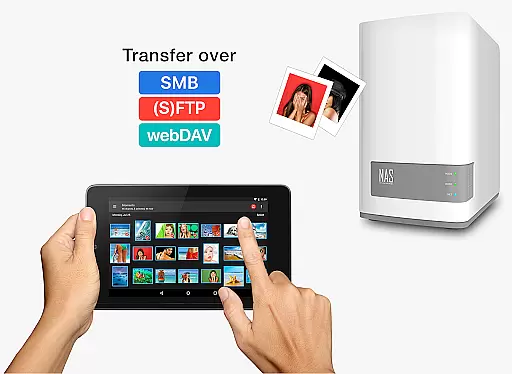
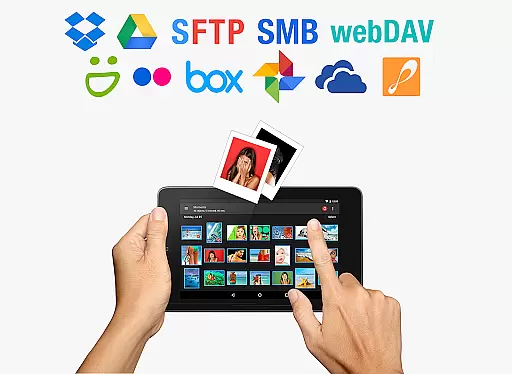
The NAS Add-On provides secure connections to major storage solutions like Synology, QNAP, and Dropbox, while enabling on-the-go access to files stored on wireless portable drives. Meanwhile, the Cloud Add-On integrates with services such as Google Photos, OneDrive, and Flickr, offering versatile upload and download options. These features collectively provide users with unparalleled flexibility and control over their digital assets.
Real-time capture and preview functionality is essential for ensuring that every photo or video taken meets the desired quality standards. PhotoSync Bundle Add-On enhances this experience by providing users with reliable and instant previews of their captured media.
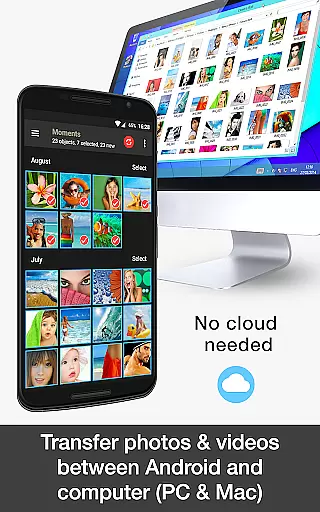
This application supports automatic transfer settings, allowing users to wirelessly backup photos and videos directly from their Android devices to computers or NAS systems over WiFi. This ensures that users can view their captured content in real-time without any delay, offering a seamless photography experience.
With features like instant transfer upon capturing a new picture or video, users can be confident that their media is being accurately represented and securely stored. This immediate feedback loop helps photographers make necessary adjustments on the fly, improving overall photo quality.
The real-time capabilities extend to various triggers such as location-based transfers and time schedules, ensuring that no matter where you are or what time it is, your media is always up-to-date and accessible. This robust functionality provides peace of mind and an efficient workflow for both amateur and professional photographers alike.
AI beauty and enhancement features have become increasingly popular in photography applications, aiming to improve image quality while maintaining natural aesthetics. PhotoSync Bundle Add-On leverages advanced AI algorithms to enhance photos and videos without compromising their authenticity.
By integrating with cloud services such as Google Photos and Dropbox, PhotoSync ensures that all enhancements are processed efficiently and effectively. Users can upload and share their media with enhanced beauty features that highlight the best aspects of their photos while keeping them looking genuine and unaltered.
The AI-driven enhancements focus on subtle improvements, such as skin smoothing and color correction, which collectively contribute to more appealing visuals. These enhancements are customizable, giving users full control over how much enhancement they wish to apply.
Ultimately, the AI beauty and enhancement tools within PhotoSync Bundle Add-On provide a balanced approach to photo editing. By preserving the natural look of images, users can enjoy professionally edited photos that still retain their original charm and character, making it ideal for sharing across various platforms.
User-friendly interface
Extensive device compatibility
Secure data transfer
Customizable automation
Comprehensive cloud support
Requires initial setup
Premium pricing
Dependent on network stability
Limited offline functionality
Ads in free version

A collection of tools and reference tables for DPs, ACs, DITs and Operators.
 4.70
4.70
Photo Album Watch Face shows your favorite pictures as a Watchface.
1.90
All-in-One Editor & AI Photo Enhancer, Beautify & Retouch, Collage, Cartoonify
4.20
Safe & smart flight with Go Fly drone controller for 40+ drone camera, zone map
4.50
1M influencer's special filter
4.60
Cut and paste photo editor & eraser to customize photos easy and swap faces fun
4.50
All-in-One Editor & AI Photo Enhancer, Collage, Cartoonify, Funny Stickers & BGS
4.10
Take videos and pictures with the popular TikTok TIME WARP SCAN filter.
4.60
Enhance, upscale, and transform your images — on your device, without limits
4.70
Create collages easily! Nice pic collage maker & background eraser for Instagram
4.50
A reflected light meter with spot metering and incident light metering.
4.40
Create AI Photos, Improve and restore quality of blurry, old or damaged pics.
4.20
A light meter for true photographers.
4.20
Professional camera app that brings DSLR manual photography controls to Android.
4.20
What celebrity do you look like? Celebs will find your celebrity match!
4.10
How would you look like with a differently shaped nose, chin or lips?
3.90
Gallery Slideshow is slideshow maker app for slideshow from your gallery photos.
3.90
USB Storage Access for Photos, Videos, Music and Documents
3.80
Remote control the phone camera shutter from your smartwatch and take a picture
1.60


User Reviews