
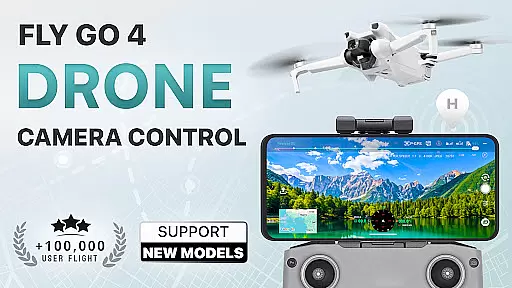
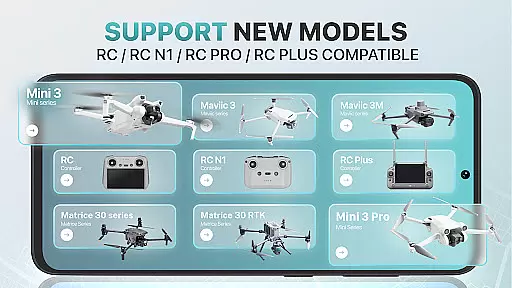
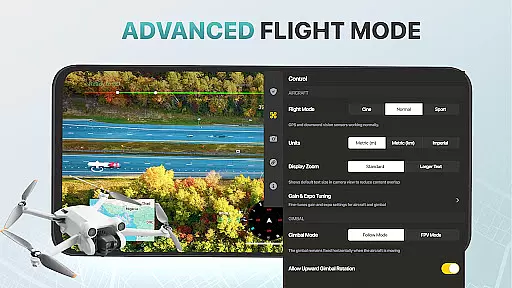
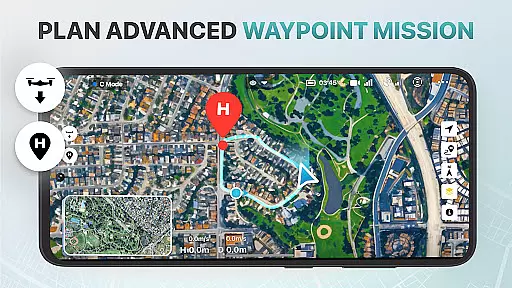
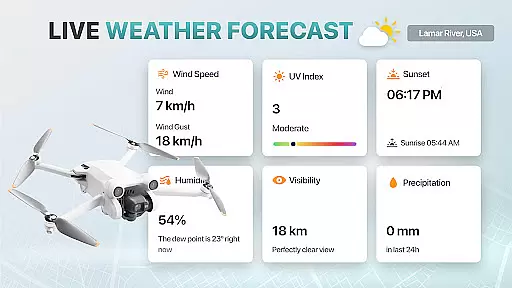
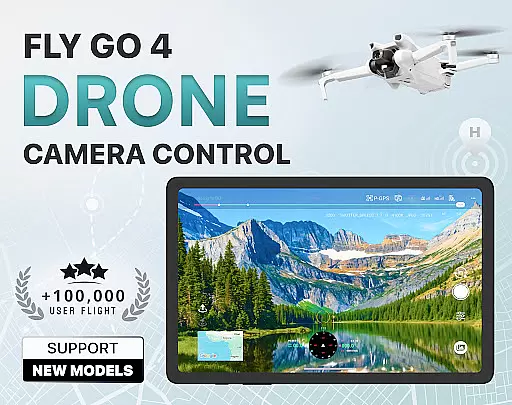
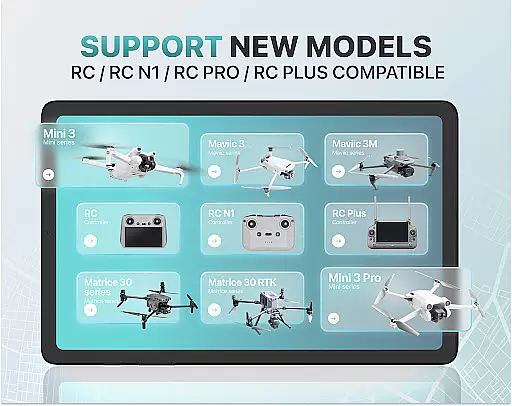
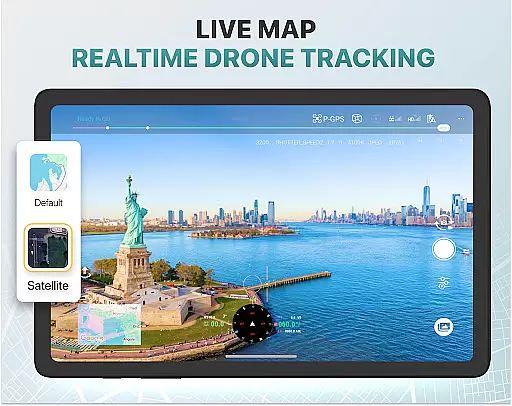
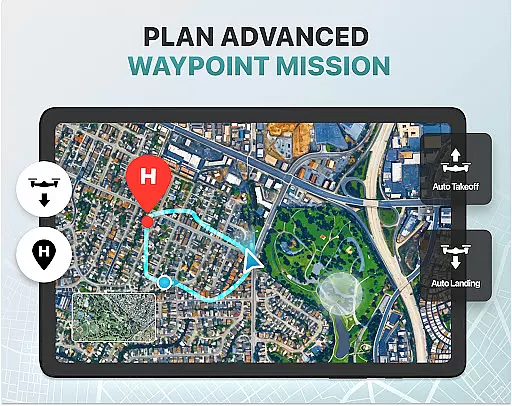
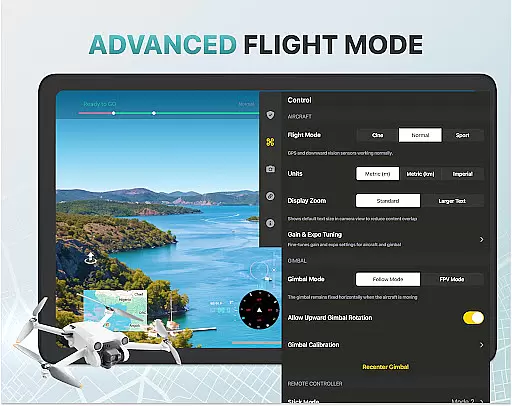
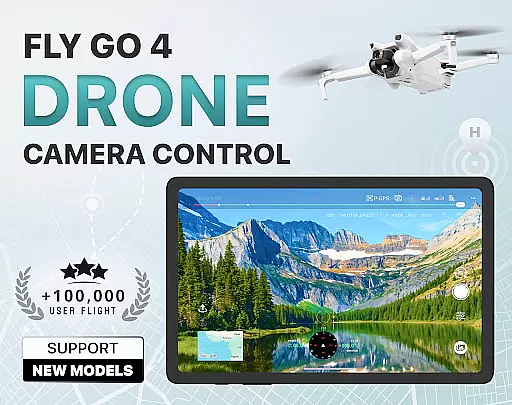
Fly Go 4 Drone Camera Control is a comprehensive drone management app designed for both amateur and professional drone pilots. The application provides seamless control over various drone models, including popular ones like DJI Mini 3, Matrice 350 RTK, and more. With its intuitive interface, users can easily manage their UAVs, capture stunning panoramic images, and monitor real-time weather conditions to ensure optimal flying experiences.
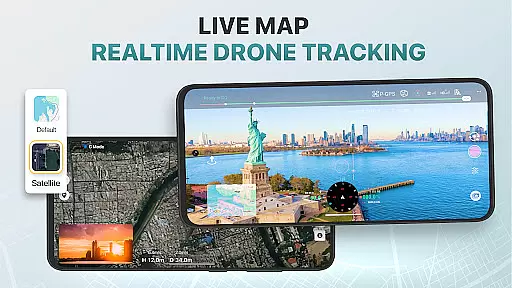
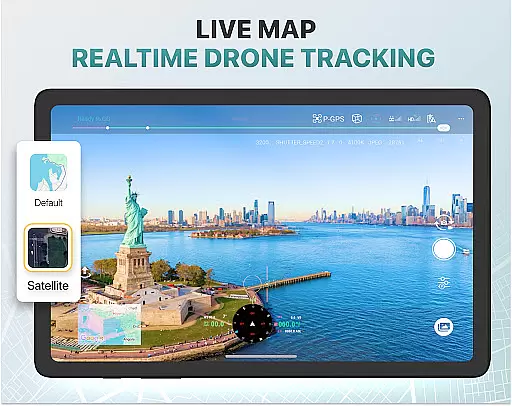
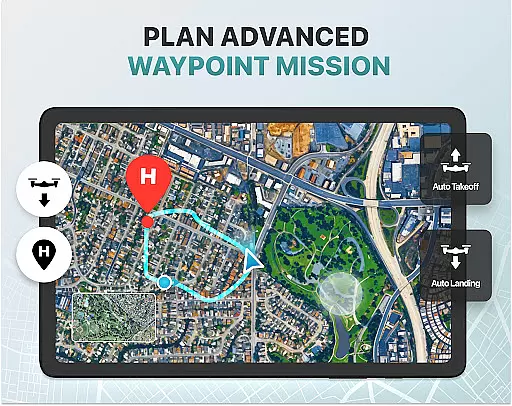
One of the standout features of this app is its ability to provide real-time camera feeds directly to your phone screen, allowing precise control over aerial footage. Additionally, the Find My Drone GPS tracker ensures you never lose your device, while the Home Point Functionality guarantees safe returns in case of low battery or signal loss. These capabilities make Fly Go 4 an essential tool for anyone invested in drone photography and videography.
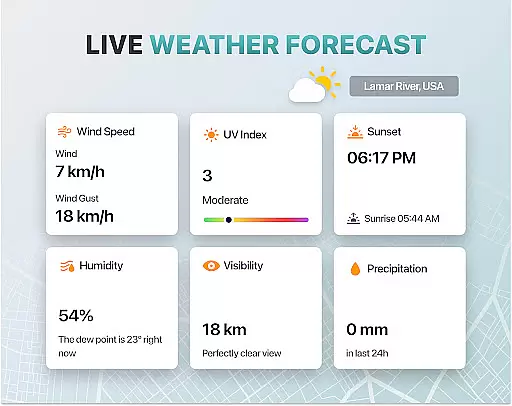
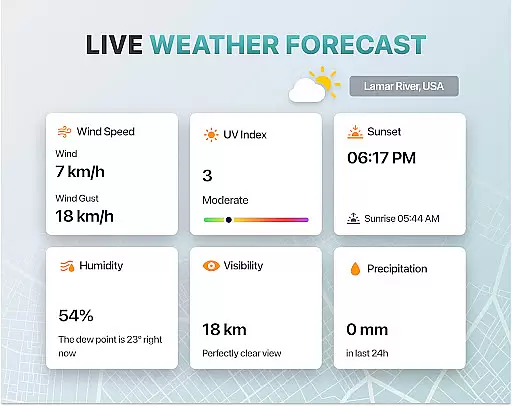
The Fly Go 4 Drone Camera Control app boasts an array of advanced features tailored for modern drone enthusiasts. One of its key functionalities is the Drone Panorama Photography mode, which allows users to capture breathtaking panoramic shots directly from their drone's camera. Coupled with real-time weather updates, pilots can ensure they're flying in optimal conditions, enhancing both safety and image quality.
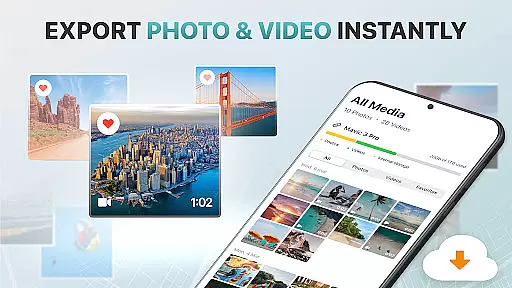
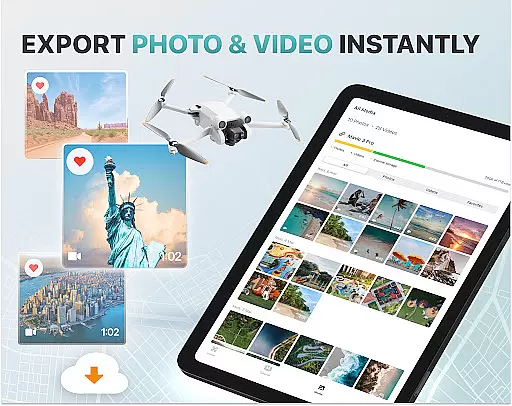
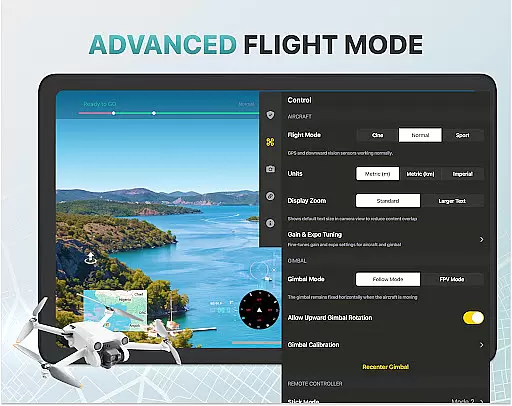
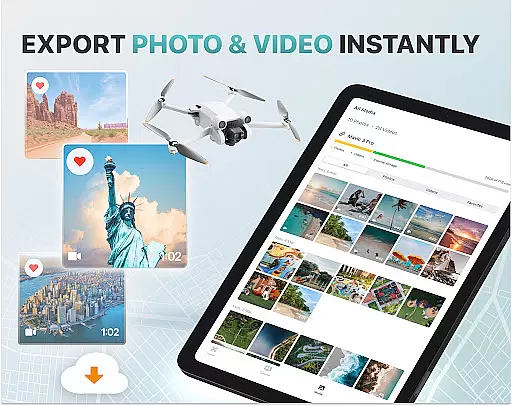
Another remarkable feature is the No-Fly Zone Alerts system, which keeps pilots informed about restricted airspaces near airports and military bases. This ensures compliance with aviation regulations and prevents potential legal issues. Moreover, the app supports Smart Media Export, enabling easy transfer of high-quality footage to your device for editing and sharing. With compatibility across a wide range of drone models and intelligent flight modes, Fly Go 4 stands out as a versatile and indispensable tool for drone pilots.
Real-time capture and preview functionality is essential for drone photography, allowing users to see exactly what their drone's camera is capturing as it happens. The Go Fly Drone Controller Pro app excels in this area by providing a seamless live video feed directly to your phone screen.
This feature ensures that every shot or video taken with the drone is precisely framed and composed according to the user's vision. With lag-free transmission, pilots can make real-time adjustments to capture the perfect moment without any delay.
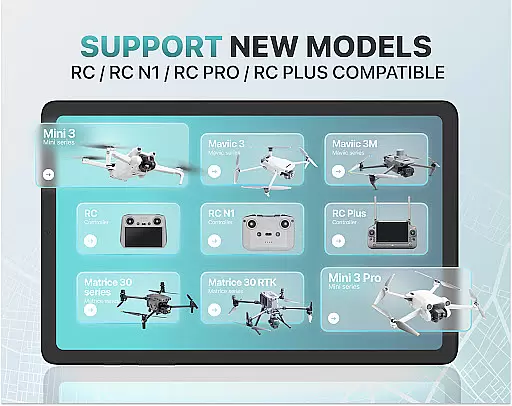
The app supports a wide range of drones, including popular models like DJI Mini 3, DJI Mavic 3 Enterprise Series, and more. This compatibility ensures that regardless of the drone model, users will have access to an intuitive and responsive real-time camera feed.
By delivering crisp and clear previews, the Go Fly Drone Controller Pro enhances the overall photography experience, making it easier for both beginners and professionals to achieve outstanding aerial footage with confidence.
AI beauty and enhancement features are becoming increasingly important in photography apps, offering users the ability to improve image quality while maintaining natural aesthetics. The Go Fly Drone Controller Pro incorporates advanced AI algorithms to enhance photos captured by drones without compromising their authenticity.
These enhancements include optimizing exposure settings, adjusting colors for vibrancy, and sharpening details to bring out the best in every photo. Importantly, these modifications are applied subtly so that images retain their original essence and do not appear overly processed.
For panoramic shots or high-resolution videos, the app's AI capabilities ensure that each frame is enhanced naturally, preserving the integrity of landscapes and subjects within the footage. This results in professional-quality outputs suitable for various applications such as marketing materials or personal projects.
With its focus on natural enhancement, the Go Fly Drone Controller Pro empowers users to produce stunning visuals effortlessly, elevating their creative potential while ensuring realistic outcomes.
User-friendly interface
Wide drone compatibility
Real-time camera feed
Advanced weather tracking
Find My Drone feature
Premium subscription required
Limited free trial period
No iOS support
Occasional connectivity issues
Not an official manufacturer app

How would you look like with a differently shaped nose, chin or lips?
 3.90
3.90
Cut and paste photo editor & eraser to customize photos easy and swap faces fun
4.50
How old age camera Gender Swap App Face Shape Hairstyle App Hair Styler App fun!
4.00
Automatically backup your photos and videos to computer, NAS and Cloud services
4.60
Smart, light, and fast photo and video gallery
4.30
Easily create custom gifts, cards, photo books & more on the Shutterfly app!
4.60
Snap photos remotely using your Garmin watch as the camera trigger
4.0
Remote control the phone camera shutter from your smartwatch and take a picture
1.60
Solocator stamps photos you take with GPS location, Compass Direction, Date/Time
3.80
Your personal guide to the sun and moon. Plan ahead, visualize and predict!
4.70
Cartoon and artistic effects for your photos and videos
4.70
Enhance, upscale, and transform your images — on your device, without limits
4.70
Take videos and pictures with the popular TikTok TIME WARP SCAN filter.
4.60
Create collages easily! Nice pic collage maker & background eraser for Instagram
4.50
Transform photos into videos! Create realistic or anime-style images easily!
4.50
HD Camera Pro with HD Video shooting, Panorama, Photo editor , Beauty Camera.
4.50
Turn your phone into a professional camera - full DSLR manual photography
4.30
Photo editor: face & body editor, beauty cam, filters and quality enhancer.
4.00
Superimpose one photo on top of another using the original Superimpose app!
3.20


User Reviews