
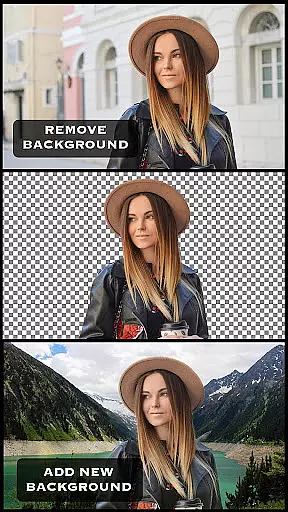
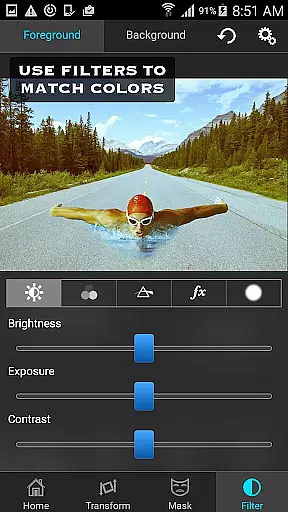
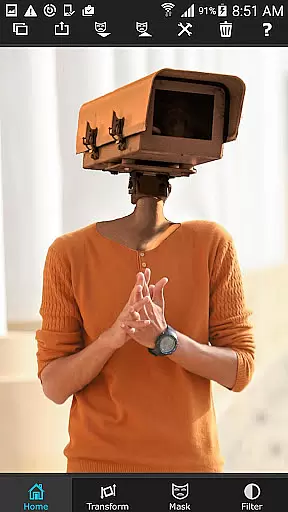
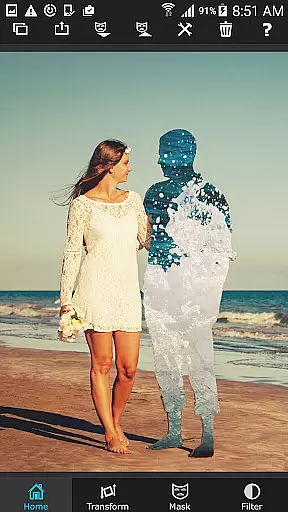

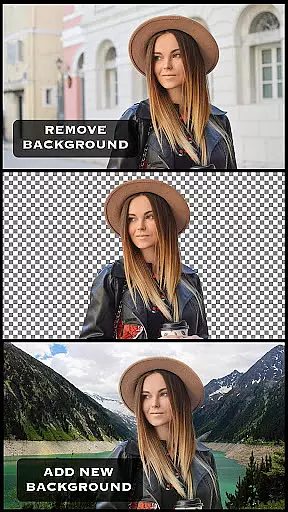
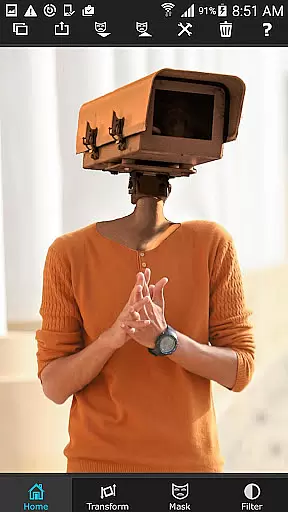
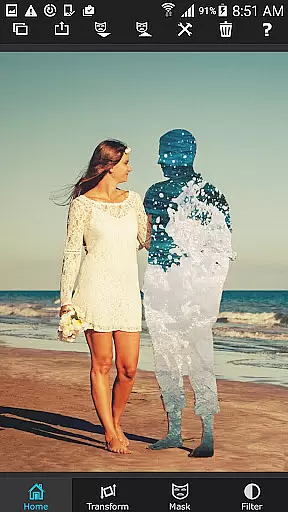

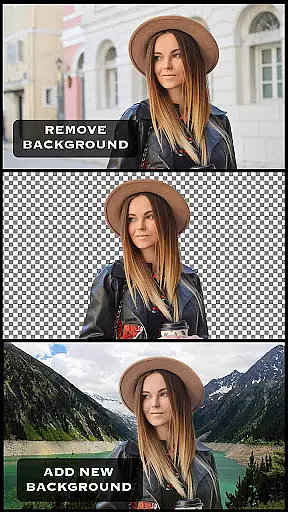
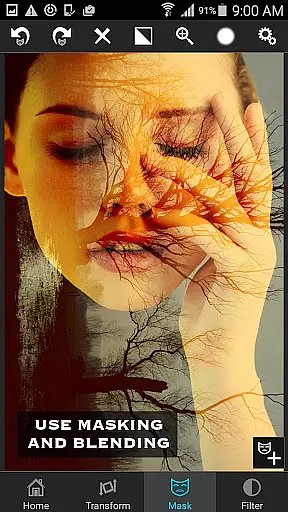
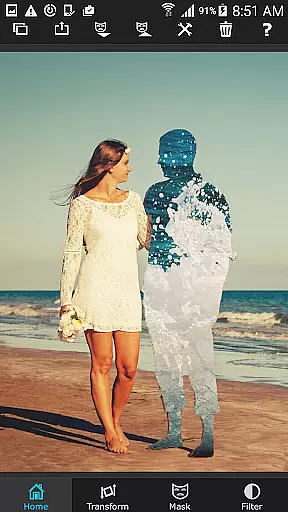

Superimpose is a powerful mobile application that allows users to create professional-grade superimposed or juxtaposed photos directly on their iPhone. With just a few taps, you can seamlessly blend images without the need for a computer or expensive software. The app offers an intuitive workflow where you load a background image, then a foreground image, and use various masking tools to remove unwanted portions of the foreground. You can further refine your creations by smoothing edges, adjusting colors, exposure, contrast, hue, and saturation to achieve perfect harmony between the two images.
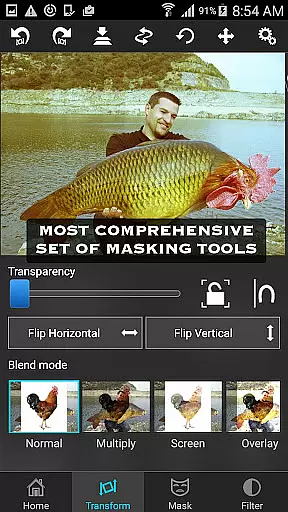
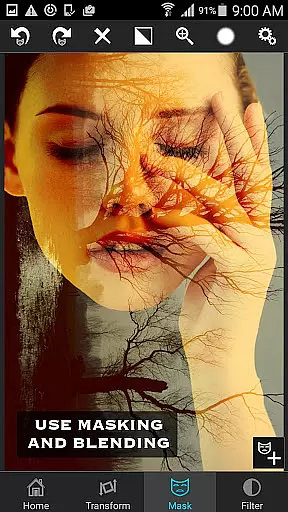
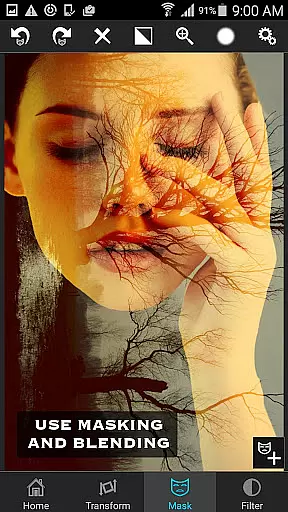
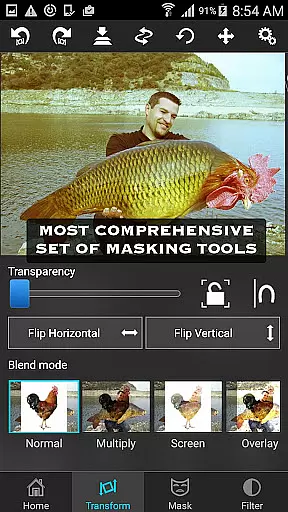
This app is not only ideal for casual photo editing but also for serious tasks like blending textures, overlaying borders, or performing double exposure with adjustable transparency and 18 blending modes. Whether you're looking to impress your friends with creative compositions or need advanced photo editing capabilities on-the-go, Superimpose provides all the necessary tools in a user-friendly interface.
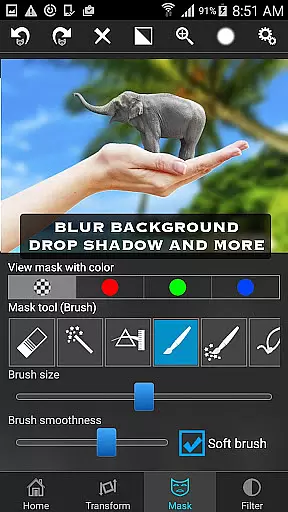
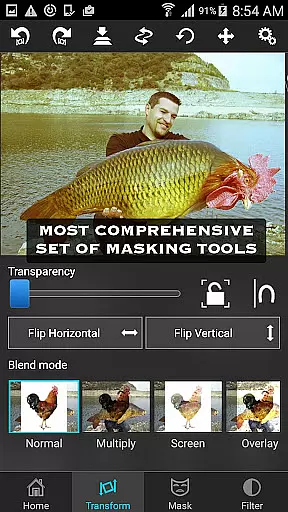
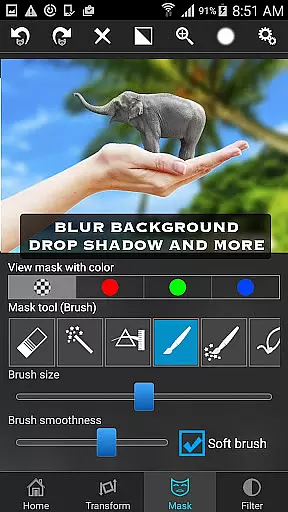
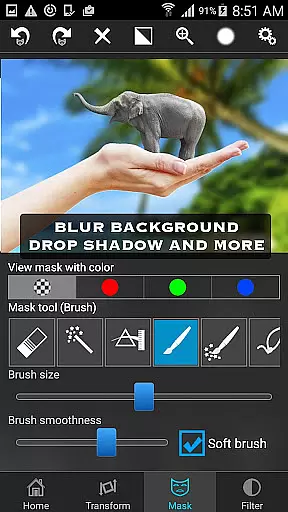
Superimpose stands out with its comprehensive suite of masking tools, which is the most powerful available on the App Store. Users can tap on an area of the photo, and the app will automatically mask out connected areas with similar colors. Alternatively, you can utilize brush, lasso, global color similarity, rectangle, ellipse, linear, bi-linear, or radial gradient masking tools. This flexibility allows for precise control over which portions of the foreground image become transparent, revealing the background beneath.
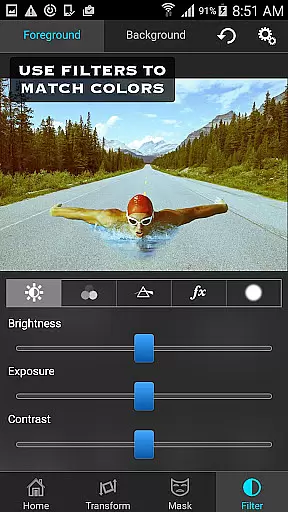
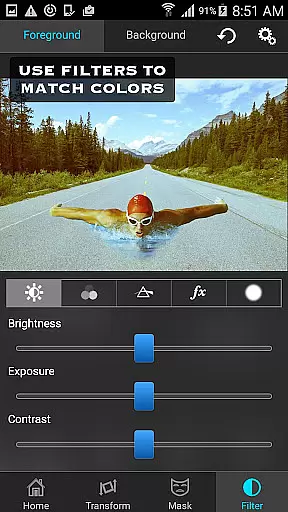
Beyond masking, Superimpose offers robust editing features such as moving, scaling, resizing, rotating, and flipping the foreground image to place it accurately on the background. Additionally, users can adjust the colors, exposure, contrast, hue, and saturation of both images to ensure they match perfectly in terms of color balance. These advanced functionalities make Superimpose a versatile tool for both amateur enthusiasts and professional photographers seeking high-quality results from their mobile devices.
Real-time capture and preview functionality is essential for ensuring that users can see immediate results of their photo editing actions. In the Superimpose app, this feature allows users to witness the changes as they apply various effects or adjustments to their images without any lag.
The app provides a seamless experience by rendering every mask, adjustment, or transformation instantly on the display. This means that whether you're scaling, rotating, or flipping the foreground over the background image, you'll see the outcome in real time.
This instant feedback loop empowers users to make precise modifications and understand how different tools affect the final composition. It eliminates guesswork and enhances user confidence while creating complex superimpositions.
Ultimately, real-time capture and preview not only streamline the editing process but also contribute significantly to user satisfaction by providing them with predictable and controllable outcomes.
AI beauty and enhancement features are increasingly popular in photography apps, aiming to improve image quality while maintaining natural aesthetics. The Superimpose app leverages advanced algorithms to enhance photos without making them look overly processed or artificial.
With its suite of color/exposure/contrast/hue/saturation adjustment tools, the app intelligently suggests enhancements that align with current trends yet preserve authenticity. Users have granular control over these settings, allowing personalized tweaks that keep edits looking genuine.
Furthermore, when blending textures or overlaying borders, the AI ensures transitions are smooth and visually pleasing. This attention to detail prevents harsh lines or unnatural color shifts, which could otherwise detract from the overall effect.
By focusing on natural-looking enhancements, Superimpose helps photographers produce professional-grade compositions that impress viewers while retaining true-to-life qualities.
User-friendly interface
Powerful masking tools
Versatile editing options
Adjustable transparency settings
Multiple blending modes
Limited to iOS devices
No Android version available
Some features may require learning
Advanced tools might overwhelm beginners
Premium price point

Safe & smart flight with Go Fly drone controller for 40+ drone camera, zone map
 4.50
4.50
Easily stitch panoramas from multiple photos or video.
4.40
Viewfinder, Light meter, Reciprocity failure time, DOF & Bellows Extension
4.60
Photo Exif Editor allows to view, add and modify EXIF data of multiple photos
4.50
Raw Image Viewer. Gallery with support of raw images (.cr3, .cr2, .nef, .raf).
2.00
RAW video capture with advanced controls
4.40
Effortlessly make high-quality GIFs from images & videos without any watermarks.
4.70
Try an anime version, cartoon yourself, and generate AI hug or aging videos!
3.70
Photo & Video Gallery app to manage albums and save WA Status easily.
4.70
Collage your moments in one tap: 1000+ layouts, filters, stickers, and texts.
4.90
Your personal guide to the sun and moon. Plan ahead, visualize and predict!
4.70
Add Watermark - Sign your pictures with a text or logo. Effective, quick, easy!
4.50
Use AI Video Generator to turn your words to ai generated videos.
4.50
Search, tag and rate your way to an organized image gallery
4.40
Trendy TikTok time warp scan funny filter app brings you unique photos & videos.
4.40
Create AI Photos, Improve and restore quality of blurry, old or damaged pics.
4.20
Create & Edit with AI: AI Remove, Enhance, Retouch, Filter
4.10
Photo editor: face & body editor, beauty cam, filters and quality enhancer.
4.00
Over 800 film simulation recipes for Fujifilm. Black Friday Offer!
4.4


User Reviews