
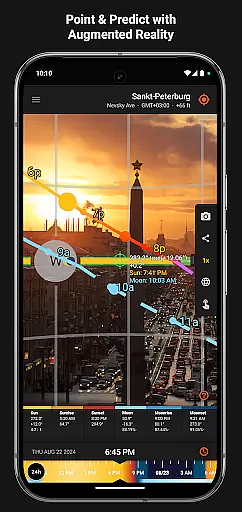
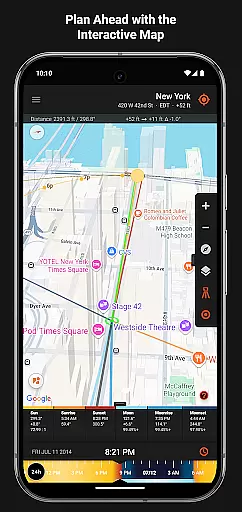
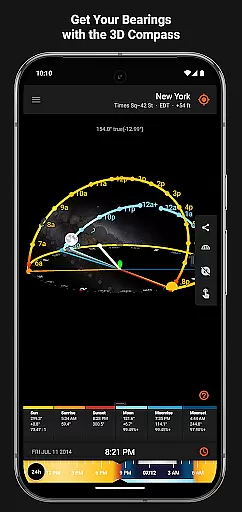
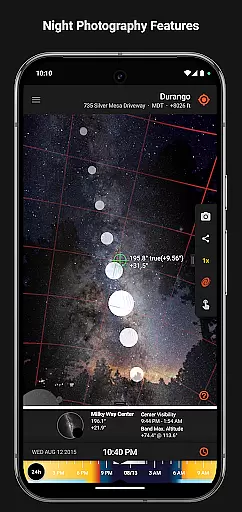
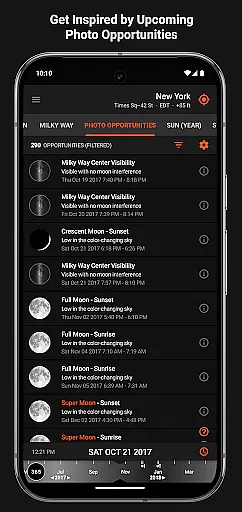
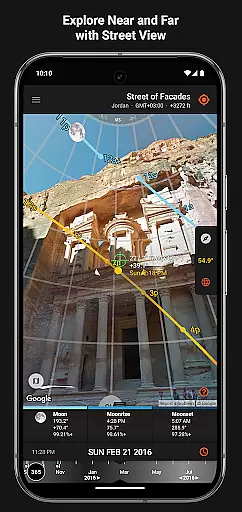

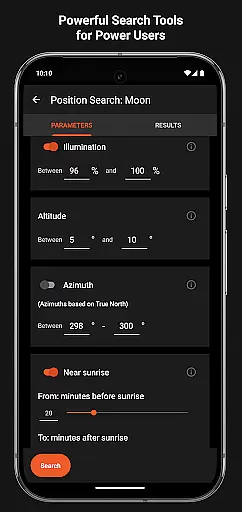
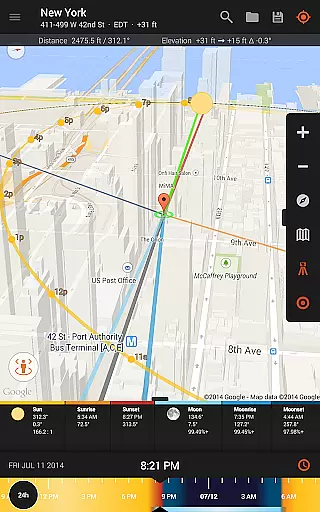
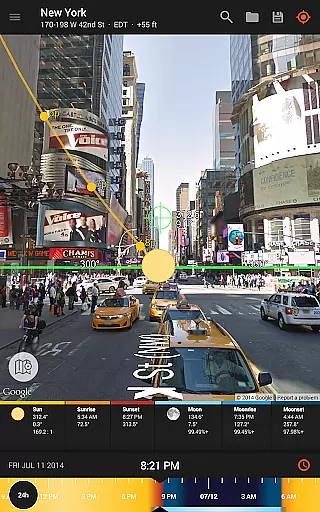
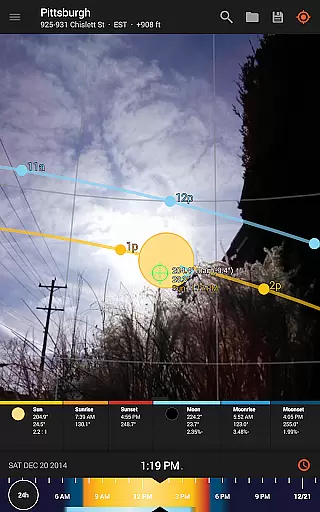
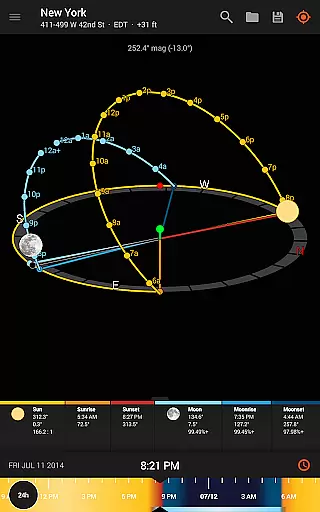
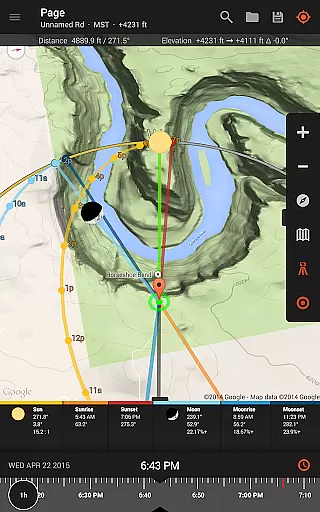
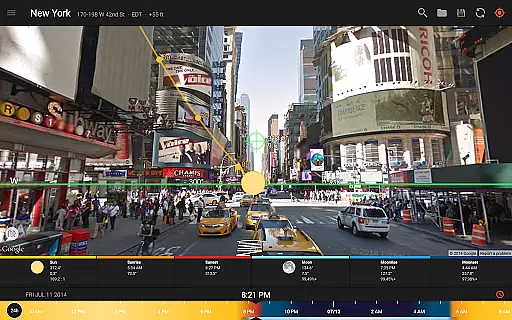
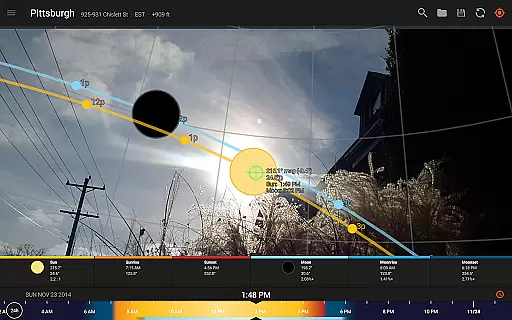
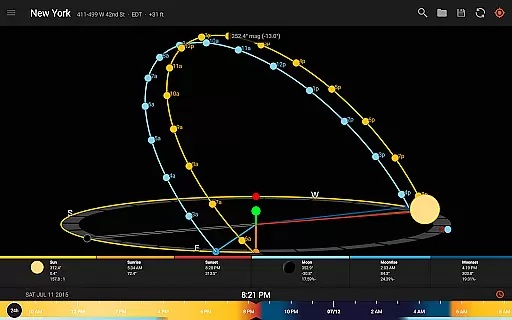
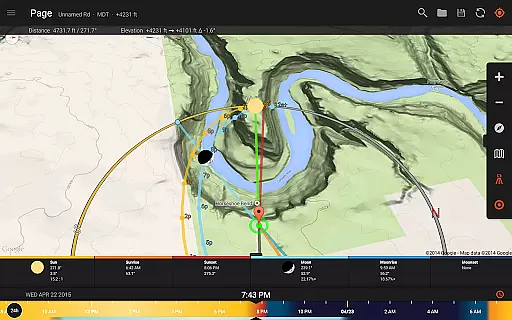
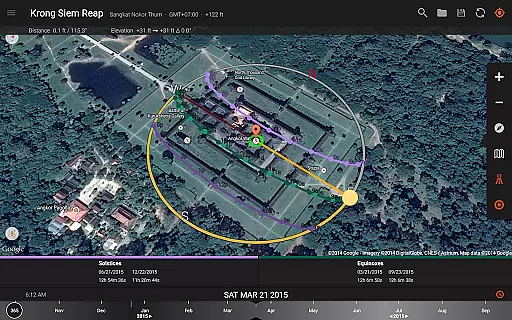
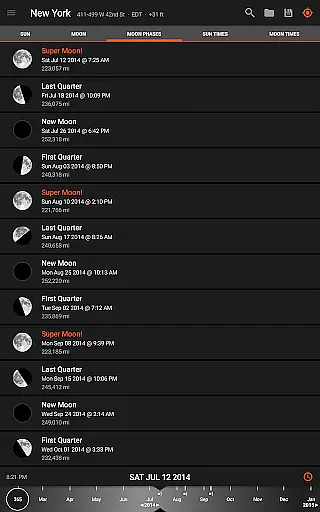
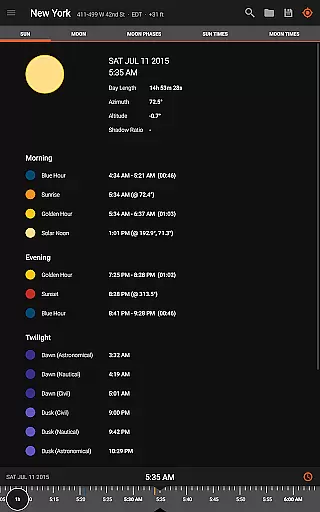
Sun Surveyor is an essential tool for photographers, filmmakers, and solar industry professionals who rely on precise natural lighting conditions. The app provides detailed predictions of sunrise, sunset, moon phases, and golden hour timing, ensuring users can plan their shoots or projects with accuracy.
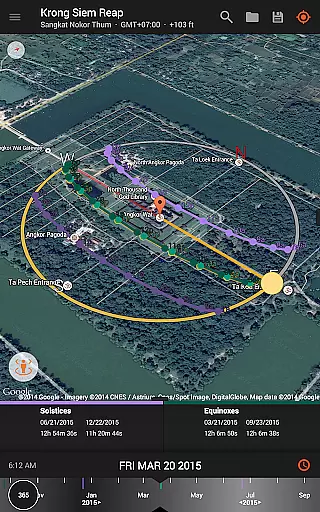
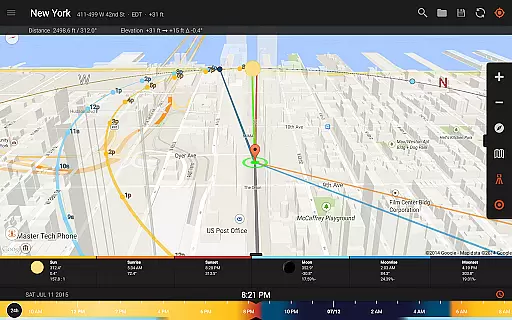
With advanced features like the Live Camera View, 3D Compass, and Interactive Map, Sun Surveyor allows users to visualize the sun and moon's path in augmented reality. This helps determine optimal shooting locations and times. Additionally, tools such as the Visual Time Machine and Photo Opportunities offer creative inspiration and precise planning for capturing unique shots.
For architects, gardeners, and real estate agents, Sun Surveyor offers practical insights into sunlight patterns and potential shading at specific locations. Whether scouting for the perfect shot or analyzing seasonal light, this app empowers users to make informed decisions based on accurate celestial data.
Sun Surveyor stands out with its comprehensive suite of professional-grade tools designed for both creative and technical applications. The app's Live Camera View and 3D Compass provide augmented reality projections of the sun and moon paths, enabling users to pinpoint exact positions in the sky for any given time.
Photographers will appreciate the app's ability to predict golden hour, blue hour, and Milky Way visibility, which are critical for night photography. Solar industry professionals benefit from features like shadow calculations, solstice paths, and sunlight analysis, helping them assess site conditions effectively.
Additional highlights include offline functionality, magnetic declination compensation, and widgets for quick access to sun/moon data. With tools like Position Search and .kmz/.kml file support, Sun Surveyor caters to perfectionists who demand precision in their planning process.
Real-time capture and preview functionality is essential for photographers and filmmakers who need to plan their shots with precision. Sun Surveyor excels in this area by offering a Live Camera View that provides augmented reality projections of the sun and moon paths.
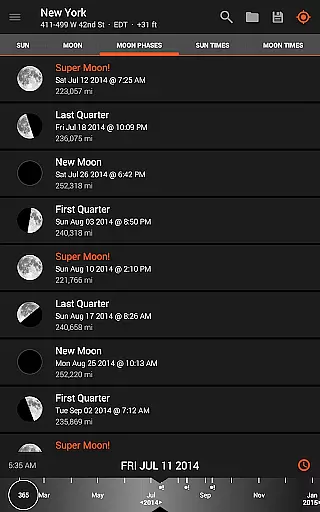
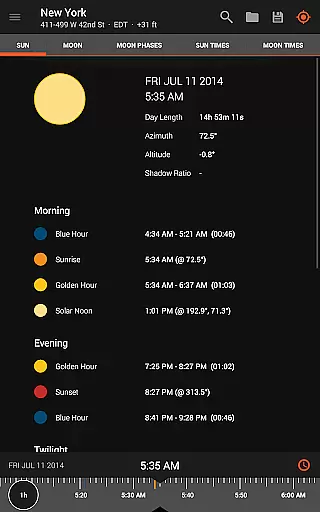
This feature allows users to pinpoint the exact time the sun or moon will be at a specific location in the sky, ensuring they never miss the perfect shot. The app's ability to predict and plan for golden hour, blue hour, and every sunrise and sunset adds another layer of reliability to photo planning.
For professionals in the solar industry, real estate, and other fields, this tool empowers them to show clients how sunlight interacts with a given location throughout the year. This can be crucial when assessing potential shade from surroundings or discovering obstructions that could impact a project.
While Sun Surveyor does not focus on AI beauty enhancements typical in portrait photography apps, it offers naturalness in its accurate predictions and detailed ephemeris for celestial bodies. The app provides a wealth of information about the sun, moon, and milky way, which is invaluable for planning night photography shots.
The advanced features such as Photo Opportunities and Position Search act as powerful tools for inspiring shot ideas and achieving desired compositions. These capabilities ensure that users can leverage natural light and celestial events to enhance their photography naturally.
Additionally, practical tools like sun shadow information and magnetic declination compensation contribute to the authenticity of the images captured. By using these features, photographers can calculate shadows and adjust for true north, adding a level of professionalism and accuracy to their work without artificial enhancements.
Accurate sunlight tracking
Augmented reality views
Offline usability
Detailed ephemeris data
Versatile for multiple professions
Compass dependency may limit accuracy
Premium features require purchase
Complex interface for beginners
Limited free version capabilities
Device compatibility issues

Safe & smart flight with Go Fly drone controller for 40+ drone camera, zone map
 4.50
4.50
Virtual makeup, hair filters & body tuner—edit from face to full body!
4.20
Create AI Photos, Improve and restore quality of blurry, old or damaged pics.
4.20
Over 800 film simulation recipes for Fujifilm. Black Friday Offer!
4.2
Light-weight Media Gallery app for Android made with Jetpack Compose
4.60
Future baby face generator: AI kids generator, kid face! What my baby look like?
4.40
AI photo enhancer with Sora 2! Enhance, descratch, and colorize your old photos.
4.50
Transform Photos: Edit, Beautify and Craft Memories & Make Collages!
4.10
A unique animation app. Powerful, easy to use, and lots of fun.
4.30
Collage your moments in one tap: 1000+ layouts, filters, stickers, and texts.
4.90
Photo prints, cards, & gifts at Walgreens. Easy ordering & fast local pickup !
4.80
Cartoon and artistic effects for your photos and videos
4.70
PhotoSync Bundle Add-On License. Enables all features and services in PhotoSync.
4.60
Create Business Headshots, Polaroid Filter, Retake Photos,Profile Pics,AI Photos
4.50
Use AI Video Generator to turn your words to ai generated videos.
4.50
All-in-One Editor & AI Photo Enhancer, Beautify & Retouch, Collage, Cartoonify
4.20
A light meter for true photographers.
4.20
USB Storage Access for Photos, Videos, Music and Documents
3.80
GCamera allows all GCam features on all phone models! Better photos with GCamera
3.30


User Reviews