

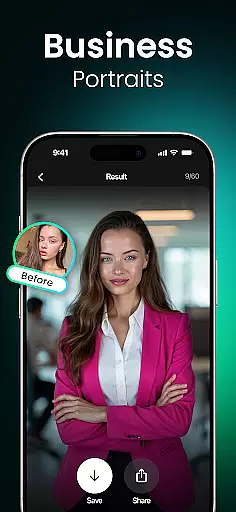
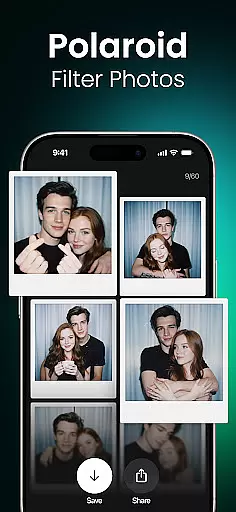
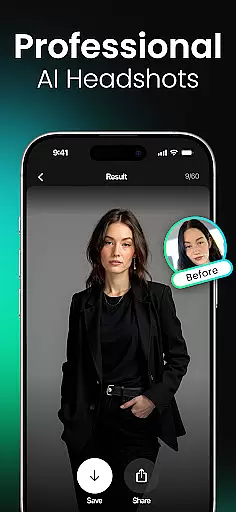
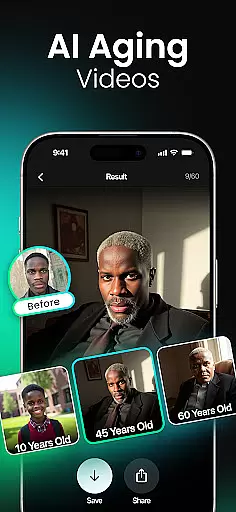
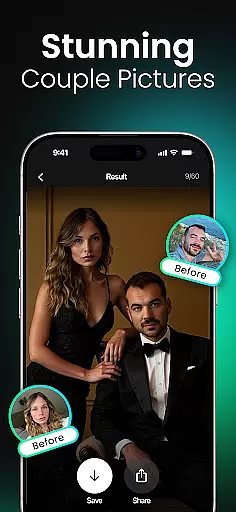
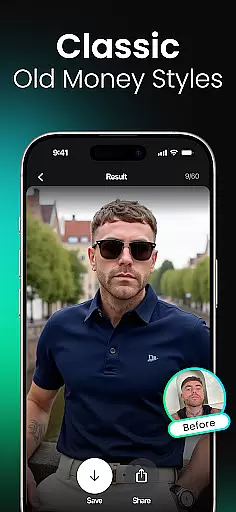

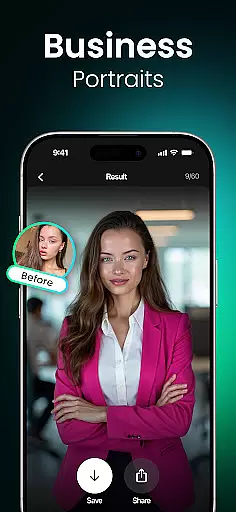
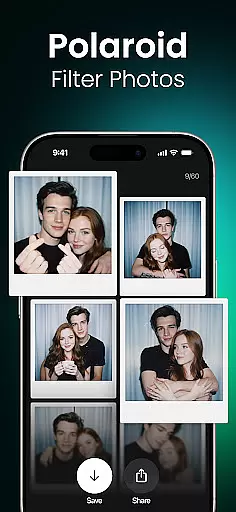
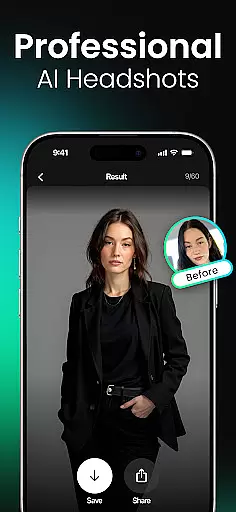
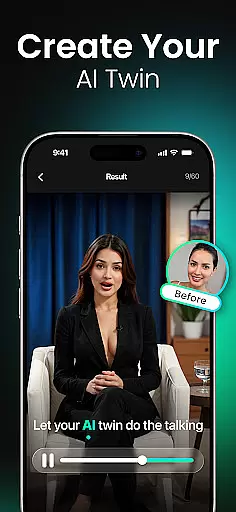
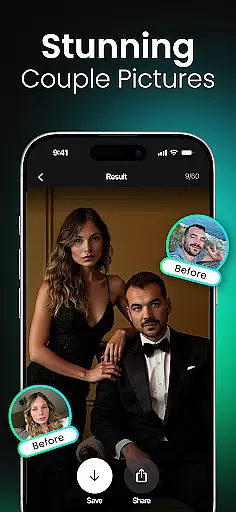
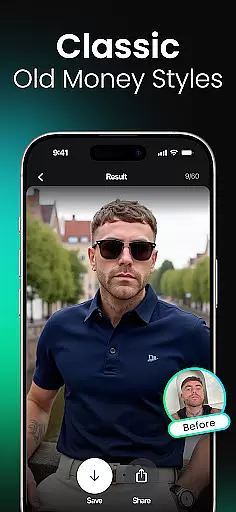

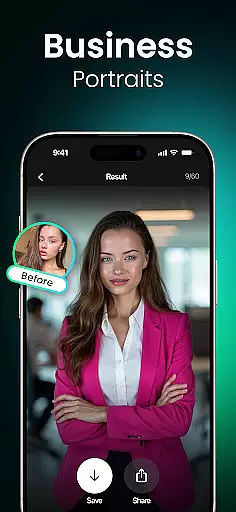
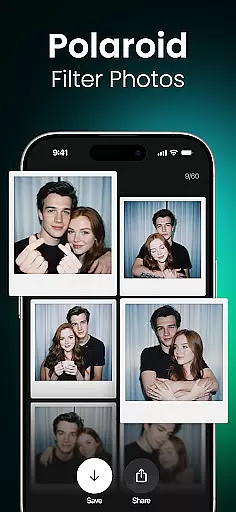
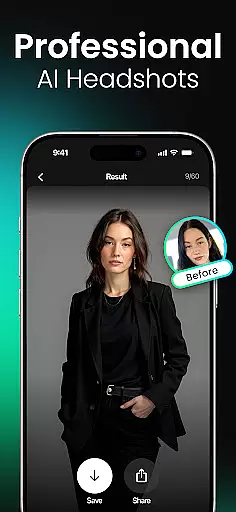
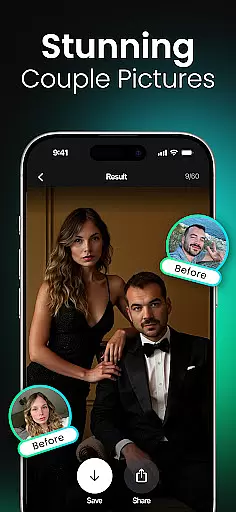
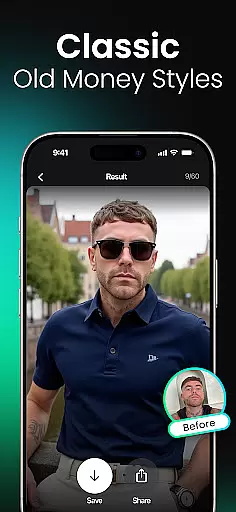
Momo is an innovative AI Photo Generator app that leverages advanced artificial intelligence to transform your digital presence. Whether you're job hunting, enhancing your social media profiles, or exploring creative fantasies, Momo offers tailored solutions for every need. The app specializes in generating photorealistic AI headshots, artistic portraits, and trendy profile photos, all customizable to reflect your unique personality.
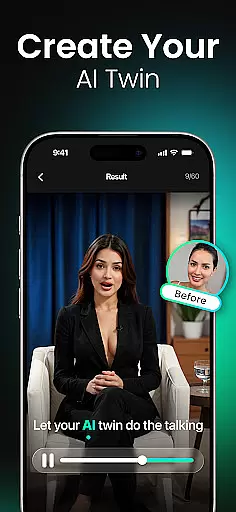
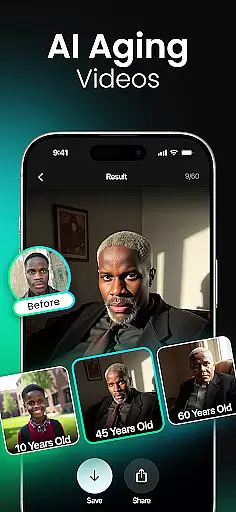
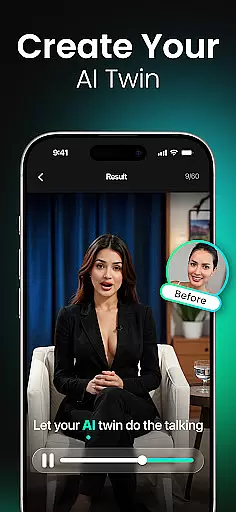
With diverse features like AI Twin Generator, age progression videos, and fantasy filters, Momo caters to a wide audience. From professionals seeking polished business headshots to gamers and K-pop fans wanting immersive visuals, the app provides limitless creative possibilities. Its high-resolution outputs and easy-to-use tools make it ideal for anyone looking to elevate their online image.
Momo stands out with its cutting-edge AI technology that personalizes every photo generation process. Users can create a unique AI profile, which serves as the foundation for personalized image creation. This ensures every output, whether a professional headshot or a fantasy portrait, aligns perfectly with individual preferences.
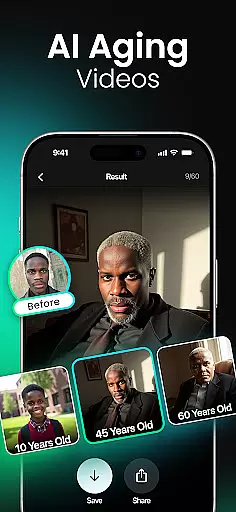
The app's versatility shines through its extensive feature set. It includes AI Aging Photo-Videos, K-Pop Photoshoots, Hairstyle Makeovers, and Magazine Cover simulations. These features allow users to experiment with different aesthetics, from cinematic 'Wet Dreams' mode to virtual travel photos at iconic global landmarks. Regular updates ensure fresh filters and styles are always available.
Momo's strength lies in its ability to cater to various user groups. Social media creators benefit from viral-ready content, while job seekers gain access to polished headshots. Gamers and cosplayers can explore hyper-detailed fantasy worlds, and dating app users can craft standout profiles. Each feature is designed to maximize creativity and deliver professional-quality results.
Real-time capture and preview functionality is essential for ensuring that users can see exactly what their photos or AI-generated images will look like before finalizing them. Momo offers a seamless real-time preview feature, allowing users to visualize changes instantly as they apply different styles, filters, or transformations.
The app leverages advanced artificial intelligence to process these adjustments on the fly, providing immediate feedback without compromising quality. This ensures that every modification, from aging effects to fantasy portraits, appears just as intended in the final output.
For users, this means greater creative control and confidence in their edits. Whether you're experimenting with new hairstyles, testing out K-Pop photo shoots, or creating magazine covers, the ability to preview your work in real time enhances both efficiency and satisfaction.
This feature not only saves time but also elevates the overall user experience by making professional-level editing accessible even to beginners. With Momo's real-time capture and preview, achieving stunning results has never been easier.
AI beauty and enhancement features are designed to elevate the aesthetic appeal of images while maintaining a natural appearance. Momo excels in this area by offering sophisticated AI-driven tools that enhance facial features, skin texture, and overall image quality without appearing overly processed or artificial.
The app employs state-of-the-art algorithms to analyze each photo individually, applying enhancements that complement the subjectu2019s unique attributes. For instance, its AI Twin Generator creates realistic digital doubles, while the Wet Dreams mode adds dramatic yet believable lighting effects.
Users benefit from these enhancements through improved self-representation across various platformsu2014be it social media, dating apps, or professional profiles. The natural-looking improvements help individuals present their best selves authentically, boosting confidence and engagement.
Momo stands out by striking the perfect balance between enhancement and realism, ensuring that every edited image retains its original charm while looking polished and refined. This commitment to natural beauty sets Momo apart in the competitive photography app market.
User-friendly interface
High-resolution outputs
Versatile style options
Regular feature updates
Wide audience appeal
Premium features may require payment
Processing times vary
Some filters feel repetitive
Limited free trial options
Subscription model may deter casual users

Viewfinder, Light meter, Reciprocity failure time, DOF & Bellows Extension
 4.60
4.60
Create collages easily! Nice pic collage maker & background eraser for Instagram
4.50
Superimpose one photo on top of another using the original Superimpose app!
3.20
Automatically backup your photos and videos to computer, NAS and Cloud services
4.60
Gallery Slideshow is slideshow maker app for slideshow from your gallery photos.
3.90
Movie camera, supports pro recording settings for filming. Try it and be amazed!
4.50
Professional camera app that brings DSLR manual photography controls to Android.
4.20
Remote control the phone camera shutter from your smartwatch and take a picture
1.60
Discover How to Plan any Sun, Moon and Milky Way Photo You Imagine in Seconds
4.70
Collage your moments in one tap: 1000+ layouts, filters, stickers, and texts.
4.90
Photo prints, cards, & gifts at Walgreens. Easy ordering & fast local pickup !
4.80
A collection of tools and reference tables for DPs, ACs, DITs and Operators.
4.70
Photo Exif Editor allows to view, add and modify EXIF data of multiple photos
4.50
Fit multiple photos on one post. Create carousels & scroll layouts for Instagram
4.50
Search, tag and rate your way to an organized image gallery
4.40
All-in-One Editor & AI Photo Enhancer, Beautify & Retouch, Collage, Cartoonify
4.20
Professional photography on your mobile phone
4.20
Photo editor: face & body editor, beauty cam, filters and quality enhancer.
4.00
Remote control of the phone camera from your Wear OS smartwatch
3.70


User Reviews