
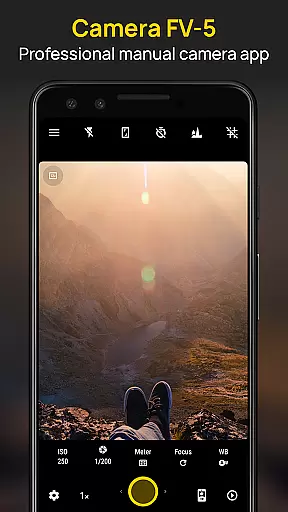
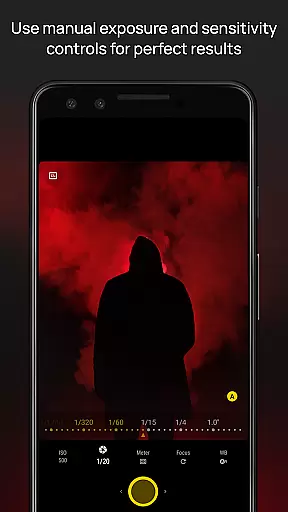
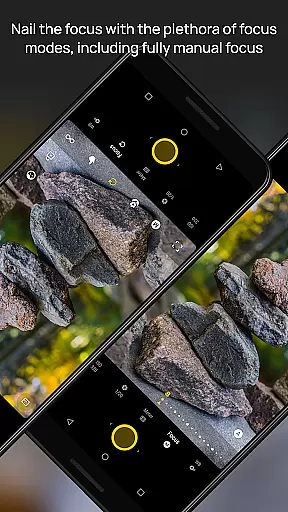
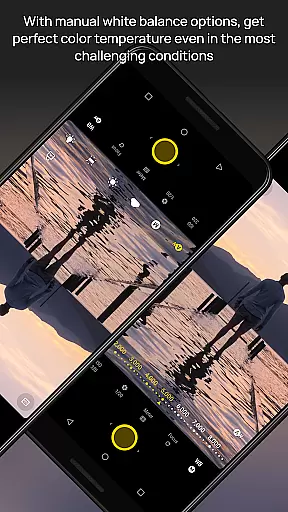
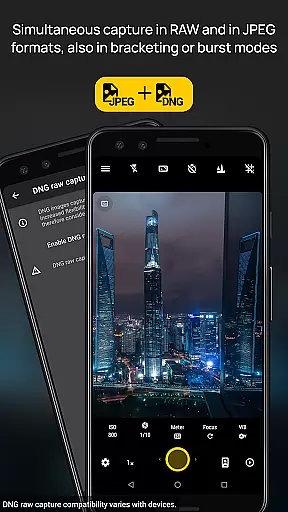
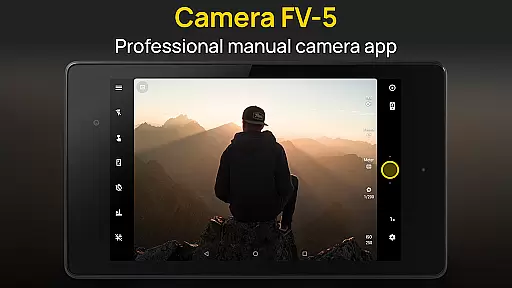
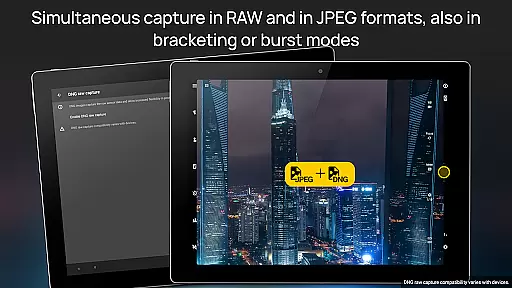
Camera FV-5 is a professional-grade camera application designed for mobile devices, offering DSLR-like manual controls. This app is tailored for photography enthusiasts and professionals who seek to capture high-quality raw images for post-processing. With Camera FV-5, users can adjust all photographic parameters such as exposure compensation, ISO, light metering, focus modes, white balance, and more directly from their fingertips. The app supports various photo formats including JPEG, true 16-bit RAW in DNG format, and lossless PNG, making it versatile for different types of photography needs.
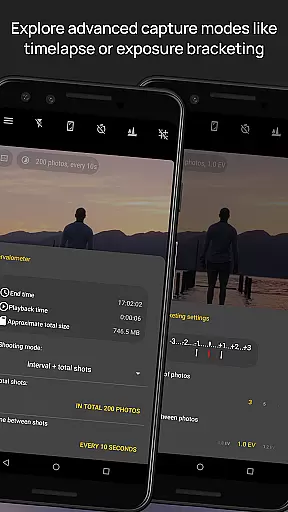
The application stands out with its advanced features like exposure bracketing, built-in intervalometer for timelapses, and long exposure support. It also provides an electronic viewfinder with live RGB histogram and multiple composition aids. These capabilities ensure that photographers can achieve stunning results without needing a full-sized DSLR camera on hand. Whether capturing night scenes or creating HDR timelapses, Camera FV-5 offers the tools necessary to produce professional-quality images right from a smartphone.
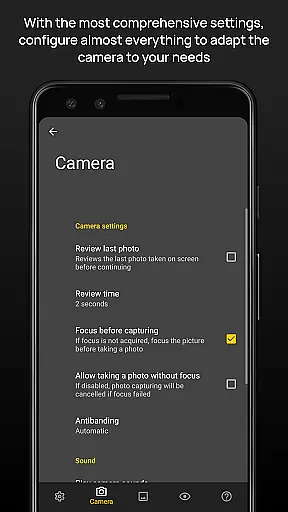
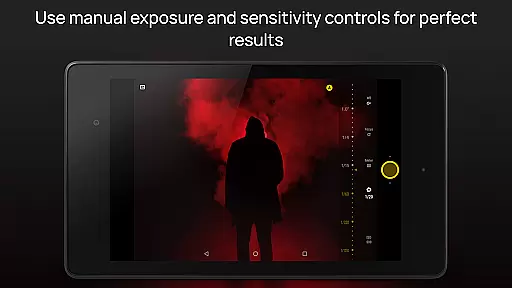
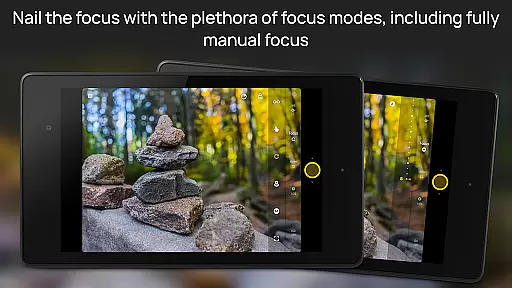
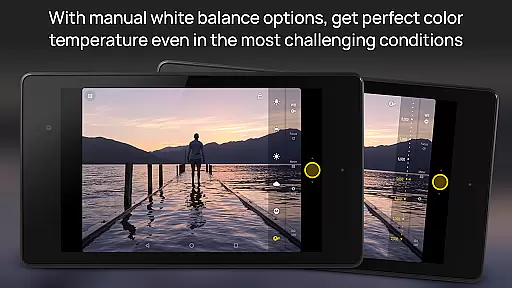
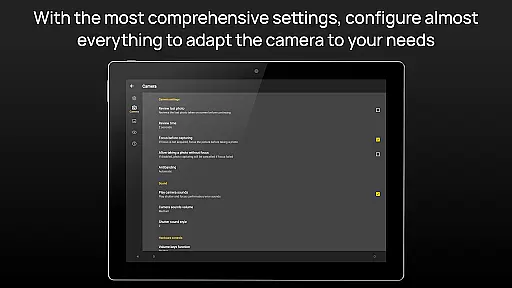
One of the standout features of Camera FV-5 is its comprehensive control over photographic parameters. Users have access to adjustments for exposure compensation, ISO, light metering mode, focus mode, white balance, and program mode, all available at their fingertips. This level of control mirrors what one would find on a traditional DSLR camera, allowing users to fine-tune every aspect of their shot before capturing it. Additionally, the app includes a DSLR-like viewfinder display, providing real-time information on exposure time, aperture, and stops, along with EV and bracketing settings.
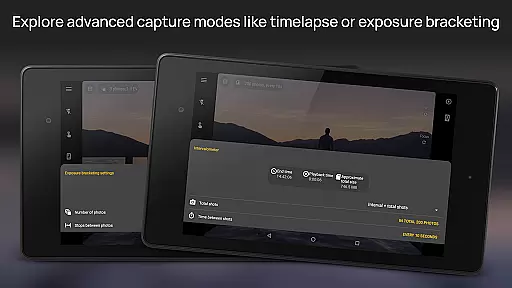
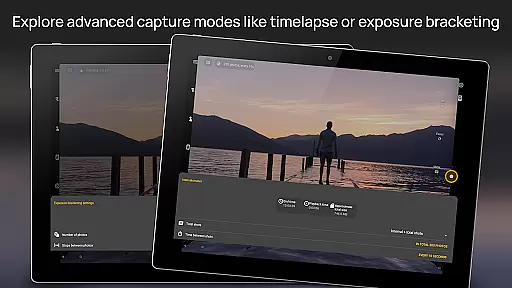
Another remarkable feature is the full-fledged exposure bracketing capability, which allows for capturing multiple frames with different exposures, ranging from 3 to 7 frames with customizable EV spacing. The built-in intervalometer supports creating stunning timelapses, including bracketed or HDR timelapses. Furthermore, the app offers advanced organization options, such as customizable file names and different storage locations, alongside a powerful electronic viewfinder equipped with live RGB histograms and various grid overlays. These features collectively enhance the user's ability to capture, organize, and review their photographs efficiently.
Real-time capture and preview functionality is essential for photographers who need precise control over their shots. Camera FV-5 excels in this area by providing a DSLR-like viewfinder display that shows critical information such as exposure time, aperture, and stops with EV and bracketing settings in real-time.
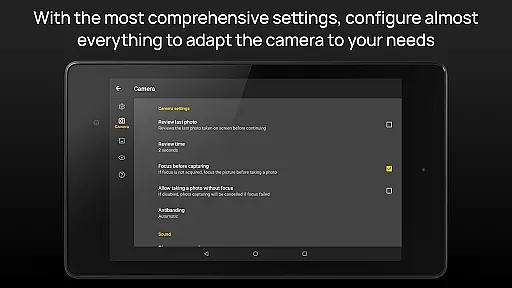
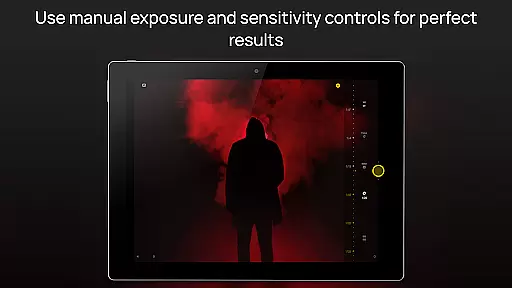
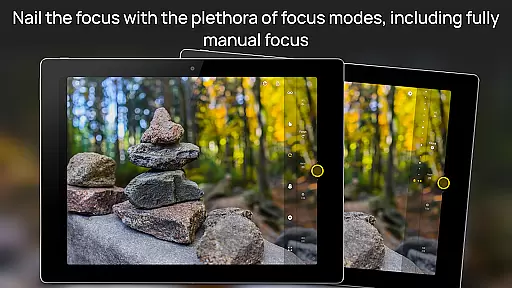
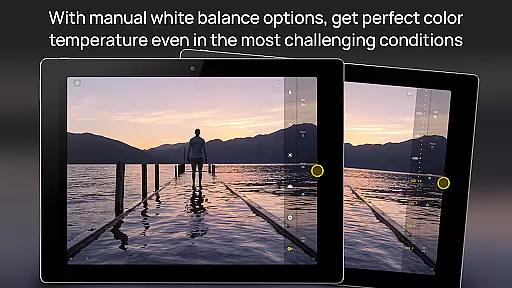
The application supports manual adjustments of various photographic parameters including ISO, light metering mode, focus mode, and white balance. This allows photographers to fine-tune their settings while observing the changes directly on the screen, ensuring the final image matches their creative vision.
With features like digital zoom using multitouch gestures and live RGB histogram, users can compose their shots more effectively. The electronic viewfinder also offers 10 composition grid overlays and 9 crop guides, enhancing the precision of each capture and allowing photographers to achieve professional results.
This level of real-time feedback empowers photographers to make informed decisions quickly, which is particularly beneficial in dynamic shooting environments where conditions change rapidly. By offering comprehensive control and instant visual confirmation, Camera FV-5 ensures that users can capture the perfect shot every time.
While Camera FV-5 focuses primarily on professional-grade manual controls, it also incorporates advanced AI beauty and enhancement features that maintain naturalness in post-processing. These tools are designed to subtly improve image quality without compromising the authenticity of the original photograph.
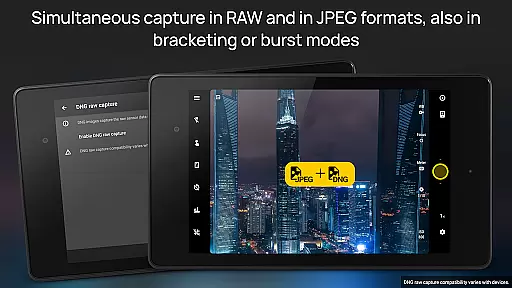
The app supports capturing images in true 16-bit RAW DNG format, enabling extensive post-processing capabilities. This ensures that any enhancements made using AI algorithms preserve the integrity and detail of the original photo, allowing for stunning yet natural-looking results.
Additionally, Camera FV-5 includes an intervalometer for creating timelapses and time-controlled picture series. When combined with its long exposure support, users can produce breathtaking night photos and light trails that retain their natural essence even after processing.
By balancing powerful AI-driven enhancements with the ability to capture high-quality raw images, Camera FV-5 caters to both purists and those seeking refined outcomes. This dual approach ensures that all users can achieve their desired aesthetic while maintaining the natural qualities of their subjects.
DSLR-like controls
RAW image support
Advanced bracketing
Customizable settings
Professional features
Complex for beginners
High battery usage
Limited device compatibility
No automatic mode
Interface not intuitive

Easily stitch panoramas from multiple photos or video.
 4.40
4.40
Find time and duration of different sunlight phases at any location
4.90
Automatically backup your photos and videos to computer, NAS and Cloud services
4.60
GCamera allows all GCam features on all phone models! Better photos with GCamera
3.30
AI photo enhancer with Sora 2! Enhance, descratch, and colorize your old photos.
4.50
PhotoSync Bundle Add-On License. Enables all features and services in PhotoSync.
4.60
Remote control the phone camera shutter from your smartwatch and take a picture
1.60
Discover & download millions of art for The Frame TV or Hisense CanvasTV
4.60
Edit photos with the picture generator: PS2 & AI Clay filters, cartoon effects.
4.50
Photo editor: AI filters, photo enhancer, pic collage maker, AI art generator.
4.80
Cartoon and artistic effects for your photos and videos
4.70
Easily view, share, delete photos with Gallery.
4.70
Create collages easily! Nice pic collage maker & background eraser for Instagram
4.50
Edit like a pro with Hypic. Apply filters, AI effects, & magic touch.
4.40
Natural Beauty, Selfie Retouch
4.30
A light meter for true photographers.
4.20
Turn photos into cartoons & avatars! - Photo Editor, Cartoon Face!
3.90
USB Storage Access for Photos, Videos, Music and Documents
3.80
Create amazing frames with up to five photos. Rounded corners, effects and more!
3.60


User Reviews