
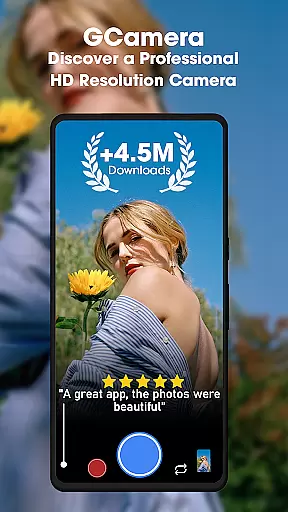
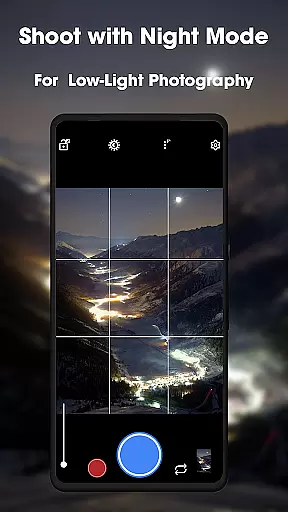
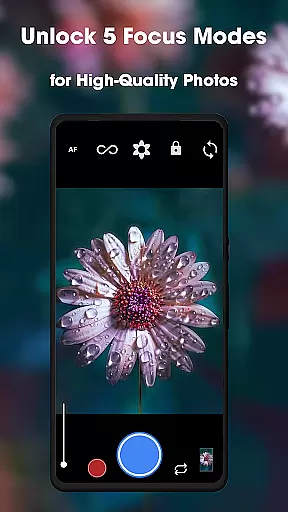
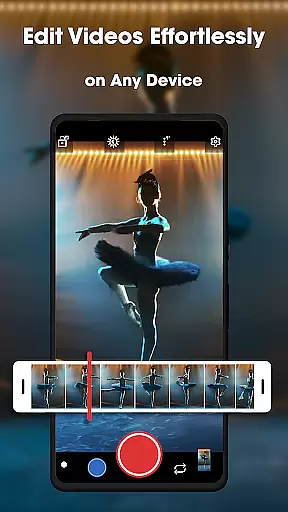
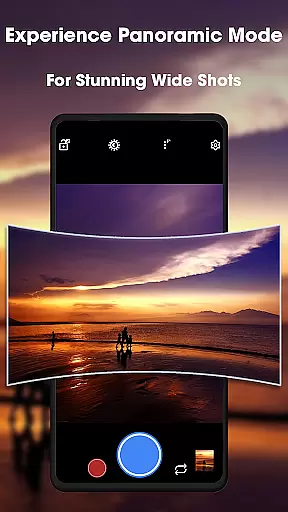
GCamera is a feature-rich photography app that transforms your smartphone into a professional-grade digital camera. With advanced modes like HDR+, Night Sight, and Astrophotography, it ensures stunning image quality in any lighting condition. Whether you're capturing landscapes, portraits, or starry skies, GCamera delivers vibrant colors, sharp details, and impeccable dynamic range.
The app also includes Portrait Mode for artistic bokeh effects and an intuitive user interface that makes professional tools accessible to everyone. Designed for both amateur enthusiasts and seasoned photographers, GCamera empowers users to take their photography to the next level while preserving ease of use.
GCamera stands out with its diverse shooting modes tailored to various scenarios. The HDR+ mode combines multiple shots using advanced algorithms, ensuring vivid colors and balanced exposure even in challenging lighting. Night Sight excels in low-light environments, producing clear and detailed images without excessive noise.
Astrophotography mode allows users to capture celestial wonders like stars and galaxies, making it ideal for stargazers. Meanwhile, Portrait Mode creates professional-looking portraits by isolating subjects with a natural bokeh effect. These features are complemented by HD camera performance, ensuring every photo is crisp and visually striking.
Additionally, GCamera's user-friendly design simplifies navigation, enabling users to access powerful tools effortlessly. Its versatility and cutting-edge technology make it suitable for everyday snapshots as well as creative projects.
Real-time capture and preview functionality is essential for ensuring that every photo taken with GCamera meets professional standards. This feature allows users to see exactly what the camera sensor is capturing, providing a live view of the scene before taking the shot.
GCam's advanced processing engine ensures that the preview accurately reflects the final image quality. With real-time HDR+ rendering, users can witness vibrant colors and sharp details even in challenging lighting conditions, making it easier to compose the perfect shot.
The app's intuitive interface displays critical shooting parameters such as exposure, white balance, and focus points directly in the preview window. This enables photographers to make precise adjustments on the fly, ensuring optimal image quality regardless of the shooting environment.
By offering a seamless real-time preview experience, GCamera empowers users to capture professional-grade photos with confidence. Whether shooting in bright daylight or low-light conditions, the accurate preview helps photographers achieve their creative vision with every shot.
AI-powered beauty and enhancement features have become crucial in modern photography, and GCamera excels in delivering natural-looking results. The application's sophisticated AI algorithms analyze facial features and skin tones to apply enhancements that look authentic rather than artificial.
Unlike traditional beauty filters that often create unrealistic effects, GCamera's AI system focuses on subtle improvements. It intelligently smooths skin textures while preserving natural details like freckles and skin pores, resulting in portraits that maintain their genuine character.
The enhancement process works in real-time, allowing users to preview the effects before capturing the image. This feature is particularly valuable for portrait mode photography, where achieving the right balance between aesthetic improvement and natural appearance is crucial.
With GCamera's AI beauty enhancement, users can expect consistently impressive yet believable results. The technology adapts to different skin types and lighting conditions, ensuring that every portrait looks professionally retouched while maintaining its authentic qualities.
Advanced HDR+ technology
Excellent low-light performance
User-friendly interface
Versatile shooting options
Professional-quality results
May drain battery faster
Requires modern hardware
Limited manual controls
Occasional processing delays
Not all features work on older devices

Remote control of the phone camera from your Wear OS smartwatch
 3.70
3.70
HD Photo gallery and photo manager to edit, hide private photos, videos & albums
4.3
Cartoon and artistic effects for your photos and videos
4.70
Create AI photos & videos with Enhancer; restore, fix, beautify, enhance photos
4.50
Professional quality photo edits with the new Snapseed.
4.00
Unblur, enhance & restore photos with powerful AI photo enhancer tools.
4.60
RAW video capture with advanced controls
4.40
Discover & download millions of art for The Frame TV or Hisense CanvasTV
4.60
A unique animation app. Powerful, easy to use, and lots of fun.
4.30
Find time and duration of different sunlight phases at any location
4.90
Android Native system HD camera app. Never been so simple and faster.
4.70
Take videos and pictures with the popular TikTok TIME WARP SCAN filter.
4.60
Enhance, retouch & create your story - Share the moment with Photoshop Express.
4.60
Easily create custom gifts, cards, photo books & more on the Shutterfly app!
4.60
AI photo enhancer with Sora 2! Enhance, descratch, and colorize your old photos.
4.50
Professional camera app that brings DSLR manual photography controls to Android.
4.20
Astrophotography with your smartphone, photo live stacking and much more!
3.90
Long exposure camera with computational photography
2.60
Remote control the phone camera shutter from your smartwatch and take a picture
1.60


User Reviews