
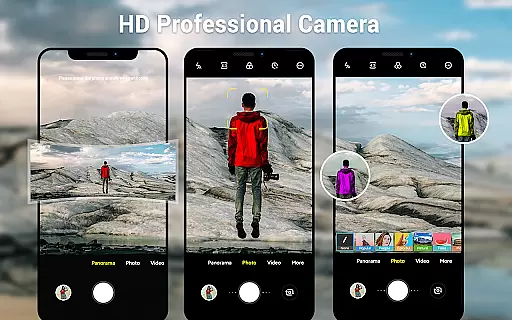
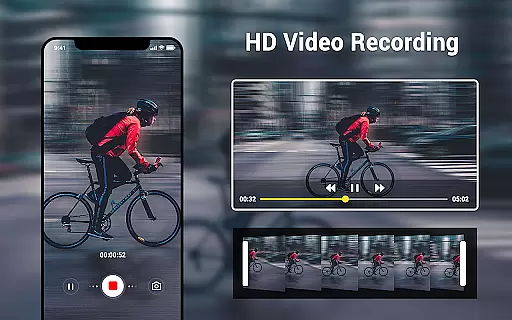
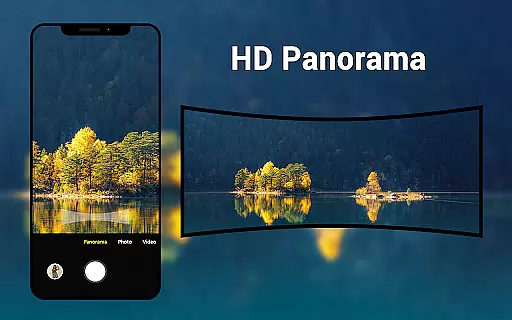
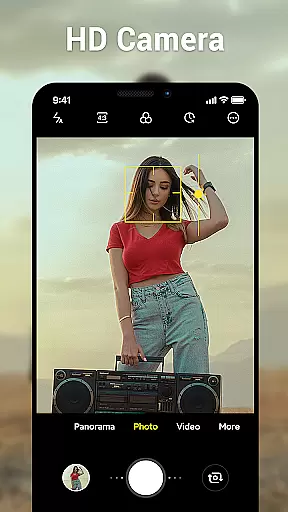
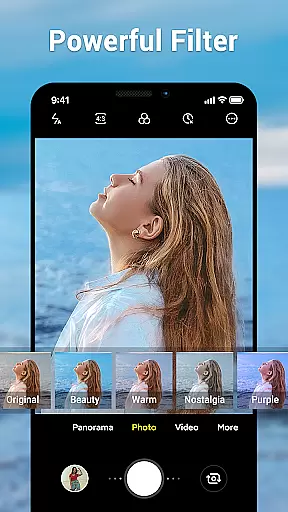
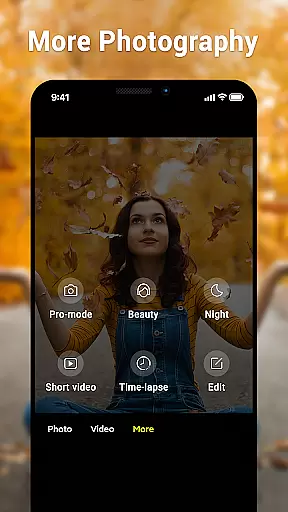
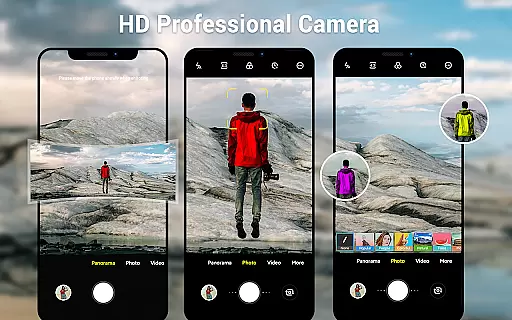
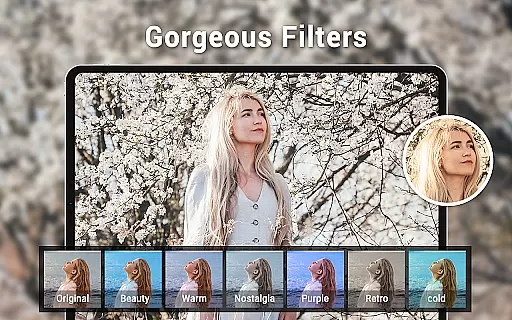
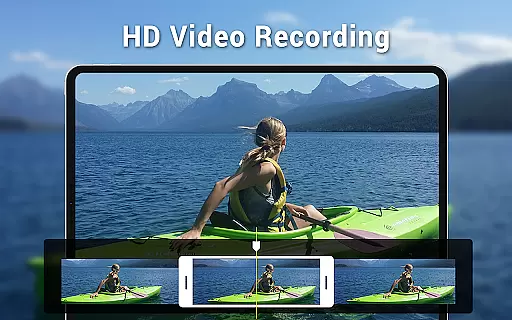
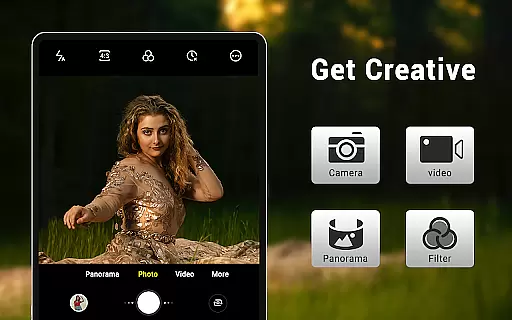
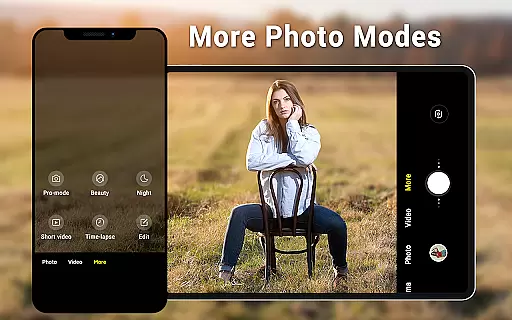
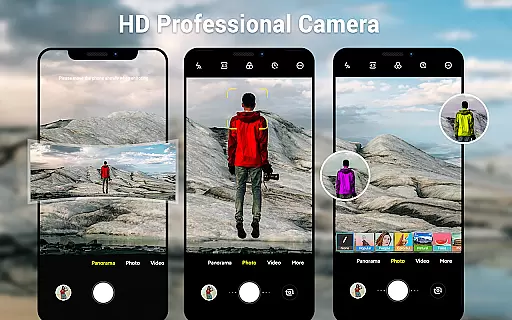
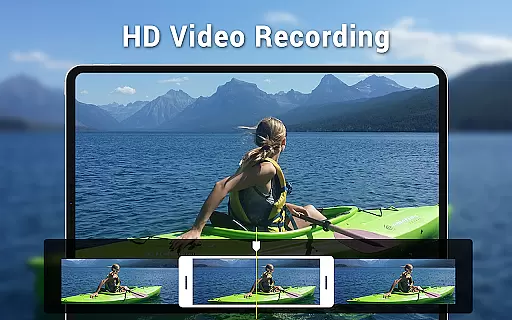
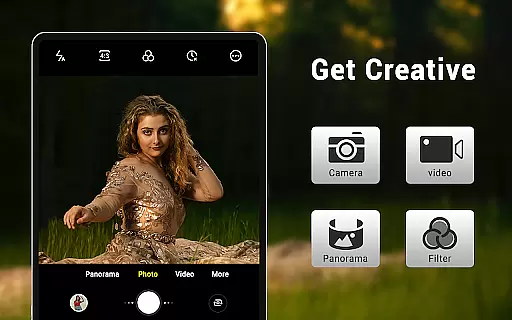
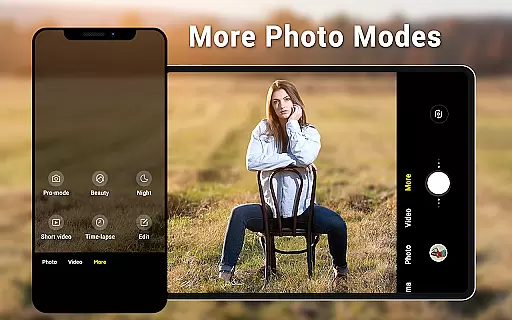
Camera for Android is a native system HD camera application designed to provide users with a simple and efficient way to capture high-quality photos and videos. The app supports multiple shooting modes including standard photography, video recording, and smart panorama features.
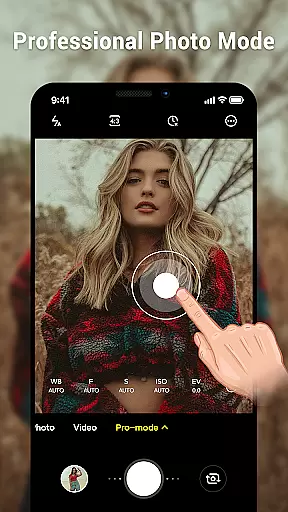
Key functionalities encompass advanced camera settings such as white balance adjustment, exposure control, and countdown timers. It also offers device optimization through dynamic user interfaces that adapt to both phones and tablets, ensuring an optimal experience across different devices. This makes it particularly useful for users who want to utilize all the advantages of their Android device's native capabilities while capturing moments in HD quality.
The Camera for Android app stands out with its comprehensive feature set tailored for photography enthusiasts. It includes three primary modes: standard camera, video recorder, and panorama, each supporting HD quality output. Users can employ pinch-to-zoom functionality for detailed shots and use the smart panorama mode for expansive views.
Additional features include a countdown timer for timed shots, various white balance settings (such as Incandescent, Fluorescent, Auto), and screen mode settings like Action, Night, and Sunset modes. The app also allows configuration of volume keys and integrates location targeting, enhancing photo metadata. These robust features ensure users can customize their photography experience extensively while maintaining ease of use.
Real-time capture and preview functionality is essential for ensuring that users can accurately frame and capture their desired shots without delay. The Camera for Android app excels in this area by providing a seamless experience that leverages the native capabilities of Android devices.
This application offers an intuitive interface that allows users to instantly see what the camera sees, making it easier to adjust settings like exposure, white balance, and screen modes on-the-fly. With features such as pinch-to-zoom and countdown timer, users have precise control over their photography sessions.
The benefit of real-time capture is not only limited to immediate feedback but also extends to enhancing photo quality. By utilizing all the advantages of your phone or tablet, this app ensures that every shot taken is crisp and clear, meeting both amateur and professional standards.
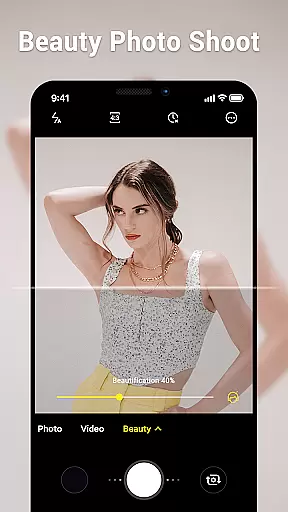
AI beauty and enhancement features are becoming increasingly popular among mobile photography enthusiasts. These tools aim to naturally enhance facial features while maintaining authenticity in photos. The Camera for Android app incorporates advanced algorithms designed to improve image quality without compromising natural looks.
Users will find various options within the app tailored towards beautifying portraits with subtlety. From skin smoothing to blemish removal, these enhancements work harmoniously with manual adjustments available through picture quality settings and white balance controls.
Ultimately, the goal of AI enhancements in this app is to empower users with creative freedom. Whether capturing everyday moments or special occasions, individuals can trust that their images will reflect true-to-life colors and details, thanks to thoughtful integration of artificial intelligence technologies.
User-friendly interface
High-definition image quality
Multiple shooting modes
Advanced camera settings
Optimized for all devices
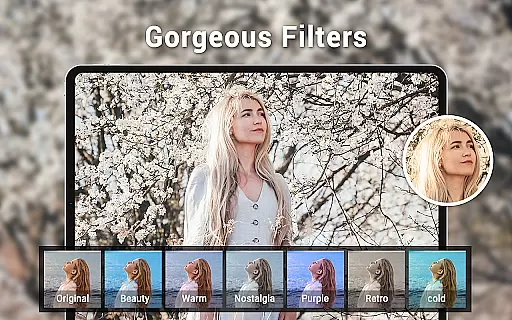
Limited creative filters
No social sharing
Basic editing tools
Occasional bugs
Ads in free version

Effortlessly organize, view and share your photos & videos with Gallery app!
 4.40
4.40
Perfect photos with body shaping, BG changer and object remover.
3.70
Create funny photos and videos with the popular Time Warp Scan filter.
4.90
Photobooth mini FULL app will allow you to add more fun to your parties
4.00
The #1 app for B&W film developing featuring an advanced darkroom timer.
4.10
Automatically backup your photos and videos to computer, NAS and Cloud services
4.60
Amazing Photo Effects - The most fun you can have with your photos!
4.70
Enhance, retouch & create your story - Share the moment with Photoshop Express.
4.60
Solocator stamps photos you take with GPS location, Compass Direction, Date/Time
3.80
Perfect body tune & face app - photo retouch, makeup, slim body & beautify face.
4.80
Your personal guide to the sun and moon. Plan ahead, visualize and predict!
4.70
Take videos and pictures with the popular TikTok TIME WARP SCAN filter.
4.60
RAW video capture with advanced controls
4.40
All-in-One Editor & AI Photo Enhancer, Beautify & Retouch, Collage, Cartoonify
4.20
Professional photography on your mobile phone
4.20
Professional camera app that brings DSLR manual photography controls to Android.
4.20
What celebrity do you look like? Celebs will find your celebrity match!
4.10
Long exposure camera with computational photography
2.60
Add a dreamy vibe to your selfies and videos with soft style filters
4.3


User Reviews