
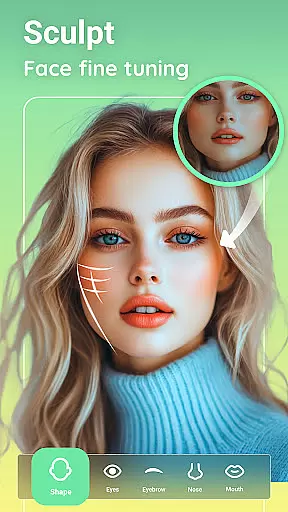
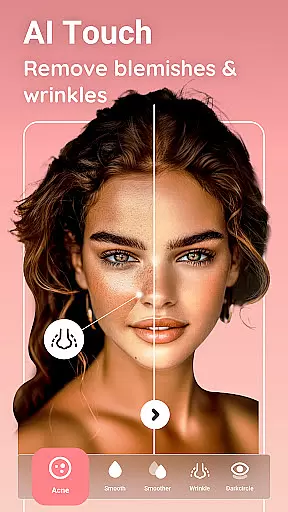
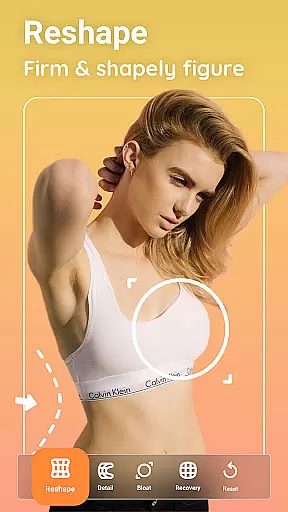
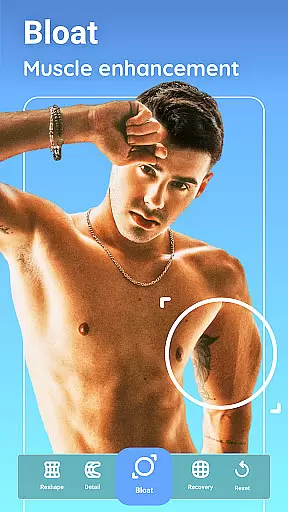
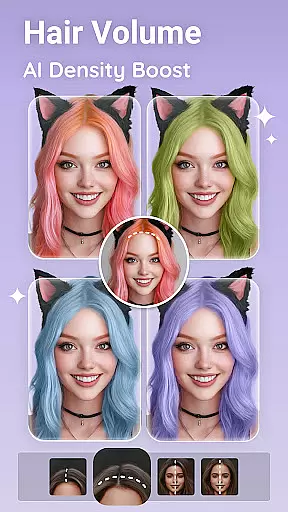
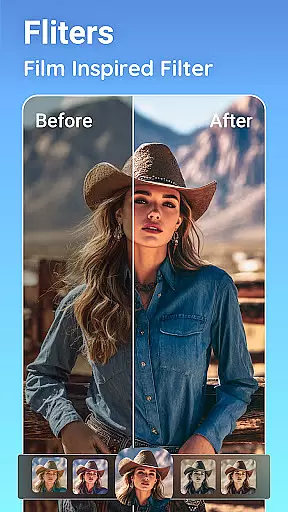
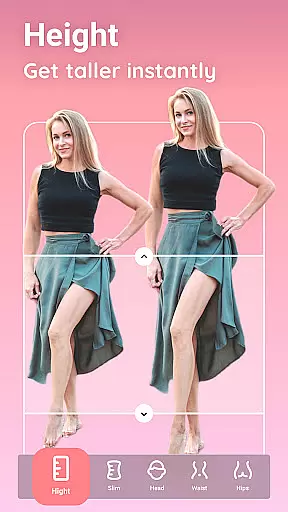
Peachy is a powerful photo editing application that specializes in body and face retouching. This app allows users to transform their photos into flawless masterpieces with professional-grade tools. Key features include AI-powered enhancements like muscle definition, body reshaping, skin smoothing, and virtual makeup. Whether you're looking to correct posture, erase blemishes, or apply stunning filters, Peachy delivers exceptional results with minimal effort.
Designed for social media enthusiasts and photography lovers, Peachy ensures your edited images are ready to be shared on platforms like Instagram, TikTok, and Facebook without watermarks. Its intuitive interface and one-tap editing capabilities make it accessible for both beginners and advanced users who want to elevate their photo quality effortlessly.
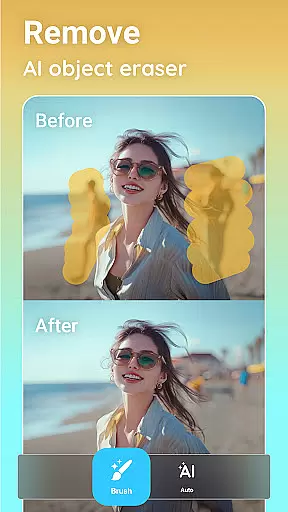
Peachy stands out with its comprehensive suite of photo editing tools tailored for both casual and professional use. The app includes essential features such as cropping, rotating, and adjusting brightness, contrast, and sharpness. Additionally, Peachy leverages AI technology to provide advanced functionalities like object removal, muscle sculpting, and facial symmetry adjustments. These AI-driven tools ensure natural and realistic enhancements while maintaining the original essence of the image.
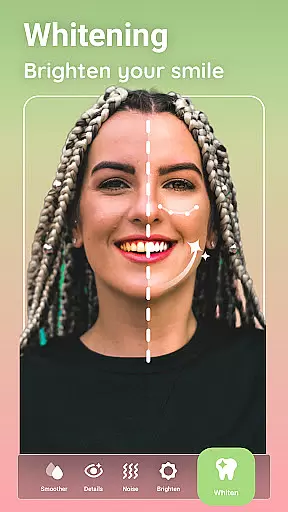
Another remarkable aspect of Peachy is its focus on user customization. With options for contouring, skin retouching, virtual makeup, hairstyling, and eye enhancement, users can fine-tune every detail of their photos. From teeth whitening to hair color changes, Peachy offers precise control over edits, empowering users to achieve their desired aesthetic. The app also supports group photo editing, making it ideal for enhancing multiple faces in a single image.
Real-time capture and preview functionality is essential for any photography app, allowing users to see exactly what their final image will look like before taking the shot. Peachy excels in this area by providing a seamless experience where every adjustment, filter, or enhancement is immediately visible on the screen.
The app's real-time capabilities extend beyond basic filters to include advanced features such as AI-powered body reshaping, skin retouching, and virtual makeup. Users can witness the transformation of their images instantly, ensuring that they achieve their desired aesthetic without guesswork.
This immediate feedback loop not only saves time but also enhances creativity. Photographers can experiment with different looks, knowing that what they see on the screen is precisely what they'll get in the final output. This feature empowers users to take full control of their photo editing process, making Peachy an indispensable tool for both amateur and professional photographers alike.
AI beauty and enhancement features have become a cornerstone of modern photo editing, and Peachy stands out by offering tools that prioritize natural-looking results. The app employs sophisticated algorithms to smooth skin, whiten teeth, and remove blemishes while maintaining the authenticity of the original image.
One of the standout features is the AI Face Retouch, which intelligently enhances facial features without creating an over-processed appearance. Users can brighten eyes, perfect symmetry, and even apply virtual makeup that looks convincingly real. These enhancements are applied with precision, ensuring that each edit complements the unique characteristics of the subject.
Peachyu2019s commitment to natural beauty extends to its body reshaping tools. With options like AI Muscle and AI Body Edit, users can sculpt and define their physique in a way that appears realistic and proportionate. This dedication to preserving the integrity of the original photo while offering powerful enhancement capabilities makes Peachy a top choice for those seeking professional-quality edits with a natural touch.
User-friendly interface
Advanced AI tools
One-tap enhancements
No watermark on exports
Versatile editing options
May require premium purchase
Steep learning curve
Ads in free version
Limited offline features
High system requirements

1M influencer's special filter
 4.60
4.60
Transform photos into videos! Create realistic or anime-style images easily!
4.50
Gallery Slideshow is slideshow maker app for slideshow from your gallery photos.
3.90
Movie camera, supports pro recording settings for filming. Try it and be amazed!
4.50
Create amazing frames with up to five photos. Rounded corners, effects and more!
3.60
AI Photo Editor with 100+ Filters, Effects! Remove BG, Retouch & Photo Enhancer.
4.80
Fit multiple photos on one post. Create carousels & scroll layouts for Instagram
4.50
Professional camera app that brings DSLR manual photography controls to Android.
4.20
Try an anime version, cartoon yourself, and generate AI hug or aging videos!
3.70
The original Rarevision VHS look seen everywhere!
4.70
A collection of tools and reference tables for DPs, ACs, DITs and Operators.
4.70
Discover & download millions of art for The Frame TV or Hisense CanvasTV
4.60
Photo editor & gallery. Crop pictures & edit photos offline, no wifi!
4.50
AI photo enhancer with Sora 2! Enhance, descratch, and colorize your old photos.
4.50
Trendy TikTok time warp scan funny filter app brings you unique photos & videos.
4.40
A reflected light meter with spot metering and incident light metering.
4.40
All-in-One Editor & AI Photo Enhancer, Collage, Cartoonify, Funny Stickers & BGS
4.10
Perfect photos with body shaping, BG changer and object remover.
3.70
Raw Image Viewer. Gallery with support of raw images (.cr3, .cr2, .nef, .raf).
2.00


User Reviews