
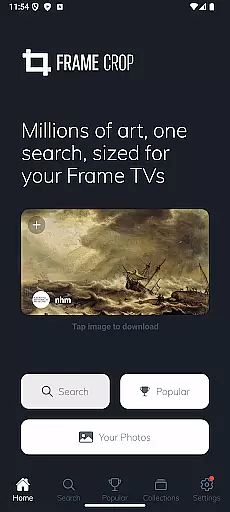
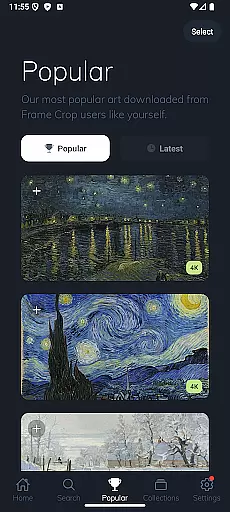
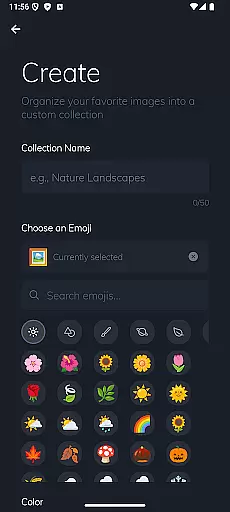
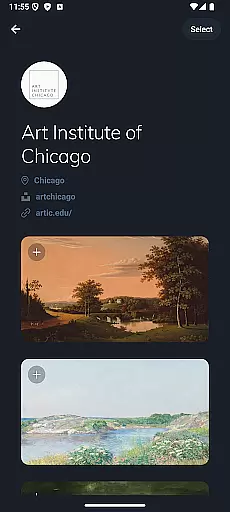
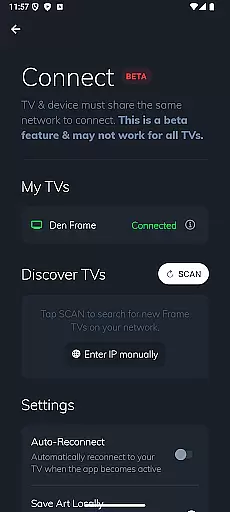
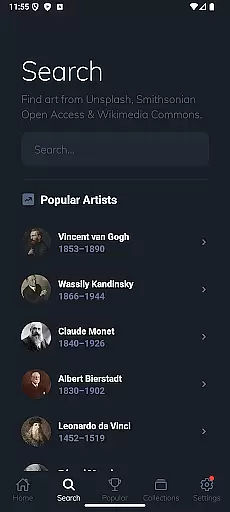
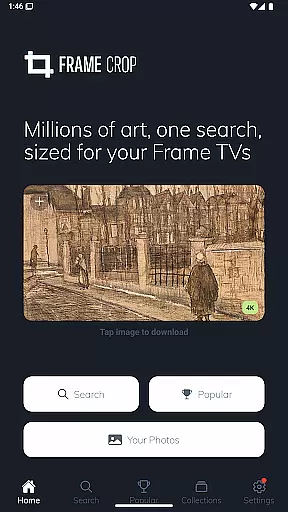
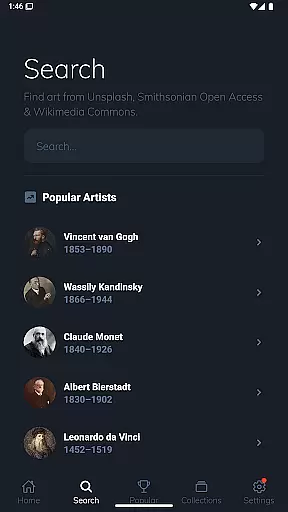
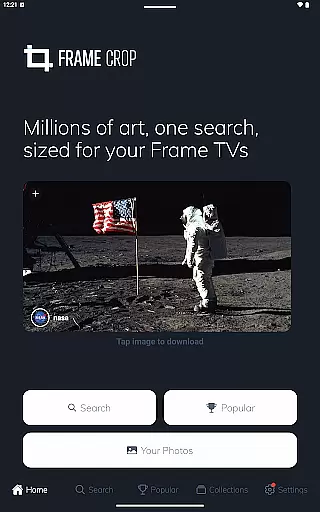
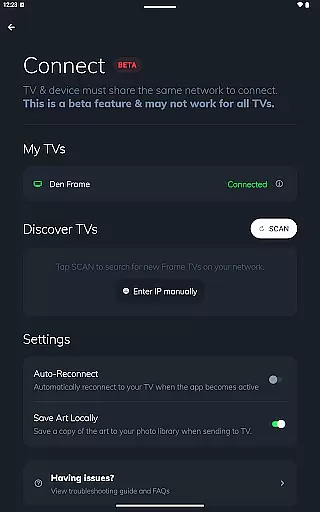
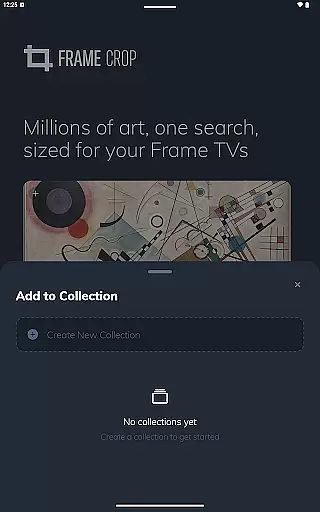
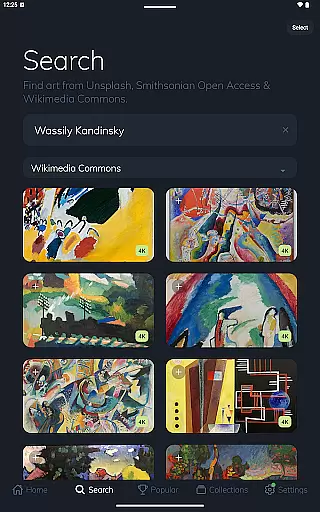
Frame Crop is a specialized application designed for Samsung Frame TV and Hisense CanvasTV owners who wish to enhance their viewing experience with personalized artwork. The app allows users to browse, crop, and download high-quality images from renowned libraries such as Smithsonian and Unsplash. With its intuitive cropping tools, users can effortlessly adjust photos to fit the unique borderless display of their TVs.
Beyond just displaying personal photos, Frame Crop offers access to thousands of professional artworks and stunning landscapes, making it easy to match the art with your mood or home decor. Whether you want to showcase cherished memories or famous paintings, this app provides a seamless way to transform your living space into an elegant art gallery.
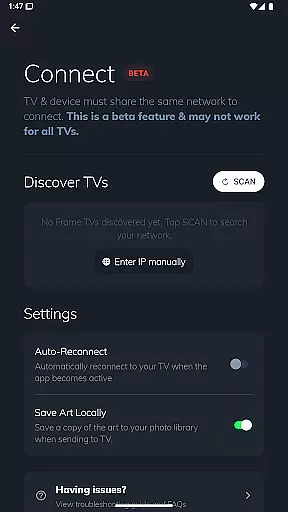
The true value of Frame Crop lies in its ability to integrate technology with art appreciation. By using the SmartThings app, users can regularly switch out displayed art, ensuring that their TV always reflects their current preferences or seasonal themes. This functionality not only enhances the aesthetic appeal of your home but also keeps your environment feeling fresh and inspiring.
Frame Crop stands out with its powerful yet user-friendly features tailored specifically for art enthusiasts. One of the key highlights is its advanced photo cropping tool, which ensures every image perfectly fits the unique aspect ratio of Samsung Frame TVs and Hisense CanvasTVs. This feature is particularly beneficial for users with portrait-mounted Frame TVs, offering them greater flexibility in how they display their chosen artwork.
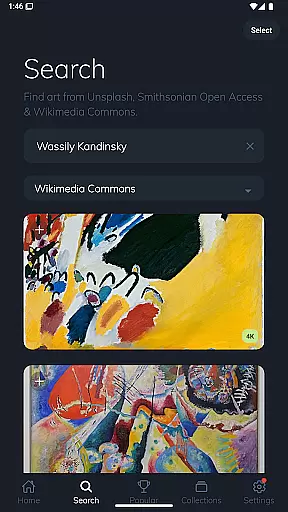
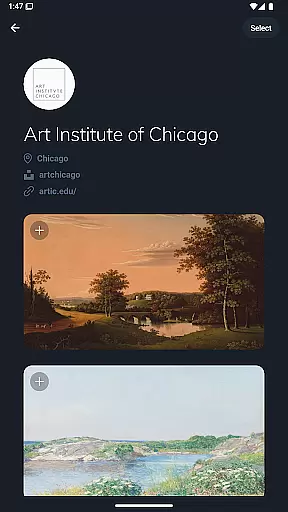
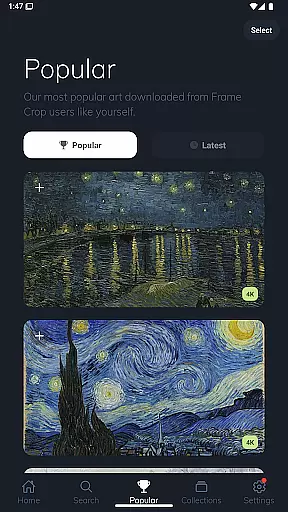
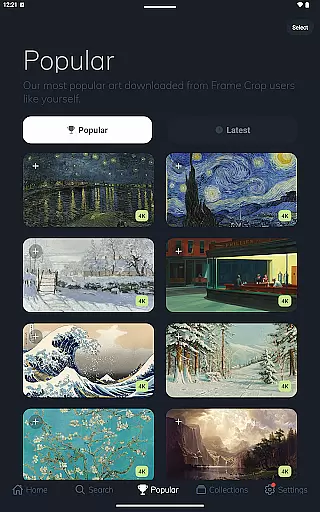
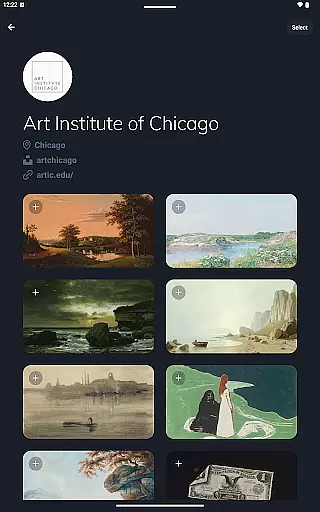
In addition to its cropping capabilities, Frame Crop provides access to an extensive library of art collections from prestigious sources like Smithsonian Open Access, Unsplash, and Wikimedia Commons. Users can explore categories ranging from historical paintings to breathtaking nature photography, all optimized for high-resolution displays. This diversity enables users to find the perfect piece that complements their interior design or expresses their personal style.
Another notable feature is the app's compatibility with the SmartThings app, allowing for effortless management of your digital art gallery. You can easily change displayed images, schedule art rotations, or even create themed playlists for special occasions. These functionalities collectively ensure that Frame Crop not only meets but exceeds the expectations of those looking to enrich their living spaces with dynamic and personalized art displays.
Real-time capture and preview functionality is essential for photography apps like Frame Crop. This feature allows users to see exactly how their selected artwork or photos will appear on their Samsung Frame TV or Hisense CanvasTV before finalizing the display.
Frame Crop excels in this area by providing intuitive cropping tools that enable users to adjust images precisely to fit the borderless display of their TVs. The app supports both landscape and portrait orientations, ensuring that every piece of art looks its best regardless of the TV's mounting.
Users benefit from this feature by being able to match their mood or home decor effortlessly. With real-time previews, they can experiment with different images and arrangements until they find the perfect fit. This capability enhances the overall user experience by offering a high degree of customization and control over how art is displayed in their living spaces.
AI beauty and enhancement features are increasingly important in modern photography apps. For Frame Crop, these tools help optimize images for display on Samsung Frame TVs and Hisense CanvasTVs, ensuring that every photo or artwork looks stunning and true to life.
The app leverages advanced AI algorithms to enhance image quality without compromising naturalness. Users can browse thousands of high-resolution images from integrated libraries such as Smithsonian Open Access, Unsplash, and Wikimedia Commons, knowing that each piece will be displayed in the best possible way. The AI enhancements focus on preserving the original details and colors of the artwork while adapting them to fit the TV screen seamlessly.
This results in a viewing experience that feels both personalized and professional. By using AI to enhance rather than distort, Frame Crop ensures that users can enjoy beautiful landscapes, cherished memories, or professional artwork with the highest fidelity, making their TVs a centerpiece of artistic expression in any room.
User-friendly interface
High-quality image library
Versatile cropping options
Regular content updates
SmartThings integration
Limited to specific TV models
Premium content requires payment
Occasional loading delays
No offline mode available
Portrait support varies by device

A collection of tools and reference tables for DPs, ACs, DITs and Operators.
 4.70
4.70
Android Native system HD camera app. Never been so simple and faster.
4.70
Photo editor: AI filters, photo enhancer, pic collage maker, AI art generator.
4.80
AI photo editor with hair editor, retouch tools, hair color changer & filters!
4.50
Over 800 film simulation recipes for Fujifilm. Black Friday Offer!
4.2
Automatically backup your photos and videos to computer, NAS and Cloud services
4.60
USB Storage Access for Photos, Videos, Music and Documents
3.80
Fit multiple photos on one post. Create carousels & scroll layouts for Instagram
4.50
Astrophotography with your smartphone, photo live stacking and much more!
3.90
Unblur, enhance & restore photos with powerful AI photo enhancer tools.
4.60
Photo editor & gallery. Crop pictures & edit photos offline, no wifi!
4.50
All-in-One Editor & AI Photo Enhancer, Beautify & Retouch, Collage, Cartoonify
4.20
How old age camera Gender Swap App Face Shape Hairstyle App Hair Styler App fun!
4.00
Professional quality photo edits with the new Snapseed.
4.00
Be your best in every shot! Fix, edit and retouch your face in selfies & photos.
3.70
GCamera allows all GCam features on all phone models! Better photos with GCamera
3.30
An interval timer to automate photo taking process for timelapse
2.90
Photo Album Watch Face shows your favorite pictures as a Watchface.
1.90
Snap photos remotely using your Garmin watch as the camera trigger
4.5


User Reviews