
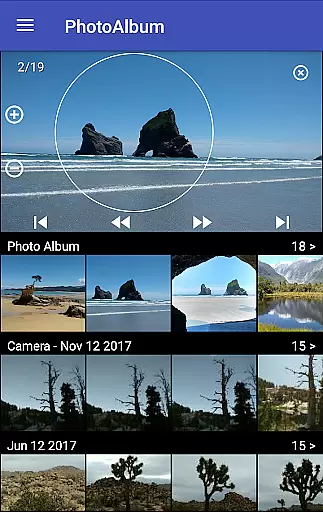
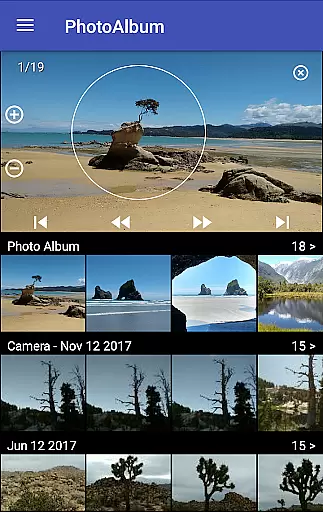
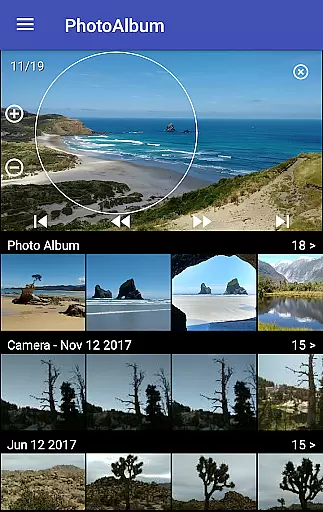
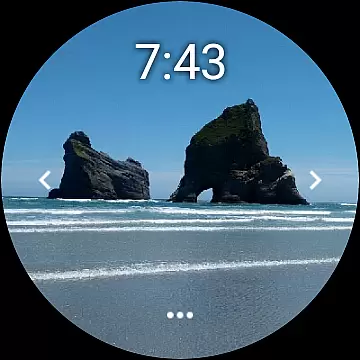
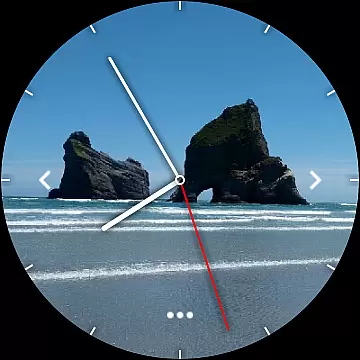
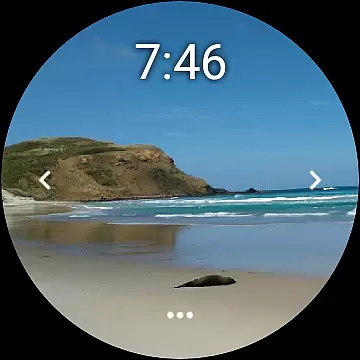
Photo Album Watch Face is a unique photography app that allows users to personalize their smartwatch faces with favorite pictures from their phone. This app bridges mobile and wearable technology, enabling seamless synchronization of photo albums directly to your watch face.
The core functionality includes automatic picture cycling on the smartwatch display and manual navigation through swiping left or right. It also supports offline usage while requiring the paired mobile app for downloading new images. Compatible with Wear OS, this app enhances personal style and accessibility.
Ideal for those who value both aesthetics and convenience, Photo Album Watch Face transforms a simple timepiece into a dynamic photo gallery on your wrist, making it perfect for reminiscing cherished memories at a glance.
Photo Album Watch Face offers diverse features tailored for both photography enthusiasts and everyday users. The app's primary feature is its ability to sync selected photos from your phone directly to your smartwatch, creating a rotating album on the watch face.
Users can manually navigate through their photo selection by swiping left or right, providing interactive control over their viewing experience. Additionally, the app supports an offline mode, allowing users to enjoy their photos without needing constant phone connectivity. For updating the photo selection, the dedicated mobile app ensures easy management and transfer of new images.
This app stands out due to its compatibility with Wear OS devices, offering a versatile solution for personalizing smartwatches. By combining practicality with personal expression, Photo Album Watch Face delivers both utility and emotional value to its users.
Real-time capture and preview functionality is essential for ensuring that users can see exactly what their smartwatch face will look like before finalizing their selection.
Photo Album Watch Face excels in this area by allowing users to choose images directly from their phone and visualize them instantly on their smartwatch display. This seamless integration ensures that the selected photos appear precisely as intended, providing a true real-time preview experience.
The ability to cycle through pictures automatically or manually via tap gestures further enhances the user's control over how their photo album watch face appears at any given moment.
This feature not only saves time but also significantly improves user satisfaction by offering an accurate representation of the final product, thus eliminating guesswork and potential dissatisfaction with the outcome.
AI beauty and enhancement features are increasingly popular in photography applications, aiming to improve image quality while maintaining a natural look.
Although Photo Album Watch Face does not explicitly market itself as having advanced AI capabilities, its core functionality inherently supports natural enhancement by allowing users to select and display personal photos without additional filters or alterations. This approach respects the original aesthetics of user-selected images, preserving their authenticity.
For those seeking more refined adjustments, the app provides options to download new pictures from your phone, ensuring that each photo meets individual standards of beauty and quality.
By focusing on genuine representation rather than artificial enhancements, Photo Album Watch Face delivers a refreshing take on digital personalization, promoting a more authentic and personalized user experience.
User-friendly interface
Seamless device integration
Offline functionality
Customizable watch faces
Wide device compatibility
Limited editing tools
Requires mobile app
High battery usage
Few design templates
No cloud backup

[3DSteroid Pro] is a stereoscopic application for Android.
 4.30
4.30
Easily stitch panoramas from multiple photos or video.
4.40
Find time and duration of different sunlight phases at any location
4.90
Create AI photos & videos with Enhancer; restore, fix, beautify, enhance photos
4.50
Use AI Video Generator to turn your words to ai generated videos.
4.50
Astrophotography with your smartphone, photo live stacking and much more!
3.90
Effortlessly make high-quality GIFs from images & videos without any watermarks.
4.70
Your Family Calendar + Photos. Manage your Skylight Calendar and Skylight Frame.
4.40
Edit photos with the picture generator: PS2 & AI Clay filters, cartoon effects.
4.50
Gallery show photo, video, slideshow, is perfect 3D effect private photo albums.
4.80
Photo editor: AI filters, photo enhancer, pic collage maker, AI art generator.
4.80
See your baby AI baby face generator AI baby maker Face generator babymaker fun!
4.70
The original Rarevision VHS look seen everywhere!
4.70
Turn your phone into a professional camera - full DSLR manual photography
4.30
What celebrity do you look like? Celebs will find your celebrity match!
4.10
USB Storage Access for Photos, Videos, Music and Documents
3.80
Hair color changer, AI haircut app, fun hair editor and buzz cut filter for all!
3.80
Create amazing frames with up to five photos. Rounded corners, effects and more!
3.60
HD Photo gallery and photo manager to edit, hide private photos, videos & albums
4.2


User Reviews