
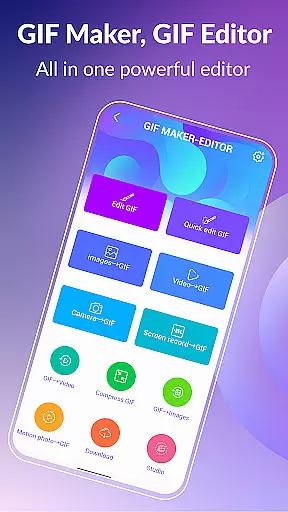
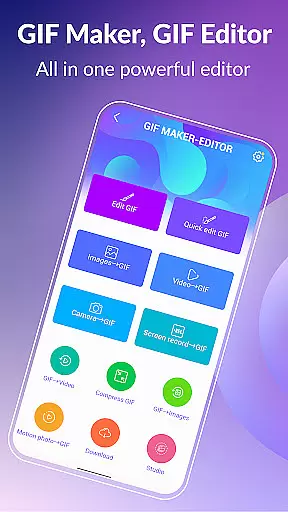
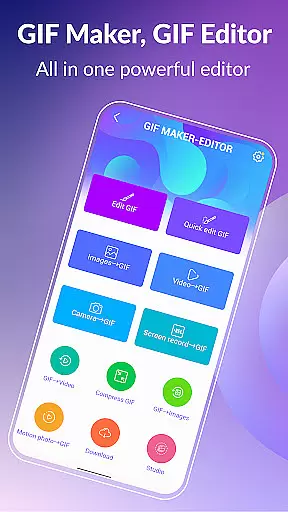

GIF Maker, GIF Editor Pro is a comprehensive photography app designed for creating and editing high-quality animated GIFs without watermarks. With support for up to 600 frames and HD resolution (720x1280 pixels), this app offers an intuitive interface that allows users to transform images, videos, screen recordings, and existing GIFs into stunning animations.
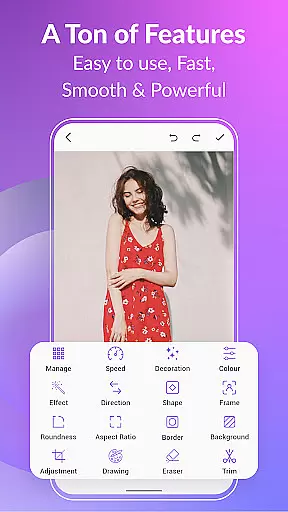
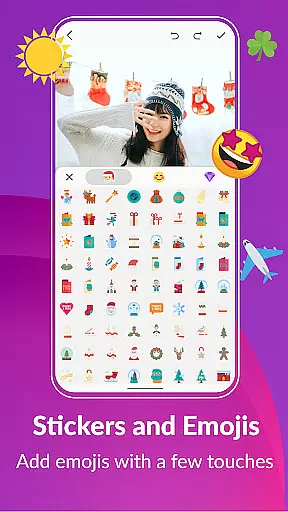
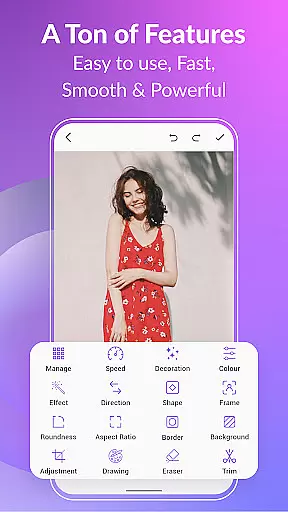
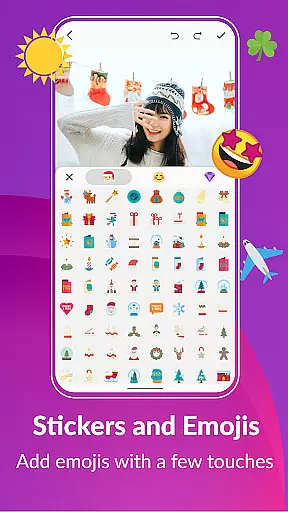
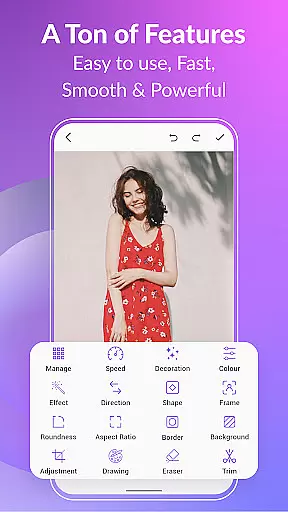
The app supports a wide range of formats including PNG, JPEG, MP4, MPEG, FLV, 3GP, and GIF. Users can customize their creations with features like cropping, resizing, speed adjustment, adding emojis, filters, trimming, stickers, aspect ratio modification, and more. Whether you're looking to create GIFs from videos or images, this app provides the tools necessary to capture your unique style.
GIF Maker, GIF Editor Pro stands out with its extensive feature set tailored for both casual users and professionals. The app includes functionalities such as compressing GIFs to reduce file size while maintaining quality, converting GIFs to videos with seamless transitions, and applying various background options like transparent, solid colors, gradients, and blur effects.
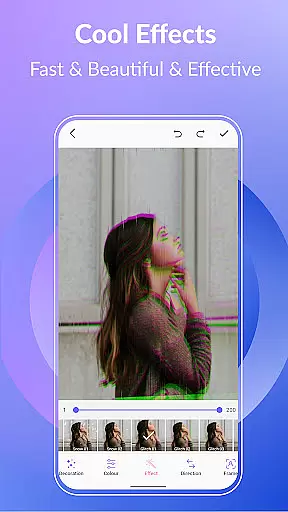
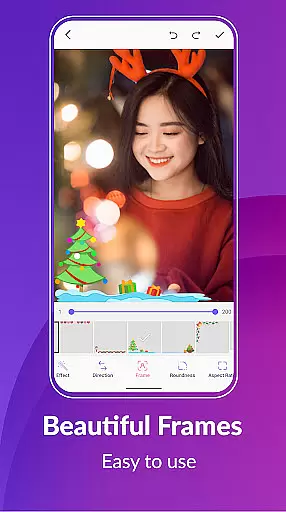
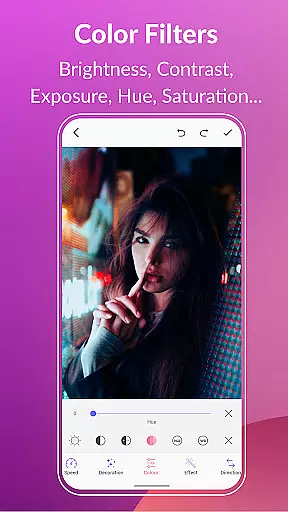
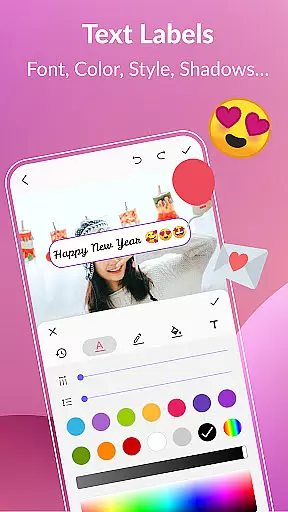
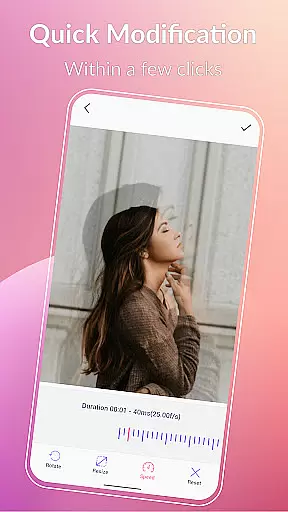
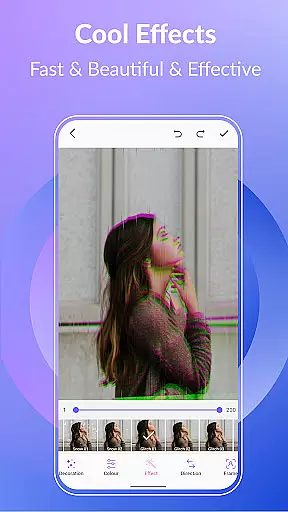
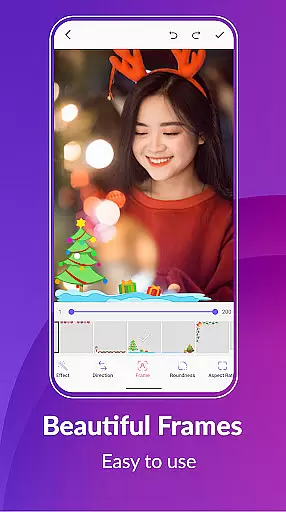
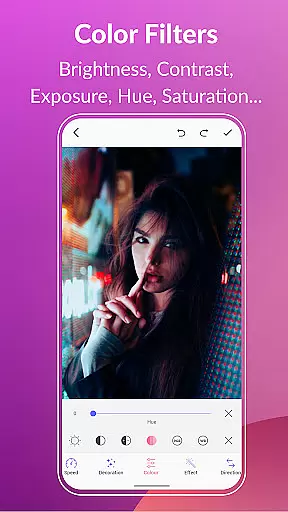
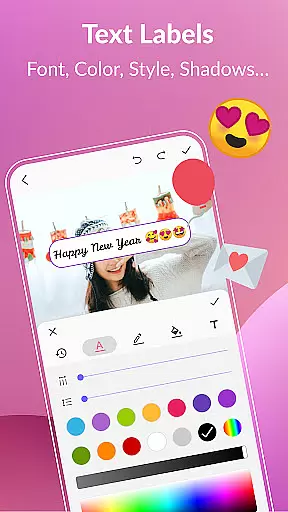
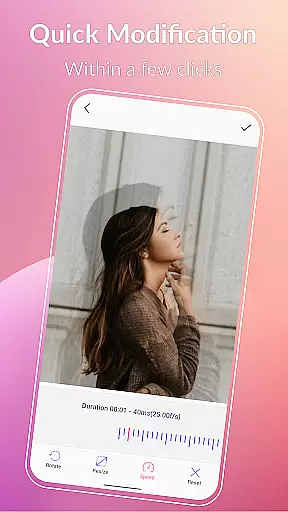
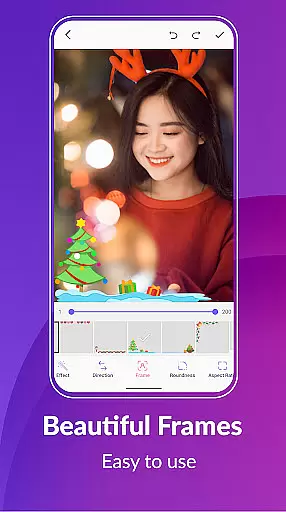
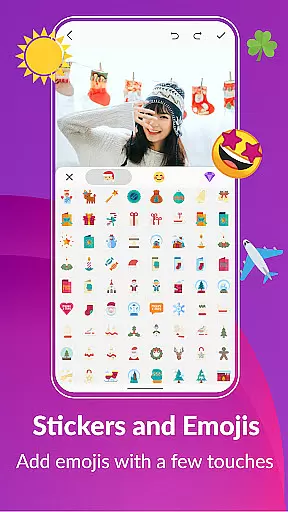
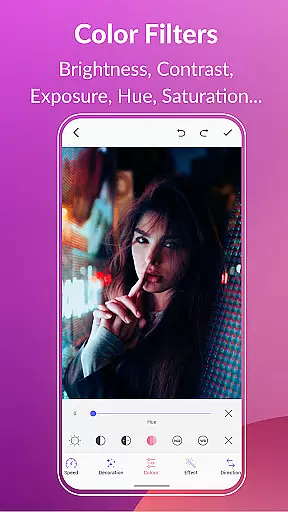
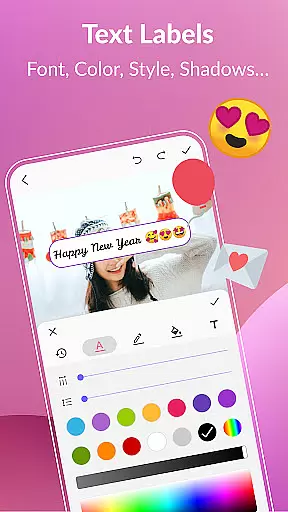
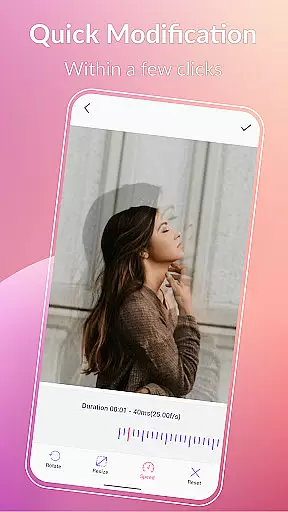
Additionally, users can apply quick edits to adjust play speed, add stylish effects and picture frames, use color filters to enhance visuals, insert text labels and memes, and incorporate stickers and emojis. These features ensure that every GIF created is not only visually appealing but also personalized to reflect individual creativity.
With support for managing GIF collections, exporting frames, and sharing creations on platforms like WhatsApp, Facebook, and Twitter, this app empowers users to unleash their imagination and share their work widely.
Real-time capture and preview functionality is essential for any photography or GIF creation app, allowing users to see exactly what their final output will look like as they create it.
GIF Maker, GIF Editor Pro offers an intuitive real-time capture feature that lets users transform videos, images, and even screen recordings into high-quality GIFs with live previews. This ensures that creators can fine-tune every frame and effect instantly, making the editing process seamless and efficient.
The benefit of real-time preview extends beyond mere convenience; it empowers users to make precise adjustments on the fly, ensuring that the final GIF meets their exact specifications without any guesswork. Whether adjusting speed, applying filters, or adding text, seeing these changes in real time significantly enhances the creative control and output quality.
With this powerful feature, GIF Maker, GIF Editor Pro stands out by providing professionals and hobbyists alike with the tools needed to produce polished, visually stunning animations that truly reflect their artistic vision.
AI beauty and enhancement features have become a cornerstone of modern photo and video editing apps, offering users the ability to refine and perfect their content while maintaining a natural look.
GIF Maker, GIF Editor Pro incorporates advanced AI algorithms that intelligently apply enhancements such as color correction, brightness adjustment, and noise reduction to GIFs. These AI-driven tools ensure that edits enhance visual appeal without compromising the authenticity of the original content, preserving its natural essence.
Users benefit from this technology through streamlined editing processes that deliver professional-grade results effortlessly. The AI enhancements adapt to various styles and formats, supporting up to 600 frames and 720x1280 resolution, thus catering to both casual creators and seasoned designers aiming for perfection.
This commitment to natural enhancement not only elevates the aesthetic value of each GIF but also respects the creator's intent, ensuring that every animation remains true to its initial vision while achieving a polished finish.
User-friendly interface
High-quality output
Extensive format support
Versatile editing tools
Multi-language support
Paid version required
Advanced features complex
Large file sizes possible
Limited free options
Occasional bugs reported

HD Photo gallery and photo manager to edit, hide private photos, videos & albums
 4.2
4.2
AI photo editor with hair editor, retouch tools, hair color changer & filters!
4.50
The #1 app for B&W film developing featuring an advanced darkroom timer.
4.10
Photo Exif Editor allows to view, add and modify EXIF data of multiple photos
4.50
Movie camera, supports pro recording settings for filming. Try it and be amazed!
4.50
Raw Image Viewer. Gallery with support of raw images (.cr3, .cr2, .nef, .raf).
2.00
Use AI Video Generator to turn your words to ai generated videos.
4.50
Transform Photos: Edit, Beautify and Craft Memories & Make Collages!
4.10
Your Family Calendar + Photos. Manage your Skylight Calendar and Skylight Frame.
4.40
Pro version: AR sun/moon tracker for any date. Tool for photographers & planners
4.90
Easily view, share, delete photos with Gallery.
4.70
1M influencer's special filter
4.60
HD Camera Pro with HD Video shooting, Panorama, Photo editor , Beauty Camera.
4.50
RAW video capture with advanced controls
4.40
Professional photography on your mobile phone
4.20
Photo editor: face & body editor, beauty cam, filters and quality enhancer.
4.00
Perfect photos with body shaping, BG changer and object remover.
3.70
Create amazing frames with up to five photos. Rounded corners, effects and more!
3.60
Add a dreamy vibe to your selfies and videos with soft style filters
4.4


User Reviews